Best Backstage Alternatives in 2026: 8 Developer Portals Compared
Looking for backstage io alternatives? Compare 8 internal developer portals on service catalogs, scorecards, templates and pricing for engineering teams.
- Editor's choice
 Port
Managed developer portal
Starts atSee websiteVisit port.ioFull review - Great alternative
 Cortex
Scorecards and engineering standards
Starts atSee websiteVisit cortex.ioFull review - Also consider
 OpsLevel
Service maturity and ownership
Starts atSee websiteVisit opslevel.comFull review
TL;DR:
- Port and Cortex are the strongest managed replacements for Backstage, with catalogs, scorecards and workflow automation.
- OpsLevel suits teams that want maturity checks and ownership clarity without building a full portal from scratch.
- Roadie and Atlassian Compass suit teams that want Backstage style features with less maintenance, through a hosted service.
- Configure8 and Harness IDP suit platform teams that want deeper automation, templates and pipeline integration.
- Start with catalog accuracy and ownership, since a portal with stale service data will lose developer trust quickly.
Quick comparison
| Tool | Best for | Starts at | Free plan? | |
|---|---|---|---|---|
| Port | Managed developer portal | See website | Free trial | Visit |
| Cortex | Scorecards and engineering standards | See website | Free trial | Visit |
| OpsLevel | Service maturity and ownership | See website | Free trial | Visit |
 Roadie | Hosted Backstage service | See website | Free trial | Visit |
 Atlassian Compass | Component catalog for Jira teams | See website | Free trial | Visit |
 Configure8 | Platform automation and catalogs | See website | Free trial | Visit |
 Harness IDP | Templates and pipeline portal | See website | No | Visit |
 GitHub | Code hosting with catalog features | See website | Yes | Visit |
The best backstage alternatives
Backstage, originally from Spotify, is an open source platform for building internal developer portals, with a service catalog, software templates, docs and plugins. The tools below offer similar catalog and portal features, with different levels of hosting, automation and pricing. Most are aimed at platform and engineering teams, not general business users.
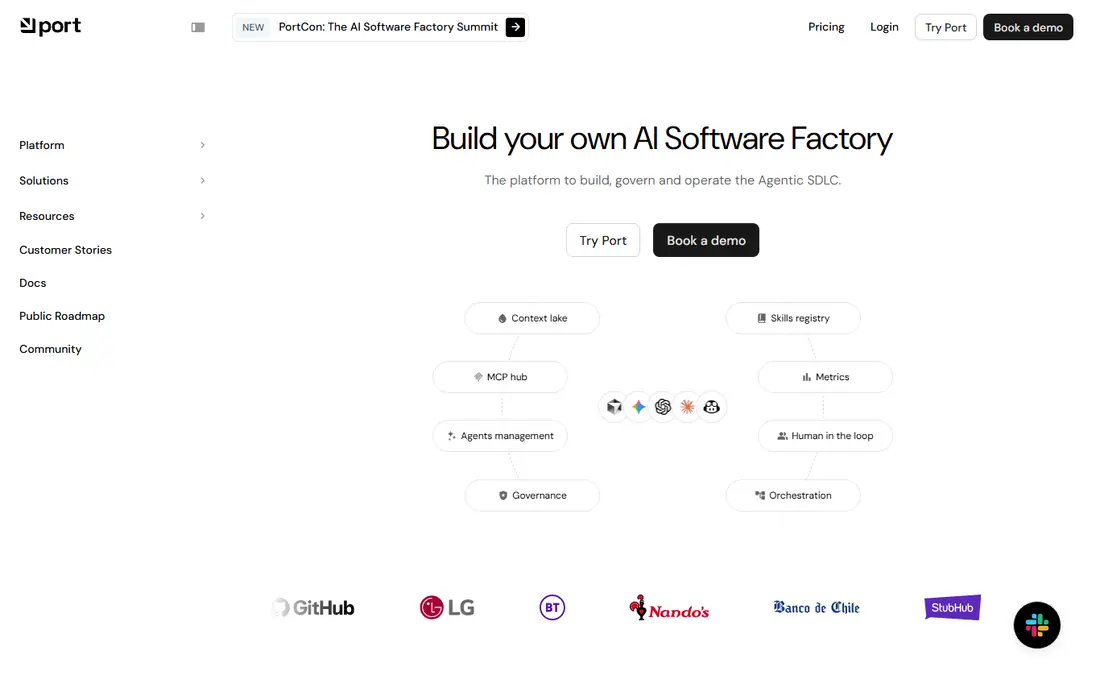
Port is a managed developer portal that lets platform teams build a service catalog, scorecards and self service actions without maintaining Backstage itself. You can model services, environments, deployments and cloud resources, then let developers request resources, run actions and see ownership in one place. That flexibility suits teams with varied stacks.
The catch is setup effort. Port is powerful, but you need to design your data model and actions carefully, or the portal becomes a pretty catalog with little workflow value. Pricing is also quote based for larger use. For teams that want a managed Backstage style portal with strong automation, Port is a leading choice.
- Flexible data model and catalog
- Automation and self service actions
- Many integrations
- Setup needs data modelling thought
- Pricing is quote based for larger teams
Cortex focuses on engineering standards, with scorecards that track whether services meet security, reliability and operational rules. Platform teams can define checks, see which services fall short, and nudge owners to fix gaps. That focus makes Cortex a good fit when the main problem is inconsistent service quality, not just discovery.
The trade off is breadth. Cortex is strong on scorecards and catalogs, but teams that want a full custom portal with many self service workflows may prefer Port. Pricing is quote based, so get a quote for your service count. For standards driven platform teams, Cortex is a clear Backstage alternative.
- Strong scorecards and maturity tracking
- Service catalog and ownership
- Integrations with common tools
- Pricing is quote based
- Best value when standards work is a real priority
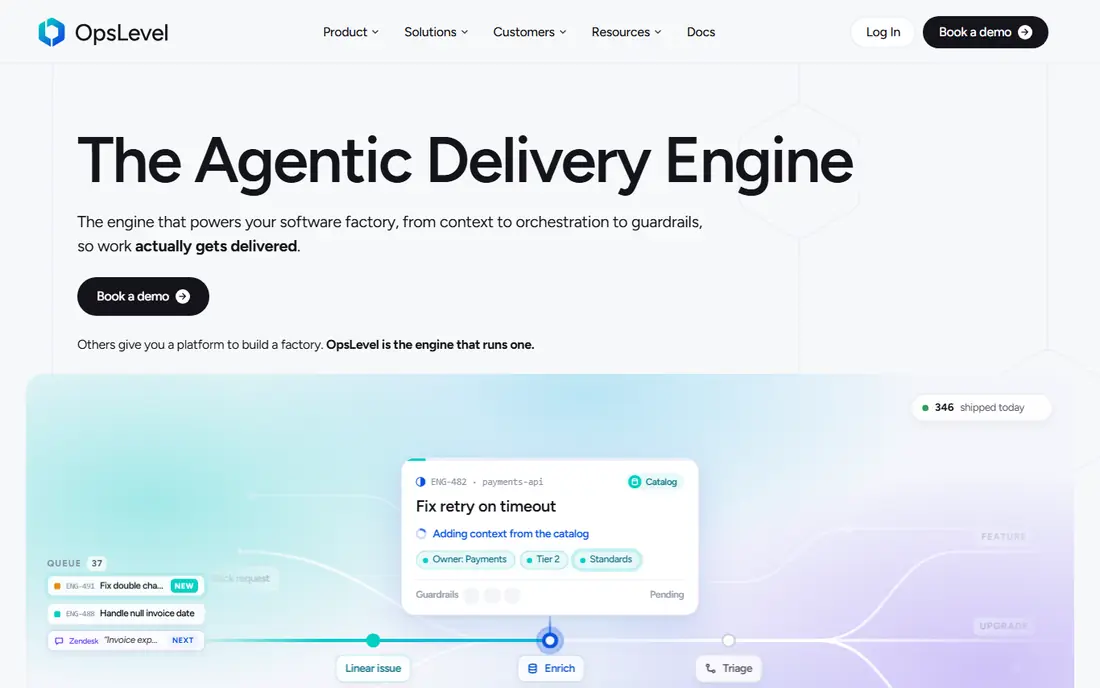
OpsLevel helps teams understand who owns each service, how mature it is, and whether it meets operational checks. It pulls data from code, cloud and incident tools, then shows maturity levels and gaps in a clear catalog. That clarity helps during incidents, when finding the owner and runbook fast matters more than any portal feature.
The limit is customisation. OpsLevel is less of a general portal builder than Port, and more of a maturity and ownership system. For teams whose main pain is ownership and standards, that focus is a strength. For teams that want deep self service actions, compare Port and Configure8 alongside OpsLevel.
- Service maturity checks
- Ownership and on call clarity
- Catalog and reporting
- Less custom portal building than Port
- Pricing needs a quote
Roadie is the closest option if you like Backstage but do not want to run it yourself. It hosts Backstage as a managed service, with plugins, catalog features and upgrades handled for you. That removes much of the maintenance burden that makes self hosted Backstage costly for small platform teams.
The catch is that Roadie is still Backstage underneath, so very custom plugin needs may still require work. Pricing also depends on team size and use, so confirm the current plan. For teams that want Backstage without the operational load, Roadie is the most direct managed route.
- Hosted Backstage, so less maintenance
- Familiar Backstage plugins
- Managed upgrades
- Still Backstage based, so custom plugin work may be needed
- Pricing depends on users and use
Atlassian Compass is a component catalog and scorecard tool for teams already using Jira and Confluence. It tracks software components, owners, dependencies and health checks, and it fits naturally into Atlassian workflows. That integration is a real advantage if your team already lives in Jira for tickets and Confluence for docs.
The limit is scope. Compass is not a full custom developer portal like Backstage or Port, and non Atlassian teams will get less value from it. For Atlassian based engineering teams that want catalog and scorecards without a separate portal project, Compass is a practical choice.
- Component catalog and scorecards
- Jira and Confluence integration
- Familiar Atlassian workflow
- Best for Atlassian shops
- Less of a full custom portal than Port or Backstage
Configure8 combines a service catalog with platform automation, letting teams define services, run self service actions and track standards in one place. It suits platform teams that want to automate provisioning and reduce manual tickets, rather than just list services. Integrations with cloud, code and CI tools help keep catalog data fresh.
The trade off is community size. Configure8 is smaller than Port or the Backstage ecosystem, so plugin and community resources are fewer. Pricing is also quote based. For teams that value automation and are willing to work closely with a vendor, Configure8 is a credible Backstage alternative.
- Service catalog with automation
- Self service and workflows
- Broad integrations
- Smaller community than Port or Backstage
- Pricing is quote based
Harness Internal Developer Portal, or IDP, offers a catalog, software templates and scorecards, with strong integration into Harness pipelines and deployments. Teams can scaffold new services from templates, track ownership and standards, and link portal data to delivery workflows. That link to pipelines is useful when portal adoption depends on delivery integration.
The catch is ecosystem fit. Harness IDP gives the most value to teams already using Harness for CI and CD, while other teams may prefer a vendor neutral portal such as Port. Pricing and packaging also need a sales conversation. For Harness shops, IDP is a natural Backstage alternative.
- Software templates and catalog
- Pipeline and CI integration
- Harness platform backing
- Best for Harness users
- Pricing and packaging need a sales conversation
GitHub is included because many teams already use it as their de facto catalog, with repositories, teams, actions and insights. For small teams, GitHub organisation views, README files and workflows may be enough, without a separate portal project. The free tier also makes it easy to start.
The limit is portal depth. GitHub alone does not offer the same service catalog, scorecards and self service actions as Port, Cortex or Backstage, though add-ons and custom work can close some gaps. For small teams, GitHub may be sufficient. For larger platform teams, pair GitHub with a dedicated portal rather than forcing it to be one.
- Huge developer familiarity
- Repositories, actions and packages
- Some catalog and insights features
- Not a full developer portal on its own
- Catalog depth needs add-ons or custom work
How we picked these
We compared official product pages, documentation and public platform engineering comparisons for developer portals and catalog tools that cover the core Backstage use case: a service catalog, ownership, templates or scorecards. We kept tools that are actively sold in October 2026 and that serve a clear segment, from hosted Backstage to managed portals and Atlassian or Harness ecosystems. Where pricing is quote based, we wrote See website.
How to roll out a portal that developers use
Start with catalog accuracy, not design. Import services from code and cloud sources, assign a clear owner to each service, and link runbooks and on call rotations. If developers cannot trust the catalog, they will stop using the portal, no matter how polished it looks. Measure adoption by weekly active users and by how often developers use self service actions, not by page views alone.
Add one workflow at a time
Pick one painful workflow first, such as scaffolding a new service or requesting a database, and automate it well. Once developers trust that workflow, add scorecards, then docs, then more actions. A portal that launches with twenty half finished features will lose trust faster than a portal that launches with one workflow that works every time.
FAQ
What is the best Backstage alternative?
Port is the strongest managed portal for most teams, with a flexible catalog and automation. Cortex suits standards focused teams, while Roadie suits teams that want hosted Backstage with less maintenance.
Is Backstage free?
Backstage itself is open source and free to use, but running it costs engineering time for hosting, upgrades, plugins and support. Managed services such as Roadie and Port charge a subscription, but remove much of that operational work.
Do I need a developer portal for a small team?
Not always. Small teams can often manage with GitHub, good README files and a simple service list. A dedicated portal becomes valuable when service count, ownership confusion and onboarding time grow, usually beyond twenty to thirty services.
What is a service catalog?
A service catalog is a central list of software services, with owners, dependencies, docs, health and deployment info. It helps developers find services, understand ownership and respond to incidents faster, without searching across many tools.
How do scorecards work?
Scorecards check services against rules, such as having an owner, a runbook, security scans and monitoring. Services that pass get a higher maturity score, while gaps are shown to owners as clear tasks. That turns standards from a document into a visible, trackable list.
Can I migrate from Backstage to Port or Cortex?
Yes, in most cases you can export service definitions and catalog data, though templates, plugins and custom features may need rebuilding. Ask the vendor for a migration plan and test with a small set of services before migrating the full catalog.