5 Incident.io Alternatives Worth Switching To in 2026
5 tools for Incident.io alternatives, compared on pricing, free plans and best-fit use. Trade-offs are spelled out for each entry. Full profiles inside.
- Editor's choiceOpsgenie
Atlassian shops planning a Jira Service Management move
Starts atSee websiteVisit atlassian.comFull review - Great alternative
 Splunk On-Call
On-call scheduling with routing and machine learning
Starts at$6 per month, per CPU core, billed yearlyVisit splunk.comFull review - Also consider
 PagerDuty
AI-first operations from detection to resolution
Starts at$21 per user per monthVisit pagerduty.comFull review
Direct answer
Opsgenie is the first pick on this list for Atlassian shops planning a Jira Service Management move. Listed starting prices: Splunk On-Call from $6 per month, per CPU core, billed yearly, PagerDuty from $21 per user per month and FireHydrant from $25 per responder per month. Splunk On-Call is the stronger choice for on-call scheduling with routing and machine learning, while PagerDuty suits AI-first operations from detection to resolution. The full list of 5 tools follows, with prices and free plan facts.
TL;DR:
- This list starts with Opsgenie, which is built for Atlassian shops planning a Jira Service Management move.
- Before buying Opsgenie, weigh this: Atlassian is steering users to Jira Service Management.
- For automated workflows for DevOps and SRE teams, xMatters is worth a look.
- Starting prices begin at $6 per month, per CPU core, billed annually with Splunk On-Call.
Last checked November 2026. Prices and plan details were read from the vendors' own pages in November 2026; vendors change plans often, so confirm the current price on the vendor site before you buy.
Quick comparison
| Tool | Best for | Starts at | Free plan? | |
|---|---|---|---|---|
| Opsgenie | Atlassian shops planning a Jira Service Management move | See website | Not stated | Visit |
| Splunk On-Call | On-call scheduling with routing and machine learning | $6 per month, per CPU core, billed yearly | Yes | Visit |
| PagerDuty | AI-first operations from detection to resolution | $21 per user per month | Yes | Visit |
 FireHydrant | All-in-one alerting, on-call and retrospectives | $25 per responder per month | Free trial | Visit |
 xMatters | Automatic workflows for DevOps and SRE teams | $15 per user per month | Yes | Visit |
The best Incident.io
If you are comparing Incident.io, this page covers 5 tools in one place: what each is best for, what it costs to start, whether it has a free plan, and the main limit to know about.
Opsgenie
Best for: Atlassian shops planning a Jira Service Management move
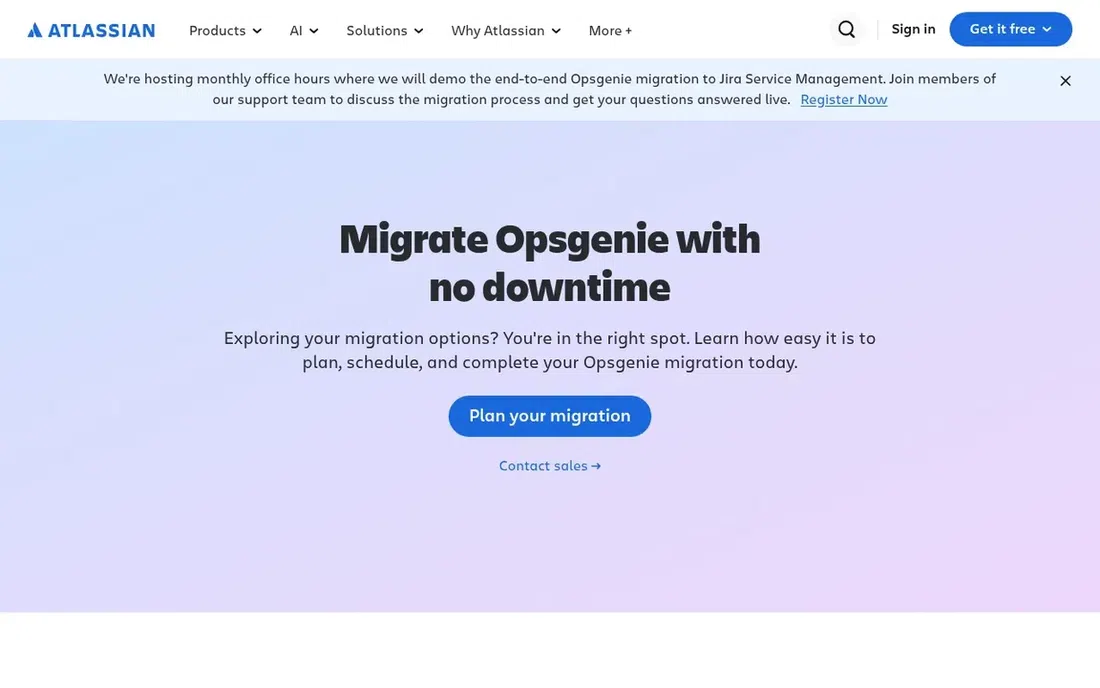
Opsgenie was built for Atlassian shops planning a Jira Service Management move. That makes it relevant primarily to teams already inside the Atlassian ecosystem.
For everyday use, teams outside the Atlassian stack get less benefit. If your organization runs Jira and Confluence, Opsgenie can be a natural stepping stone toward consolidated incident handling. This comparison lists no price for Opsgenie; ask the vendor. Trial and free access: Not stated.
Honest limits: Atlassian is steering users to Jira Service Management.
- Alerting and on-call heritage
- Migration guidance from Atlassian
- Plan for a transition instead of a long-term home
Splunk On-Call is a good fit for on-call scheduling with routing and machine learning. The product centers on on-call and routing, so full incident coordination and retrospectives may need extra tooling.
Worth adding: consider a broader incident system if you need response workflows and reviews in the same place. Teams outside the Splunk ecosystem get less value from the integration story. The starting price for Splunk On-Call: $6 per month, per CPU core, billed annually. Splunk On-Call has a free plan.
Watch-outs: On-call focus rather than full incident workflow.
- Machine learning for insights
- Intelligent routing
- Most useful alongside Splunk observability
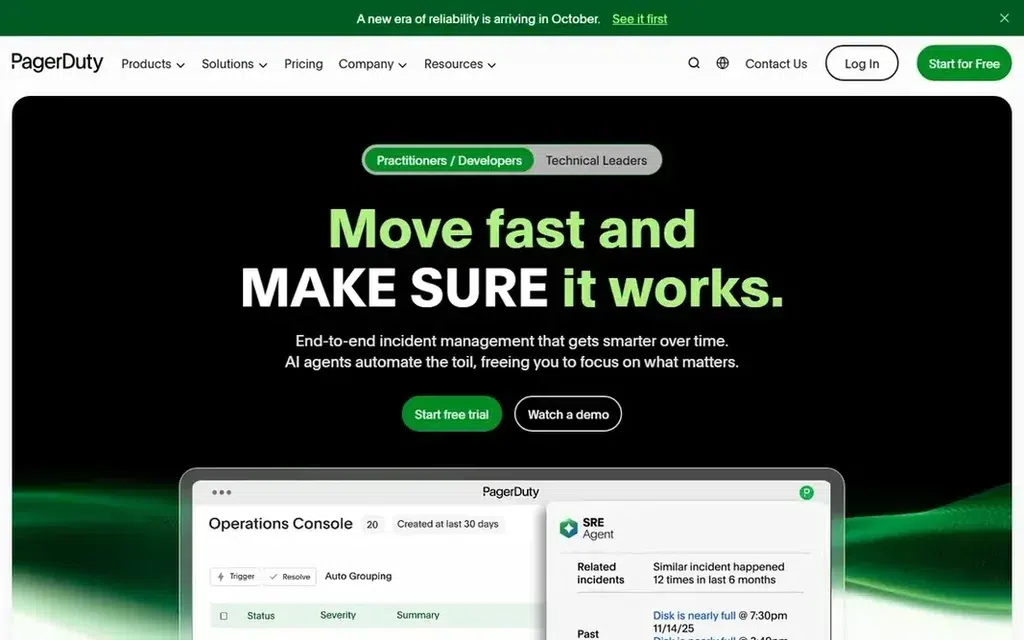
In short, PagerDuty is for AI-first operations from detection to resolution. If you primarily need straightforward on-call rotations and incident channels, a leaner alternative may suit you better.
Watch-outs: May overlap with tools you already run.
Smaller teams may find they use only part of what it supplies. PagerDuty pricing: $21 per user per month. PagerDuty includes a free tier.
- Automation across the incident lifecycle
- Wide operations system
- Large feature surface to learn
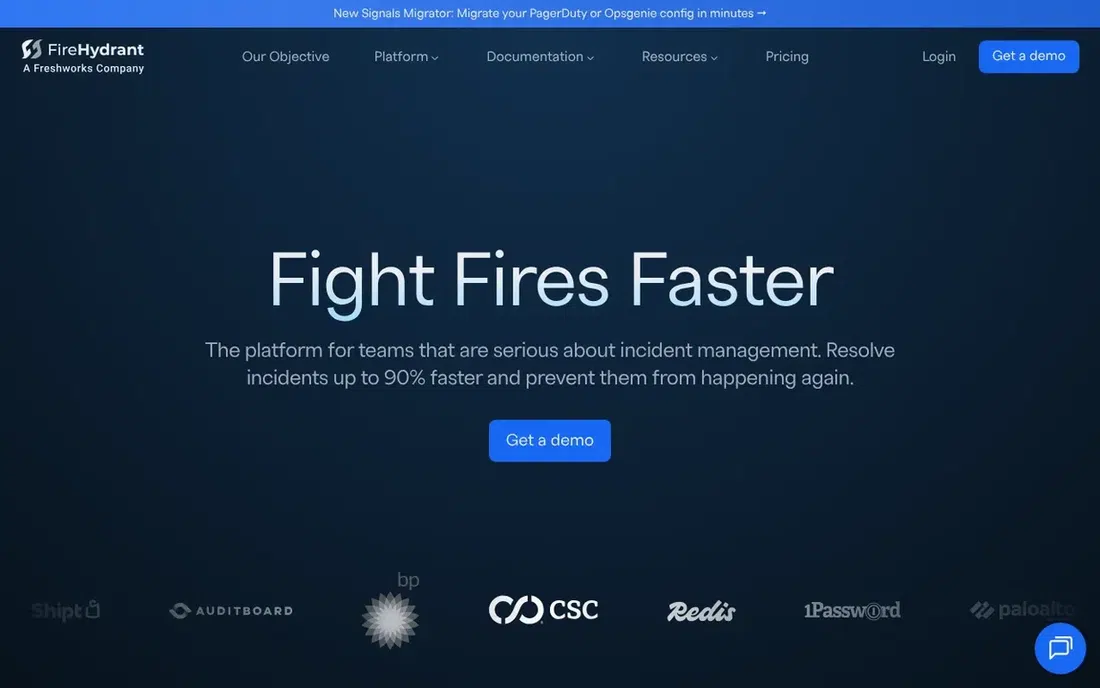
Where FireHydrant fits: all-in-one alerting, on-call and retrospectives. It fits modern teams that want to plan, respond and resolve quicker without stitching multiple tools together.
Teams with very specialized needs in one area may prefer a dedicated best-of-breed tool. Entry price for FireHydrant: $25 per responder per month. On free options: Free trial.
Where it falls short: Feature depth varies by workflow.
- AI-powered workflows
- Post-incident retros built in
- Consolidating may need process changes
For automatic workflows for DevOps and SRE teams, xMatters is a natural candidate. It is less of a one-stop incident hub than some alternatives, so pairing it with other tools may be necessary.
xMatters starts at: $15 per user per month. Free access exists with xMatters.
Watch-outs: Less visible as a standalone incident hub.
- Targeted at DevOps
- SRE and Ops
- Workflow setup takes planning
How the list was put together
LinkVetted looked at what each vendor publishes: pricing, plan limits, feature coverage for Incident.io and stated drawbacks. No hands-on testing is claimed. Where a price is missing, the vendor does not list one publicly or ties it to a quote. Always confirm before budgeting. Position on the page reflects fit for a typical buyer first, with price clarity and free access breaking ties. Treat it as a guide, not a ruling.
Pre-purchase checklist
- Get a written quote from Opsgenie; the list shows no starting price for them.
- Check what the free option really includes: Splunk On-Call, PagerDuty and xMatters offer a free plan, and usage caps differ.
- Take the trial from FireHydrant and push a live task through it before you pay.
- Before choosing Opsgenie, weigh its main limit: Atlassian is steering users to Jira Service Management.
- Read the plan comparison for FireHydrant carefully; key features often start on a higher tier.
- Ask the daily users to test xMatters on a live task before you roll it out to everyone.
FAQ
Which options for Incident.io have a free plan?
Splunk On-Call, PagerDuty and xMatters offer a free plan in this list. Free plans usually cap users, projects or features, so check the limits on the vendor page. One other tool offers a trial instead.
What should I look for in an incident.io alternative?
Start with the core jobs you need covered: alerting, on-call scheduling, incident coordination and retrospectives. Then check integrations with your monitoring and chat tools, and whether the vendor's direction matches your long-term plans.
What is the cheapest option for Incident.io in this list?
On published monthly entry prices, Splunk On-Call is the lowest here at $6 per month, per CPU core, billed annually. Entry price is only part of the cost, because seats, add-ons and billing terms can change the total.
Can I try these tools before paying?
Often, yes. Splunk On-Call, PagerDuty and xMatters have a free plan and FireHydrant offers a free trial. Use your own data and a real task during the test, and check what the free tier or trial limits before you rely on it.
Do these tools publish their prices?
Not all of them. Opsgenie publishes no starting price, so expect a quote request for it. The rest, Splunk On-Call included, show a starting price, though seats and billing terms still change the final cost.
Sources
- https://www.atlassian.com/software/opsgenie
- https://www.splunk.com/en_us/products/on-call.html
- https://www.pagerduty.com
- https://firehydrant.com
- https://www.xmatters.com