6 iPaaS for Automating Software Workflows Ranked for 2026
Shortlisting the top iPaaS for automating software workflows? 6 products compared on cost, free access and ideal buyer. Short verdicts, no fluff. Easy to scan.
- Editor's choice
 Make
Visual, multi-branch workflows on a budget
Starts atSee websiteVisit make.comFull review - Great alternative
 Tray.ai
Usage-based automation with AI agents and governance
Starts at$50 per monthVisit tray.aiFull review - Also consider
 n8n
Technical teams that want to self-host
Starts atSee websiteVisit n8n.ioFull review
TL;DR:
- Make takes the first slot, best suited to visual, multi-branch workflows on a budget.
- For Microsoft 365 shops and desktop automation, Microsoft Power Automate is worth a look.
- The cheapest monthly starting price in the list is $19.99 per month, offered by Zapier.
- What to know about Make first: steeper ramp-up time for beginners.
- Make, n8n, Zapier: these are the 3 tools out of 6 that offer a free plan.
Direct answer
Our first pick is Make, best for visual, multi-branch workflows on a budget. Tray.ai fits usage-based automation with AI agents and governance; n8n fits technical teams that want to self-host. Details, prices and limits for the rest of the 6 tools are below.
Quick comparison
| Tool | Best for | Starts at | Free plan? | |
|---|---|---|---|---|
| Make | Visual, multi-branch workflows on a budget | See website | Yes | Visit |
| Tray.ai | Usage-based automation with AI agents and governance | $50 per month | Free trial | Visit |
| n8n | Technical teams that want to self-host | See website | Yes | Visit |
 Zapier | Non-technical teams connecting plenty of SaaS apps | $19.99 per month (Professional, billed yearly) | Yes | Visit |
 Boomi | Hybrid cloud and on-premise integration | $99 per month plus usage (Pay-as-You-Go, billed per month) | Free trial (30 days) | Visit |
 Microsoft Power Automate | Microsoft 365 shops and desktop automation | See website | Free trial (30 days) | Visit |
iPaaS for Automating Software Workflows, one by one
Short on time? The summary and table above give the quick view of 6 iPaaS for automating software workflows, and the profiles that follow give the detail behind each entry.
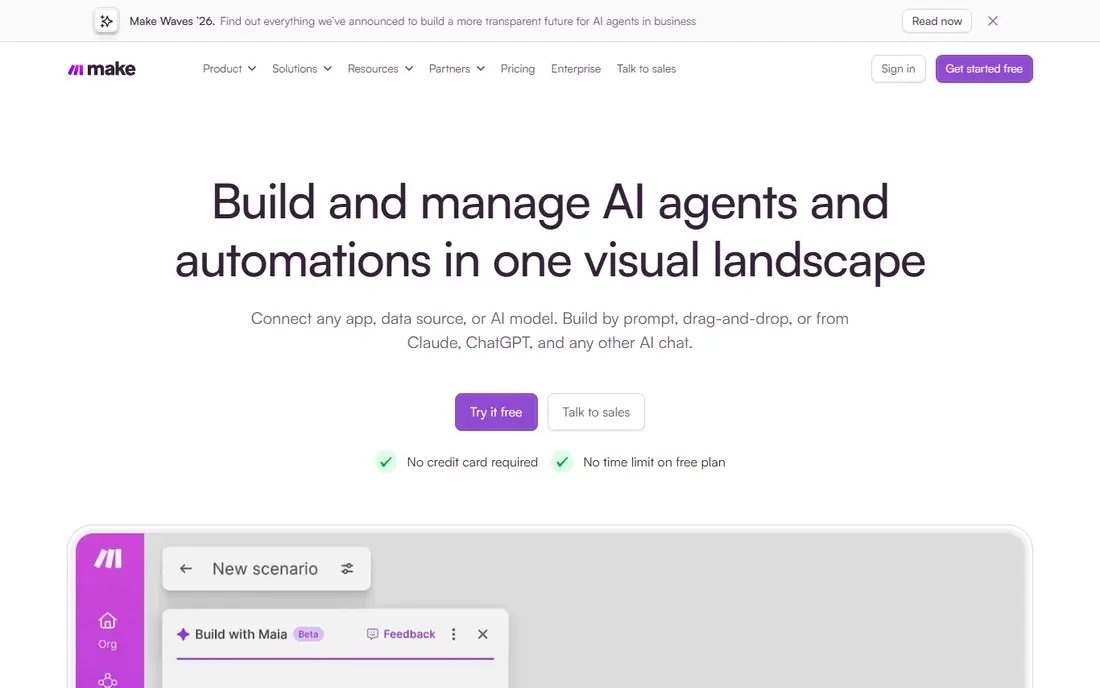
Think of Make for visual, multi-branch workflows on a budget. Also, workflows (called scenarios) are drawn on a canvas where routers, iterators and aggregators are visible, which makes it easier to build something like "split this order into line items, process each, then combine the results." Operations teams and technically minded marketers tend to like it once they get past the first week. More specifically, pricing is credit-based, with a free plan and premium levels named Core, Pro and Teams plus a custom Enterprise level.
What to check first: Credit-based billing needs monitoring.
Credits can also vanish quicker than expected if a scenario polls often, so set up usage alerts early. External pricing guides disagree on exact dollar figures, and the numbers have changed more than once, so check the vendor page before budgeting. This comparison lists no price for Make; ask the vendor. You can start on Make without paying.
- A free level exists
- Usually less expensive per operation than Zapier at moderate volume
- Steeper ramp-up time for beginners
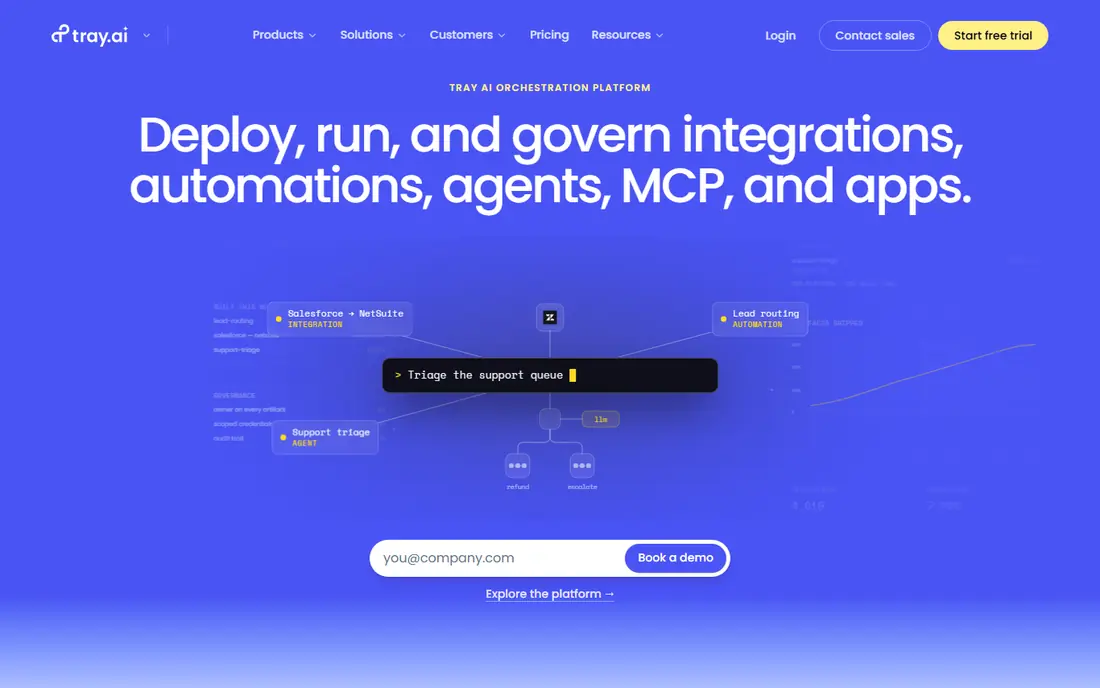
Tray.ai targets usage-based automation with AI agents and governance. Tray.ai positions itself as an orchestration product handling integration, automation and AI agents. Its pricing page states that plans start at $50 a month and that a free trial lets you size your usage.
More specifically, expect a short learning period and more configuration for each workflow. In practice, there are no per-user or per-connection fees, which is handy if many people need access. More specifically, pricing is based on usage, measured in tasks and Helix Compute Units. The downside is that the pricing unit takes some effort to understand, and you will want a vendor walkthrough before forecasting costs. Tray.ai pricing: $50 per month. Free plan details: Free trial.
The main drawbacks: Higher plans are sales-led.
- No per-user or per-connection fees
- Solid governance on higher plans
- Plan limits are tied to workspaces and usage units

n8n is a good fit for technical teams that want to self-host. You can run the Community Edition on your own infrastructure at no license cost, which keeps data inside your network and avoids per-task fees. Also, n8n is the pick for teams with a minimum of one developer.
As for the details, for businesses with privacy rules or very high run volumes, that is a real advantage. Also, the trade-off is that free is not the same as cheap. As for the details, the hosted cloud plans are priced in euros and based on executions, meaning one full workflow run counts once no matter how plenty of steps it has. n8n shows no starting price here, so confirm the cost on the vendor site. n8n includes a free tier.
What to check first: Self-hosting means you maintain servers and updates.
- Code and visual nodes in one editor
- Free source-available edition you can host yourself
- No permanent free level on the cloud product
Zapier is designed for non-technical teams connecting numerous SaaS apps. Premium plans start with Professional at $19.99 a month billed yearly, with a 14-day trial and 750 tasks included. Worth adding: Zapier is the tool most people try first, and for decent reason.
Drawbacks to consider: Task-based billing climbs rapidly at volume.
Every action in a workflow that does real work counts as a task, so a busy workflow can burn through an allowance quick, and additional tasks are billed on top. In daily use, the main limit is cost at scale. As for the details, the free plan handles 100 tasks a month, which is enough to test an idea but not to run a department. Zapier pricing: $19.99 per month. You can start on Zapier without paying.
Where Zapier stands out: Filters.
- Paths and formatting steps do not count as tasks
- Very large app library
- Complicated logic gets awkward on a linear builder
Boomi works best for hybrid cloud and on-premise integration. The company says it serves more than 30,000 customers. From a buyer's view, usage is metered in a single unit called the Boomi Message.
Beyond that, bigger deployments are priced by edition and extras and are bought through an order form. In daily use, the main limit is complexity. Boomi rewards people who invest time in learning it. A small team that only needs a handful of app-to-app automations will find the setup heavier than Zapier or Make. Boomi cost at the entry level: $99 per month plus usage. Trial and free access: Free trial (30 days).
The main drawbacks: Large system with a ramp-up time.
- Takes care of cloud and on-premise systems
- Pay-as-You-Go choice with no contract
- Usage is metered in Boomi Messages, which takes time to estimate
Microsoft Power Automate is a good fit for Microsoft 365 shops and desktop automation. Power Automate makes the most sense when your company already lives in Microsoft 365.
Watch-outs: Weaker for workflows centered on non-Microsoft apps.
On top of that, connectors to non-Microsoft SaaS tools exist, but numerous of the most handy ones are premium, which pushes the cost up. Microsoft Power Automate shows no starting price here, so confirm the cost on the vendor site. As for free access: Free trial (30 days). Strengths: Numerous firms already own some access.
- SharePoint and Dynamics
- Desktop flows handle legacy apps without APIs
- Premium licensing is confusing
What went into this list
LinkVetted used vendor pricing pages and product documentation as the base, then compared plans, free access and documented limits for 6 tools. Where a price is missing, the vendor does not list one publicly or ties it to a quote. Always confirm before budgeting. The sequence is a judgement call: typical use case first, then pricing transparency, then free access. Use the profiles to check fit.
Things to verify first
- Confirm the entry price on the vendor page. For Make, n8n and Microsoft Power Automate that means a quote rather than a fixed price.
- Read the fine print on the free plans from Make, n8n and Zapier; seat, project and feature caps differ.
- Run a trial of Tray.ai, Boomi and Microsoft Power Automate with real work before paying for a year; your own workflow is the best test.
- Before choosing Make, weigh its main limit: steeper ramp-up time for beginners.
- Let daily users try Microsoft Power Automate on real work; their feedback beats any feature checklist.
- Look at which plan of Make unlocks the features you need; entry tiers are often cut down.
FAQ
Should I choose a self-hosted option like n8n?
You avoid per-task fees but take on hosting, updates, backups and security. If nobody on your team wants to run servers, a cloud plan is the safer choice.
Do I need an iPaaS if I only use Microsoft 365?
Possibly not. Power Automate can deal with many approvals and file workflows, and some access is bundled with Microsoft 365 plans.
Can I try these tools before paying?
Often, yes. Make, n8n and Zapier have a free plan and Tray.ai, Boomi and Microsoft Power Automate offer a free trial. Use your own data and a real task during the test, and check what the free tier or trial limits before you rely on it.
How are the tools for iPaaS for automating software workflows ordered?
Make sits first and Microsoft Power Automate last because the order follows typical fit for iPaaS for automating software workflows, then price clarity and free access. It is a judgement call, so read each profile for fit and limits.
Do these tools publish their prices?
Not all of them. Make, n8n and Microsoft Power Automate publish no starting price, so expect a quote request for those. The rest, Tray.ai included, show a starting price, though seats and billing terms still change the final cost.
What is the cheapest option for iPaaS for automating software workflows in this list?
On published monthly entry prices, Zapier is the lowest here at $19.99 per month. Entry price is only part of the cost, because seats, add-ons and billing terms can change the total.