Best IPaaS Software for Startups for 2026: Our 5 Vetted Picks
Weighing the best iPaaS software for startups? We lined up 5 products by cost, free access and fit. Short, factual notes on every option. Clear verdicts.
- Editor's choice
 Tray.ai
AI-native orchestration for startups
Starts at$50 per monthVisit tray.aiFull review - Great alternative
 Boomi
Unified integration and data activation
Starts at$99 a monthVisit boomi.comFull review - Also consider
 Make
No-code automation for startups
Starts atSee websiteVisit make.comFull review
Direct answer
This list puts Tray.ai first for AI-native orchestration for startups. Listed starting prices: Tray.ai from $50 per month, Boomi from $99 a month and Workato from $100 per month. Boomi fits unified integration and data activation; Make fits no-code automation for startups. The full list of 5 tools follows, with prices and free plan facts.
TL;DR:
- This list starts with Tray.ai, which is built for AI-native orchestration for startups.
- A fair warning about Workato: may be complex for non-technical users.
- For AI agent governance and control, MuleSoft Anypoint Platform is worth a look.
- For the cheapest start, look at Tray.ai: $50 per month.
Last checked November 2026. Prices and plan details were read from the vendors' own pages in November 2026; vendors change plans often, so confirm the current price on the vendor site before you buy.
Quick comparison
| Tool | Best for | Starts at | Free plan? | |
|---|---|---|---|---|
| Tray.ai | AI-native orchestration for startups | $50 per month | Free trial | Visit |
| Boomi | Unified integration and data activation | $99 a month | Free trial | Visit |
| Make | No-code automation for startups | See website | Yes | Visit |
 Workato | Enterprise-grade AI governance | $100 per month | Yes | Visit |
 MuleSoft Anypoint Platform | AI agent governance and control | $2,000 a month | Yes | Visit |
The 5 tools in detail
Short on time? The summary and table above give the quick view of 5 iPaaS software for startups, and the profiles that follow give the detail behind each entry.
For AI-native orchestration for startups, Tray.ai is a natural candidate. Tray.ai is an AI-native iPaaS that links to thousands of apps, databases, APIs, and services.
On top of that, Tray.ai's AI-native approach may come with a ramp-up time and could be more complicated than needed for entry-level automation. Tray.ai cost at the entry level: $50 per month. Trial and free access: Free trial.
Points against: May need technical expertise.
- AI-native iPaaS
- Links to plenty of apps and services
- Can be complicated for non-technical users
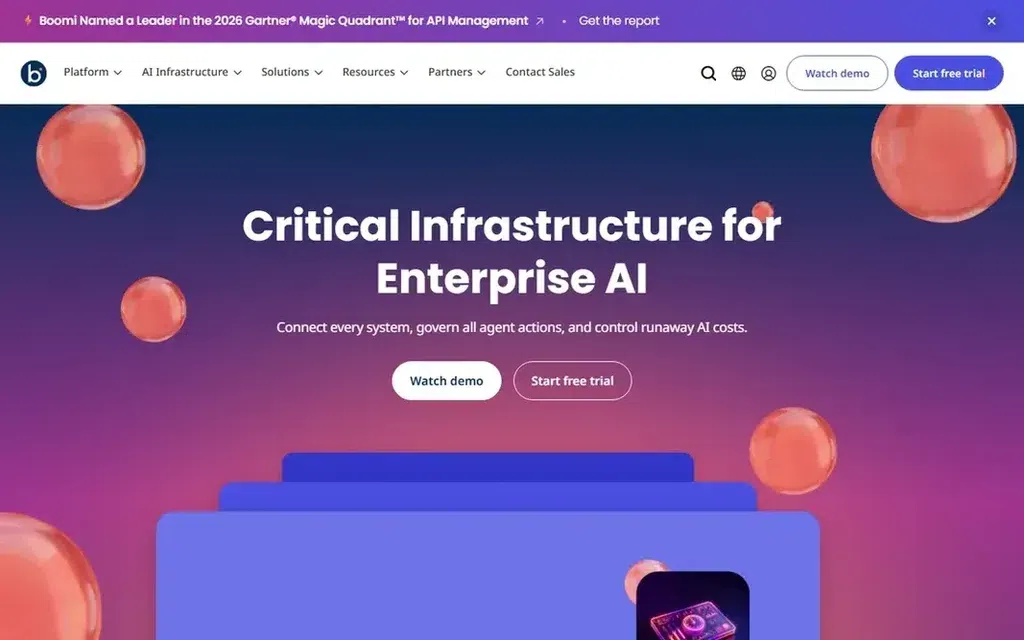
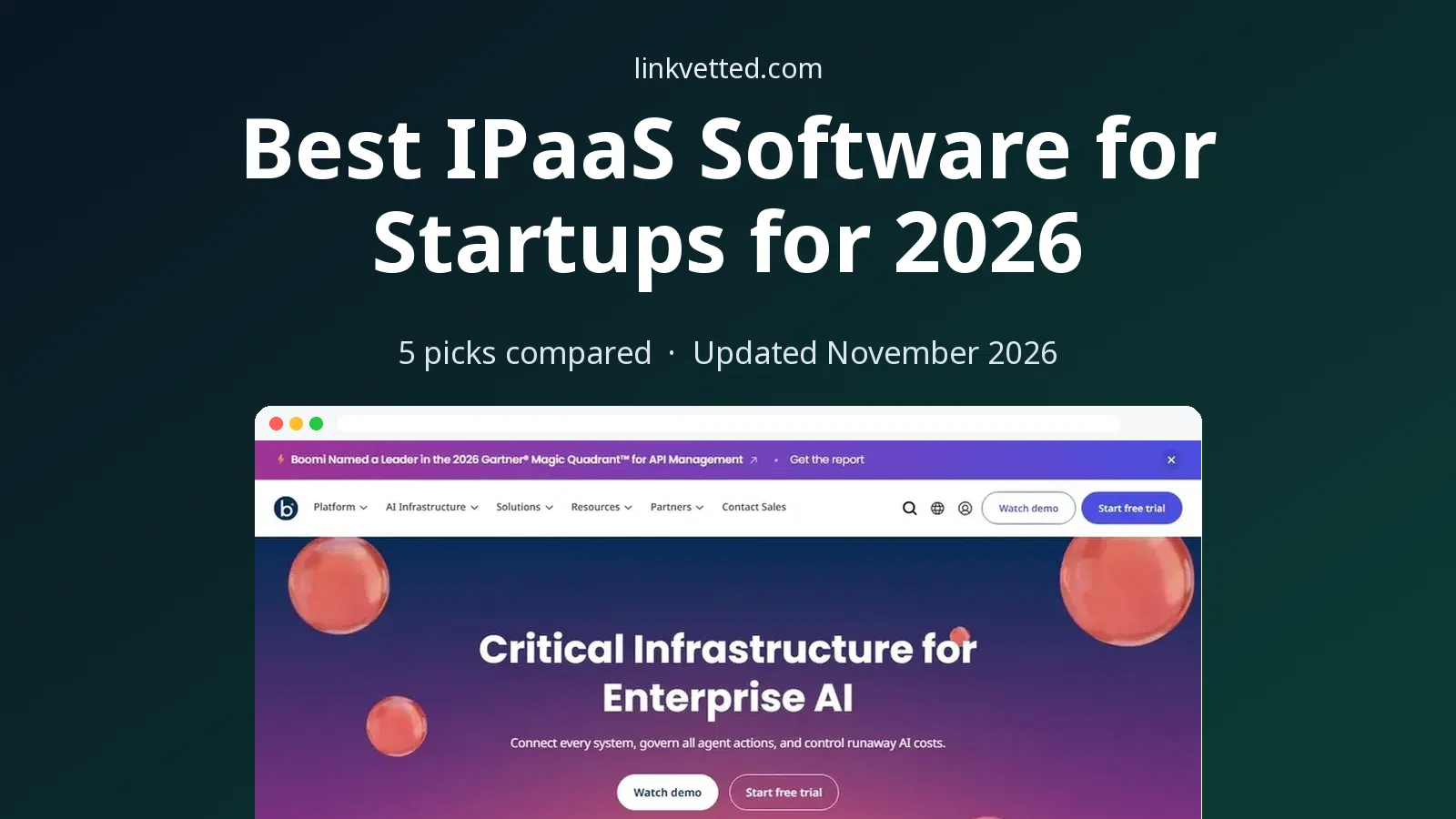
Boomi is designed for unified integration and data activation. Boomi positions itself as a data activation company with a single product that integrates applications, APIs, data, and AI agents. It aims to turn complexity into possibility for organizations managing diverse systems.
Boomi's wide product can be more than a small startup needs, and it may demand technical expertise to completely use. More specifically, startups with expanding data integration needs and a desire to unify several integration styles may find Boomi a solid fit. Price to start with Boomi: $99 per month. Free options: Free trial.
Downsides: Can be overkill for straightforward automation needs.
- AI agents
- Built to cut complexity
- May need specialized skills

Make targets no-code automation for startups. Make is a visual automation system that lets startups build, scale, and automate AI and agentic workflows without writing code. Its drag-and-drop interface is made for users who want to link apps and automate processes rapidly.
Drawbacks to consider: Complicated scenarios can become hard to handle.
In practice, startups with strict compliance needs or very complicated integration landscapes should consider a more governance-focused system for example Workato or Boomi. On top of that, as automation grows, Make may lack the deep enterprise governance and centralized control that bigger organizations need. This comparison lists no price for Make; ask the vendor. Make has a free plan.
- Visual no-code workflow builder
- Approachable interface
- May require extras for advanced governance
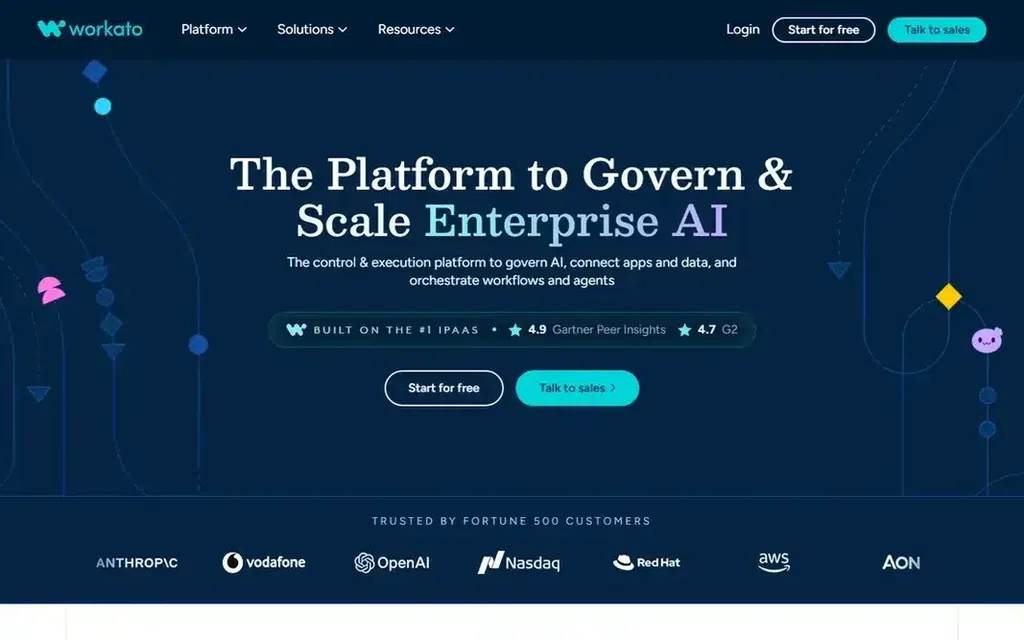
Workato is built with enterprise-grade AI governance in mind. It emphasizes secure orchestration and governance of work across systems.
Limits to weigh: Potentially higher cost for early startups.
More specifically, Workato's enterprise focus can mean a steeper learning curve and a pricing structure that may not suit very early-stage startups. The starting price for Workato: $100 per month. Workato offers a free plan.
- Focus on security and governance
- Links apps, data, workflows
- May be complicated for non-technical users
MuleSoft Anypoint Platform serves AI agent governance and control. MuleSoft Anypoint Platform gives you a single cross-platform AI control plane with a registry to find, govern, orchestrate, and control AI agents and costs across the enterprise. It is built for organizations that require visibility and control over AI deployments.
From a buyer's view, MuleSoft's enterprise orientation can mean significant setup and operational overhead. Early-stage startups without dedicated integration resources may find it heavy and might prefer a more startup-friendly tool like Make or Tray.ai. The starting price for MuleSoft Anypoint Platform: $2,000 per month. A free plan is available with MuleSoft Anypoint Platform.
Where it falls short: May require dedicated integration staff.
- Central registry for AI agents
- Cross-platform AI control plane
- Enterprise-oriented complexity
How these tools were picked
What to check before you buy
- Confirm the entry price on the vendor page. For Make that means a quote rather than a fixed price.
- Check what the free option really includes: Make, Workato and MuleSoft Anypoint Platform offer a free plan, and usage caps differ.
- Use real work to test the free trial from Tray.ai and Boomi, rather than a demo project.
- Read the limits listed for Tray.ai first: may need technical expertise.
- Confirm you can export your data from Make, so leaving later does not mean losing records.
- Confirm that MuleSoft Anypoint Platform connects to the apps your team already uses, on the plan you would actually buy.
FAQ
Do these tools publish their prices?
Not all of them. Make publishes no starting price, so expect a quote request for it. The rest, Tray.ai included, show a starting price, though seats and billing terms still change the final cost. Prices, free plan details and limits for all 5 tools in this iPaaS software for startups roundup sit on the individual cards above.
Can iPaaS systems handle AI workflows?
Numerous modern iPaaS platforms, including Make, Workato, and Tray.ai, support AI and agentic workflows. They allow you to integrate AI services and automate processes that involve AI agents.
Which options for iPaaS software for startups have a free plan?
Make, Workato and MuleSoft Anypoint Platform offer a free plan in this list. Free plans usually cap users, projects or features, so check the limits on the vendor page. Several others offer a trial instead.
Is Tray.ai the right pick for everyone comparing iPaaS software for startups?
No single tool suits every team. Tray.ai comes first because it fits AI-native orchestration for startups, while Boomi suits unified integration and data activation and Make suits no-code automation for startups. Match the tool to your own size, budget and workflow before deciding.
How are the tools for iPaaS software for startups ordered?
Tray.ai sits first and MuleSoft Anypoint Platform last because the order follows typical fit for iPaaS software for startups, then price clarity and free access. It is a judgement call, so read each profile for fit and limits.
Sources
- https://tray.ai
- https://boomi.com
- https://www.make.com
- https://www.workato.com
- https://www.mulesoft.com