Best Java Software Development Partners (2026): 6 Picks Checked on Vendor Pages
Shortlisting the best Java software development partners? 6 products compared on cost, free access and ideal buyer. The catches are listed up front. Start here.
- Editor's choiceMaven
Build and dependency management
Starts atPricing on requestVisit maven.apache.orgFull review - Great alternativeOracle Java SE
Core Java system and runtime
Starts atPricing on requestVisit oracle.comFull review - Also considerJUnit
Automatic Java unit testing
Starts atPricing on requestVisit junit.orgFull review
Direct answer
Our first pick is Maven, best for build and dependency management. Oracle Java SE fits core Java system and runtime; JUnit fits automatic Java unit testing. Free plan facts and limits for all 6 tools follow. None of these vendors publish plan prices, so pricing is on request for every option.
TL;DR:
- The list opens with Maven, aimed at build and dependency management.
- Pricing across the list, from Maven to IntelliJ IDEA, is by quote only.
- Before buying JUnit, weigh this: focused on testing only.
- For deep Java and Kotlin code intelligence, IntelliJ IDEA is worth a look.
Last checked November 2026. Pricing on request: vendors did not publish plan prices when this guide was last checked (November 2026), so ask each vendor for a written quote.
Quick comparison
| Tool | Best for | Starts at | Free plan? | |
|---|---|---|---|---|
| Maven | Build and dependency management | Pricing on request | Not stated | Visit |
| Oracle Java SE | Core Java system and runtime | Pricing on request | Not stated | Visit |
| JUnit | Automatic Java unit testing | Pricing on request | Not stated | Visit |
| Apache NetBeans | Open source Java IDE work | Pricing on request | Not stated | Visit |
 Visual Studio Code | Light multi-language editing | Pricing on request | Not stated | Visit |
 IntelliJ IDEA | Deep Java and Kotlin code intelligence | Pricing on request | Not stated | Visit |
Tool-by-tool breakdown
If you are comparing Java software development partners, this page covers 6 tools in one place: what each is best for, what it costs to start, whether it has a free plan, and the main limit to know about.
Maven
Best for: Build and dependency management
Maven works best for build and dependency management. Its configuration can grow verbose in complicated builds, and the convention-driven model gives you less flexibility than some newer build tools.
Pricing for Maven is not stated here, so ask the vendor for current figures. Trial and free access: Not stated.
Watch-outs: Less adaptable than some alternatives.
- Broad plugin ecosystem
- Conventional project structure
- Configuration can become verbose
Oracle Java SE
Best for: Core Java system and runtime
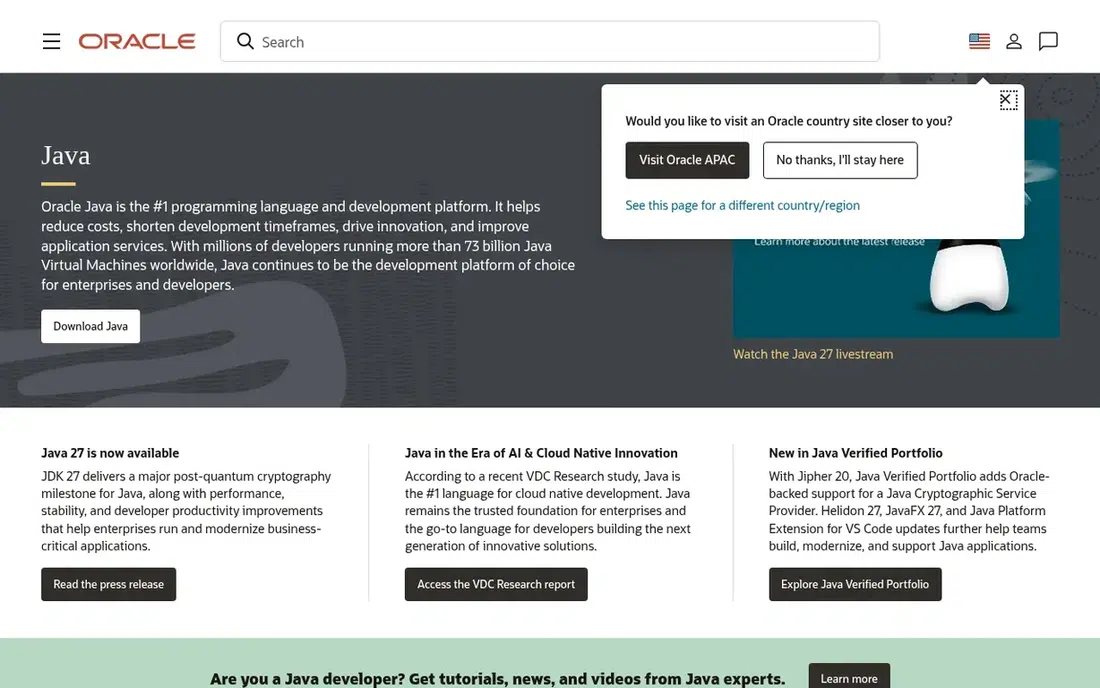
For core Java system and runtime, Oracle Java SE is a natural candidate. Oracle Java SE is the standard edition of the Java product, supplying the language, libraries and runtime that most Java software relies on. It does not replace an editor, build system or test framework, so it is only one part of a complete toolchain.
Drawbacks to consider: Not an IDE or build tool.
If you need an integrated coding environment, pick an IDE instead and treat Java SE as the runtime underneath. On top of that, teams should plan for system updates and verify compatibility with their libraries. No starting price is listed for Oracle Java SE here; confirm pricing on the vendor site. On free options: Not stated.
- Standard product for Java software
- Backed by Oracle documentation and support
- Release cadence needs planning
JUnit
Best for: Automatic Java unit testing
Choose JUnit for automatic Java unit testing. Pick JUnit as your baseline test framework and add specialized tools only when your testing scope grows beyond unit tests.
What to check first: Advanced needs may need extras.
From a buyer's view, JUnit is a widely used testing framework for Java that lets developers write and run automatic tests for their code. It includes testing instead of building, running or editing code, so it complements instead of replaces other tools. This comparison lists no price for JUnit; ask the vendor. Free options: Not stated.
- Standard framework for Java tests
- Supports test-driven workflows
- Centred on testing only
Apache NetBeans
Best for: Open source Java IDE work
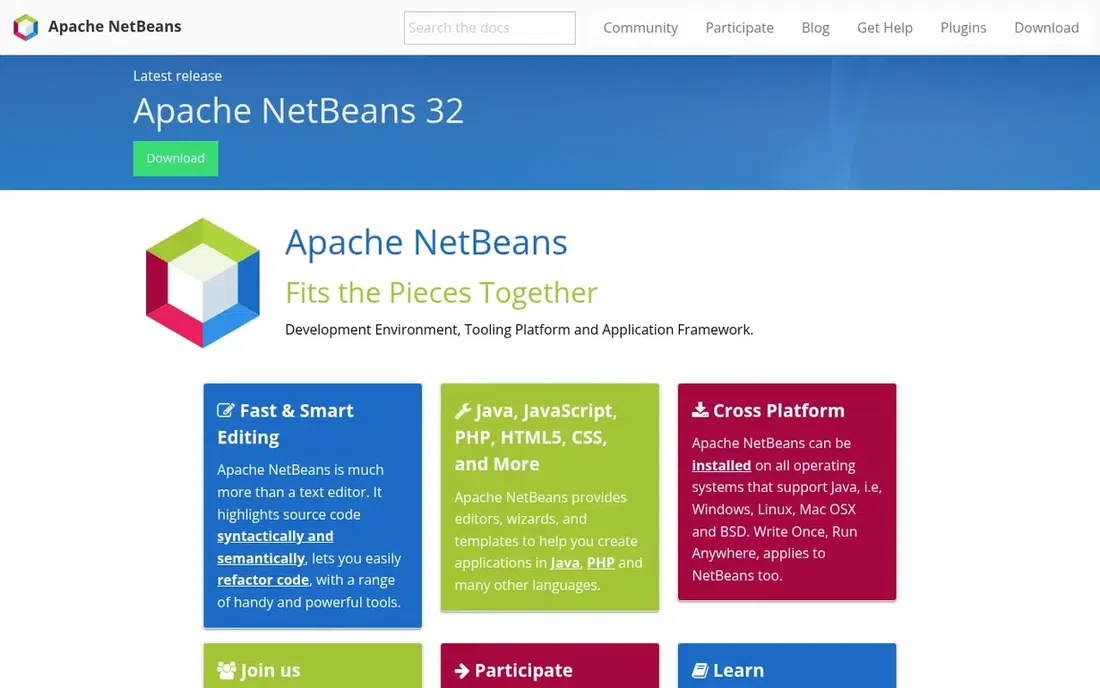
Apache NetBeans was built for open source Java IDE work. Apache NetBeans is an open source integrated development environment hosted by the Apache Software Foundation. It offers a project-based workspace for writing, debugging and managing Java applications and supports a mix of related technologies through modules.
Limits to weigh: Interface may feel less refined to some.
Its plugin ecosystem and interface conventions differ from commercial IDEs, so developers switching over may need time to adjust. Performance can vary with project size and installed modules. For everyday use, consider a different IDE if your team relies on specific commercial integrations or wants the most refined refactoring experience. This comparison lists no price for Apache NetBeans; ask the vendor. Trial and free access: Not stated.
- Open source and community driven
- Supports Java and related technologies
- Plugin ecosystem differs from commercial IDEs
In short, Visual Studio Code is for light multi-language editing. It emphasizes precision editing, collaboration with agents and continuing work across locations.
In practice, choose a full Java IDE when deep refactoring and framework awareness are central to your daily work. Pricing for Visual Studio Code is not stated here, so ask the vendor for current figures. Free plan details: Not stated.
What to check first: Java support relies on extensions.
- Agent and collaboration features
- Light editor
- Less deep refactoring than full IDEs

IntelliJ IDEA targets deep Java and Kotlin code intelligence. The product also flags running AI agents and verifying their work inside the editor.
Where it falls short: Heavier than light editors.
On top of that, if you only have to open a handful of files occasionally, a more straightforward editor may be enough. As for the details, IntelliJ IDEA is a JetBrains IDE made for Java and Kotlin development. This comparison lists no price for IntelliJ IDEA; ask the vendor. Trial and free access: Not stated.
- Support for AI agents and verification
- Capable code analysis and navigation
- Some features are geared to bigger teams
What went into this list
LinkVetted looked at what each vendor publishes: pricing, plan limits, feature coverage for Java software development partners and stated drawbacks. No hands-on testing is claimed. Where a price is missing, the vendor does not list one publicly or ties it to a quote. Always confirm before budgeting. Position on the page reflects fit for a typical buyer first, with price clarity and free access breaking ties. Treat it as a guide, not a ruling.
What to check before you buy
- Ask each vendor, from Maven to IntelliJ IDEA, for a written quote; none of them publishes a starting price.
- Read the limits listed for Maven first: configuration can become verbose.
- Confirm the exact Apache NetBeans plan that includes your must-have features.
- Confirm that Maven connects to the apps your team already uses, on the plan you would actually buy.
- Check how data leaves Oracle Java SE: formats, limits and whether exports are available on every plan.
FAQ
Does any tool for Java software development partners here have a free plan?
A permanent free plan is not offered by Maven, IntelliJ IDEA or the other tools here. Plan a short evaluation period instead.
Do these tools publish their prices?
No. None of the tools, from Maven to IntelliJ IDEA, shows a fixed starting price here, so budget time for quotes.
Is a light editor enough for Java work?
It can be for smaller projects or multi-language work. Visual Studio Code supports Java through extensions, but deep refactoring and framework awareness are usually more solid in a dedicated IDE. Evaluate based on codebase size and how much refactoring you do.
Can I try these tools before paying?
Not by default. None of the tools, from Maven to IntelliJ IDEA, lists a free plan or a free trial here, so ask each vendor for a demo before committing.
Is Maven the right pick for everyone comparing Java software development partners?
No single tool suits every team. Maven comes first because it fits build and dependency management, while Oracle Java SE suits core Java platform and runtime and JUnit suits automated Java unit testing. Match the tool to your own size, budget and workflow before deciding.
Sources
- https://maven.apache.org
- https://www.oracle.com/java
- https://junit.org
- https://netbeans.apache.org
- https://code.visualstudio.com
- https://www.jetbrains.com/idea