Java Development IDE in 2026: The 6 Best Options Side by Side
Best java development IDE, compared. 6 tools with published prices, free plans and limits. Price notes and drawbacks come with each one. Updated November 2026.
- Editor's choiceNetBeans
Open-source Java development
Starts atSee websiteVisit netbeans.apache.orgFull review - Great alternative
 Visual Studio Code
Light, extensible coding
Starts atSee websiteVisit code.visualstudio.comFull review - Also consider
 IntelliJ IDEA
Professional Java and Kotlin development
Starts atSee websiteVisit jetbrains.comFull review
Direct answer
For open-source Java development, NetBeans is where this list starts. Listed starting prices: MyEclipse from $37 per user a year. If your case is different, Visual Studio Code suits light, extensible coding and IntelliJ IDEA suits professional Java and Kotlin development. The other 3 tools in the list cover narrower or pricier cases.
TL;DR:
- NetBeans sits first on this list: open-source Java development.
- None of the 6 tools, from NetBeans to MyEclipse, has a free plan, so budget for a subscription or use a trial.
- Starting prices begin at $37 per user per year with MyEclipse.
- Check the limits for NetBeans before you commit: less refined than some commercial IDEs.
Last checked November 2026. Prices and plan details were read from the vendors' own pages in November 2026; vendors change plans often, so confirm the current price on the vendor site before you buy.
Quick comparison
| Tool | Best for | Starts at | Free plan? | |
|---|---|---|---|---|
| NetBeans | Open-source Java development | See website | Not stated | Visit |
| Visual Studio Code | Light, extensible coding | See website | Not stated | Visit |
| IntelliJ IDEA | Professional Java and Kotlin development | See website | Not stated | Visit |
| JDeveloper | Oracle-centric Java EE development | See website | Not stated | Visit |
| BlueJ | Teaching and learning Java | See website | Not stated | Visit |
| MyEclipse | Enterprise Java development | $37 per user a year | Not stated | Visit |
6 options for java development IDE in detail
This LinkVetted guide covers 6 options for java development IDE. Each profile lists a starting price, free plan details, strengths and drawbacks, so you can drop poor fits quickly.
NetBeans
Best for: Open-source Java development
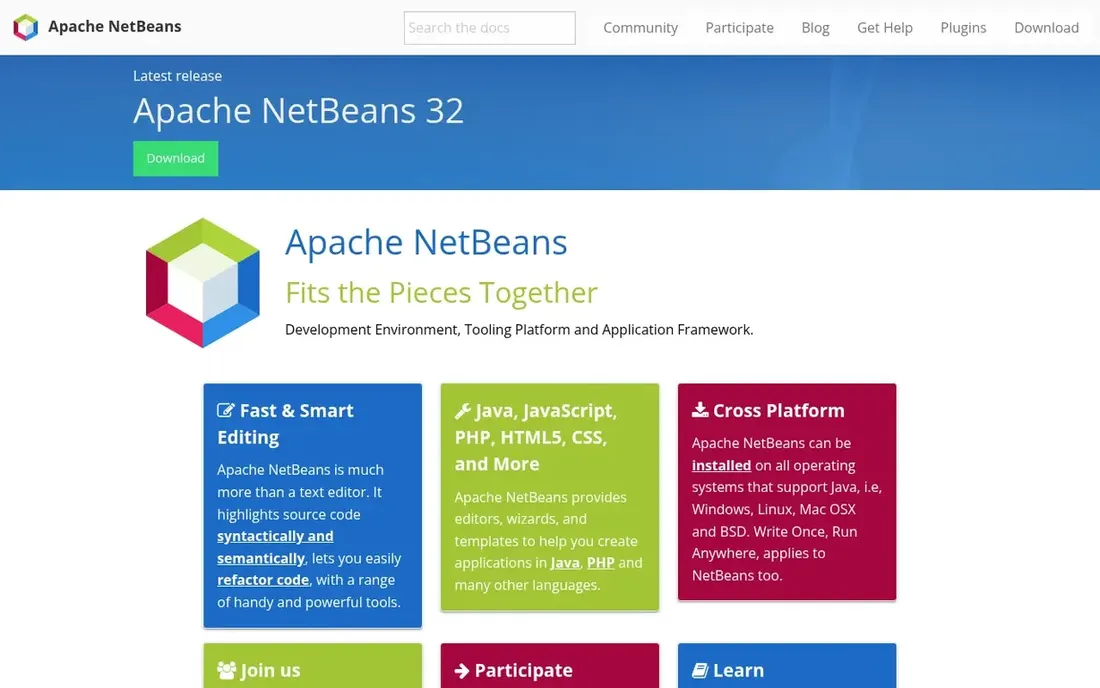
NetBeans is built with open-source Java development in mind. Apache NetBeans is a free, open-source IDE that offers full support for Java development. Whereas NetBeans is capable, its interface and tooling may feel less refined compared with commercial alternatives like IntelliJ IDEA.
The plugin ecosystem is also smaller, which can limit customization. Otherwise, NetBeans is a dependable open-source choice. From a buyer's view, NetBeans is a good match for developers who prefer an open-source option with a familiar interface and solid project management. It is a solid choice for both learning and professional work. No starting price is listed for NetBeans here; confirm pricing on the vendor site. On free options: Not stated.
Honest limits: Less refined than some commercial IDEs.
- Free and open-source
- Supports latest Java features
- Plugin ecosystem smaller than others
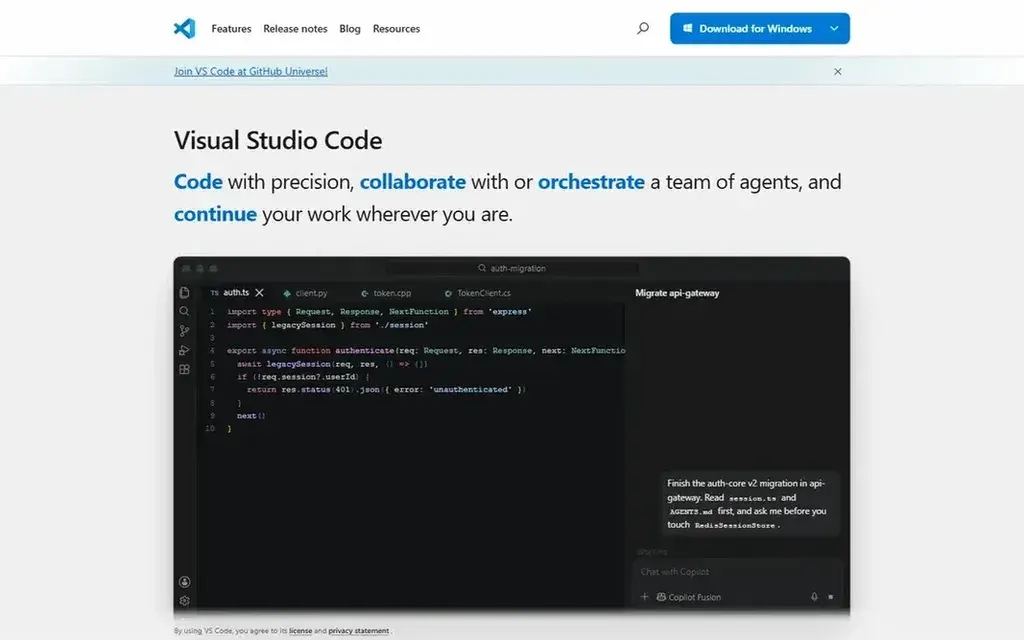
Visual Studio Code is aimed squarely at lightweight, extensible coding. Java development in VS Code depends on extensions, so the experience may not be as smooth as in a dedicated Java IDE.
Where it is weaker: Less out-of-the-box Java tooling.
This comparison lists no price for Visual Studio Code; ask the vendor. Free access: Not stated.
- Large extension ecosystem
- Well suited to multi-language projects
- Java support needs extensions

IntelliJ IDEA is aimed squarely at professional Java and Kotlin development. Consider IntelliJ IDEA when you need thorough Java support and are willing to invest in a capable tool. The IDE can be heavy on system resources, particularly for large projects, and some advanced features are only available in the premium edition.
In daily use, IntelliJ IDEA is a JetBrains IDE aimed at Java and Kotlin development. The IDE also supports running AI agents, making it a good match for developers who want to automate routine tasks. No starting price is listed for IntelliJ IDEA here; confirm pricing on the vendor site. On free options: Not stated.
Watch-outs: Can be resource-intensive.
- Deep code intelligence
- Built-in developer tools
- Some features need premium edition
JDeveloper
Best for: Oracle-centric Java EE development
JDeveloper is a good fit for Oracle-centric Java EE development. If you are not working with Oracle middleware, consider IntelliJ IDEA or NetBeans. From a buyer's view, the IDE is a strong match for developers working within the Oracle ecosystem who require tight integration with Oracle products.
Watch-outs: Niche focus on Oracle stack.
It provides a full set of tools for building enterprise applications. For everyday use, JDeveloper is heavily concentrated on Oracle technologies. So it may not be the best fit for general Java development or non-Oracle stacks. Check the vendor site for JDeveloper pricing; none is listed in this comparison. Free access: Not stated.
- Integrated with Oracle technologies
- Free to use
- Less community support than others
BlueJ
Best for: Teaching and learning Java
BlueJ is designed for Teaching and learning Java. BlueJ is an IDE specifically aimed at teaching and learning Java. It gives you a straightforward interface with visual tools that help beginners understand object-oriented concepts.
On top of that, BlueJ lacks the advanced features and performance needed for professional software development, for example deep refactoring or enterprise integration. Worth adding: if you are moving beyond learning, consider IntelliJ IDEA or NetBeans. BlueJ shows no starting price here, so confirm the cost on the vendor site. Free options: Not stated.
Where it is weaker: Not a good match for large projects.
- Visual representation of classes
- Built for education
- Restricted advanced features
MyEclipse
Best for: Enterprise Java development
MyEclipse targets enterprise Java development. Choose MyEclipse when you need thorough tooling for enterprise Java and are prepared for the licensing cost.
As for the details, if you do not need enterprise-specific features, consider NetBeans or IntelliJ IDEA. MyEclipse cost at the entry level: $37 per user per year. Free options: Not stated.
Points against: Can be heavy for straightforward projects.
- Integrated WebSphere support
- Thorough enterprise tools
- Commercial licensing
How we built this list
For each of the 6 tools we noted price, free plan or trial, fit for java development IDE and the main limit, using vendor pages and documentation. Seat minimums, billing terms and add-ons can move the real cost, so the starting prices here are a guide and not a quote. Tools are placed by general fit for java development IDE, with price clarity and free access as tie-breakers. A different team can reasonably rank them differently.
Before you commit
- Ask NetBeans, Visual Studio Code, IntelliJ IDEA and others for a written quote, since no starting price is shown.
- Read the limits listed for NetBeans first: less refined than some commercial IDEs.
- Total up the real monthly cost of Visual Studio Code, including add-ons, extra users and usage-based fees.
- Map your must-have features to a specific IntelliJ IDEA plan before you compare prices.
- Ask BlueJ which support channels and response times come with the plan you would buy.
FAQ
Can I use Visual Studio Code for Java development?
Yes, Visual Studio Code supports Java through extensions. It is a decent choice if you work with several languages and prefer a configurable editor.
Is NetBeans the right pick for everyone comparing java development IDE?
No single tool suits every team. NetBeans comes first because it fits open-source Java development, while Visual Studio Code suits lightweight, extensible coding and IntelliJ IDEA suits professional Java and Kotlin development. Match the tool to your own size, budget and workflow before deciding.
Do these tools publish their prices?
Not all of them. NetBeans, Visual Studio Code, IntelliJ IDEA and others publish no starting price, so expect a quote request for those. The rest, MyEclipse included, show a starting price, though seats and billing terms still change the final cost.
What is the cheapest option for java development IDE in this list?
On published monthly entry prices, MyEclipse is the lowest here at $37 per user per year. Entry price is only part of the cost, because seats, add-ons and billing terms can change the total. For the full picture, the cards above cover all 6 entries of this Java development IDE list, including price, free plan and limits.
How are the tools for java development IDE ordered?
The order follows typical fit for java development IDE, with NetBeans first and MyEclipse last, then price clarity and free access. It is editorial judgement, not a score, so another team could rank the tools differently.
Sources
- https://netbeans.apache.org
- https://code.visualstudio.com
- https://www.jetbrains.com/idea
- https://www.oracle.com/application-development/technologies/jdeveloper.html
- https://www.bluej.org
- https://www.genuitec.com/products/myeclipse