Java Development Tools in 2026: The 5 Best Options Side by Side
5 products for the best java development tools, ranked by fit, with starting costs and free tiers. Concise write-ups of every option. Quick comparison inside.
- Editor's choiceGradle
Adaptable builds for Java, Android and Kotlin
Starts atPricing on requestVisit gradle.orgFull review - Great alternativeJUnit
Unit testing Java applications
Starts atPricing on requestVisit junit.orgFull review - Also considerApache NetBeans
Completely open source Java IDE
Starts atPricing on requestVisit netbeans.apache.orgFull review
Direct answer
This list puts Gradle first for adaptable builds for Java, Android and Kotlin. JUnit is better for unit testing Java applications, and Apache NetBeans is better for fully open source Java IDE. The remaining 2 options are covered below with pricing notes and limits. None of these vendors publish plan prices, so pricing is on request for every option.
TL;DR:
- The list opens with Gradle, aimed at adaptable builds for Java, Android and Kotlin.
- IntelliJ IDEA is the one to check for deep Java and Kotlin code intelligence.
- No starting price is shown for any of the 5 tools, Gradle and IntelliJ IDEA included, so plan time for sales calls.
- Neither Gradle nor IntelliJ IDEA, nor any of the other 3 tools, has a permanent free plan; trials and quotes are the norm.
- The main caution on Gradle: steeper learning curve than XML builds.
Last checked November 2026. Pricing on request: vendors did not publish plan prices when this guide was last checked (November 2026), so ask each vendor for a written quote.
Quick comparison
| Tool | Best for | Starts at | Free plan? | |
|---|---|---|---|---|
| Gradle | Adaptable builds for Java, Android and Kotlin | Pricing on request | Not stated | Visit |
| JUnit | Unit testing Java applications | Pricing on request | Not stated | Visit |
| Apache NetBeans | Completely open source Java IDE | Pricing on request | Not stated | Visit |
 Visual Studio Code | Light, extensible editing across languages | Pricing on request | Not stated | Visit |
 IntelliJ IDEA | Deep Java and Kotlin code intelligence | Pricing on request | Not stated | Visit |
Every option for java development tools explained
LinkVetted put together this guide to java development tools for readers who want a clear shortlist without reading every vendor page. It compares 5 tools on starting price, free plans, who each one suits and where each one falls short.
Gradle
Best for: Adaptable builds for Java, Android and Kotlin
Think of Gradle for adaptable builds for Java, Android and Kotlin. Gradle is an open source build system for Java, Android and Kotlin developers, presented on its homepage as part of the Develocity family. It uses a script-based configuration model that supports customized build logic.
Drawbacks to consider: Build scripts can become complicated.
As for the details, pick Gradle when customization, Android support or Kotlin alignment outweigh the additional configuration effort. From a buyer's view, the adaptability includes a steeper ramp-up time, and build scripts can grow complicated if not kept disciplined. Check the vendor site for Gradle pricing; none is listed in this comparison. On free options: Not stated.
- Adaptable
- Solid fit for Android and Kotlin projects
- Steeper ramp-up time than XML builds
JUnit
Best for: Unit testing Java applications
Pick JUnit if this describes you: unit testing Java applications. JUnit concentrates on unit testing, so broader needs like mocking or integration testing normally call for companion libraries.
Honest limits: Focused on testing, not full lifecycle.
It is not a complete quality system on its own. JUnit shows no starting price here, so confirm the cost on the vendor site. Free access: Not stated.
- Straightforward to integrate with IDEs and builds
- De facto standard for Java unit testing
- Advanced needs may require add-on libraries
Apache NetBeans
Best for: Completely open source Java IDE
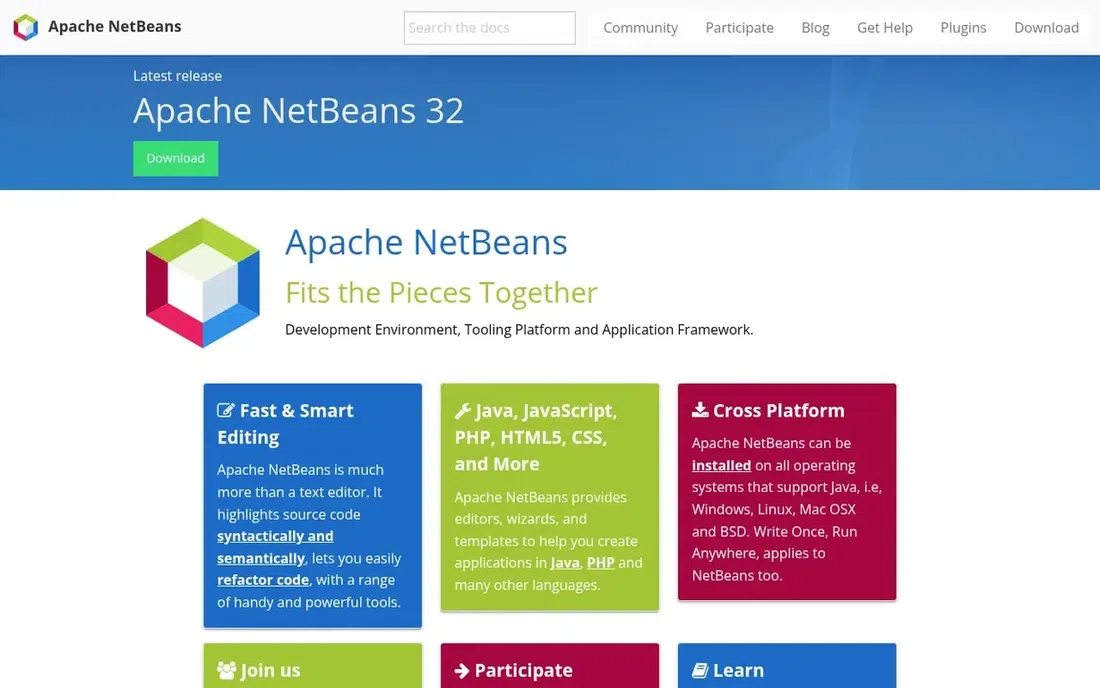
For completely open source Java IDE, Apache NetBeans is a natural candidate. Apache NetBeans is an open source IDE governed by the Apache Software Foundation and widely used for Java development across desktop, web and enterprise projects. It gives you an editor, project management and debugging in a single package.
Its plugin ecosystem is smaller than those of bigger commercial IDEs, and some developers find the interface less refined. In practice, NetBeans remains a solid choice when open source licensing and simplicity matter more than the broadest feature set. In daily use, when you need the deepest refactoring and framework support, a commercial IDE may fit better. Apache NetBeans does not show a starting price in this comparison, so check the vendor site for current pricing. As for free access: Not stated.
What Apache NetBeans does well: Open source under the Apache Software Foundation.
Where it falls short: Interface feels dated to some developers.
- Familiar project and editor workflow
- Supports Java desktop
- Plugin ecosystem smaller than some rivals
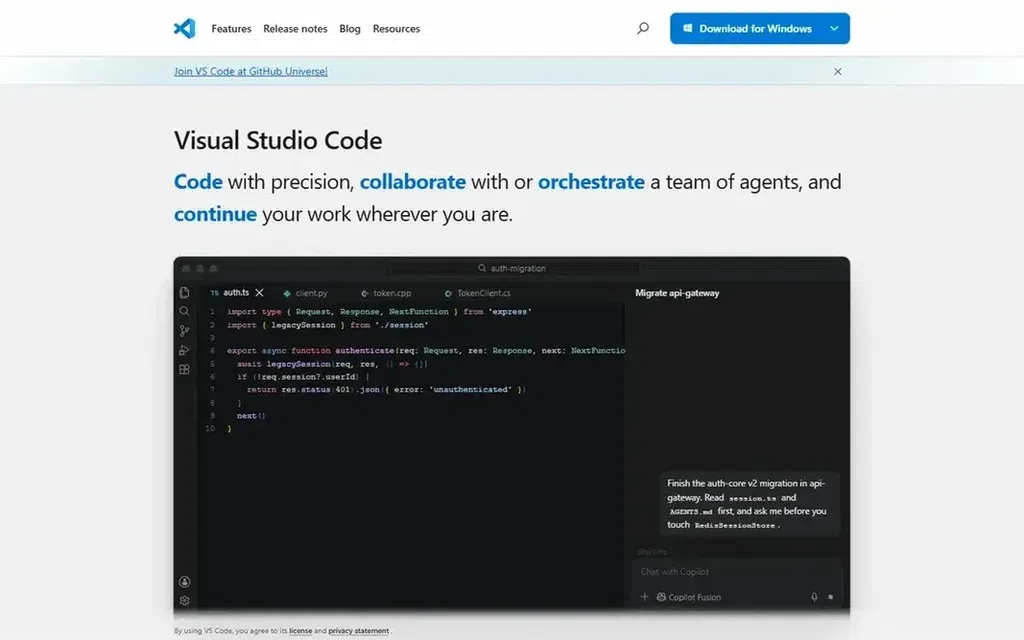
Visual Studio Code makes the most sense for light, extensible editing across languages. Visual Studio Code is a light, highly extensible code editor that supports Java through extensions. Its homepage emphasizes precise coding, agent collaboration and continuing work across locations.
Where it falls short: Less deep out-of-box Java tooling than full IDEs.
Worth adding: choose VS Code when editor speed, breadth across languages and a large extension catalog matter most. For large Java codebases needing deep built-in analysis, a dedicated IDE such as IntelliJ IDEA may be a better fit. Visual Studio Code does not show a starting price in this comparison, so check the vendor site for current pricing. On free options: Not stated. Strengths: light editor.
- Quick
- Built-in collaboration and agent features
- Java support relies on extensions

IntelliJ IDEA makes the most sense for deep Java and Kotlin code intelligence. The trade-off is weight: a full IDE demands more memory and disk than a light editor, which can matter on modest machines. Advanced capabilities are concentrated in the premium edition, so hobbyists may prefer a more straightforward choice.
Downsides: Heavier resource footprint than light editors.
On top of that, IntelliJ IDEA is JetBrains' IDE for Java and Kotlin, built around deep code intelligence and a set of built-in tools. Its homepage also flags running AI agents and verifying their work inside the editor. IntelliJ IDEA shows no starting price here, so confirm the cost on the vendor site. Trial and free access: Not stated.
- Support for running and verifying AI agents
- Solid code intelligence for Java and Kotlin
- Advanced capabilities sit in the premium edition
How we chose
LinkVetted looked at what each vendor publishes: pricing, plan limits, feature coverage for java development tools and stated drawbacks. No hands-on testing is claimed. Plan names, prices and limits change often. Treat the figures here as a starting point and verify them with the vendor. The ranking is editorial: typical fit first, then clear pricing, then free access. If your needs are unusual, read the profiles rather than relying on position.
Pre-purchase checklist
- Ask each vendor, from Gradle to IntelliJ IDEA, for a written quote; none of them publishes a starting price.
- Before choosing Gradle, weigh its main limit: steeper learning curve than XML builds.
- Get the contract term, renewal terms and any onboarding fees from Apache NetBeans in writing.
- Verify that exporting from Visual Studio Code is possible on your plan and covers all your records.
- Find out what support JUnit includes on your plan, and whether onboarding help costs extra.
FAQ
Is Gradle the right pick for everyone comparing java development tools?
No single tool suits every team. Gradle comes first because it fits flexible builds for Java, Android and Kotlin, while JUnit suits unit testing Java applications and Apache NetBeans suits fully open source Java IDE. Match the tool to your own size, budget and workflow before deciding.
How are the tools for java development tools ordered?
The order follows typical fit for java development tools, with Gradle first and IntelliJ IDEA last, then price clarity and free access. It is editorial judgement, not a score, so another team could rank the tools differently.
Does any tool for java development tools here have a free plan?
No tool in this list, Gradle and IntelliJ IDEA included, has a permanent free plan. Trials and quotes are the usual route, so plan a short evaluation period.
Do these tools publish their prices?
No. None of the tools, from Gradle to IntelliJ IDEA, shows a fixed starting price here, so budget time for quotes.
Sources
- https://gradle.org
- https://junit.org
- https://netbeans.apache.org
- https://code.visualstudio.com
- https://www.jetbrains.com/idea