6 IDE for Node Js Development Worth Shortlisting in 2026
Comparing the best ide for node js development? 6 contenders, each with entry cost, free tier and best-fit buyer. With pricing notes and limits. Easy to scan.
- Editor's choice
 WebStorm
Deep JavaScript and TypeScript intelligence
Starts atSee websiteVisit jetbrains.comFull review - Great alternative
 Atom
Legacy projects only
Starts atSee websiteVisit atom.ioFull review - Also consider
 IntelliJ IDEA
Polyglot projects with Java or Kotlin
Starts atSee websiteVisit jetbrains.comFull review
Direct answer
WebStorm comes first here, mainly for deep JavaScript and TypeScript intelligence. Listed starting prices: Visual Studio from $45 per user per month. Atom is the stronger choice for legacy projects only, while IntelliJ IDEA suits Polyglot projects with Java or Kotlin. Prices, free plans and limits for all 6 tools follow.
TL;DR:
- This list starts with WebStorm, which is built for deep JavaScript and TypeScript intelligence.
- Neither WebStorm nor Visual Studio, nor any of the other 4 tools, has a permanent free plan; trials and quotes are the norm.
- For full Microsoft-stack development, Visual Studio is worth a look.
- Visual Studio has the lowest monthly starting price in this list: $45 per user per month.
Last checked November 2026. Prices and plan details were read from the vendors' own pages in November 2026; vendors change plans often, so confirm the current price on the vendor site before you buy.
Quick comparison
| Tool | Best for | Starts at | Free plan? | |
|---|---|---|---|---|
| WebStorm | Deep JavaScript and TypeScript intelligence | See website | Not stated | Visit |
| Atom | Legacy projects only | See website | Not stated | Visit |
| IntelliJ IDEA | Polyglot projects with Java or Kotlin | See website | Not stated | Visit |
 Visual Studio Code | General Node.js development with extensions | See website | Not stated | Visit |
 Sublime Text | Quick, light editing | See website | Not stated | Visit |
 Visual Studio | Full Microsoft-stack development | $45 per user per month | Not stated | Visit |
Ide for Node Js Development, one by one
Short on time? The summary and table above give the quick view of 6 tools for ide for node js development, and the profiles that follow give the detail behind each entry.
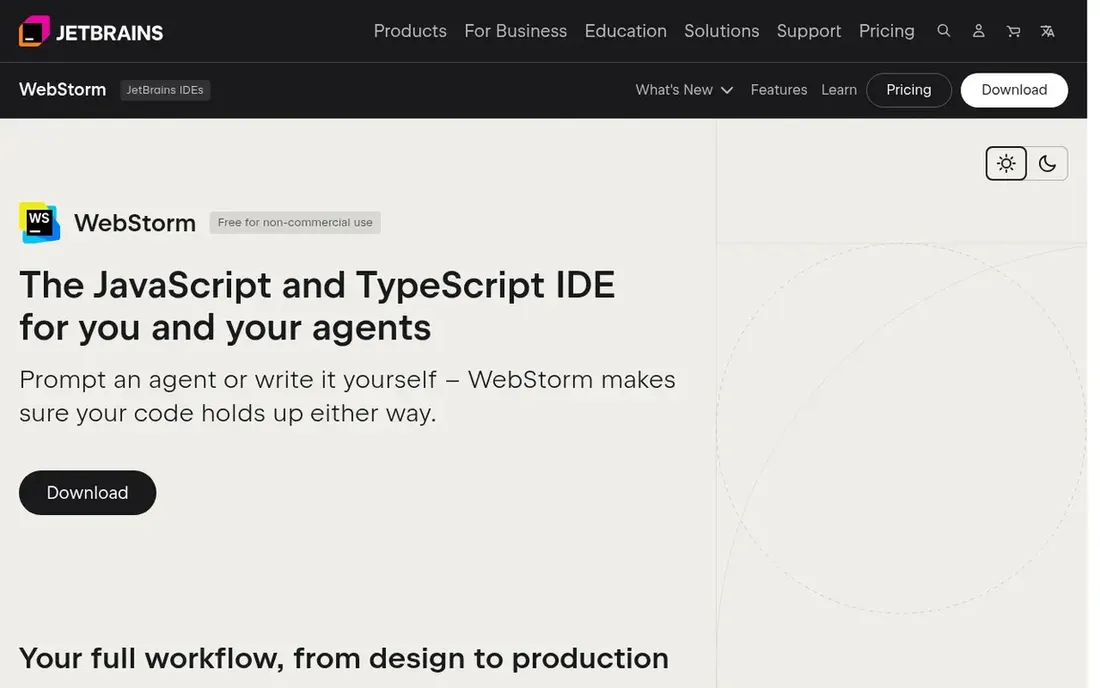
WebStorm was built for deep JavaScript and TypeScript intelligence. WebStorm is JetBrains' IDE dedicated to JavaScript and TypeScript, which makes it a natural fit for Node.js back ends and full-stack projects. It ships with code completion, refactoring, debugging, test runners and framework support already wired together, so less time goes into assembling plugins.
Drawbacks to consider: Heavier resource footprint.
Also, licensing terms also differ from completely open-source editors, so check what applies to your situation. The trade-off is a heavier footprint than a light editor, which can matter on modest hardware. The vendor describes it as an IDE that helps you verify and ship code you trust, with agent assistance alongside manual coding. WebStorm does not show a starting price in this comparison, so check the vendor site for current pricing. Free access: Not stated.
- Integrated debugging and testing
- Solid built-in code analysis
- Commercial licensing for some uses
Atom was built for legacy projects only. Even so, the project has been officially sunset and archived, which means it no longer receives updates or fixes. It may still appear in older documentation and tutorials, so it is handy to recognize the name even if you are choosing a new tool today.
Where it is weaker: No continuing updates.
In practice, since development has ended, security fixes and compatibility updates are no longer arriving, which is a real concern for active projects. Modern editors and IDEs now include the same ground with maintained support. Atom shows no starting price here, so confirm the cost on the vendor site. Free access: Not stated.
- Familiar to long-time users
- Hackable and configurable
- Officially sunset and archived

IntelliJ IDEA is designed for Polyglot projects with Java or Kotlin. Teams already standardized on JetBrains tooling may find the consistent interface and workflows a real convenience across languages. Also, if Node.js is your central language, a dedicated JavaScript IDE or lighter editor is normally the more direct choice.
From a buyer's view, since its core focus is Java and Kotlin, JavaScript and Node.js support relies on plugins instead of being the primary design goal. That can mean additional configuration and a heavier environment than a JavaScript-first IDE. No starting price is listed for IntelliJ IDEA here; confirm pricing on the vendor site. As for free access: Not stated.
Limits to weigh: Java and Kotlin focus over Node.js.
- Built-in developer tools
- Solid refactoring support
- Heavier than dedicated editors
Visual Studio Code
Best for: General Node.js development with extensions
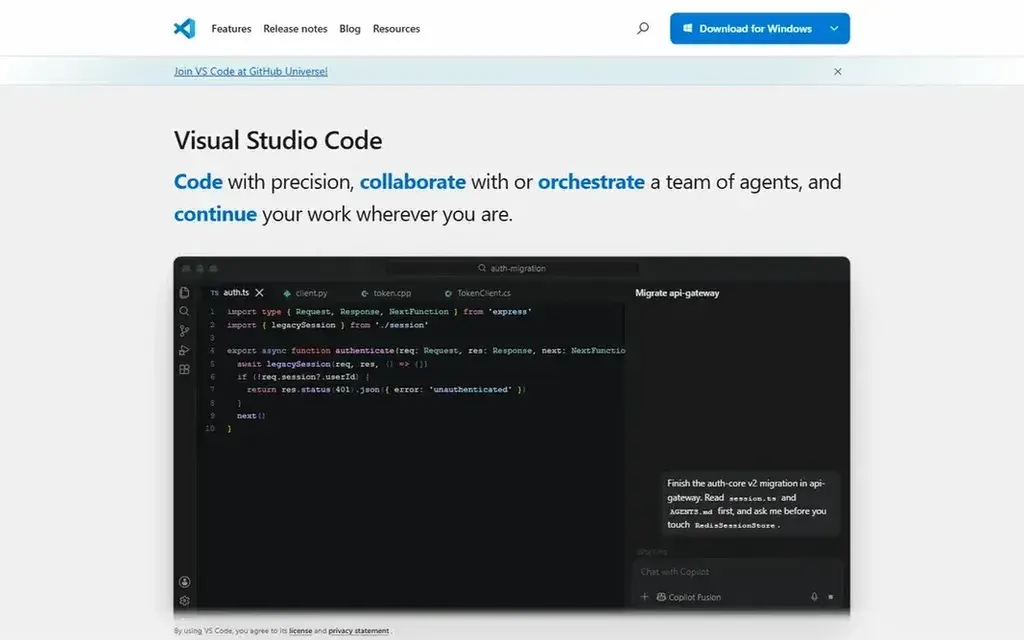
Visual Studio Code makes the most sense for general Node.js development with extensions. Refactoring depth may trail dedicated JavaScript IDEs.
Since much of its Node.js power comes from extensions, setup and maintenance fall on you. A heavily loaded editor can feel slower than a lean one. No starting price is listed for Visual Studio Code here; confirm pricing on the vendor site. As for free access: Not stated.
Drawbacks to consider: Advanced features need extensions.
- Built-in debugging and terminal
- Lightweight and cross-platform
- Can slow down with numerous plugins
Where Sublime Text fits: quick, light editing. Sublime Text is a sophisticated text editor for code, markup and prose, known for speed and a clean interface. If you want integrated debugging and analysis without tinkering, a bundled IDE is likely a better match.
In daily use, for Node.js work it pairs well with command-line tooling like package managers, test runners and linters, letting you keep the editor lean whereas the terminal handles the rest. It appeals to developers who value responsiveness and prefer to assemble their own workflow over adopting a full IDE. It is an editor instead of a full IDE, so debugging, refactoring and project intelligence rely on packages you add and configure yourself. Sublime Text shows no starting price here, so confirm the cost on the vendor site. Free plan details: Not stated.
Where it falls short: Fewer built-in IDE features.
- Highly configurable
- Takes care of large files well
- Needs manual setup for debugging
Visual Studio was built for full Microsoft-stack development. Visual Studio is Microsoft's full IDE and code editor family for software development across products and languages.
The main drawbacks: Windows-centric heritage.
Beyond that, for a pure Node.js project, that weight may be unnecessary. From a buyer's view, if your work is largely JavaScript and you want a lighter environment, a dedicated editor or JavaScript IDE is frequently the more efficient pick. Entry price for Visual Studio: $45 per user per month. Free plan details: Not stated.
- Capable debugging experience
- Rich integrated tooling
- Heavy installation
How we compared the tools
LinkVetted used vendor pricing pages and product documentation as the base, then compared plans, free access and documented limits for 6 tools. Plan names, prices and limits change often. Treat the figures here as a starting point and verify them with the vendor. Tools are placed by general fit for ide for node js development, with price clarity and free access as tie-breakers. A different team can reasonably rank them differently.
What to check before you buy
- Confirm the entry price on the vendor page. For WebStorm, Atom, IntelliJ IDEA and others that means a quote rather than a fixed price.
- Read the limits listed for WebStorm first: heavier resource footprint.
- Ask the daily users to test Sublime Text on a live task before you roll it out to everyone.
- Make sure WebStorm lets you export your data in a format another tool can read.
- Confirm that IntelliJ IDEA connects to the apps your team already uses, on the plan you would actually buy.
FAQ
How do Visual Studio Code and WebStorm differ for Node.js?
Visual Studio Code is a free, extension-driven editor that you shape to your needs, whereas WebStorm bundles JavaScript and TypeScript intelligence, debugging and testing from day one. The choice usually comes down to preference for customization compared with ready-made depth, plus hardware and licensing considerations.
Do these tools publish their prices?
Not all of them. WebStorm, Atom, IntelliJ IDEA and others publish no starting price, so expect a quote request for those. The rest, Visual Studio included, show a starting price, though seats and billing terms still change the final cost.
Can I try these tools before paying?
Not by default. None of the tools, from WebStorm to Visual Studio, lists a free plan or a free trial here, so ask each vendor for a demo before committing.
How are the tools for ide for node js development ordered?
WebStorm sits first and Visual Studio last because the order follows typical fit for ide for node js development, then price clarity and free access. It is a judgement call, so read each profile for fit and limits.
What is the cheapest option for ide for node js development in this list?
On published monthly entry prices, Visual Studio is the lowest here at $45 per user per month. Entry price is only part of the cost, because seats, add-ons and billing terms can change the total. For the full picture, the cards above cover all 6 entries of this Ide for node Js development list, including price, free plan and limits.
Is a full IDE necessary for Node.js development?
No. Node.js runs fine with a light editor plus command-line tooling for running, testing and debugging. A full IDE becomes valuable when you want integrated debugging, refactoring and framework-aware intelligence without assembling plugins yourself.
Sources
- https://www.jetbrains.com/webstorm
- https://atom.io
- https://www.jetbrains.com/idea
- https://code.visualstudio.com
- https://www.sublimetext.com
- https://visualstudio.microsoft.com