5 Best IDE for Node.js for 2026, Vetted and Compared
Best IDE for Node.js: 5 tools compared on price, free plans and fit. Atom takes the lead for legacy projects only. Each pick lists its main limit. Easy to scan.
- Editor's choice
 Atom
Legacy projects only
Starts atSee websiteVisit atom.ioFull review - Great alternative
 Visual Studio
Microsoft-centric full stack teams
Starts at$45 per user per monthVisit visualstudio.microsoft.comFull review - Also consider
 Sublime Text
Quick, minimal editing
Starts atSee websiteVisit sublimetext.comFull review
Direct answer
Our first pick is Atom, best for legacy projects only. Listed starting prices: Visual Studio from $45 per user per month. For a different need, Visual Studio covers Microsoft-centric full stack teams and Sublime Text covers quick, minimal editing. The other 2 tools in the list cover narrower or pricier cases.
TL;DR:
- Atom sits first on this list: legacy projects only.
- For deep JavaScript and TypeScript tooling, WebStorm is worth a look.
- A permanent free plan is missing from all 5 tools, Atom and WebStorm included; plan for a trial or a premium start.
- The lowest published monthly entry price here is $45 per user per month, from Visual Studio.
- A fair warning about Visual Studio Code: advanced features rely on extensions.
Last checked November 2026. Prices and plan details were read from the vendors' own pages in November 2026; vendors change plans often, so confirm the current price on the vendor site before you buy.
Quick comparison
| Tool | Best for | Starts at | Free plan? | |
|---|---|---|---|---|
| Atom | Legacy projects only | See website | Not stated | Visit |
| Visual Studio | Microsoft-centric full stack teams | $45 per user per month | Not stated | Visit |
| Sublime Text | Quick, minimal editing | See website | Not stated | Visit |
 Visual Studio Code | General Node.js development | See website | Not stated | Visit |
 WebStorm | Deep JavaScript and TypeScript tooling | See website | Not stated | Visit |
The best IDE for Node.js
LinkVetted compared 5 tools for IDE for Node.js. The goal is a practical shortlist: published prices, free plan facts, best-fit use cases and honest limits for every entry.
In short, Atom is for legacy projects only. GitHub announced its sunset and archived the project, so it is no longer actively developed. It may still appear in older documentation or legacy setups, but it is not a practical choice for new Node.js projects.
Atom was a hackable text editor built around packages and community customization, and it was once used for JavaScript and Node.js work. From a buyer's view, consider Atom only when maintaining an existing environment that cannot yet be changed. Atom shows no starting price here, so confirm the cost on the vendor site. Free access: Not stated.
The main drawbacks: No continuing development.
- Hackable
- Familiar to long-time users
- Officially sunset and archived
Visual Studio works best for Microsoft-centric full stack teams. Visual Studio is Microsoft's IDE and code editor for software development across products and languages, with dev tools and services geared toward simplifying builds. Visual Studio is a substantial IDE, which can feel heavy for small Node.js utilities or fast scripting tasks.
Worth adding: node.js work is supported alongside other languages, making it relevant for teams building full stack applications in Microsoft-oriented environments. From a buyer's view, developers outside Microsoft ecosystems may find lighter editors more comfortable. Starting cost for Visual Studio: $45 per user per month. Free plan details: Not stated.
The main drawbacks: Best value inside Microsoft stacks.
- Integrated development services
- Full-featured IDE and code editor
- Heavyweight for small Node.js scripts
Where Sublime Text fits: quick, minimal editing. Sublime Text is a sophisticated text editor for code, markup and prose, known for speed and a minimal interface.
Drawbacks to consider: Restricted built-in IDE features.
Where Sublime Text stands out: Takes care of code. Sublime Text does not bundle the deep language intelligence or integrated debugging that full IDEs offer, so Node.js workflows rely on packages and external tools. Choose Sublime Text when editing speed and simplicity outweigh built-in tooling. Check the vendor site for Sublime Text pricing; none is listed in this comparison. As for free access: Not stated.
- Fast startup and responsiveness
- Clean
- Depends on packages for Node.js tooling
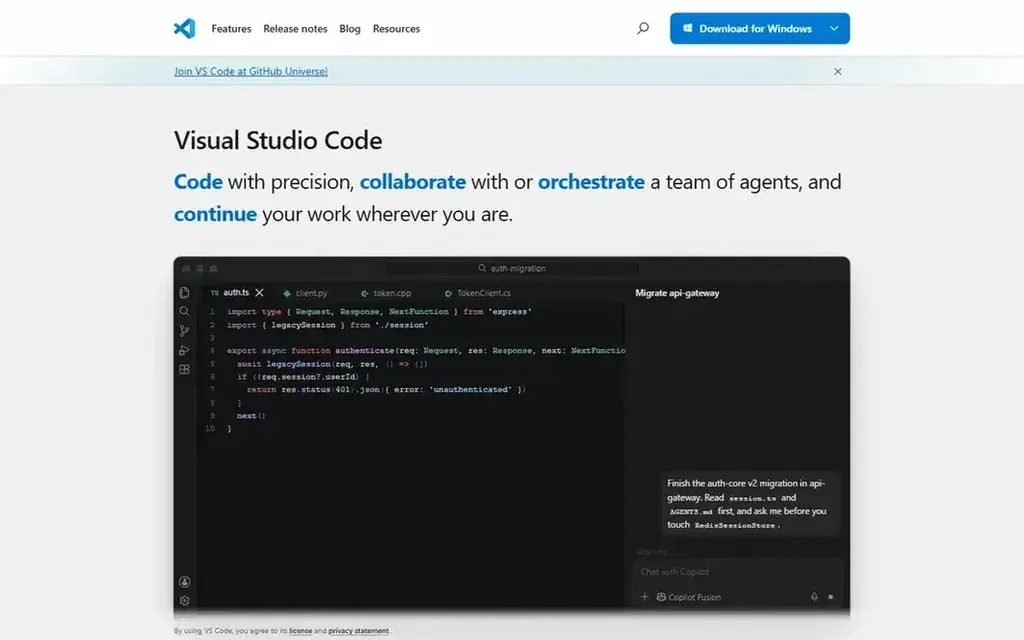
Think of Visual Studio Code for general Node.js development. Visual Studio Code is a free, cross-platform code editor that supports Node.js through its extension ecosystem and built-in debugging tools. Its homepage emphasizes precision coding, agent-assisted collaboration and continuing work across environments.
Drawbacks to consider: Advanced features rely on extensions.
Developers who want deep JavaScript and TypeScript analysis bundled in one package may prefer a dedicated IDE for example WebStorm. More specifically, choose Visual Studio Code when adaptability and a wide extension base matter most. In practice, since much of its Node.js power comes from extensions, setup quality varies and you may have to configure tooling yourself. Visual Studio Code does not show a starting price in this comparison, so check the vendor site for current pricing. Free options: Not stated.
- Large extension marketplace
- Built-in debugging and Git support
- Can feel busy for minimal setups
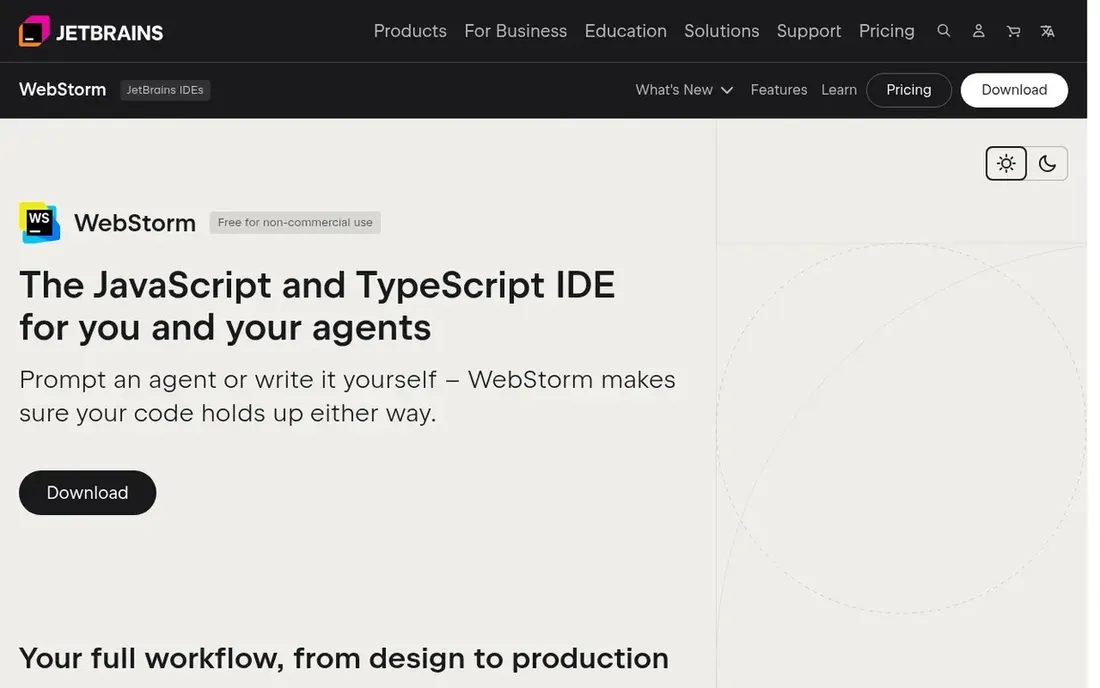
WebStorm serves deep JavaScript and TypeScript tooling. WebStorm is JetBrains' dedicated JavaScript and TypeScript IDE, positioned around prompting agents or writing code yourself and verifying what ships. It bundles code intelligence, navigation and debugging pitched at JavaScript-heavy projects, including Node.js back ends.
As for the details, developers working largely in other languages may find a general-purpose IDE more economical. For everyday use, pick WebStorm when JavaScript and TypeScript analysis is central to your daily work. Pricing for WebStorm is not stated here, so ask the vendor for current figures. Trial and free access: Not stated.
Downsides: Heavier than a plain editor.
- Agent-assisted coding features
- Framework and debugging support
- Commercial licensing for professional use
Our selection method
The comparison looks at four things: starting price, free access, how well the feature set matches IDE for Node.js, and the main limit of each tool. Figures are shown as the vendors publish them. Billing terms, seat minimums and add-ons can change the real cost. The ranking is editorial: typical fit first, then clear pricing, then free access. If your needs are unusual, read the profiles rather than relying on position.
Pre-purchase checklist
- Ask Atom, Sublime Text, Visual Studio Code and WebStorm for a written quote, since no starting price is shown.
- Read the limits listed for Atom first: officially sunset and archived.
- Make sure WebStorm lets you export your data in a format another tool can read.
- Find out what support Atom includes on your plan, and whether onboarding help costs extra.
- Get the contract term, renewal terms and any onboarding fees from Sublime Text in writing.
FAQ
Is Atom the right pick for everyone comparing IDE for Node.js?
No single tool suits every team. Atom comes first because it fits legacy projects only, while Visual Studio suits Microsoft-centric full stack teams and Sublime Text suits fast, minimal editing. Match the tool to your own size, budget and workflow before deciding.
Can I still use Atom for Node.js?
It may work for legacy setups, but new Node.js projects should use a maintained editor for example Visual Studio Code or Sublime Text.
How are the tools for IDE for Node.js ordered?
Atom sits first and WebStorm last because the order follows typical fit for IDE for Node.js, then price clarity and free access. It is a judgement call, so read each profile for fit and limits.
Can I try these tools before paying?
Not by default. None of the tools, from Atom to WebStorm, lists a free plan or a free trial here, so ask each vendor for a demo before committing.
What is the cheapest option for IDE for Node.js in this list?
On published monthly entry prices, Visual Studio is the lowest here at $45 per user per month. Entry price is only part of the cost, because seats, add-ons and billing terms can change the total. Prices, free plan details and limits for all 5 tools in this IDE for Node.js roundup sit on the individual cards above.
Sources
- https://atom.io
- https://visualstudio.microsoft.com
- https://www.sublimetext.com
- https://code.visualstudio.com
- https://www.jetbrains.com/webstorm