7 CMDB Software Options Ranked for 2026
Compare 7 picks for the top CMDB software, with prices, free plans and who each fits. Strengths and weak spots are spelled out. Updated November 2026.
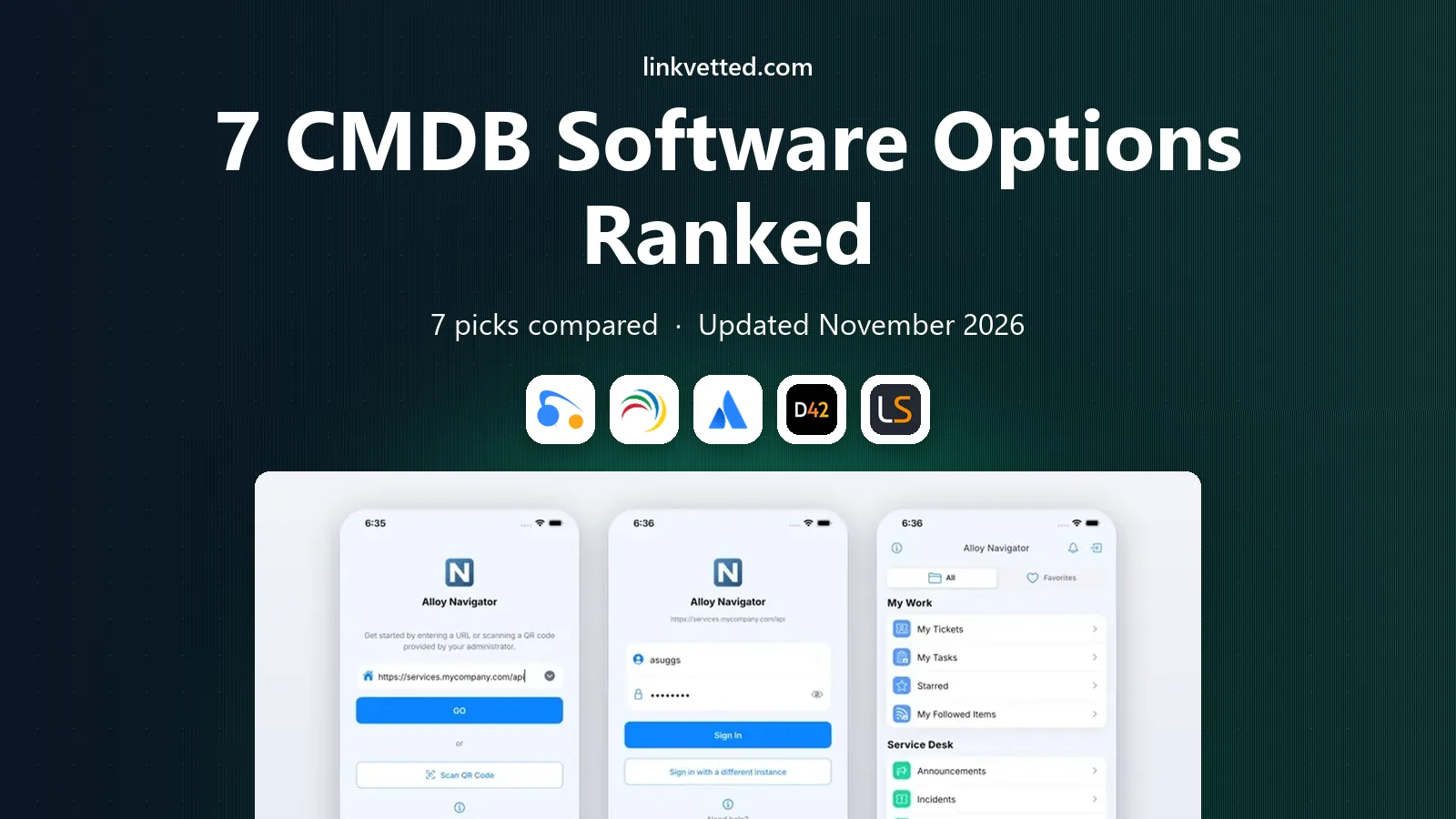
- Editor's choice
 Alloy Navigator
Mid-market IT teams wanting ITSM and CMDB in one purchase
Starts atSee website (custom quote)Visit alloysoftware.comFull review - Great alternative
 ManageEngine CMDB
ITSM shops that want CMDB inside a budget-friendly service desk
Starts at$13/technician/month (Standard cloud, billed annually)Visit manageengine.comFull review - Also consider
 Jira Service Management (Assets)
Teams already running Jira
Starts at$20/agent/month (Standard, Service Collection)Visit atlassian.comFull review
TL;DR:
- The list opens with Alloy Navigator, aimed at mid-market IT teams wanting ITSM and CMDB in one purchase.
- For the cheapest start, look at ManageEngine CMDB: $13/technician/month.
- One limit worth knowing about ManageEngine CMDB: CMDB is gated behind higher editions, so the cheapest plans do not include it.
- Just one of the 7 tools, Lansweeper, has a free plan.
- Freshservice fits cloud-first IT teams that want ITSM with CMDB on straightforward pricing.
Direct answer
Alloy Navigator leads the list, best for mid-market IT teams wanting ITSM and CMDB in one purchase. ManageEngine CMDB is better for ITSM shops that want CMDB inside a low-cost service desk, and Jira Service Management (Assets) is better for teams already running Jira that require a CMDB without a new vendor.
Quick comparison
| Tool | Best for | Starts at | Free plan? | |
|---|---|---|---|---|
| Alloy Navigator | Mid-market IT teams wanting ITSM and CMDB in one purchase | See website (custom quote) | No | Visit |
| ManageEngine CMDB | ITSM shops that want CMDB inside a budget-friendly service desk | $13/technician/month (Standard cloud, billed annually) | Free trial (30 days) | Visit |
| Jira Service Management (Assets) | Teams already running Jira | $20/agent/month (Standard, Service Collection) | Free trial (14 days) | Visit |
 Device42 | Hybrid infrastructure teams that require discovery and dependency mapping | See website (annual subscription, priced per device) | No | Visit |
 Lansweeper | Teams that want discovery-first asset intelligence with a free start | $199/month, billed annually (Starter, 2,000 assets) | Yes | Visit |
 ServiceNow CMDB | Enterprises standardizing on the Now Platform | See website (custom quote) | No | Visit |
 Freshservice | Cloud-first IT teams that want ITSM | $19/agent/month (Starter, billed yearly) | Free trial (14 days) | Visit |
The 7 tools in detail
If you are comparing CMDB software, this page covers 7 tools in one place: what each is best for, what it costs to start, whether it has a free plan, and the main limit to know about.
Alloy Navigator
Best for: Mid-market IT teams wanting ITSM and CMDB in one purchase

Alloy Navigator is built with mid-market IT teams wanting ITSM and CMDB in one purchase in mind. You will not find the integration marketplace or the army of certified consultants that surround ServiceNow and Atlassian.
Pricing for Alloy Navigator is not stated here, so ask the vendor for current figures. Alloy Navigator does not include a free plan.
Limits to weigh: No published pricing, which slows down evaluation.
- Adaptable on-premises or cloud deployment
- Long track record with mid-market customers
- Smaller ecosystem and fewer third-party integrations than the big systems
ManageEngine CMDB
Best for: ITSM shops that want CMDB inside a budget-friendly service desk

ManageEngine CMDB makes the most sense for ITSM shops that want CMDB inside a budget-friendly service desk. ManageEngine's CMDB lives inside ServiceDesk Plus, and that is both its strength and its limitation.
Also, the pricing model charges per technician and, on higher editions, per IT asset managed, so model your asset count before comparing. ManageEngine CMDB pricing: $13/technician/month. Free plan details: Free trial (30 days).
Limits to weigh: Per-technician plus per-asset pricing needs careful modeling.
- Free Standard edition for up to 5 technicians
- Choice of cloud or on-premises deployment
- CMDB is gated behind higher editions, so the cheapest plans do not bundle it
Jira Service Management (Assets) is a good fit for teams already running Jira that require a CMDB without a new vendor. Atlassian's Assets (formerly Insight) is the CMDB hiding inside Jira Service Management. It models configuration items with object schemas, maps relationships, and ties CIs straight to incidents, changes and problems in Jira.
On top of that, standard plans contain 5,000 objects free, with additional objects starting around $0.02 per object a month. The entire Service Collection opens at $20 per agent a month. For Jira shops this combination beats buying a separate enterprise CMDB, though very large estates should model the object overage costs. On cost, Jira Service Management (Assets) starts like this: $20/agent/month. Free plan details: Free trial (14 days).
Where it is weaker: Object limits and per-object overage fees punish very large estates.
- The Jira ecosystem your team already knows
- Assets
- Discovery is weaker than dedicated tools, so pair it with a scanner for auto-population
Device42
Best for: Hybrid infrastructure teams that require discovery and dependency mapping
Choose Device42 for hybrid infrastructure teams that require discovery and dependency mapping. Device42 built its name on a straightforward promise: point it at your infrastructure and get a CMDB without months of manual data entry. Its agentless discovery handles servers, network devices, storage, cloud resources and applications, then maps the dependencies between them so impact analysis works from day one.
In daily use, price it per your actual device count, including virtual machines and cloud instances, since that is where the per-device model bites. More specifically, IP address management and software license tracking ride along in the same product. Device42 does not show a starting price in this comparison, so check the vendor site for current pricing. Device42 does not include a free plan.
What works well: Now backed by Freshworks after its acquisition. Where it falls short: No published pricing, so every deal starts with a quote.
- Cloud and network with automatic dependency mapping
- Agentless discovery across data center
- The per-device model gets costly in large virtualized or containerized estates
Lansweeper
Best for: Teams that want discovery-first asset intelligence with a free start
Lansweeper targets teams that want discovery-first asset intelligence with a free start. Lansweeper approaches the CMDB problem from discovery outward. Its scanning engine finds every asset on the network, spots it against a large fingerprint library, and normalizes the data into one record per device.
What to check first: CMDB-style relationship modeling is lighter than ServiceNow or Device42.
It feeds ITSM and CMDB tools instead of trying to be a full ITSM suite, which makes it a capable companion to a service desk that lacks trustworthy asset data. Teams that require formal configuration management workflows instead of discovery may want a fuller CMDB, but for knowing what exists, Lansweeper is hard to beat. On cost, Lansweeper starts like this: $199/month, billed annually. Lansweeper offers a free plan.
What Lansweeper does well: Genuinely handy free level for small networks.
- Deep discovery across IT, OT
- Cloud and IoT with a device fingerprint library
- The per-asset pricing steps up steeply past 2,000 assets
Choose ServiceNow CMDB for enterprises standardizing on the Now Platform. The honest assessment is the price of admission. For everyday use, ServiceNow sells platform-wide, quote-only deals, and a CMDB without the surrounding ITSM modules is a pricey database.
Worth adding: ServiceNow CMDB is what most enterprises mean when they say CMDB. It sits at the center of the Now Platform, feeding incident, problem, change and asset management with a single model of configuration items and their relationships. In daily use, if it does not, the tools below deliver most of the practical value at a fraction of the cost. Pricing for ServiceNow CMDB is not stated here, so ask the vendor for current figures. ServiceNow CMDB has no free tier.
The main drawbacks: Quote-only enterprise pricing that puts it out of reach for small teams.
- Discovery and deep ITSM integration
- Massive ecosystem of integrations and trained administrators
- Not the CMDB alone
Freshservice targets cloud-first IT teams that want ITSM with CMDB on straightforward pricing. Freshservice is the cloud ITSM suite for teams that find ServiceNow heavy and Jira fiddly. Its CMDB tracks assets and their relationships, and licensing uses asset units, packs of 500, on top of the per-agent subscription.
Worth adding: the honest caveat is that Freshservice is a service desk with a CMDB, not a CMDB-first product. More specifically, starter at $19 per agent a month spans incident and knowledge management, with Growth and Pro adding automation and AI features. Also, for SMB IT teams that require ticketing plus a trustworthy asset register, it hits the sweet spot between price and capability. On cost, Freshservice starts like this: $19/agent/month. Free options: Free trial (14 days).
The main drawbacks: Asset-unit licensing layers on a second meter to model alongside agents.
- Modern UI that teams adopt without training marathons
- Published per-agent pricing beginning at $19 with a 14-day full-feature trial
- Advanced CMDB and discovery depth trail the dedicated products
Notes on CMDB software
It follows an incident review where nobody could answer which servers a failed application depended on, or a license audit where the spreadsheet of record turned out to be fiction. In daily use, a configuration management database fixes that specific problem: it records every configuration item in the estate, servers, software, network gear, cloud resources, and how they relate to each other, so change and incident work stops being guesswork.
What went into this list
For each of the 7 tools we noted price, free plan or trial, fit for CMDB software and the main limit, using vendor pages and documentation. Prices and plan limits come from vendor pages and can change, so confirm them on the vendor site before you buy. Order on the page follows fit for the typical buyer first, then price transparency and free access. Your own requirements should decide the final pick.
What to check before you buy
- Ask Alloy Navigator, Device42 and ServiceNow CMDB for a written quote, since no starting price is shown.
- Look at the free plan from Lansweeper closely: its caps decide whether it is usable for real work.
- Run a trial of ManageEngine CMDB, Jira Service Management (Assets) and Freshservice with real work before paying for a year; your own workflow is the best test.
- Before choosing Alloy Navigator, weigh its main limit: no published pricing, which slows down evaluation.
- Test how quickly Lansweeper answers a pre-sales question; it hints at how support will feel later.
- Pick one real project and run it in Alloy Navigator first; a small pilot shows fit faster than a checklist.
FAQ
Is Alloy Navigator the right pick for everyone comparing CMDB software?
No single tool suits every team. Alloy Navigator comes first because it fits mid-market IT teams wanting ITSM and CMDB in one purchase, while ManageEngine CMDB suits ITSM shops that want CMDB inside an affordable service desk and Jira Service Management (Assets) suits teams already running Jira that need a CMDB without a new vendor. Match the tool to your own size, budget and workflow before deciding.
Can I try these options before paying?
Often, yes. Lansweeper has a free plan and ManageEngine CMDB, Jira Service Management (Assets) and Freshservice offer a free trial. Use your own data and a real task during the test, and check what the free tier or trial limits before you rely on it.
Which options for CMDB software have a free plan?
Lansweeper is the only tool in this list with a free plan. Free plans usually cap users, projects or features, so check the limits on the vendor page. Several others offer a trial instead.
What is the cheapest option for CMDB software in this list?
On published monthly entry prices, ManageEngine CMDB is the lowest here at $13/technician/month. Entry price is only part of the cost, because seats, add-ons and billing terms can change the total.
What is a CMDB, in plain terms?
When something breaks or changes, the CMDB answers "what does this affect" rather than leaving your team to guess. It is the foundation that incident, problem and change management processes run on.