Node.js Developers Software for Remote Teams in 2026: The 6 Best Options Side by Side
Best node.js developers software for remote teams: 6 tools compared on price, free plans and fit. Trade-offs are spelled out for each entry. Pick by budget.
- Editor's choice
 Sentry
Error tracking and performance monitoring
Starts at$26 per monthVisit sentry.ioFull review - Great alternative
 Slack
Team communication and workflow automation
Starts at$4.38 per user a monthVisit slack.comFull review - Also consider
 Postman
API engineering and testing
Starts at$9 a monthVisit postman.comFull review
Direct answer
Our first pick is Sentry, best for error tracking and performance monitoring. Listed starting prices: Sentry from $26 per month, Slack from $4.38 per user a month and Postman from $9 a month. Slack is the stronger choice for team communication and workflow automation, while Postman suits API engineering and testing. The remaining 3 options are covered below with prices and limits.
TL;DR:
- Sentry is the opening pick, best for error tracking and performance monitoring.
- The main caution on Postman: narrower than full IDEs.
- GitLab is the one to check for lifecycle orchestration with governance.
- GitHub has the lowest monthly starting price in this list: $4 per user per month.
Last checked November 2026. Prices and plan details were read from the vendors' own pages in November 2026; vendors change plans often, so confirm the current price on the vendor site before you buy.
Quick comparison
| Tool | Best for | Starts at | Free plan? | |
|---|---|---|---|---|
| Sentry | Error tracking and performance monitoring | $26 per month | Yes | Visit |
| Slack | Team communication and workflow automation | $4.38 per user a month | Yes | Visit |
| Postman | API engineering and testing | $9 a month | Yes | Visit |
 GitHub | Code hosting and collaboration at scale | $4 per user per month | Yes | Visit |
 Visual Studio Code | Consistent editing across distributed developers | See website | Not stated | Visit |
 GitLab | Lifecycle orchestration with governance | $15 per user a month | Yes | Visit |
The best node.js developers software for remote teams
LinkVetted put together this guide to node.js developers software for remote teams for readers who want a clear shortlist without reading every vendor page. It compares 6 tools on starting price, free plans, who each one suits and where each one falls short.
In short, Sentry is for error tracking and performance monitoring. Remote Node.js teams use it to catch problems in production and keep learning continuously.
What to check first: Concentrated on monitoring, not development.
It suits teams that want visibility into application health without relying on in-person debugging sessions. Price to start with Sentry: $26 per month. Sentry includes a free tier.
- Application performance monitoring
- Error tracking for developers
- Needs setup to be handy
Slack is built with team communication and workflow automation in mind. It suits teams that require quick, organized communication across time zones whereas tying in the tools they already use.
Downsides: Conversation history can sprawl.
It complements instead of replaces code hosting and planning tools. What you pay to start with Slack: $4.38 per user per month. A free plan is available with Slack.
- Supports automation and integrations
- Channels keep conversations organized
- Notification overload is typical
Choose Postman for API engineering and testing. Postman is an API engineering system that helps teams move quicker from development to production with higher accuracy.
What to check first: Narrower than full IDEs.
Remote Node.js teams use it to design, test and share API work asynchronously. It centres on APIs instead of general code editing or project management, so it works alongside other tools. Starting cost for Postman: $9 per month. You can start on Postman without paying.
- Focused API development workflow
- Aims for accuracy from dev to production
- Large collections need organization
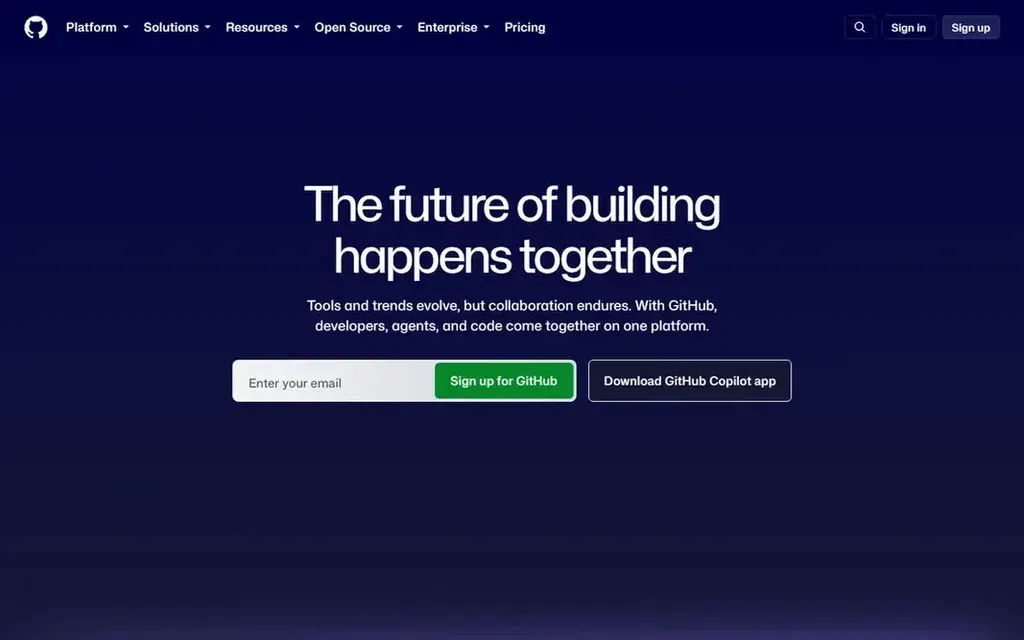
In short, GitHub is for Code hosting and collaboration at scale. Choose GitHub when ecosystem familiarity and community reach matter most.
Worth adding: GitHub is a developer system for hosting code, reviewing changes and coordinating work across distributed contributors. The starting price for GitHub: $4 per user per month. GitHub includes a free tier.
Where it falls short: Some workflows rely on add-on tooling.
- Capable pull request and review workflow
- Widely adopted developer system
- Advanced controls can feel complicated
Visual Studio Code
Best for: Consistent editing across distributed developers
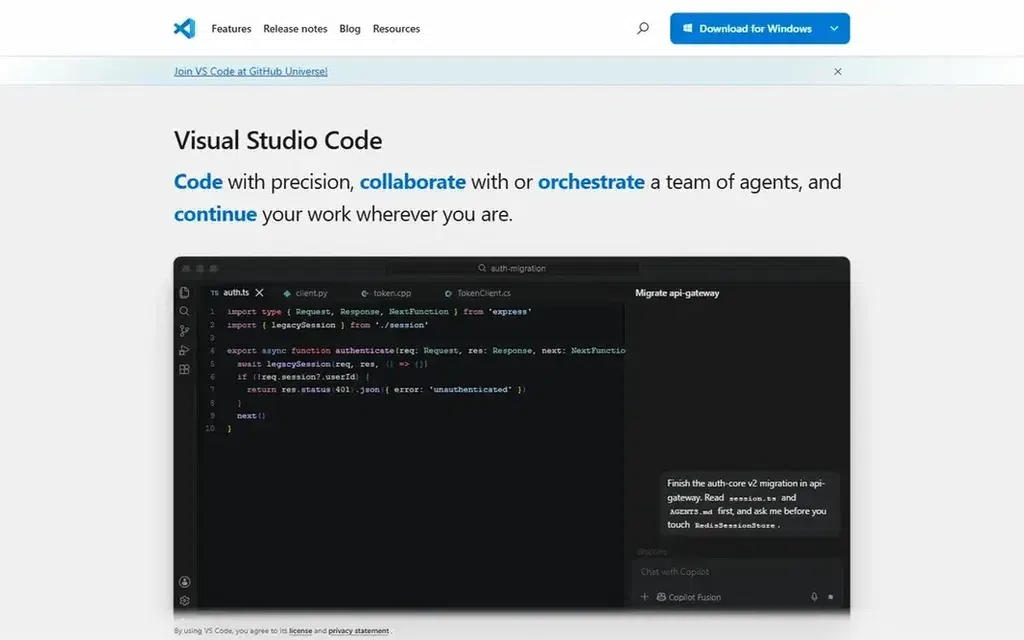
Visual Studio Code is built with consistent editing across distributed developers in mind. Visual Studio Code is a code editor designed for precision work, collaboration with agents and continuing work wherever you are. Choose it when editor adaptability and remote consistency matter.
Teams must standardize settings and extensions or environments drift, which layers on maintenance work. It is an editor instead of a full project or repository system, so pair it with hosting and planning tools. Visual Studio Code does not show a starting price in this comparison, so check the vendor site for current pricing. On free options: Not stated.
Drawbacks to consider: Configuration varies by team.
- Supports collaborative and agent workflows
- Extensible editor with rich ecosystem
- Extensions add management overhead

GitLab targets lifecycle orchestration with governance. Smaller teams focused primarily on code hosting may find GitHub more straightforward.
Drawbacks to consider: Wide surface area to configure.
Pick GitLab when governance and end-to-end orchestration are priorities for your remote workflow. The starting price for GitLab: $15 per user per month. Free access exists with GitLab.
- Built-in context and governance features
- Handles the entire software lifecycle
- May be more than small teams need
Selection criteria
LinkVetted used vendor pricing pages and product documentation as the base, then compared plans, free access and documented limits for 6 tools. Seat minimums, billing terms and add-ons can move the real cost, so the starting prices here are a guide and not a quote. The order reflects how well each tool fits the most common buying scenario for node.js developers software for remote teams, then price clarity, then free plan access. It is a starting point, not a verdict.
Pre-purchase checklist
- Confirm the entry price on the vendor page. For Visual Studio Code that means a quote rather than a fixed price.
- Read the fine print on the free plans from Sentry, Slack, Postman and others; seat, project and feature caps differ.
- Read the limits listed for Sentry first: focused on monitoring, not development.
- Check the support hours and onboarding help GitLab offers; smaller vendors vary a lot here.
- Confirm the exact Postman plan that includes your must-have features.
FAQ
Can I try these tools before paying?
Often, yes. Sentry, Slack, Postman and others have a free plan. Use your own data and a real task during the test, and check what the free tier or trial limits before you rely on it.
How are the node.js developers software for remote teams ordered?
The order follows typical fit for node.js developers software for remote teams, with Sentry first and GitLab last, then price clarity and free access. It is editorial judgement, not a score, so another team could rank the tools differently.
Do these tools publish their prices?
Not all of them. Visual Studio Code publishes no starting price, so expect a quote request for it. The rest, Sentry included, show a starting price, though seats and billing terms still change the final cost.
When should a team add monitoring like Sentry?
Add monitoring once your Node.js services run in shared environments and issues need quick visibility. Sentry helps distributed teams see errors and performance problems without in-person debugging.
Is Sentry the right pick for everyone comparing node.js developers software for remote teams?
No single tool suits every team. Sentry comes first because it fits error tracking and performance monitoring, while Slack suits team communication and workflow automation and Postman suits API engineering and testing. Match the tool to your own size, budget and workflow before deciding.
Sources
- https://sentry.io
- https://slack.com
- https://www.postman.com
- https://github.com
- https://code.visualstudio.com
- https://gitlab.com
Related guides
- 5 Best 3D Modeling Software for Remote Teams for 2026, Vetted and Compared
- Best Augmented Reality SDK Software for Remote Teams in 2026: Prices, Free Plans and 5 Picks
- Choosing CAD Software for Remote Teams in 2026: 6 Options Compared
- Choosing Cloud Desktop Services for Remote Work in 2026: 5 Options Compared