Best Augmented Reality SDK Software for Remote Teams in 2026: Prices, Free Plans and 5 Picks
Best augmented reality SDK software for remote teams: 5 contenders ranked by fit, with entry costs and free tiers. Short, factual notes on every option.
- Editor's choiceZappar
Brand and creative AR projects
Starts atSee websiteVisit zappar.comFull review - Great alternativeARKit
IOS and iPadOS AR development
Starts atSee websiteVisit developer.apple.comFull review - Also considerUnity MARS
Unity-based AR workflow improvement
Starts at$210.00 a monthVisit unity.comFull review
Direct answer
This list puts Zappar first for brand and creative AR projects. Listed starting prices: Unity MARS from $210.00 a month. Alternatives: ARKit for iOS and iPadOS AR development, and Unity MARS for Unity-based AR workflow improvement. Details, prices and limits for the rest of the 5 tools are below.
TL;DR:
- Zappar sits first on this list: brand and creative AR projects.
- A permanent free plan is missing from all 5 tools, Zappar and ARCore included; plan for a trial or a premium start.
- The cheapest monthly starting price in the list is $210.00 per month, offered by Unity MARS.
- For Android and cross-platform AR foundations, ARCore is worth a look.
Last checked November 2026. Prices and plan details were read from the vendors' own pages in November 2026; vendors change plans often, so confirm the current price on the vendor site before you buy.
Quick comparison
| Tool | Best for | Starts at | Free plan? | |
|---|---|---|---|---|
| Zappar | Brand and creative AR projects | See website | Not stated | Visit |
| ARKit | IOS and iPadOS AR development | See website | Not stated | Visit |
| Unity MARS | Unity-based AR workflow improvement | $210.00 a month | Free trial | Visit |
| Snap AR | Snapchat Lenses and app AR | See website | Not stated | Visit |
| ARCore | Android and cross-platform AR foundations | See website | Not stated | Visit |
Every option for augmented reality SDK software for remote teams explained
If you are comparing augmented reality SDK software for remote teams, this page covers 5 tools in one place: what each is best for, what it costs to start, whether it has a free plan, and the main limit to know about.
Zappar
Best for: Brand and creative AR projects
Zappar works best for brand and creative AR projects. The product can support campaign-style AR experiences where design and development collaborate across locations. For everyday use, consider Zappar when your AR project benefits from creative services and packaged product tools instead of pure SDK adaptability.
Drawbacks to consider: Less developer-centric documentation.
On top of that, remote developers should review the system's technical documentation to confirm workflow fit. It is pitched at brands, firms, and AR creators, making it a fit for remote teams that combine creative and technical roles. Zappar does not show a starting price in this comparison, so check the vendor site for current pricing. Free access: Not stated.
- Creative studio support
- Long-standing AR focus
- May suit agencies more than engine teams
ARKit
Best for: IOS and iPadOS AR development
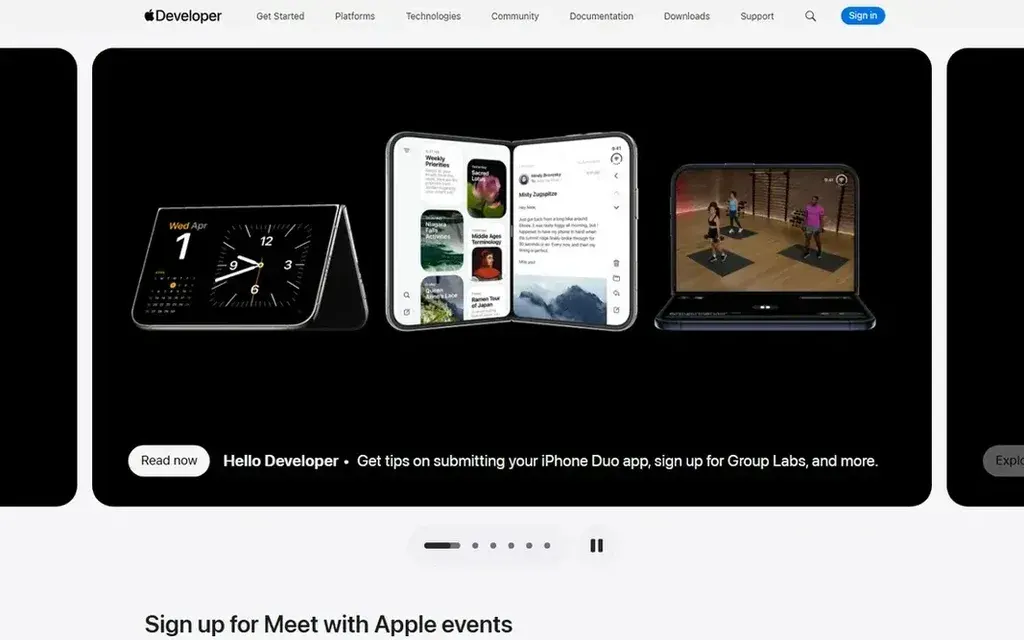
Choose ARKit for iOS and iPadOS AR development. ARKit is Apple's framework for building augmented reality experiences on iOS and iPadOS.
Honest limits: Apple-only product.
Testing usually needs access to Apple devices, which can be a hurdle for completely remote teams. Worth adding: pick ARKit when your audience is primarily on iOS and iPadOS, and look to ARCore or a web AR tool for broader device coverage. No starting price is listed for ARKit here; confirm pricing on the vendor site. Free options: Not stated.
- Capable performance on Apple devices
- Native Apple integration
- Needs Apple hardware for testing
Unity MARS
Best for: Unity-based AR workflow improvement
Unity MARS makes the most sense for Unity-based AR workflow improvement. Unity MARS gives you advanced workflows for AR developers working inside the Unity engine. It helps teams build dynamic AR apps, games, and experiences with tools built to boost AR authoring and iteration.
Watch-outs: Needs Unity experience.
Also, Unity MARS is tied to Unity, so teams using other engines or native development will need a different SDK. It also assumes familiarity with Unity workflows, which can steepen onboarding for non-Unity developers. Remote teams already using Unity can benefit from a shared engine environment that supports collaborative development and testing across devices. Unity MARS cost at the entry level: $210.00 per month. Free plan details: Free trial.
- Supports dynamic AR apps and games
- Advanced AR authoring workflows
- Centred on Unity projects only
Snap AR
Best for: Snapchat Lenses and app AR
Snap AR is aimed squarely at Snapchat Lenses and app AR. Snap AR is closely tied to the Snapchat ecosystem, so teams building enterprise or platform-neutral AR applications may need a different SDK.
Worth adding: distribution and feature availability rely on Snap's product rules. This comparison lists no price for Snap AR; ask the vendor. Free access: Not stated.
Limits to weigh: Less suited to enterprise-native apps.
- Large consumer reach via Snapchat
- Tools for Lenses and app development
- Ecosystem tied to Snapchat
ARCore
Best for: Android and cross-platform AR foundations
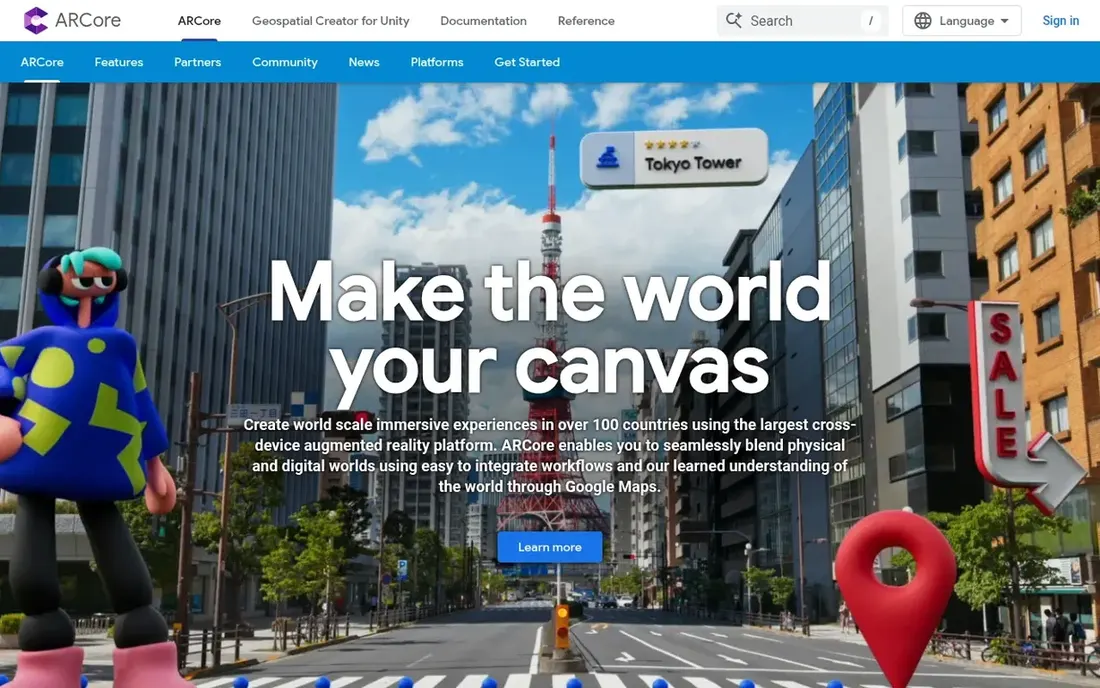
For Android and cross-platform AR foundations, ARCore is a natural candidate. ARCore is Google's product for building augmented reality experiences that blend digital and physical worlds.
Downsides: Needs device testing across models.
It supplies the underlying technology for world-scale, immersive AR and is well suited to remote teams developing Android-first applications or cross-platform projects that require a stable foundation. No starting price is listed for ARCore here; confirm pricing on the vendor site. As for free access: Not stated.
- Broad Android device support
- Decent documentation for remote teams
- Android focus limits iOS reach
What went into this list
Pre-purchase checklist
- Confirm the entry price on the vendor page. For Zappar, ARKit, Snap AR and ARCore that means a quote rather than a fixed price.
- Take the trial from Unity MARS and push a live task through it before you pay.
- Read the limits listed for Zappar first: less developer-centric documentation.
- Ask ARCore which support channels and response times come with the plan you would buy.
- Let daily users try Unity MARS on real work; their feedback beats any feature checklist.
FAQ
What is the difference between ARCore, ARKit, and Unity MARS?
ARCore is Google's AR system for Android, ARKit is Apple's framework for iOS and iPadOS, and Unity MARS supplies AR workflow tools inside the Unity engine. The choice relies on your target systems and engine.
Can I try these tools before paying?
Often, yes. Unity MARS offers a free trial. Use your own data and a real task during the test, and check what the free tier or trial limits before you rely on it. Each of the 5 options in this Augmented reality SDK software for remote teams guide has its own card above with the price, free plan and limits.
Does any tool for augmented reality SDK software for remote teams here have a free plan?
No tool in this list, Zappar and ARCore included, has a permanent free plan. Unity MARS offer a trial. Trials and quotes are the usual route, so plan a short evaluation period.
What is the cheapest option for augmented reality SDK software for remote teams in this list?
On published monthly entry prices, Unity MARS is the lowest here at $210.00 per month. Entry price is only part of the cost, because seats, add-ons and billing terms can change the total. All 5 picks in this Augmented reality SDK software for remote teams comparison list a starting price, free plan details and the main limits on their cards above.
Do these tools publish their prices?
Not all of them. Zappar, ARKit, Snap AR and ARCore publish no starting price, so expect a quote request for those. The rest, Unity MARS included, show a starting price, though seats and billing terms still change the final cost.
Sources
- https://www.zappar.com
- https://developer.apple.com/augmented-reality
- https://unity.com/products/unity-mars
- https://ar.snap.com
- https://developers.google.com/ar