5 Best 3D Modeling Software for Remote Teams for 2026, Vetted and Compared
Best 3D modeling software for remote teams: 5 contenders ranked by fit, with entry costs and free tiers. Fit, price and catches for every tool. Prices checked.
- Editor's choice
 Cinema 4D
Motion graphics and general 3D design
Starts atSee websiteVisit maxon.netFull review - Great alternative
 Houdini
Procedural content and simulation workflows
Starts atSee websiteVisit sidefx.comFull review - Also consider
 Autodesk 3ds Max
Professional modeling, animation and rendering
Starts atSee websiteVisit autodesk.comFull review
Direct answer
Our first pick is Cinema 4D, best for motion graphics and general 3D design. Listed starting prices: Spline from $12 per seat a month. If your case is different, Houdini suits procedural content and simulation workflows and Autodesk 3ds Max suits professional modeling, animation and rendering. The full list of 5 tools follows, with prices and free plan facts.
TL;DR:
- Cinema 4D takes the first slot, best suited to motion graphics and general 3D design.
- Just one of the 5 tools, Spline, has a free plan.
- The main caution on Houdini: steep ramp-up time for new users.
- Spline has the lowest monthly starting price in this list: $12 per seat per month.
Last checked November 2026. Prices and plan details were read from the vendors' own pages in November 2026; vendors change plans often, so confirm the current price on the vendor site before you buy.
Quick comparison
| Tool | Best for | Starts at | Free plan? | |
|---|---|---|---|---|
| Cinema 4D | Motion graphics and general 3D design | See website | Not stated | Visit |
| Houdini | Procedural content and simulation workflows | See website | Not stated | Visit |
| Autodesk 3ds Max | Professional modeling, animation and rendering | See website | Not stated | Visit |
 ZBrush | Digital sculpting and detail work | See website | Not stated | Visit |
 Spline | Browser-based collaborative 3D design | $12 per seat a month | Yes | Visit |
3D Modeling Software for Remote Teams profiles
Short on time? The summary and table above give the quick view of 5 3D modeling software for remote teams, and the profiles that follow give the detail behind each entry.
Cinema 4D was built for motion graphics and general 3D design. Teams that require live browser collaboration or procedural simulation should consider Spline or Houdini instead.
Remote teams in advertising and broadcast frequently pick it when designers have to move rapidly between modeling and animation. As for the details, Cinema 4D runs on desktop workstations, so simultaneous editing by distributed teammates is not native. No starting price is listed for Cinema 4D here; confirm pricing on the vendor site. Free plan details: Not stated.
Where it is weaker: Desktop-only authoring.
- Capable motion graphics workflow
- Friendly interface for designers
- Collaboration needs external asset management
Houdini is aimed squarely at procedural content and simulation workflows. Houdini from SideFX is built around a procedural system that lets artists build several iterations and share workflows with colleagues.
Highlights: Procedural system supports rapid iteration.
Where it is weaker: Desktop authoring needs coordination. As for the details, Houdini's procedural depth includes a steep ramp-up time. It remains desktop software, so remote teams must plan file sharing and version control. This comparison lists no price for Houdini; ask the vendor. Trial and free access: Not stated.
- Workflows can be shared with colleagues
- Capable for film
- Steep ramp-up time for new users
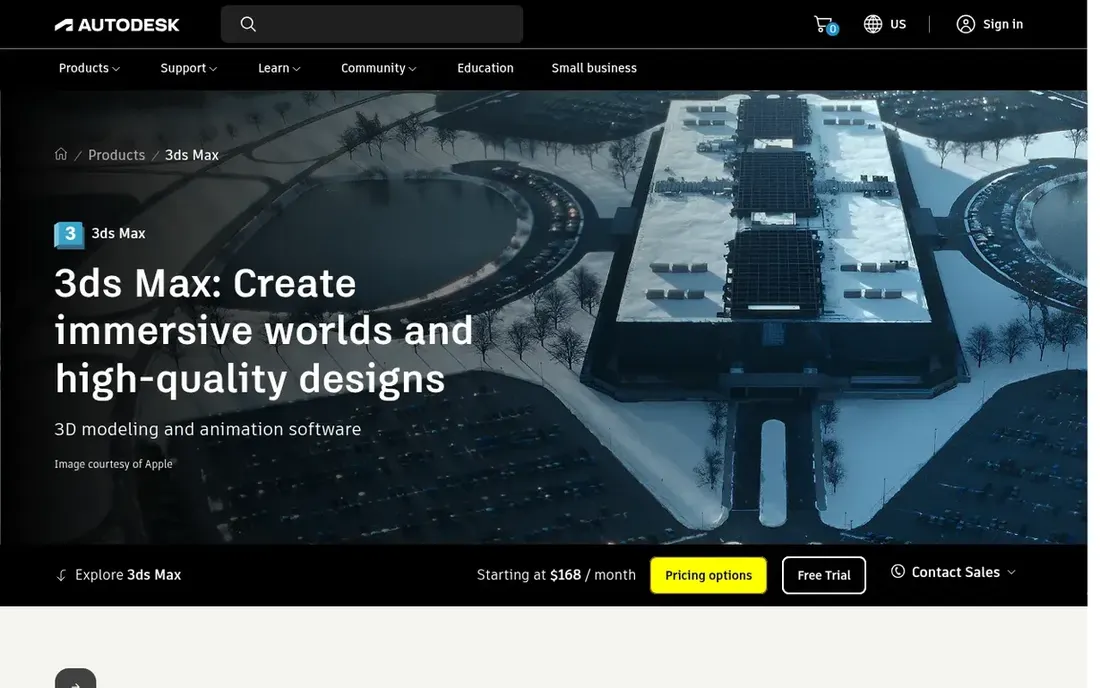
Choose Autodesk 3ds Max for professional modeling, animation and rendering. Since 3ds Max is desktop software, live co-editing is not built in, so remote teams must depend on file sharing and review tools around it.
The main drawbacks: Collaboration relies on external file-sharing workflows.
Pricing for Autodesk 3ds Max is not stated here, so ask the vendor for current figures. Free access: Not stated.
- Wide modeling and animation toolset
- Capable rendering choices for high-quality designs
- Desktop software needs local hardware
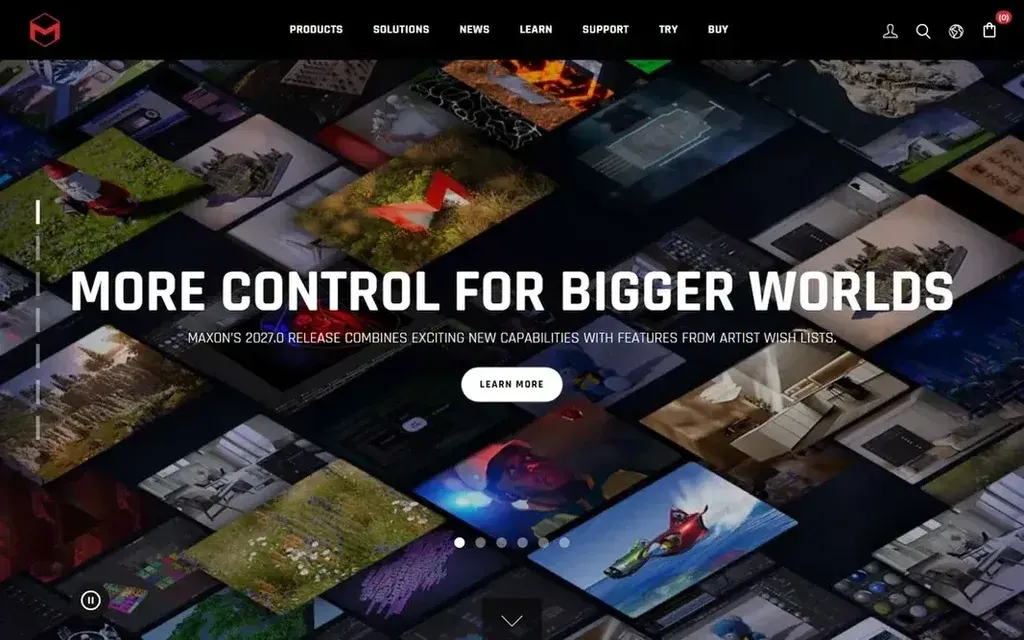
ZBrush is a good fit for digital sculpting and detail work. ZBrush from Maxon is a digital sculpting tool used for high-detail organic models and character work. More specifically, ZBrush is not a full scene-building or animation suite.
Downsides: Sculpting focus instead of full pipeline.
It is desktop-based, so remote collaboration happens through exported assets and review cycles. More specifically, teams needing procedural scene building or browser collaboration should look at Houdini or Spline. ZBrush shows no starting price here, so confirm the cost on the vendor site. Free plan details: Not stated.
- Industry-standard sculpting brushes
- Performs well alongside other 3D tools
- Desktop workflow limits live co-editing
Where Spline fits: browser-based collaborative 3D design. Spline is a browser-based 3D design and modeling tool with animation, textures and live collaboration with AI agents for interactive web experiences.
Where it is weaker: Less depth for film or game production.
Spline is not pitched at heavy film, TV or game asset production, and complicated scenes may be constrained by browser performance. Spline pricing: $12 per seat per month. Spline has a free plan.
- Live collaboration built in
- Runs in the browser
- Browser performance relies on hardware
What went into this list
The comparison looks at four things: starting price, free access, how well the feature set matches 3D modeling software for remote teams, and the main limit of each tool. Treat prices as a snapshot: vendors change plans often, so check the vendor site for the figure that applies today. We ordered the tools by general fit, then by how clearly pricing is shown, then by free access. A buyer with unusual needs may reorder them.
Things to verify first
- Ask Cinema 4D, Houdini, Autodesk 3ds Max and ZBrush for a written quote, since no starting price is shown.
- Test the free plan from Spline against your real workload before relying on it.
- Read the limits listed for Cinema 4D first: desktop-only authoring.
- Add up seats, add-ons and usage charges for ZBrush before comparing it with cheaper entries.
- Run a one or two week pilot of Autodesk 3ds Max with the people who will use it every day.
FAQ
How are the tools for 3D modeling software for remote teams ordered?
The order follows typical fit for 3D modeling software for remote teams, with Cinema 4D first and Spline last, then price clarity and free access. It is editorial judgement, not a score, so another team could rank the tools differently.
Can I try these tools before paying?
Often, yes. Spline has a free plan. Use your own data and a real task during the test, and check what the free tier or trial limits before you rely on it.
What is the cheapest option for 3D modeling software for remote teams in this list?
On published monthly entry prices, Spline is the lowest here at $12 per seat per month. Entry price is only part of the cost, because seats, add-ons and billing terms can change the total.
Is Cinema 4D the right pick for everyone comparing 3D modeling software for remote teams?
No single tool suits every team. Cinema 4D comes first because it fits motion graphics and general 3D design, while Houdini suits procedural content and simulation workflows and Autodesk 3ds Max suits professional modeling, animation and rendering. Match the tool to your own size, budget and workflow before deciding.
Sources
- https://www.maxon.net/en/cinema-4d
- https://www.sidefx.com/products/houdini
- https://www.autodesk.com/products/3ds-max
- https://www.maxon.net/en/zbrush
- https://spline.design