The 5 Best Augmented Reality SDK Software in 2026, Ranked
Weighing the best augmented reality SDK software? We lined up 5 products by cost, free access and fit. Limits and pricing notes included. Read before you buy.
- Editor's choiceSnap AR
Social Lenses and Snapchat reach
Starts atPricing on requestVisit ar.snap.comFull review - Great alternativeZappar
Branded AR campaigns and systems
Starts atPricing on requestVisit zappar.comFull review - Also considerUnity AR Foundation
Cross-platform AR in Unity
Starts atPricing on requestVisit unity.comFull review
Direct answer
Snap AR is the first pick on this list for social Lenses and Snapchat reach. For a different need, Zappar covers branded AR campaigns and systems and Unity AR Foundation covers cross-platform AR in Unity. The full list of 5 tools follows, with free plan facts. None of these vendors publish plan prices, so pricing is on request for every option.
TL;DR:
- Snap AR takes the first slot, best suited to social Lenses and Snapchat reach.
- No starting price is shown for any of the 5 tools, Snap AR and ARCore included, so plan time for sales calls.
- ARCore fits Android and world-scale AR.
- Neither Snap AR nor ARCore, nor any of the other 3 tools, has a permanent free plan; trials and quotes are the norm.
Last checked November 2026. Pricing on request: vendors did not publish plan prices when this guide was last checked (November 2026), so ask each vendor for a written quote.
Quick comparison
| Tool | Best for | Starts at | Free plan? | |
|---|---|---|---|---|
| Snap AR | Social Lenses and Snapchat reach | Pricing on request | Not stated | Visit |
| Zappar | Branded AR campaigns and systems | Pricing on request | Not stated | Visit |
| Unity AR Foundation | Cross-platform AR in Unity | Pricing on request | Not stated | Visit |
| Wikitude | Cross-platform AR SDK needs | Pricing on request | Not stated | Visit |
| ARCore | Android and world-scale AR | Pricing on request | Not stated | Visit |
Augmented Reality SDK Software profiles
If you are comparing augmented reality SDK software, this page covers 5 tools in one place: what each is best for, what it costs to start, whether it has a free plan, and the main limit to know about.
Snap AR
Best for: Social Lenses and Snapchat reach
Snap AR works best for social Lenses and Snapchat reach. Snap AR is the toolkit for building augmented reality Lenses for Snapchat and for developing AR features in your own app. It spans utility, entertainment, shopping, self-expression, games and education use cases, making it a fit for creators and brands that want social distribution alongside app development.
Points against: Tied to the Snapchat ecosystem.
For everyday use, the most solid results come when your audience is active on Snapchat, since distribution runs through that system. If you need a neutral SDK for a standalone enterprise app, a platform-agnostic toolkit is likely a better starting point. Check the vendor site for Snap AR pricing; none is listed in this comparison. Free access: Not stated.
- Choice to develop for your own app
- Wide use-case coverage
- Lens tooling differs from native SDKs
Zappar
Best for: Branded AR campaigns and systems
Think of Zappar for branded AR campaigns and systems. Teams that want full control inside a game engine or a native app may find a dedicated SDK more direct.
Honest limits: Less suited to pure engine workflows.
Also, Zappar makes most sense when the project is campaign-led and benefits from studio support alongside the tooling. This comparison lists no price for Zappar; ask the vendor. On free options: Not stated.
- Hardware and software
- Creative studio plus system
- Campaign tooling may overlap with app needs
Unity AR Foundation
Best for: Cross-platform AR in Unity
Unity AR Foundation is a good fit for cross-platform AR in Unity. Unity AR Foundation is the AR layer built into the Unity Editor, letting teams build augmented reality apps from one project and share code across supported mobile systems.
Honest limits: Brings editor overhead to small projects.
If you only need a small AR feature inside a native Android or iOS app, a platform-specific toolkit may be a lighter choice. Unity AR Foundation shows no starting price here, so confirm the cost on the vendor site. Trial and free access: Not stated.
- Backed by wide Unity documentation
- Targets several mobile AR products
- Needs Unity experience
Wikitude
Best for: Cross-platform AR SDK needs
Think of Wikitude for cross-platform AR SDK needs. It fits teams that require a dedicated AR toolkit instead of a full game engine, especially when the goal is embedding AR into an existing mobile application.
The main drawbacks: Integration effort relies on target system.
Wikitude does not show a starting price in this comparison, so check the vendor site for current pricing. Trial and free access: Not stated.
- Cross-platform positioning
- Image and object recognition focus
- Documentation details vary by version
ARCore
Best for: Android and world-scale AR
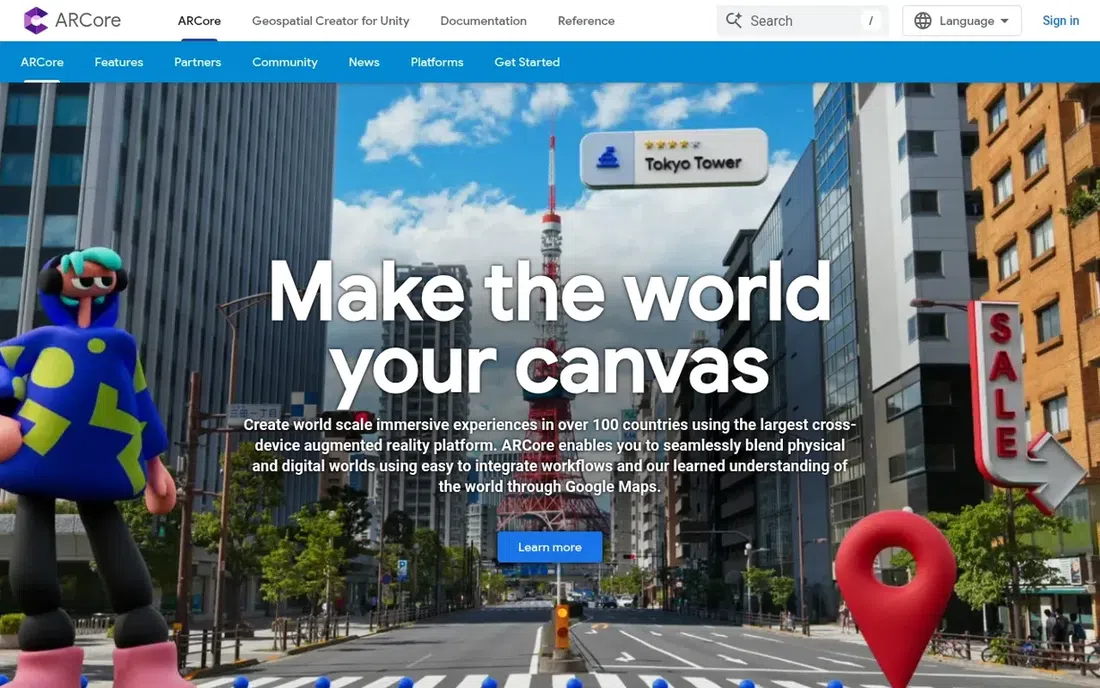
ARCore is a good fit for Android and world-scale AR. It fits Android-focused teams and developers who want to build on Google's motion tracking and environmental understanding capabilities.
What to check first: Needs Google ecosystem familiarity.
Pricing for ARCore is not stated here, so ask the vendor for current figures. On free options: Not stated.
- Clear getting-started paths
- Google-backed developer documentation
- Android-centric focus
How we chose
For each of the 5 tools we noted price, free plan or trial, fit for augmented reality SDK software and the main limit, using vendor pages and documentation. Seat minimums, billing terms and add-ons can move the real cost, so the starting prices here are a guide and not a quote. Tools are placed by general fit for augmented reality SDK software, with price clarity and free access as tie-breakers. A different team can reasonably rank them differently.
Before you commit
- Ask each vendor, from Snap AR to ARCore, for a written quote; none of them publishes a starting price.
- Before choosing Snap AR, weigh its main limit: tied to the Snapchat ecosystem.
- Look at the help docs and support options for Snap AR before you commit.
- Ask whether ARCore integrates with your current software, and whether that comes standard or as an add-on.
- A short pilot of Zappar with your real workflow tells you more than a feature table.
FAQ
Does any tool for augmented reality SDK software here have a free plan?
A permanent free plan is not offered by Snap AR, ARCore or the other tools here. Plan a short evaluation period instead.
Is Snap AR the right pick for everyone comparing augmented reality SDK software?
No single tool suits every team. Snap AR comes first because it fits social Lenses and Snapchat reach, while Zappar suits branded AR campaigns and platforms and Unity AR Foundation suits cross-platform AR in Unity. Match the tool to your own size, budget and workflow before deciding.
How are the tools for augmented reality SDK software ordered?
Snap AR sits first and ARCore last because the order follows typical fit for augmented reality SDK software, then price clarity and free access. It is a judgement call, so read each profile for fit and limits.
Can I try these options before paying?
Not by default. None of the tools, from Snap AR to ARCore, lists a free plan or a free trial here, so ask each vendor for a demo before committing.
Which AR SDK is a good match for beginners?
For most readers this guide would start with Snap AR, built for social Lenses and Snapchat reach. Zappar is the alternative for branded AR campaigns and systems, and Unity AR Foundation for cross-platform AR in Unity. The right answer depends on budget and workflow.
Sources
- https://ar.snap.com
- https://www.zappar.com
- https://unity.com/unity/features/ar
- https://www.wikitude.com
- https://developers.google.com/ar