No-Code Platforms for Beginners in 2026: The 6 Best Options Side by Side
Compare 6 best No-Code platforms for beginners, with prices, free plans and who each fits. Every pick gets a straight assessment. Reviewed this month.
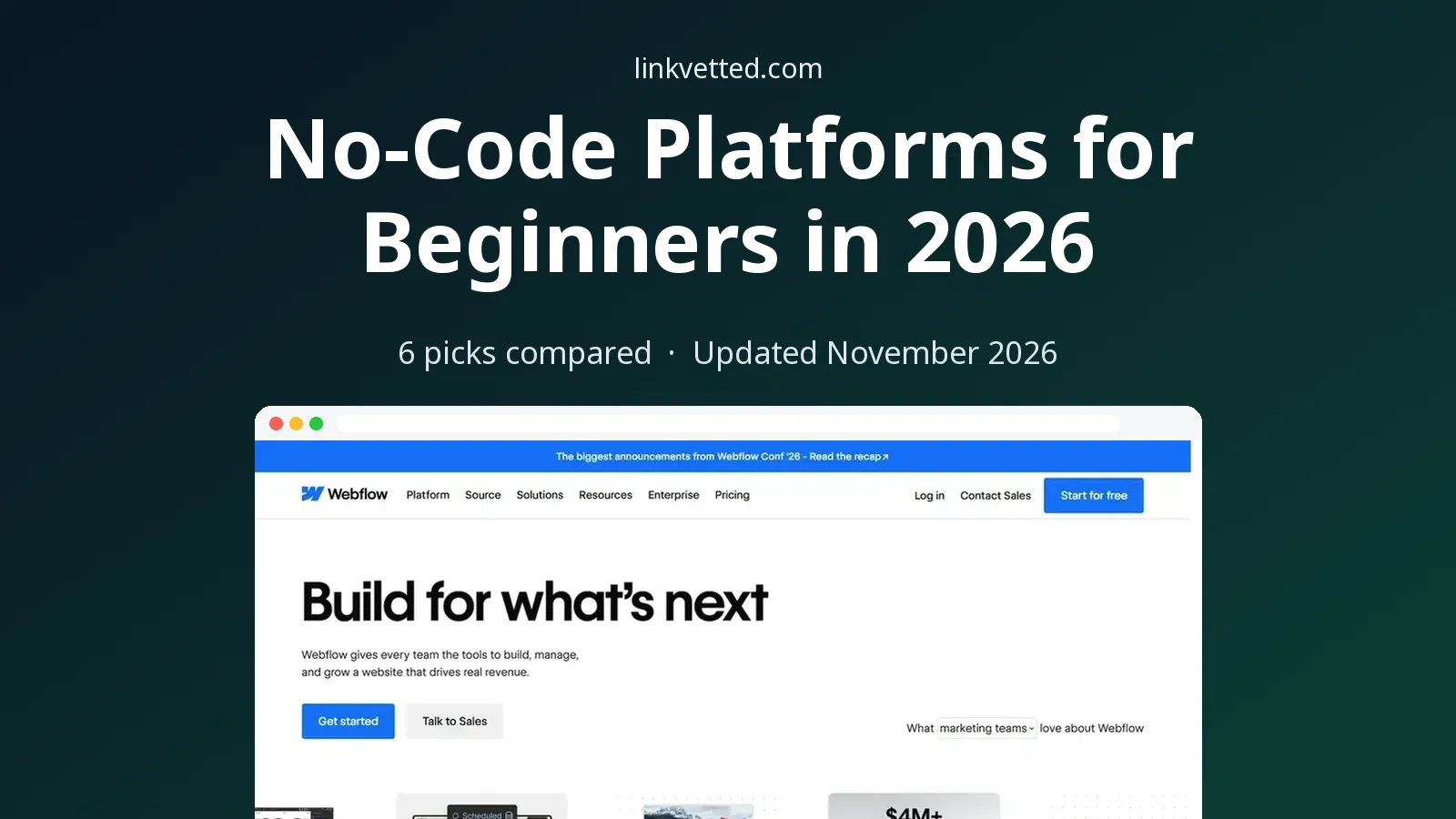
- Editor's choice
 Webflow
Design-led websites and CMS
Starts at$15 per monthVisit webflow.comFull review - Great alternative
 Glide
Apps from spreadsheets or prompts
Starts at$25 a monthVisit glideapps.comFull review - Also consider
 Airtable
Spreadsheet-style data and workflows
Starts at$20 per user per monthVisit airtable.comFull review
Direct answer
Webflow comes first here, mainly for design-led websites and CMS. Listed starting prices: Webflow from $15 per month, Glide from $25 a month and Airtable from $20 per user per month. Alternatives: Glide for apps from spreadsheets or prompts, and Airtable for spreadsheet-style data and workflows. The other 3 tools in the list cover narrower or pricier cases.
TL;DR:
- The list opens with Webflow, aimed at design-led websites and CMS.
- Only 5 of the 6 tools have a free plan (Webflow, Glide, Airtable, Make, Adalo), so check the caps.
- Bubble fits visual full app building.
- The main caution on Airtable: advanced setups can get complicated.
Last checked November 2026. Prices and plan details were read from the vendors' own pages in November 2026; vendors change plans often, so confirm the current price on the vendor site before you buy.
Quick comparison
| Tool | Best for | Starts at | Free plan? | |
|---|---|---|---|---|
| Webflow | Design-led websites and CMS | $15 per month | Yes | Visit |
| Glide | Apps from spreadsheets or prompts | $25 a month | Yes | Visit |
| Airtable | Spreadsheet-style data and workflows | $20 per user per month | Yes | Visit |
 Make | Visual workflow automation | See website | Yes | Visit |
 Adalo | Native mobile and web apps | $65 per month | Yes | Visit |
 Bubble | Visual full app building | See website | Not stated | Visit |
6 No-Code platforms for beginners in detail
If you are comparing No-Code platforms for beginners, this page covers 6 tools in one place: what each is best for, what it costs to start, whether it has a free plan, and the main limit to know about.
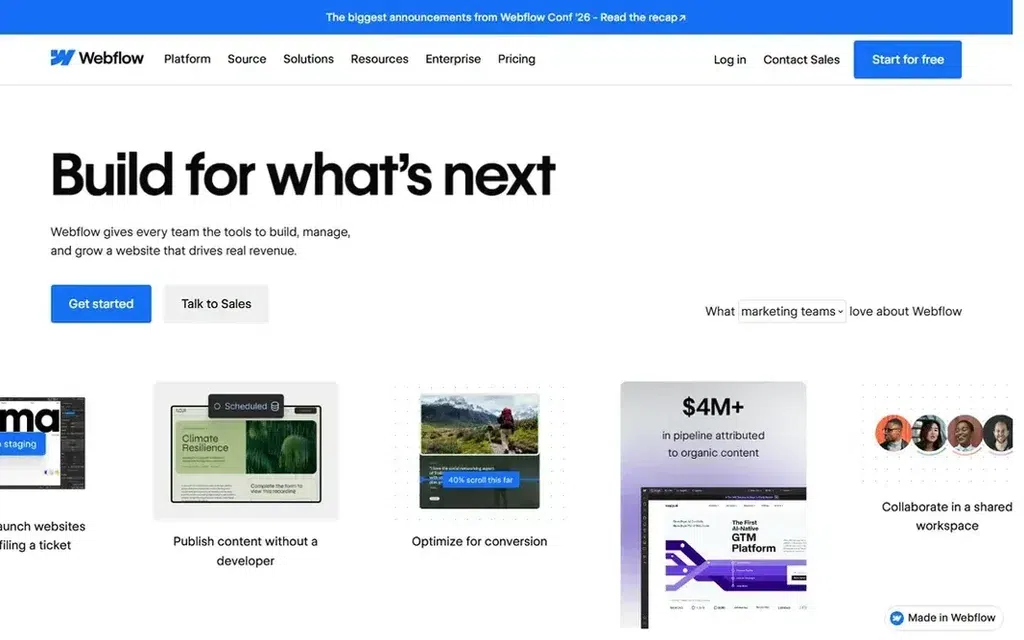
Webflow was built for design-led websites and CMS. Webflow is described as an agentic web product for modern companies, letting teams design, build, optimize and rank in AI search with CMS, hosting and security built in.
Where it is weaker: Less suited to app-style logic.
Worth adding: if your goal is a data-driven internal tool or app logic, a system made for apps is the better choice. From a buyer's view, the design freedom comes with numerous settings, so absolute beginners may need time to learn the interface. On cost, Webflow starts like this: $15 per month. Webflow has a free plan.
- Solid visual design control
- Hosting and security
- Design freedom brings complexity
For apps from spreadsheets or prompts, Glide is a natural candidate. Glide is an AI app builder for internal business apps, letting you build custom apps and agents from a spreadsheet or a prompt.
Drawbacks to consider: Less control over deep custom logic.
Also, Glide is oriented toward internal business apps, so highly custom public products may need a different builder. Starting cost for Glide: $25 per month. Glide offers a free plan.
- Start from a spreadsheet or a prompt
- Business apps and agents with AI
- Best for internal business apps
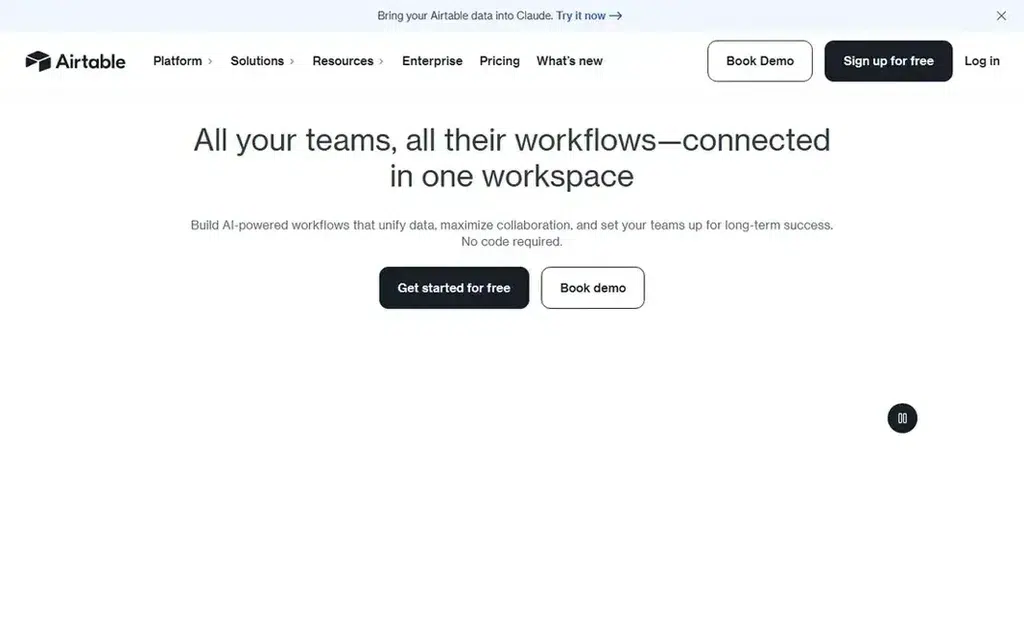
In short, Airtable is for spreadsheet-style data and workflows. For beginners, its appeal is the spreadsheet-style interface, which feels familiar and lets you organize records, automate repetitive tasks and simplify business processes without code.
Honest limits: Advanced setups can get complicated.
As for the details, as projects grow, relationships between tables and automation logic can become harder to follow, so very complicated apps may need more planning. If your central goal is a refined public-facing app instead of organized data, a dedicated app builder may be a better fit. Airtable cost at the entry level: $20 per user per month. A free plan is available with Airtable.
- Built-in automation for repetitive tasks
- Familiar spreadsheet-like starting point
- Not a full custom app builder
Choose Make for visual workflow automation. It is a no-code integration tool, so beginners can link services and automate repetitive work without programming, which suits people whose primary need is moving data between tools instead of building an app interface.
Multi-step workflows also need careful mapping, and mistakes in logic can be harder to spot as scenarios grow. Make does not show a starting price in this comparison, so check the vendor site for current pricing. Make offers a free plan.
Limits to weigh: Multi-step scenarios need careful mapping.
- Links AI and agentic workflows
- No-code integration focus
- Concentrated on automation, not app design
Choose Adalo for native mobile and web apps. Custom logic and in-depth app behavior still take learning, so expect a ramp-up period.
You describe your app and it builds the screens, data and logic, and you can publish native apps for several products from one project. Also, Adalo is an AI no-code app builder for iOS, Android and web. Adalo pricing: $65 per month. A free plan is available with Adalo.
Limits to weigh: Custom logic still takes learning.
Where Adalo stands out: Android and web apps.
- One project for several products
- Publish native iOS
- Mobile focus may exceed straightforward needs
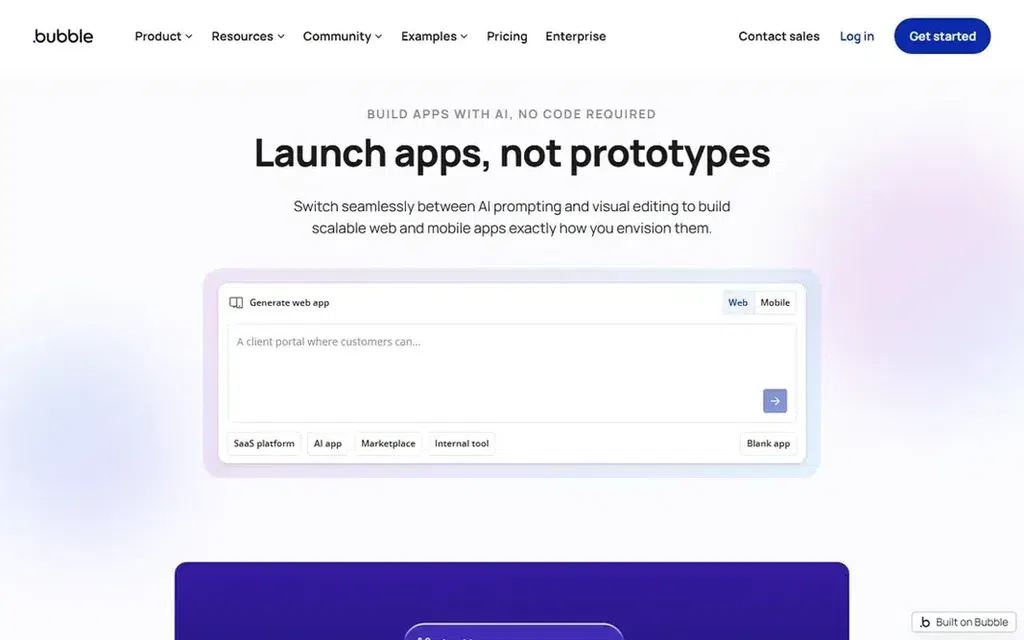
Bubble is designed for visual full app building. Bubble is a no-code AI app builder for web and mobile apps.
It lets you build with AI when you want speed and edit visually when you want precision, handling design, database, logic and privacy rules. If you only need a straightforward internal tool from existing data, a lighter product will get you there quicker. Bubble shows no starting price here, so confirm the cost on the vendor site. Free options: Not stated.
Trade-offs to know: More setup before a first app works. What works well: Visual editing for precision.
- Design, database
- AI assistance for quicker building
- Steeper ramp-up time for newcomers
Our selection method
The comparison looks at four things: starting price, free access, how well the feature set matches No-Code platforms for beginners, and the main limit of each tool. Plan names, prices and limits change often. Treat the figures here as a starting point and verify them with the vendor. The sequence is a judgement call: typical use case first, then pricing transparency, then free access. Use the profiles to check fit.
Pre-purchase checklist
- Ask Make and Bubble for a written quote, since no starting price is shown.
- Check what the free option really includes: Webflow, Glide, Airtable and others offer a free plan, and usage caps differ.
- Before choosing Webflow, weigh its main limit: design freedom brings complexity.
- Ask the daily users to test Glide on a live task before you roll it out to everyone.
- Check whether Make bills monthly or annually, and what cancelling early costs.
FAQ
Which options for No-Code platforms for beginners have a free plan?
Webflow, Glide, Airtable, Make and Adalo offer a free plan in this list. Free plans usually cap users, projects or features, so check the limits on the vendor page.
Do these tools publish their prices?
Not all of them. Make and Bubble publish no starting price, so expect a quote request for those. The rest, Webflow included, show a starting price, though seats and billing terms still change the final cost.
Is Webflow the right pick for everyone comparing No-Code platforms for beginners?
No single tool suits every team. Webflow comes first because it fits design-led websites and CMS, while Glide suits apps from spreadsheets or prompts and Airtable suits spreadsheet-style data and workflows. Match the tool to your own size, budget and workflow before deciding.
What is the cheapest option for No-Code platforms for beginners in this list?
On published monthly entry prices, Webflow is the lowest here at $15 per month. Entry price is only part of the cost, because seats, add-ons and billing terms can change the total. Each of the 6 options in this No-Code platforms for beginners guide has its own card above with the price, free plan and limits.
Sources
- https://webflow.com
- https://www.glideapps.com
- https://www.airtable.com
- https://www.make.com
- https://www.adalo.com
- https://bubble.io