Best No-Code App Builders for Startups in 2026: Prices, Free Plans and 6 Picks
6 products for the best No-Code app builders for startups, ranked by fit, with starting costs and free tiers. Honest caveats for every entry. Numbers first.
- Editor's choice
 Make
Visual workflow and integration automation
Starts atSee websiteVisit make.comFull review - Great alternative
 Webflow
Marketing sites with CMS and hosting
Starts at$15 per monthVisit webflow.comFull review - Also consider
 Bubble
Full web and mobile apps with logic
Starts atSee websiteVisit bubble.ioFull review
Direct answer
Make comes first here, mainly for visual workflow and integration automation. Listed starting prices: Webflow from $15 per month, Adalo from $65 a month and Glide from $25 a month. If your case is different, Webflow suits marketing sites with CMS and hosting and Bubble suits full web and mobile apps with logic. Details, prices and limits for the rest of the 6 tools are below.
TL;DR:
- Number one here is Make, a fit for visual workflow and integration automation.
- One limit worth knowing about Make: not an app interface builder.
- For the cheapest start, look at Webflow: $15 per month.
- Only 5 of the 6 tools have a free plan (Make, Webflow, Adalo, Glide, Airtable), so check the caps.
Last checked November 2026. Prices and plan details were read from the vendors' own pages in November 2026; vendors change plans often, so confirm the current price on the vendor site before you buy.
Quick comparison
| Tool | Best for | Starts at | Free plan? | |
|---|---|---|---|---|
| Make | Visual workflow and integration automation | See website | Yes | Visit |
| Webflow | Marketing sites with CMS and hosting | $15 per month | Yes | Visit |
| Bubble | Full web and mobile apps with logic | See website | Not stated | Visit |
 Adalo | Native iOS, Android, and web apps | $65 a month | Yes | Visit |
 Glide | Internal business apps from spreadsheets | $25 a month | Yes | Visit |
 Airtable | Data-driven workflows and collaborative apps | $20 per user a month | Yes | Visit |
6 No-Code app builders for startups in detail
LinkVetted put together this guide to No-Code app builders for startups for readers who want a clear shortlist without reading every vendor page. It compares 6 tools on starting price, free plans, who each one suits and where each one falls short.
Choose Make for visual workflow and integration automation. Make is an AI workflow automation system that lets you visually build, scale, and automate AI and agentic workflows.
In practice, complicated scenarios can need careful mapping and testing. Make automates processes but does not build the app interface itself, so it complements instead of replaces a no-code app builder. This comparison lists no price for Make; ask the vendor. Make offers a free plan.
Where it falls short: Not an app interface builder.
- Scales automation as processes grow
- No-code integration across tools
- Complicated scenarios need careful mapping
Webflow is designed for marketing sites with CMS and hosting. It comes with enterprise-grade security, CMS, hosting, and AEO built in. Teams needing user accounts, complicated workflows, or native mobile apps should pair it with another tool.
Points against: Not a full application logic builder.
On top of that, Webflow is concentrated on websites and content instead of application logic and databases. So it is not a substitute for a full app builder. Price to start with Webflow: $15 per month. Free access exists with Webflow.
- CMS and hosting built in
- Design control for web experiences
- Design freedom needs learning time
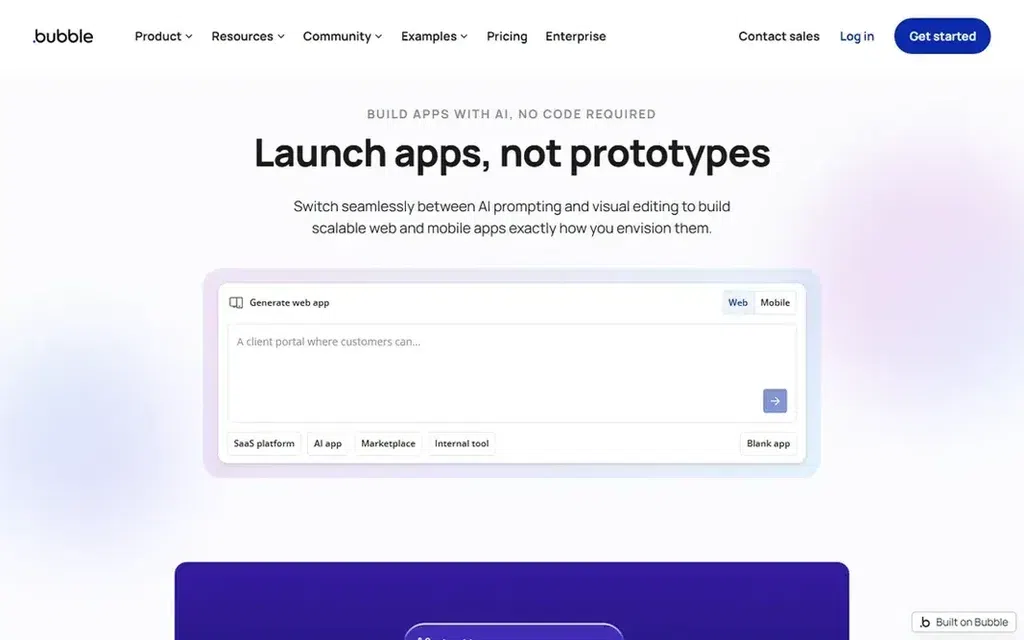
Where Bubble fits: full web and mobile apps with logic. Bubble is a no-code product for building web and mobile apps with AI assistance and visual editing.
Drawbacks to consider: Ramp-up time for complicated logic.
As for the details, the system can become complicated as apps grow. Teams may need time to learn its data and workflow model. Pricing for Bubble is not stated here, so ask the vendor for current figures. Free access: Not stated.
- Database, logic
- AI-assisted building when speed matters
- Performance tuning may need care
For native iOS, Android, and web apps, Adalo is a natural candidate. Adalo is an AI no-code app builder for iOS, Android, and web.
Where it is weaker: Native publishing brings review steps.
For everyday use, teams with highly custom logic or heavy integrations may find the system constraining. On top of that, choose Adalo when mobile presence across iOS and Android is a priority and you want one project to include it. Adalo starts at: $65 per month. Free access exists with Adalo.
- One project for several products
- Describe an app and let AI build screens
- Complicated logic may need workarounds
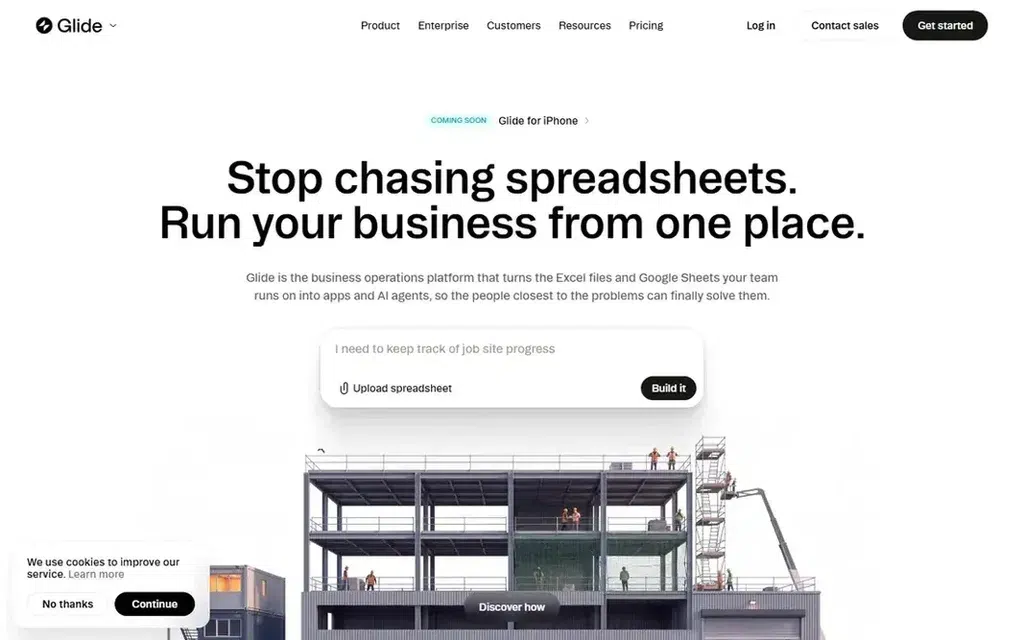
Glide is built with internal business apps from spreadsheets in mind. Glide is an AI app builder for internal business apps.
What to check first: Most useful for internal use cases.
It lets teams build custom business apps and agents with AI from a spreadsheet or a prompt, aiming to be ready in minutes instead of months. Startups that handle operations in spreadsheets can turn that data into a usable internal app without a long development cycle. Glide pricing: $25 per month. Glide has a free plan.
- Custom business apps and agents
- Build from a spreadsheet or a prompt
- Less emphasis on complicated custom logic
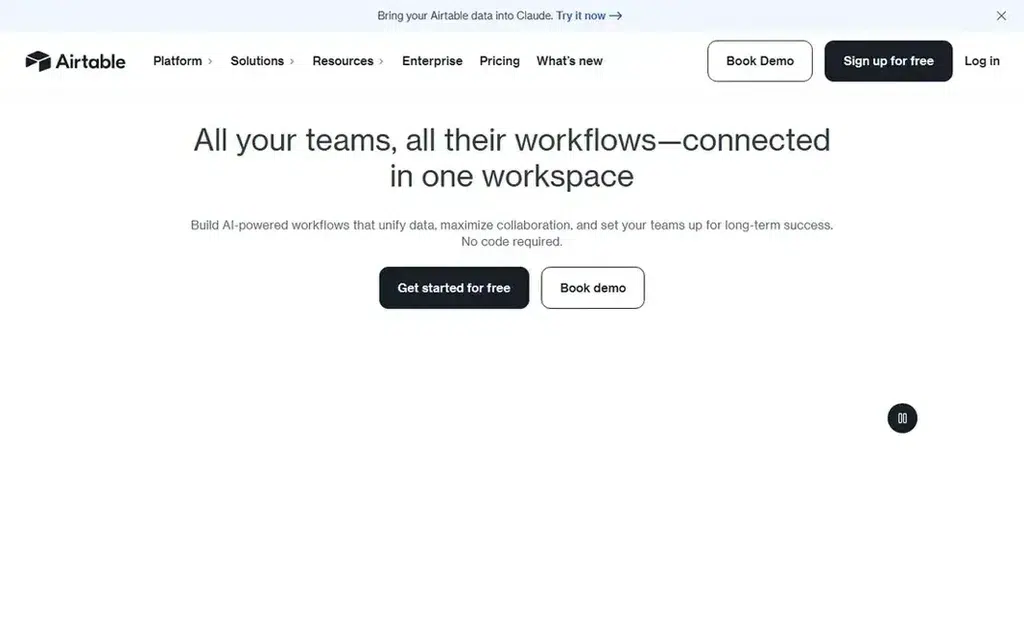
Where Airtable fits: data-driven workflows and collaborative apps. It makes it possible for live collaboration, automates repetitive tasks, and helps simplify business processes.
Limits to weigh: App-like interfaces are secondary to data.
Pick Airtable when your startup runs on structured records and needs collaboration plus automation more than a consumer-style app. Airtable starts at: $20 per user per month. Airtable has a free plan.
- Live collaboration on structured data
- Enterprise-ready workflow building
- Complicated automations need planning
How the list was put together
Selection started from tools commonly considered for No-Code app builders for startups, then narrowed to 6 that have clear pricing information or a clear quote process. Where a vendor does not publish a price, the entry says quote. Where a price depends on seats or billing term, the entry says so. We ordered the tools by general fit, then by how clearly pricing is shown, then by free access. A buyer with unusual needs may reorder them.
Questions to settle before buying
- Confirm the entry price on the vendor page. For Make and Bubble that means a quote rather than a fixed price.
- Check what the free option really includes: Make, Webflow, Adalo and others offer a free plan, and usage caps differ.
- Before choosing Make, weigh its main limit: not an app interface builder.
- Ask Webflow which support channels and response times come with the plan you would buy.
- Before you load data into Make, check what an export looks like and who can run it.
FAQ
Is Make the right pick for everyone comparing No-Code app builders for startups?
No single tool suits every team. Make comes first because it fits visual workflow and integration automation, while Webflow suits marketing sites with CMS and hosting and Bubble suits full web and mobile apps with logic. Match the tool to your own size, budget and workflow before deciding.
Can I try these tools before paying?
Often, yes. Make, Webflow, Adalo and others have a free plan. Use your own data and a real task during the test, and check what the free tier or trial limits before you rely on it.
Which options for No-Code app builders for startups have a free plan?
On this list, Make, Webflow, Adalo, Glide and Airtable include a free plan. Caps on seats, usage or features are common, so test the free plan against your real workload.
How are the tools for No-Code app builders for startups ordered?
The order follows typical fit for No-Code app builders for startups, with Make first and Airtable last, then price clarity and free access. It is editorial judgement, not a score, so another team could rank the tools differently.
Sources
- https://www.make.com
- https://webflow.com
- https://bubble.io
- https://www.adalo.com
- https://www.glideapps.com
- https://www.airtable.com