5 No-Code Low-Code App Builders Worth Shortlisting in 2026
Shortlisting the best no-code low-code app builders? 5 products compared on cost, free access and ideal buyer. Short verdicts, no fluff. Numbers first.
- Editor's choice
 Mendix
Building governed workflows and agents
Starts atSee websiteVisit mendix.comFull review - Great alternative
 Retool
Internal tools over databases and APIs
Starts at$10 per builder per monthVisit retool.comFull review - Also consider
 OutSystems
Enterprises modernizing legacy systems
Starts atSee websiteVisit outsystems.comFull review
Direct answer
Mendix leads the list, best for building governed workflows and agents. Listed starting prices: Retool from $10 per builder per month. Look at Retool for internal tools over databases and APIs, and at OutSystems for enterprises modernizing legacy systems. The other 2 tools in the list cover narrower or pricier cases.
TL;DR:
- The list opens with Mendix, aimed at building governed workflows and agents.
- Pega Platform fits enterprise workflow and customer experience automation.
- Retool has the lowest monthly starting price in this list: $10 per builder per month.
- Free plans exist at 2 of 5 tools (Retool, Microsoft Power Apps).
- A fair warning about Microsoft Power Apps: best value assumes Microsoft tooling.
Last checked November 2026. Prices and plan details were read from the vendors' own pages in November 2026; vendors change plans often, so confirm the current price on the vendor site before you buy.
Quick comparison
| Tool | Best for | Starts at | Free plan? | |
|---|---|---|---|---|
| Mendix | Building governed workflows and agents | See website | Not stated | Visit |
| Retool | Internal tools over databases and APIs | $10 per builder per month | Yes | Visit |
| OutSystems | Enterprises modernizing legacy systems | See website | Not stated | Visit |
 Microsoft Power Apps | Teams inside the Microsoft ecosystem | See website | Yes | Visit |
 Pega Platform | Enterprise workflow and customer experience automation | See website | Not stated | Visit |
5 no-code low-code app builders in detail
LinkVetted put together this guide to no-code low-code app builders for readers who want a clear shortlist without reading every vendor page. It compares 5 tools on starting price, free plans, who each one suits and where each one falls short.
Mendix is designed for building governed workflows and agents. For everyday use, cross-functional teams building governed business apps are the core audience.
What works well: One system for workflows.
Small teams with a single app in mind may find the breadth unnecessary. Since the platform spans apps, workflows and agents, new users should expect a ramp-up time before delivery accelerates. Check the vendor site for Mendix pricing; none is listed in this comparison. As for free access: Not stated.
Points against: Enterprise focus may exceed small needs.
- Supports modernizing existing systems
- Puts AI inside governed processes
- Wide scope takes time to learn
Retool is built with internal tools over databases and APIs in mind. Retool is made for creating internal software better with AI, letting teams build, deploy and handle internal tools on a unified engine that links to any database, API or language model.
Honest limits: Internal-tool focus limits other use cases.
In daily use, Retool is deliberately centered on internal tools, so customer-facing products and wide process orchestration fall outside its core focus. The focus on internal software keeps the building experience tight. Price to start with Retool: $10 per builder per month. Free access exists with Retool.
- Centred on internal tool building
- Links to databases
- Narrower than full business app suites
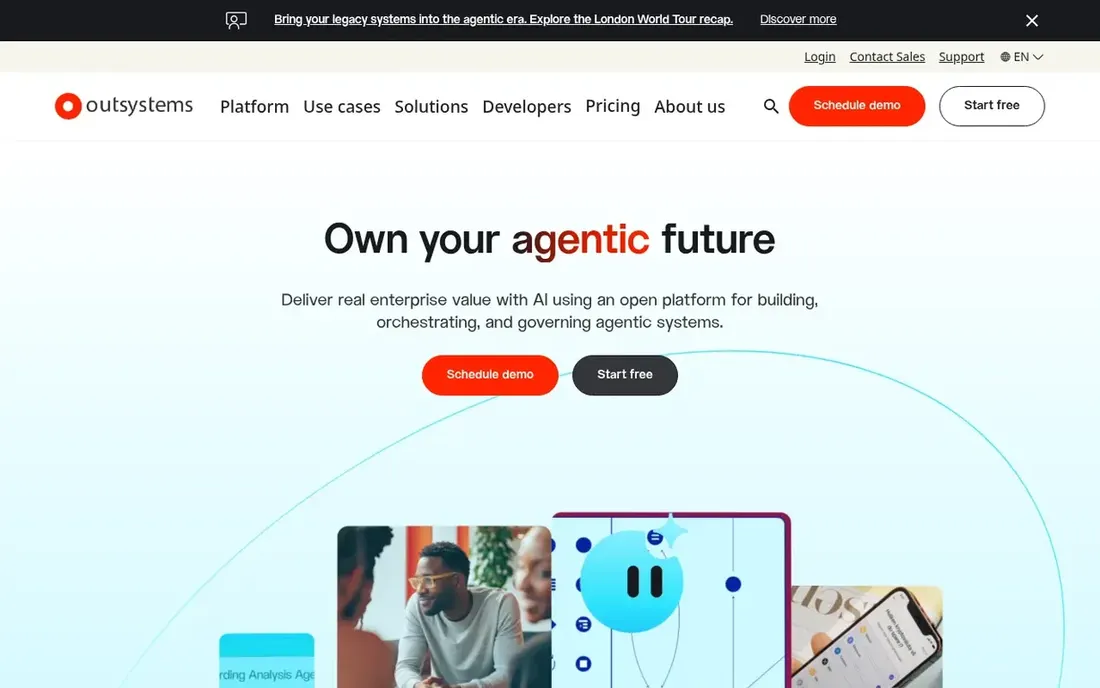
OutSystems was built for enterprises modernizing legacy systems. OutSystems describes itself as a system for building apps and AI agents with confidence, helping enterprises modernize legacy systems and run custom applications that meet customer and regulator demands. In daily use, development teams get a structured environment for building and maintaining serious applications.
Where it is weaker: Enterprise orientation layers on overhead.
On top of that, the system is oriented toward enterprise delivery. So a small business or a single internal tool may not justify the setup effort. No starting price is listed for OutSystems here; confirm pricing on the vendor site. As for free access: Not stated.
- Built for regulated enterprise demands
- Focus on modernizing legacy systems
- Overkill for small single-purpose apps
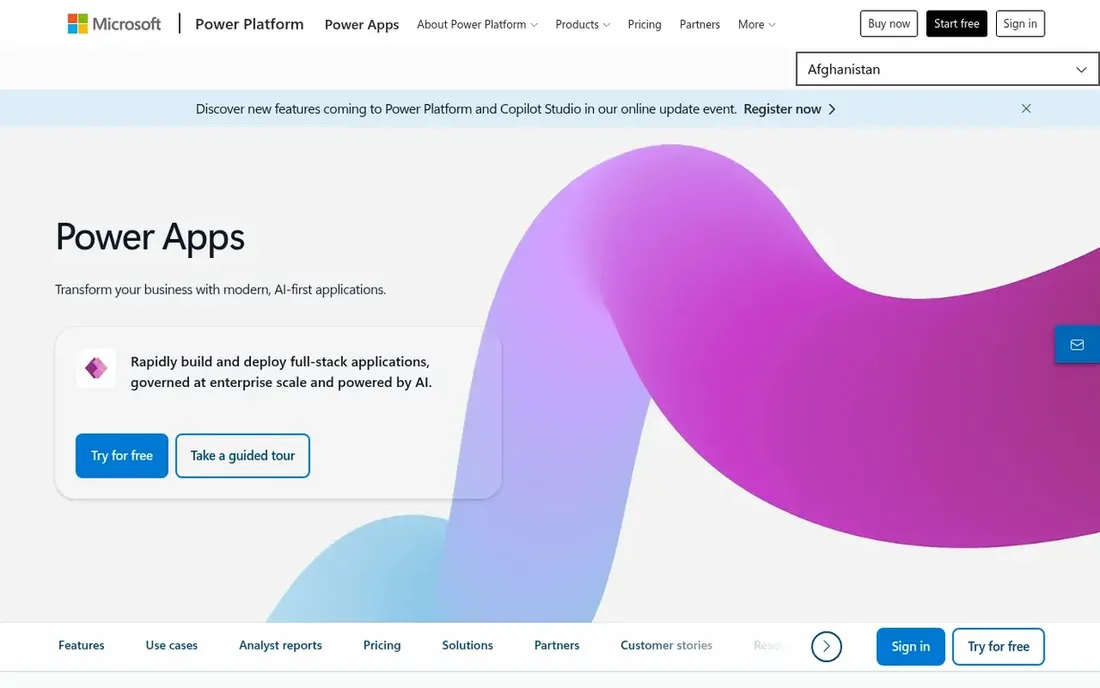
Pick Microsoft Power Apps if this describes you: teams inside the Microsoft ecosystem. Power Apps is Microsoft's low-code builder for custom business apps that simplify processes and boost productivity across an organization.
Citizen developers can start with visual canvas apps, whereas IT can step in for more structured model-driven designs. For everyday use, the system is most comfortable when your data and identity already live in Microsoft services, and mixing in numerous outside systems can add complexity. No starting price is listed for Microsoft Power Apps here; confirm pricing on the vendor site. Microsoft Power Apps has a free plan.
Points against: Best value assumes Microsoft tooling.
- Suits existing Microsoft productivity workflows
- Low-code canvas and model-driven app styles
- Complicated apps can need developer help
Pega Platform is built with enterprise workflow and customer experience automation in mind. Pega markets itself as an AI-powered product for enterprise transformation, used to automate workflows, personalize customer experiences and modernize legacy systems.
From a buyer's view, specialized skills help substantially during implementation. Teams with dedicated system staff get the most from it. Pega Platform does not show a starting price in this comparison, so check the vendor site for current pricing. Free access: Not stated.
Trade-offs to know: Specialized skills help substantially.
- Built for large transformation programs
- Automates workflows and customer experiences
- Enterprise-scale orientation
How these tools were picked
The comparison looks at four things: starting price, free access, how well the feature set matches no-code low-code app builders, and the main limit of each tool. Prices and plan limits come from vendor pages and can change, so confirm them on the vendor site before you buy. We ordered the tools by general fit, then by how clearly pricing is shown, then by free access. A buyer with unusual needs may reorder them.
What to confirm before you sign up
- Get a written quote from Mendix, OutSystems, Microsoft Power Apps and Pega Platform; the list shows no starting price for them.
- Read the fine print on the free plans from Retool and Microsoft Power Apps; seat, project and feature caps differ.
- Read the limits listed for Mendix first: wide scope takes time to learn.
- Verify that exporting from Microsoft Power Apps is possible on your plan and covers all your records.
- Ask whether Mendix integrates with your current software, and whether that comes standard or as an add-on.
FAQ
Which no-code low-code app builders have a free plan?
On this list, Retool and Microsoft Power Apps include a free plan. Caps on seats, usage or features are common, so test the free plan against your real workload. All 5 picks in this No-Code Low-Code app builders comparison list a starting price, free plan details and the main limits on their cards above.
Which builder is best for internal tools versus customer apps?
This list starts with Mendix, which fits building governed workflows and agents. For other needs, Retool is aimed at internal tools over databases and APIs, and OutSystems at enterprises modernizing legacy systems. Check each tool's price and main limit first.
How are the no-code low-code app builders ordered?
Mendix sits first and Pega Platform last because the order follows typical fit for no-code low-code app builders, then price clarity and free access. It is a judgement call, so read each profile for fit and limits.
What is the cheapest option for no-code low-code app builders in this list?
On published monthly entry prices, Retool is the lowest here at $10 per builder per month. Entry price is only part of the cost, because seats, add-ons and billing terms can change the total. For the full picture, the cards above cover all 5 entries of this No-Code Low-Code app builders list, including price, free plan and limits.
Do these tools publish their prices?
Not all of them. Mendix, OutSystems, Microsoft Power Apps and Pega Platform publish no starting price, so expect a quote request for those. The rest, Retool included, show a starting price, though seats and billing terms still change the final cost.
Sources
- https://www.mendix.com
- https://retool.com
- https://www.outsystems.com
- https://powerapps.microsoft.com
- https://www.pega.com