5 No-Code Development Platforms for Startups Worth Shortlisting in 2026
5 products for the best No-Code development platforms for startups, ranked by fit, with starting costs and free tiers. Short verdicts, no fluff. Facts only.
- Editor's choice
 Make
Workflow automation and integration
Starts atSee websiteVisit make.comFull review - Great alternative
 Glide
Internal business apps from spreadsheets
Starts at$25 a monthVisit glideapps.comFull review - Also consider
 Bubble
Full-stack no-code app development
Starts atSee websiteVisit bubble.ioFull review
Direct answer
Make leads the list, best for workflow automation and integration. Listed starting prices: Glide from $25 a month, Adalo from $65 a month and Webflow from $15 a month. Glide fits internal business apps from spreadsheets; Bubble fits full-stack no-code app development. Details, prices and limits for the rest of the 5 tools are below.
TL;DR:
- Make sits first on this list: workflow automation and integration.
- One limit worth knowing about Make: not for building user interfaces.
- 4 of 5 tools offer a free plan: Make, Glide, Adalo, Webflow.
- Webflow has the lowest monthly starting price in this list: $15 per month.
- For design-centric websites with CMS, Webflow is worth a look.
Last checked November 2026. Prices and plan details were read from the vendors' own pages in November 2026; vendors change plans often, so confirm the current price on the vendor site before you buy.
Quick comparison
| Tool | Best for | Starts at | Free plan? | |
|---|---|---|---|---|
| Make | Workflow automation and integration | See website | Yes | Visit |
| Glide | Internal business apps from spreadsheets | $25 a month | Yes | Visit |
| Bubble | Full-stack no-code app development | See website | Not stated | Visit |
 Adalo | Native mobile and web apps | $65 a month | Yes | Visit |
 Webflow | Design-centric websites with CMS | $15 a month | Yes | Visit |
The 5 tools in detail
Short on time? The summary and table above give the quick view of 5 No-Code development platforms for startups, and the profiles that follow give the detail behind each entry.
Make was built for workflow automation and integration. Make is a no-code automation product that lets you visually build, scale, and automate AI and agentic workflows. It links different apps and services to automate tasks.
In practice, choose Make when you have to automate processes and integrate systems. In daily use, startups can use Make to simplify operations, integrate tools, and cut manual work without writing code. No starting price is listed for Make here; confirm pricing on the vendor site. A free plan is available with Make.
Points against: Needs understanding of APIs and data flows.
- No-code integration
- Visual automation builder
- Not for building user interfaces
Where Glide fits: internal business apps from spreadsheets. Glide is an AI app builder that turns spreadsheets or prompts into custom business apps. It is aimed at internal use, allowing teams to build tools rapidly without coding.
On top of that, if you need a public app with advanced features, look at other systems. Worth adding: Glide may not offer the depth needed for complicated, customer-facing applications. Its strength is in rapid internal app development. Glide pricing: $25 per month. You can start on Glide without paying.
Where it falls short: Restricted customization for complicated apps.
- AI-assisted app creation
- Build apps from spreadsheets or prompts
- Focus on internal use cases
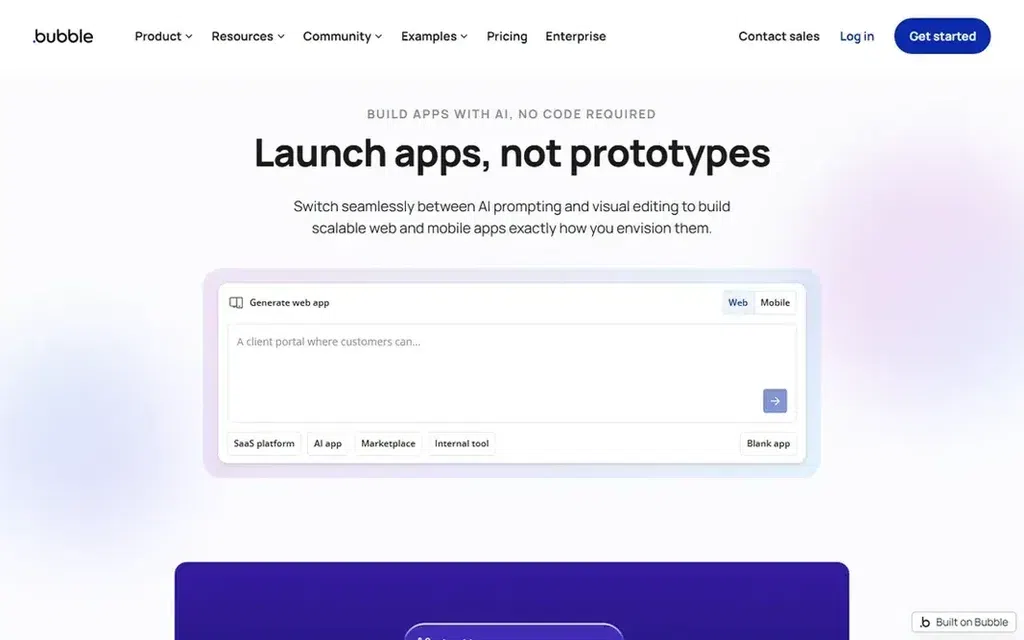
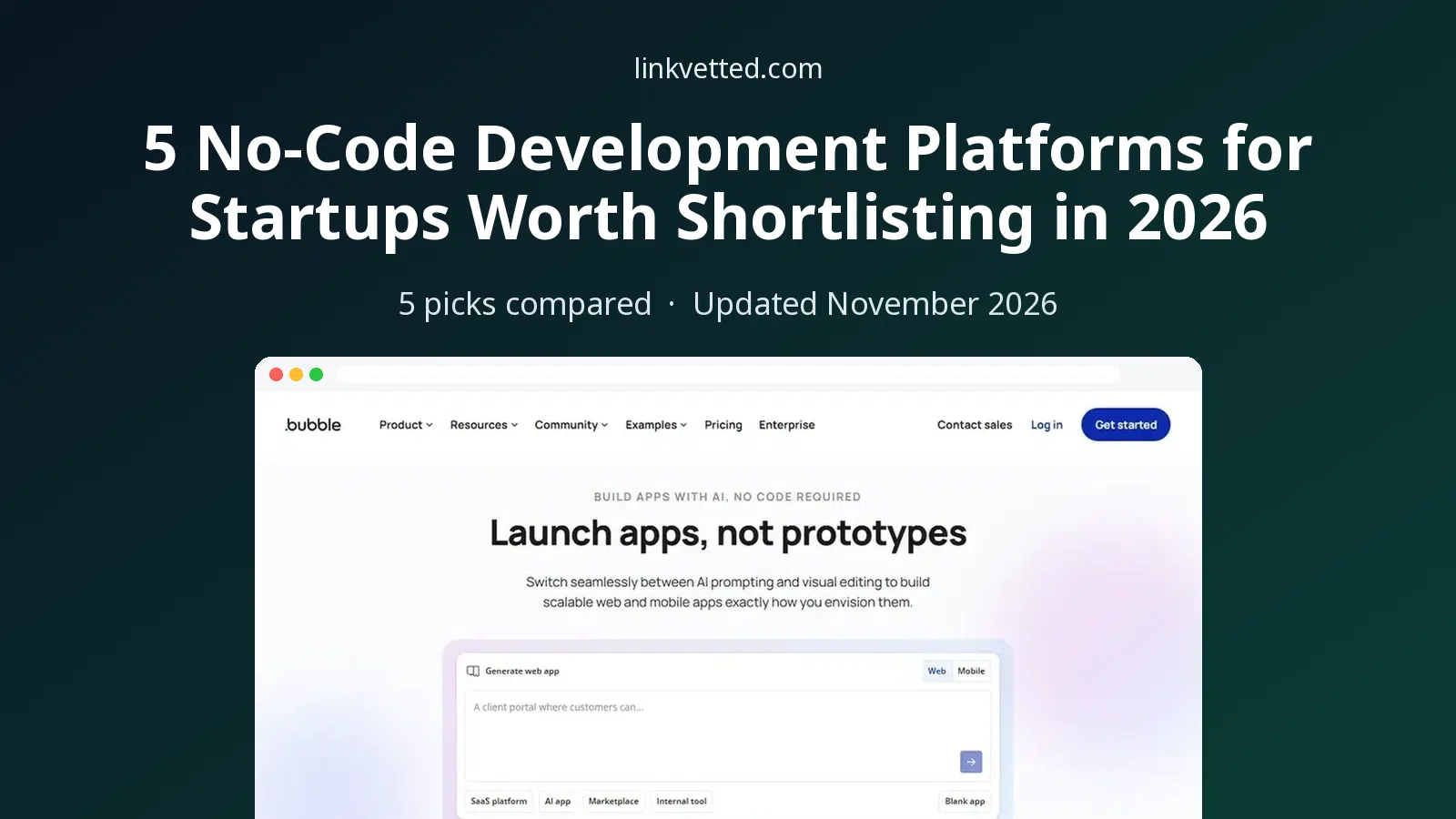
Choose Bubble for full-stack no-code app development. The product aims to take you from idea to launched app rapidly.
Drawbacks to consider: Can become complicated for large apps.
If you need a more straightforward tool for internal apps or entry-level websites, other options might be more appropriate. No starting price is listed for Bubble here; confirm pricing on the vendor site. Free plan details: Not stated.
- Built-in database and privacy rules
- AI-assisted building for speed
- Ramp-up time for advanced logic
For native mobile and web apps, Adalo is a natural candidate. Adalo is a no-code app builder that uses AI to help you build native iOS, Android, and web apps from a single project.
Honest limits: Restricted customization for advanced needs.
The product creates screens, data, and logic based on your description. Price to start with Adalo: $65 per month. You can start on Adalo without paying.
- No-code required
- AI-assisted app building
- Performance may vary for complicated apps
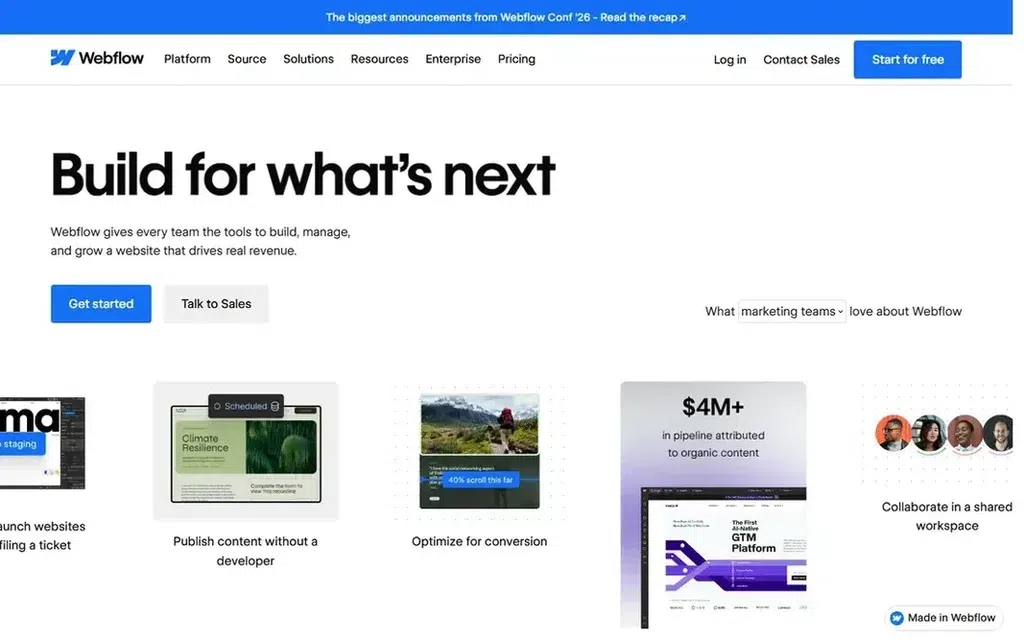
Where Webflow fits: design-centric websites with CMS. Choose Webflow when design adaptability and CMS capabilities are priorities. Beyond that, Webflow is a product for designing, building, and optimizing websites with a focus on visual development.
Drawbacks to consider: Steeper ramp-up time for non-designers.
It bundles a CMS, hosting, and security features, making it a good fit for startups that require a professional website with dynamic content. Beyond that, the system also supports AI search optimization. Webflow starts at: $15 per month. Webflow offers a free plan.
- Advanced visual design tools
- Enterprise-grade security
- Restricted app logic compared with app builders
Our selection method
For each of the 5 tools we noted price, free plan or trial, fit for No-Code development platforms for startups and the main limit, using vendor pages and documentation. Treat prices as a snapshot: vendors change plans often, so check the vendor site for the figure that applies today. The sequence is a judgement call: typical use case first, then pricing transparency, then free access. Use the profiles to check fit.
A buyer's checklist
- Confirm the entry price on the vendor page. For Make and Bubble that means a quote rather than a fixed price.
- Look at free plan limits closely: Make, Glide, Adalo and Webflow have one, and the caps decide whether it is usable for real work.
- Read the limits listed for Make first: not for building user interfaces.
- Test how quickly Glide answers a pre-sales question; it hints at how support will feel later.
- Check whether Webflow bills monthly or annually, and what cancelling early costs.
FAQ
Is Make the right pick for everyone comparing No-Code development platforms for startups?
No single tool suits every team. Make comes first because it fits workflow automation and integration, while Glide suits internal business apps from spreadsheets and Bubble suits full-stack no-code app development. Match the tool to your own size, budget and workflow before deciding.
What is the best no-code product for building a startup MVP?
Make is the pick this page puts first, mainly for workflow automation and integration. If your situation differs, Glide suits internal business apps from spreadsheets, and Bubble suits full-stack no-code app development. Compare price and limits before you decide.
Which options for No-Code development platforms for startups have a free plan?
Make, Glide, Adalo and Webflow offer a free plan in this list. Free plans usually cap users, projects or features, so check the limits on the vendor page.
Can I try these tools before paying?
Often, yes. Make, Glide, Adalo and Webflow have a free plan. Use your own data and a real task during the test, and check what the free tier or trial limits before you rely on it.
What is the cheapest option for No-Code development platforms for startups in this list?
On published monthly entry prices, Webflow is the lowest here at $15 per month. Entry price is only part of the cost, because seats, add-ons and billing terms can change the total. For the full picture, the cards above cover all 5 entries of this No-Code development platforms for startups list, including price, free plan and limits.
Can I build a mobile app without coding?
Yes, products like Adalo allow you to build native iOS and Android apps without code. Bubble also supports mobile app development. Evaluate your need for native features compared with a web-based approach.
Sources
- https://www.make.com
- https://www.glideapps.com
- https://bubble.io
- https://www.adalo.com
- https://webflow.com