Best No-Code Data Integration Platforms in 2026: 9 Platforms Compared
Compare the best no-code data integration platforms for 2026, with pricing, free plans, and honest trade-offs to help you move data without code in this guide.
- Editor's choice
 Zapier
Connecting the most apps with the least setup
Starts at$19.99 per monthVisit zapier.comFull review - Great alternative
 Make
Visual workflows that stay affordable as they grow
Starts at$9 per monthVisit make.comFull review - Also consider
 Workato
Enterprise teams that need governance and scale
Starts at$75 per monthVisit workato.comFull review
TL;DR:
- Zapier and Make are the easiest starting points for connecting everyday business apps without code.
- Hevo Data, Airbyte, and Fivetran are built for moving large volumes of data into a warehouse, not just triggering small tasks.
- Workato and Tray.ai suit larger teams that need governance, while n8n suits technical teams that want control over hosting.
- Watch the billing unit closely, because tasks, credits, executions, and rows can produce very different bills for the same workload.
Quick comparison
| Tool | Best for | Starts at | Free plan? | |
|---|---|---|---|---|
| Zapier | Connecting the most apps with the least setup | $19.99 per month | Yes | Visit |
| Make | Visual workflows that stay affordable as they grow | $9 per month | Yes | Visit |
| Workato | Enterprise teams that need governance and scale | $75 per month | Yes | Visit |
 Tray.ai | SaaS teams that want AI agents inside their integrations | See website | Free trial | Visit |
 n8n | Technical teams that want to self-host and save on volume | $20 per month | Yes | Visit |
 Hevo Data | No-code ELT pipelines into a warehouse | $239 per month | Yes | Visit |
 Airbyte | Open connectors with cloud or self-hosted options | $20 per month | Yes | Visit |
 Stitch | Simple, set-and-forget data replication | See website | Free trial | Visit |
 Fivetran | Hands-off replication for larger data stacks | See website | Free trial | Visit |
The best no-code data integration platforms
Moving data between apps should not require a data engineering team. These platforms let you connect sources, clean up fields, and send results where they are needed, mostly by pointing and clicking.
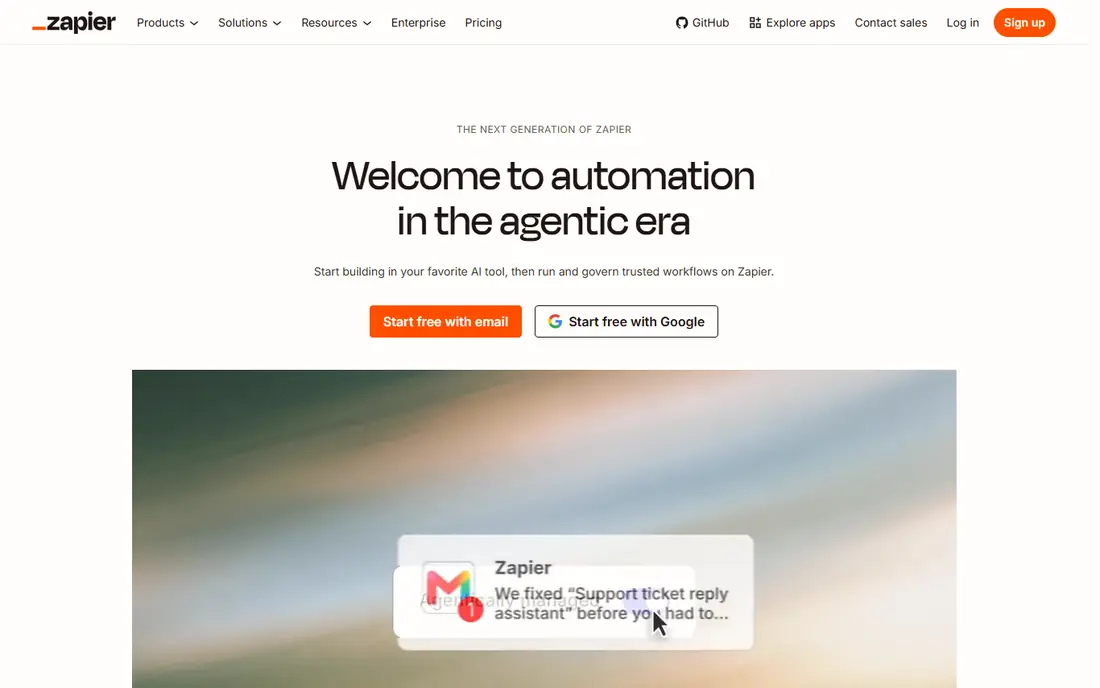
Zapier remains the default choice for a reason. Its catalog covers thousands of apps, so a typical workflow, such as sending new form entries to a CRM and a spreadsheet, can be live in minutes. The builder walks you through a trigger and then each action, which makes it friendly for people who have never built an automation before.
The catch is cost at scale. Zapier counts each successful action as a task, so a workflow with five actions uses five tasks per run. Small teams usually fit inside the free plan or the entry paid plan, but high-volume work deserves a quick estimate before you commit.
- Huge app catalog
- Simple step-by-step builder
- AI-assisted building and tables included
- Task-based billing gets expensive at volume
- Complex logic can feel cramped
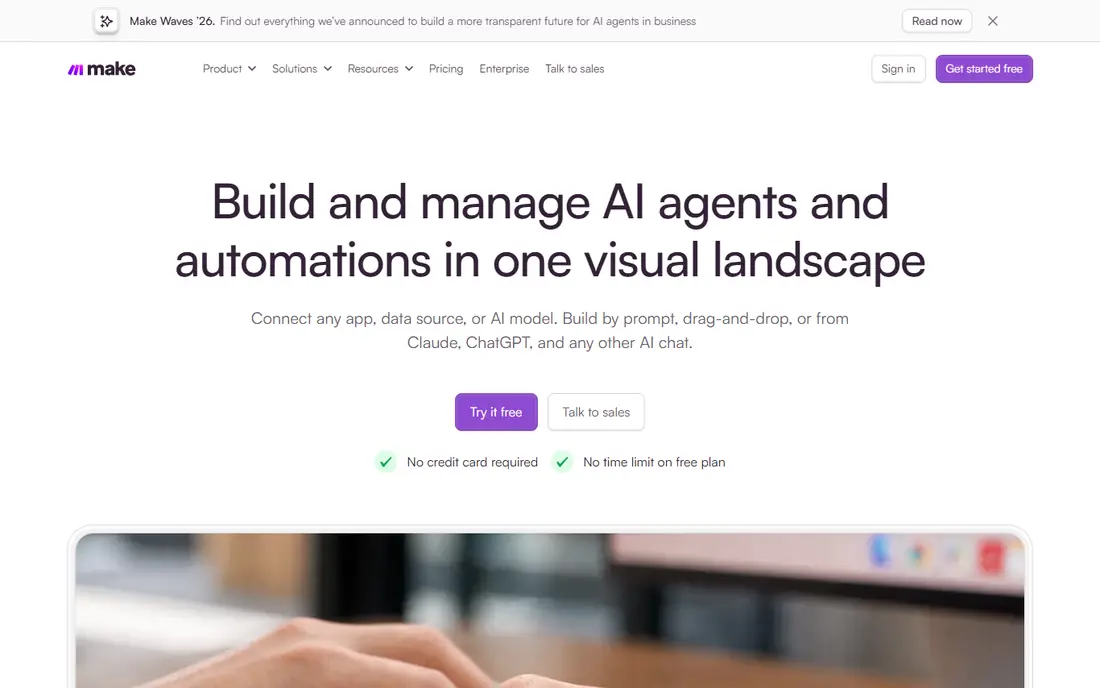
Make, formerly Integromat, shows each workflow as a diagram, which makes it easier to follow branching paths and spot where data changes. That visual style pays off once a workflow goes beyond a simple trigger and action, because you can see routers, filters, and error paths in one place.
Pricing is based on credits, with one credit for each module that runs. The free plan includes 1,000 credits a month, and paid plans start from $9 a month on annual billing for 10,000 credits. For many small businesses, that stretches further than a task-based plan at a similar price.
- Clear visual canvas with branching and filters
- Lower entry price than Zapier
- Strong scheduling options
- Fewer app connections than Zapier
- The credit model takes a little learning
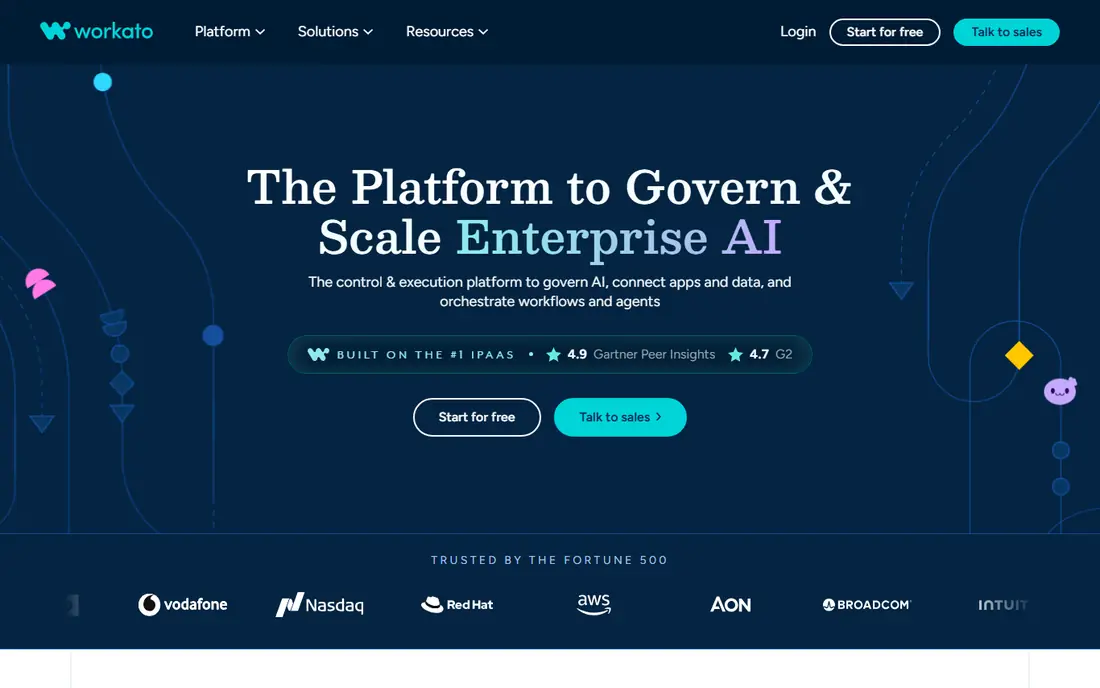
Workato is built for companies where integration is a business-critical job, not a side task. It handles on-premises systems as well as cloud apps, and it adds the audit trails, roles, and deployment controls that IT teams usually ask for. Its recipe builder is still low-code, so business analysts can build with guidance from IT rather than waiting in a queue.
A free plan with a one-time credit grant lets you try it, and Pro starts at $75 a month for 2,500 credits. Larger deployments are quoted, so expect a sales conversation if you need enterprise editions.
- Deep enterprise connectors including SAP and Salesforce
- Strong governance controls
- AI agents for business workflows
- Self-serve pricing is credit-based and can climb fast
- Overkill for simple two-app syncs
Tray.ai, formerly Tray.io, positions itself around AI-led orchestration. You can build classic integrations and also add agents that take action across connected apps, which suits teams automating support, sales, and operations workflows. The builder is visual, and its connector library covers the usual CRM, support, billing, and data tools.
The main drawback is transparency. Entry pricing is handled through sales or a trial, so you cannot budget precisely from the website alone. Ask for a quote based on your expected volume before you build anything load-bearing on it.
- AI-assisted building and agent workflows
- Broad SaaS connector set
- Good fit for product-led teams
- Pricing is not fully public
- Smaller teams may find it more platform than they need
n8n stands out because one workflow run counts as one execution, no matter how many steps it contains. That makes it far cheaper than per-step billing for long, multi-step workflows. The Community Edition is free to run on your own server, with no execution cap, while cloud plans start at $20 a month billed annually for 2,500 executions.
The trade-off is responsibility. Self-hosting means you handle updates, backups, and security. If that sounds like work you do not want, the cloud plans remove the burden but reintroduce limits, so size your executions honestly.
- Free self-hosted Community Edition
- Bills per workflow run, not per step
- Strong AI and API nodes
- Needs technical skill to self-host well
- Cloud plans have execution limits
Hevo Data is a managed ELT platform, which means it extracts data from sources and loads it into your warehouse, where you then transform it. Setup is guided and mostly point-and-click, with automatic schema mapping and fault-tolerant pipelines that recover from failures without constant babysitting.
The free plan covers up to 1 million events a month, and paid plans start at $239 a month. That is a real jump from app-automation tools, but it reflects a different job: steady, reliable replication of databases and SaaS data for reporting, rather than one-off triggers.
- Managed pipelines with automatic schema handling
- 150 plus connectors
- Clear event-based pricing tiers
- Event-based pricing can climb with data volume
- Complex transforms may need SQL or Python
Airbyte moves data from apps, databases, and files into warehouses and lakes, and it also supports sending data back to tools like CRMs. Its open-source Core edition is free to self-host, which appeals to teams that want to inspect connectors or keep data movement inside their own infrastructure.
Cloud pricing starts at $20 a month for the Standard plan, with credits bought for the data you move. A 14-day trial with 400 credits lets you measure real volume before choosing a plan, which we recommend because row counts are hard to guess in advance.
- Large connector catalog including community options
- Free self-hosted Core
- Transparent credit pricing on cloud
- Transformations rely on outside tools like dbt
- Sync speed tiers depend on plan
Stitch focuses on one job and does it well: replicate data from databases and SaaS apps into your warehouse on a schedule. You pick a source, pick a destination, and Stitch handles extraction, loading, and schema changes. That simplicity is the point, and it is why small data teams often start here.
Pricing is handled through its pricing page and sales, and a free trial is available. If you need heavy transformation inside the pipeline, pair Stitch with a transform tool rather than expecting it to do everything.
- Fast setup for common sources
- Automatic schema updates
- Part of the Talend family with solid support
- Pricing is not published in a simple list
- Fewer advanced transform options than warehouse-native tools
Fivetran is the managed option many larger teams choose when they want replication to simply work. It handles schema drift, incremental updates, and connector maintenance, so analysts spend time on reporting instead of pipeline repair. Its catalog covers hundreds of sources, including databases, SaaS apps, and files.
Pricing is based on monthly active rows, with a free tier for small volumes and contracts for larger use. Get a quote based on your real row counts, because estimates based on total table size tend to overstate or understate the bill.
- Very broad connector coverage
- Automatic schema evolution
- Low maintenance once configured
- Usage-based pricing can grow quickly
- Entry costs suit larger teams more than tiny ones
How we picked these
We compared official pricing pages, connector catalogs, and product documentation for each platform, and we weighed how each one bills, because the billing unit shapes the real cost more than the headline price. We favored tools that a non-developer can set up, that are actively maintained in 2026, and that cover a clear job, from app automation to warehouse replication. Where pricing was not public, we said so rather than guessing.
What to check before you buy
Start with the job, not the tool. App automation tools like Zapier and Make move small records between apps when something happens. ELT tools like Hevo, Airbyte, Stitch, and Fivetran move larger volumes into a warehouse for analysis. Picking the wrong category is the most common and most expensive mistake.
Count your real volume
Estimate runs, steps, rows, or events for a typical month before you sign up. A workflow that runs 1,000 times with five steps costs very differently on task, credit, execution, and row pricing. Use free plans and trials to measure actual usage for two weeks if you can.
Check the connectors you actually need
A catalog of thousands of apps means little if your CRM or database is missing, or if the connector lacks the trigger you need. Confirm the exact source, destination, and sync frequency for your top three workflows during the trial.
Plan for errors and changes
Sources change their APIs and schemas, and workflows fail. Look for error alerts, run history, replay options, and automatic schema handling. A platform that quietly stops syncing is worse than one that loudly reports a failure.
FAQ
What is the difference between no-code data integration and ETL?
No-code data integration covers both app automation and ELT, but the jobs differ. App automation moves small records between tools when an event happens, while ELT extracts larger datasets and loads them into a warehouse for analysis. Choose based on whether you need alerts and actions, or reports and dashboards.
Is there a truly free no-code data integration platform?
Yes, with limits. Zapier and Make offer free plans for light use, n8n and Airbyte offer free self-hosted editions, and Hevo offers a free tier for small event volumes. Free plans suit testing and light workloads, but production volume usually needs a paid plan.
Do I need to know SQL to use these platforms?
No, not for basic app automation or standard ELT pipelines. SQL or Python helps for complex transformations in warehouse tools, but most platforms handle common mappings, filters, and field changes through a visual builder.
How do I avoid surprise bills?
Measure your volume during a trial, and understand the billing unit. Task, credit, execution, and row pricing all scale differently, so model your top workflows before committing. Set usage alerts where the platform offers them, and review the bill after the first full month.
Which platform is best for a small business?
For connecting everyday apps, Zapier or Make are the safest starting points. For building reports from several data sources, Airbyte or Stitch are good low-cost entries. Larger teams with governance needs should shortlist Workato or Fivetran.
Can I switch platforms later?
Yes, but switching costs time. Workflows and pipelines must be rebuilt, and field mappings rechecked. Export your workflow definitions where possible, and document sources, destinations, and schedules before you migrate.