Best No-Code Development Platforms for Enterprise for 2026: Our 5 Vetted Picks
Best No-Code development platforms for enterprise in 2026: 5 contenders with entry costs and free tiers. Each tool gets a one-line verdict. See the full list.
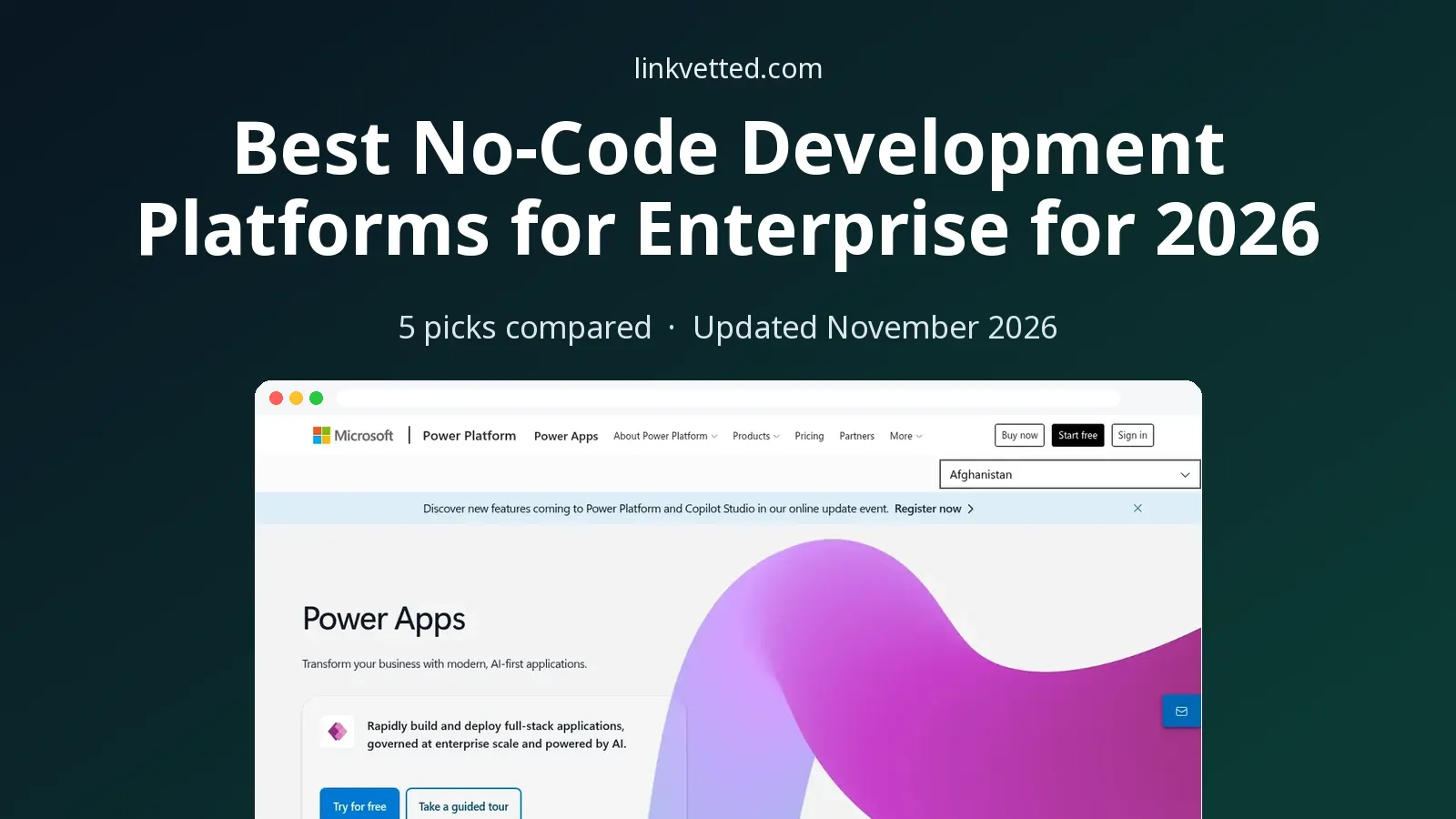
- Editor's choice
 Pega Platform
Workflow automation and customer experience
Starts atSee websiteVisit pega.comFull review - Great alternative
 Retool
Quick internal tools and admin panels
Starts at$10 per builder a monthVisit retool.comFull review - Also consider
 Microsoft Power Apps
Microsoft-centric internal business apps
Starts atSee websiteVisit powerapps.microsoft.comFull review
Direct answer
Pega Platform comes first here, mainly for workflow automation and customer experience. Listed starting prices: Retool from $10 per builder a month. Retool is better for quick internal tools and admin panels, and Microsoft Power Apps is better for Microsoft-centric internal business apps. The other 2 tools in the list cover narrower or pricier cases.
TL;DR:
- Number one here is Pega Platform, a fit for workflow automation and customer experience.
- Retool, Microsoft Power Apps: these are the 2 tools out of 5 that offer a free plan.
- OutSystems fits legacy modernization with regulatory demands.
- The main caution on Mendix: needs product governance planning.
- The lowest published monthly entry price here is $10 per builder per month, from Retool.
Last checked November 2026. Prices and plan details were read from the vendors' own pages in November 2026; vendors change plans often, so confirm the current price on the vendor site before you buy.
Quick comparison
| Tool | Best for | Starts at | Free plan? | |
|---|---|---|---|---|
| Pega Platform | Workflow automation and customer experience | See website | Not stated | Visit |
| Retool | Quick internal tools and admin panels | $10 per builder a month | Yes | Visit |
| Microsoft Power Apps | Microsoft-centric internal business apps | See website | Yes | Visit |
 Mendix | Governed modernization and hybrid workforce apps | See website | Not stated | Visit |
 OutSystems | Legacy modernization with regulatory demands | See website | Not stated | Visit |
Tool-by-tool breakdown
LinkVetted compared 5 tools for No-Code development platforms for enterprise. The goal is a practical shortlist: published prices, free plan facts, best-fit use cases and honest limits for every entry.
Pega Platform was built for workflow automation and customer experience. Pega Platform is described as an AI-powered system for enterprise transformation, used to reimagine work by automating workflows, personalizing customer experiences and modernizing legacy systems.
Downsides: Specialist skills help with complicated programs.
No starting price is listed for Pega Platform here; confirm pricing on the vendor site. Free plan details: Not stated.
- Automates workflows and modernizes legacy systems
- Personalizes customer experiences
- Wide scope can mean longer setup
Retool is a good fit for quick internal tools and admin panels. It suits engineering-adjacent teams that want speed without abandoning real data connections.
Where Retool stands out: Links to databases.
Some custom logic still calls for developer involvement, so it is not a pure citizen-developer tool for every team. What you pay to start with Retool: $10 per builder per month. Retool includes a free tier.
The main drawbacks: Concentrated on internal instead of customer apps.
- Unified engine for internal software
- AI applied across business workflows
- Custom logic may need developer input
Microsoft Power Apps
Best for: Microsoft-centric internal business apps
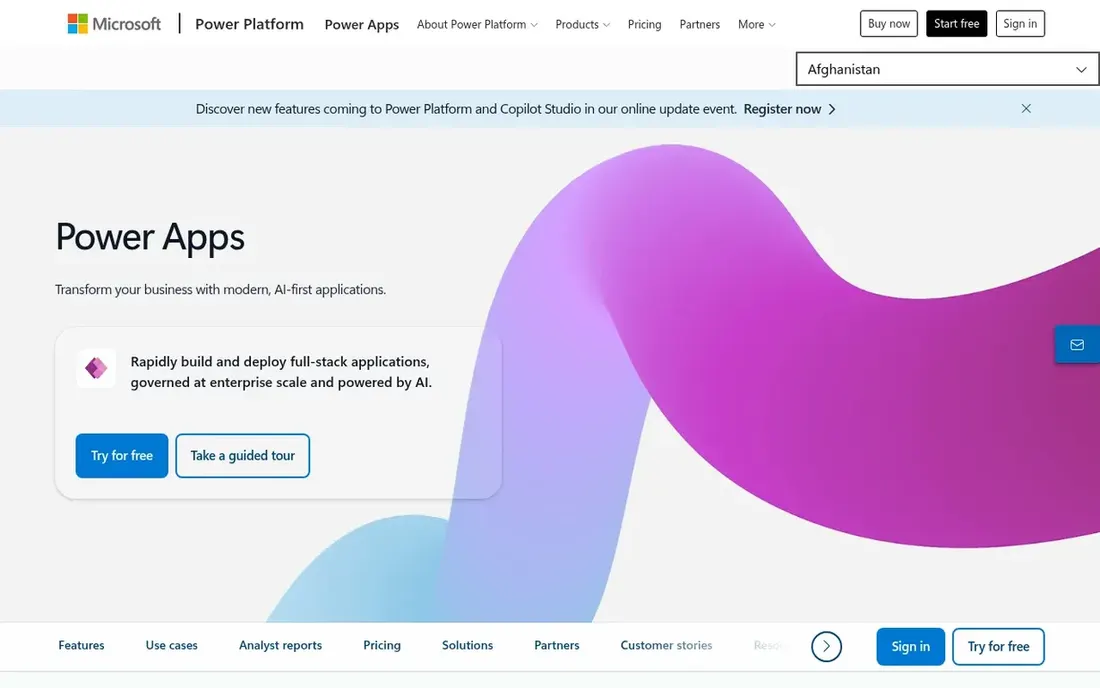
Where Microsoft Power Apps fits: Microsoft-centric internal business apps. Microsoft Power Apps is a low-code app builder for creating custom business apps that simplify processes and boost productivity across an organization. In daily use, citizen developers can hit limits on complicated logic or data governance, where professional developers or a more engineering-focused system may be the better choice.
Honest limits: Complicated enterprise needs may need pro developers.
Since it is positioned around the Microsoft ecosystem, the experience is smoothest for organizations standardized there, and other stacks may need extra integration work. The system is described as a low-code AI app builder. So it also appeals to teams that want to add intelligent features to everyday business tools. Check the vendor site for Microsoft Power Apps pricing; none is listed in this comparison. Free access exists with Microsoft Power Apps.
- Low-code app builder for custom business apps
- Targeted at simplifying processes and productivity
- Best value inside the Microsoft ecosystem
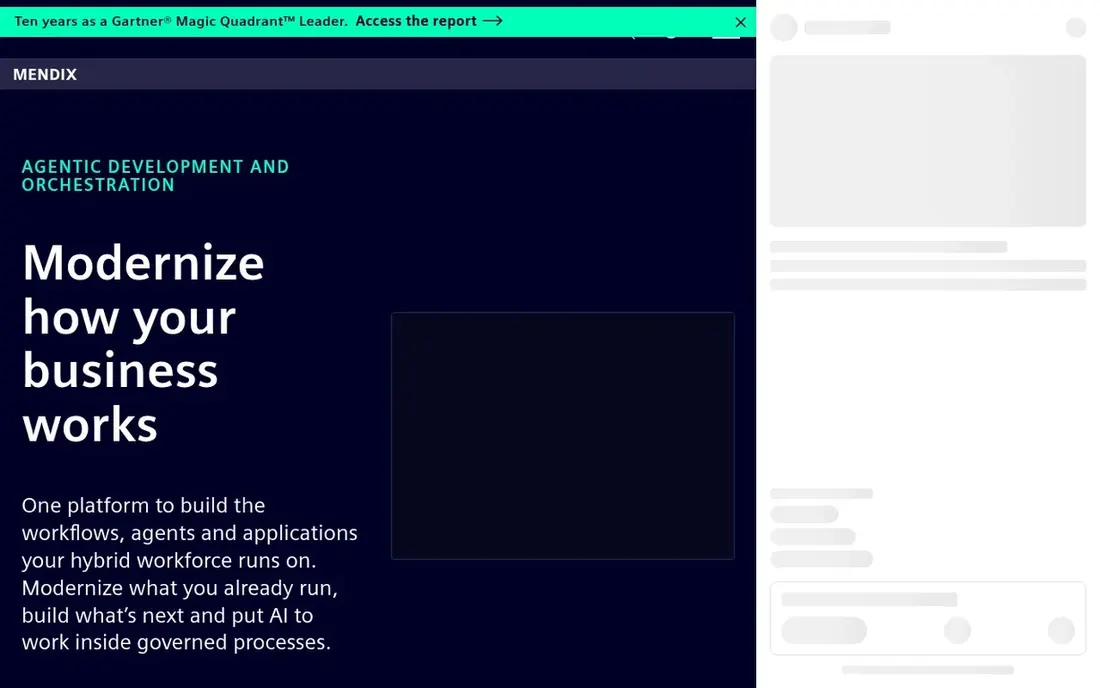
Mendix works best for governed modernization and hybrid workforce apps. If the goal is a handful of light internal tools, a leaner choice for example Retool may be enough.
Also, the product assumes some governance and architecture discipline, so purely non-technical teams may find the ramp-up time steeper than with more straightforward builders. Mendix does not show a starting price in this comparison, so check the vendor site for current pricing. As for free access: Not stated.
Trade-offs to know: Steeper for purely non-technical users.
Main advantages: Puts AI inside governed processes.
- Builds workflows
- Modernizes existing systems
- Needs product governance planning
OutSystems is aimed squarely at legacy modernization with regulatory demands. It suits organizations with substantial existing systems that require a governed path to new applications, notably where compliance and audit expectations shape delivery.
Beyond that, organizations wanting minimal developer involvement should weigh more straightforward no-code builders before committing to a full delivery product. OutSystems shows no starting price here, so confirm the cost on the vendor site. Free plan details: Not stated.
Watch-outs: Enterprise-oriented complexity.
- Focus on modernizing legacy systems
- Pitched at regulated enterprise environments
- Needs developer involvement for advanced work
How the list was put together
Selection started from tools commonly considered for No-Code development platforms for enterprise, then narrowed to 5 that have clear pricing information or a clear quote process. Seat minimums, billing terms and add-ons can move the real cost, so the starting prices here are a guide and not a quote. We ordered the tools by general fit, then by how clearly pricing is shown, then by free access. A buyer with unusual needs may reorder them.
Before you commit
- Get a written quote from Pega Platform, Microsoft Power Apps, Mendix and OutSystems; the list shows no starting price for them.
- Look at free plan limits closely: Retool and Microsoft Power Apps have one, and the caps decide whether it is usable for real work.
- Before choosing Pega Platform, weigh its main limit: wide scope can mean longer setup.
- Add up seats, add-ons and usage charges for Microsoft Power Apps before comparing it with cheaper entries.
- Ask OutSystems which support channels and response times come with the plan you would buy.
FAQ
Is Pega Platform the right pick for everyone comparing No-Code development platforms for enterprise?
No single tool suits every team. Pega Platform comes first because it fits workflow automation and customer experience, while Retool suits fast internal tools and admin panels and Microsoft Power Apps suits Microsoft-centric internal business apps. Match the tool to your own size, budget and workflow before deciding.
Can I try these tools before paying?
Often, yes. Retool and Microsoft Power Apps have a free plan. Use your own data and a real task during the test, and check what the free tier or trial limits before you rely on it. Each of the 5 options in this No-Code development platforms for enterprise guide has its own card above with the price, free plan and limits.
Which system fits organizations already using Microsoft services?
Microsoft Power Apps is the natural starting point since it is built as a low-code app builder for custom business apps within the Microsoft ecosystem. Teams there can simplify processes and boost productivity with less integration effort than adopting an unrelated system.
What is the cheapest option for No-Code development platforms for enterprise in this list?
On published monthly entry prices, Retool is the lowest here at $10 per builder per month. Entry price is only part of the cost, because seats, add-ons and billing terms can change the total. All 5 picks in this No-Code development platforms for enterprise comparison list a starting price, free plan details and the main limits on their cards above.
Which options for No-Code development platforms for enterprise have a free plan?
On this list, Retool and Microsoft Power Apps include a free plan. Caps on seats, usage or features are common, so test the free plan against your real workload. For the full picture, the cards above cover all 5 entries of this No-Code development platforms for enterprise list, including price, free plan and limits.
What is the difference between no-code and low-code for enterprise use?
No-code systems aim to let business users build apps without programming, whereas low-code products add developer tools for more complicated logic and integration. Plenty of enterprise products blend both, so evaluate how much developer involvement your projects realistically need.
Sources
- https://www.pega.com
- https://retool.com
- https://powerapps.microsoft.com
- https://www.mendix.com
- https://www.outsystems.com