The 5 Best No-Code Mobile App Development Platforms in 2026, Ranked
Best No-Code mobile app development platforms: 5 tools compared on price, free plans and fit. Short, factual notes on every option. Checked this month.
- Editor's choice
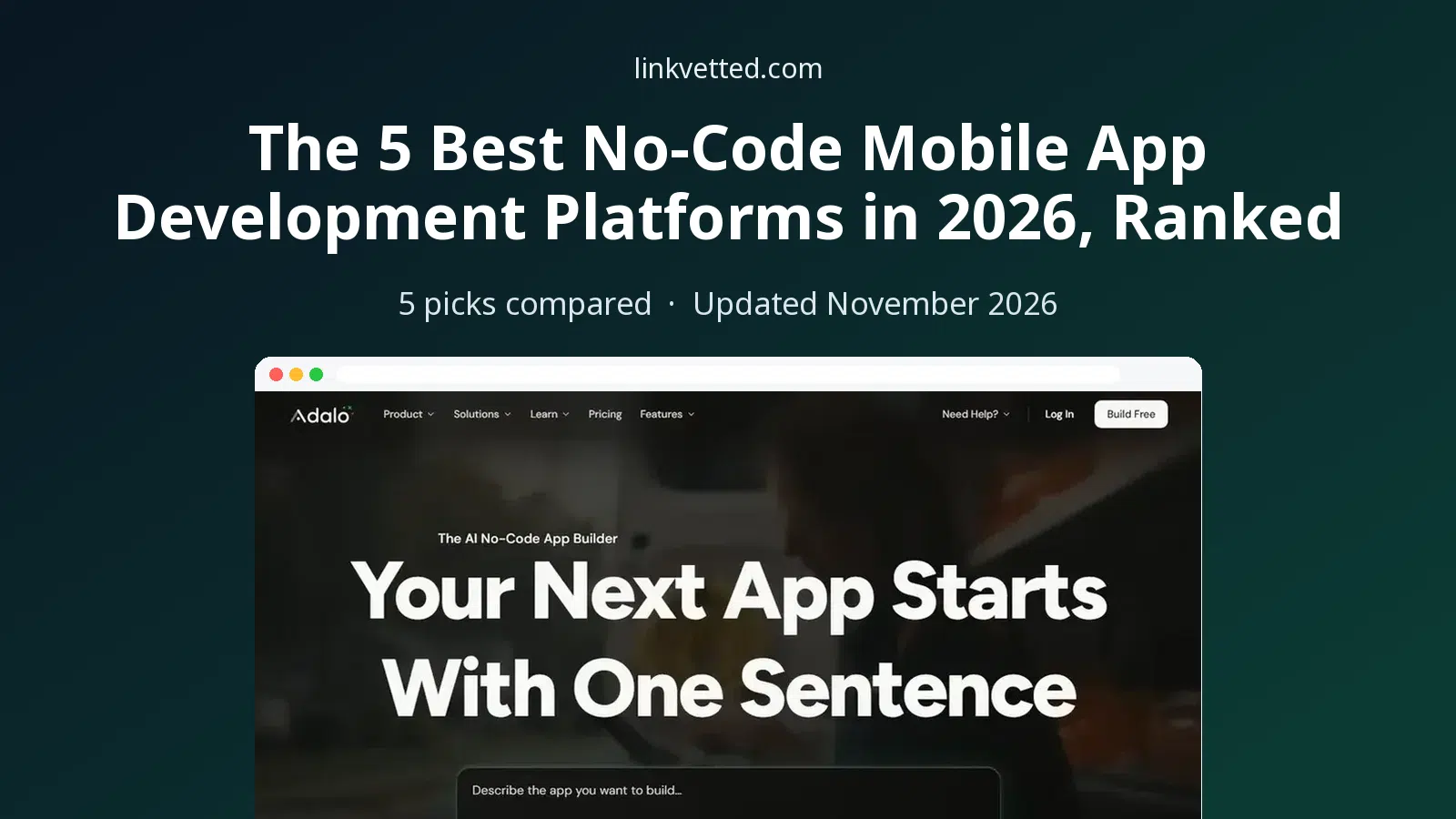
 Adalo
Native iOS and Android from one project
Starts at$65 a monthVisit adalo.comFull review - Great alternative
 FlutterFlow
Describing an app into native builds
Starts at$29 a monthVisit flutterflow.ioFull review - Also consider
 Glide
Internal business apps from spreadsheets
Starts at$25 a monthVisit glideapps.comFull review
Direct answer
If you need native iOS and Android from one project, Adalo is the first tool to look at here. Listed starting prices: Adalo from $65 a month, FlutterFlow from $29 a month and Glide from $25 a month. Alternatives: FlutterFlow for describing an app into native builds, and Glide for internal business apps from spreadsheets. The full list of 5 tools follows, with prices and free plan facts.
TL;DR:
- Adalo is the opening pick, best for native iOS and Android from one project.
- A fair warning about Adalo: complicated custom logic may need workarounds.
- Starting prices begin at $18 per month with Thunkable.
- Thunkable fits Vibe coding native mobile apps.
Last checked November 2026. Prices and plan details were read from the vendors' own pages in November 2026; vendors change plans often, so confirm the current price on the vendor site before you buy.
Quick comparison
| Tool | Best for | Starts at | Free plan? | |
|---|---|---|---|---|
| Adalo | Native iOS and Android from one project | $65 a month | Yes | Visit |
| FlutterFlow | Describing an app into native builds | $29 a month | Yes | Visit |
| Glide | Internal business apps from spreadsheets | $25 a month | Yes | Visit |
 Bubble | AI-assisted web and mobile apps | See website | Not stated | Visit |
 Thunkable | Vibe coding native mobile apps | $18 a month | Yes | Visit |
Every option for No-Code mobile app development platforms explained
LinkVetted put together this guide to No-Code mobile app development platforms for readers who want a clear shortlist without reading every vendor page. It compares 5 tools on starting price, free plans, who each one suits and where each one falls short.
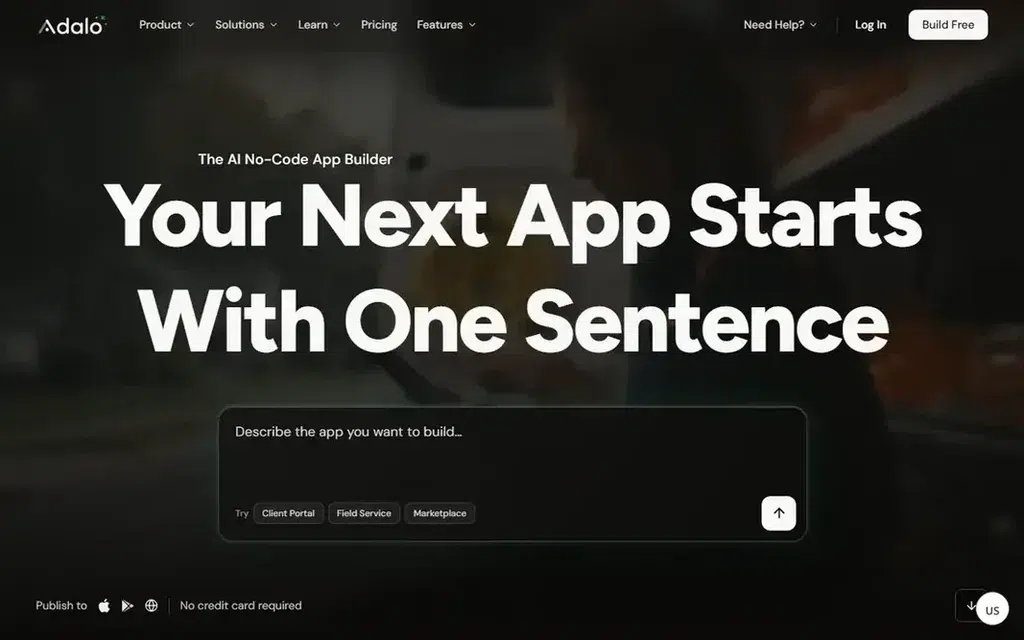
Adalo makes the most sense for native iOS and Android from one project. It suits creators and small teams that want a mobile-first result without maintaining separate codebases.
The main drawbacks: Complicated custom logic may need workarounds.
Also, very specialized device integrations or heavy custom logic can run into platform boundaries, so confirm requirements before committing. What you pay to start with Adalo: $65 per month. You can start on Adalo without paying.
- Single project for several outputs
- Android and web apps
- Native depth varies by feature
FlutterFlow was built for describing an app into native builds. FlutterFlow markets building an iPhone and Android app by describing it, starting with a first version rapidly and asking the agent for changes before sending it to the App Store and Google Play.
When designs get unusual or logic gets intricate, you may have to work closer to the underlying project structure, which rewards some technical familiarity. The starting price for FlutterFlow: $29 per month. You can start on FlutterFlow without paying.
Honest limits: Advanced customization needs technical comfort.
- Agent takes care of requested changes
- Builds iPhone and Android apps from a description
- Generated structure may need cleanup
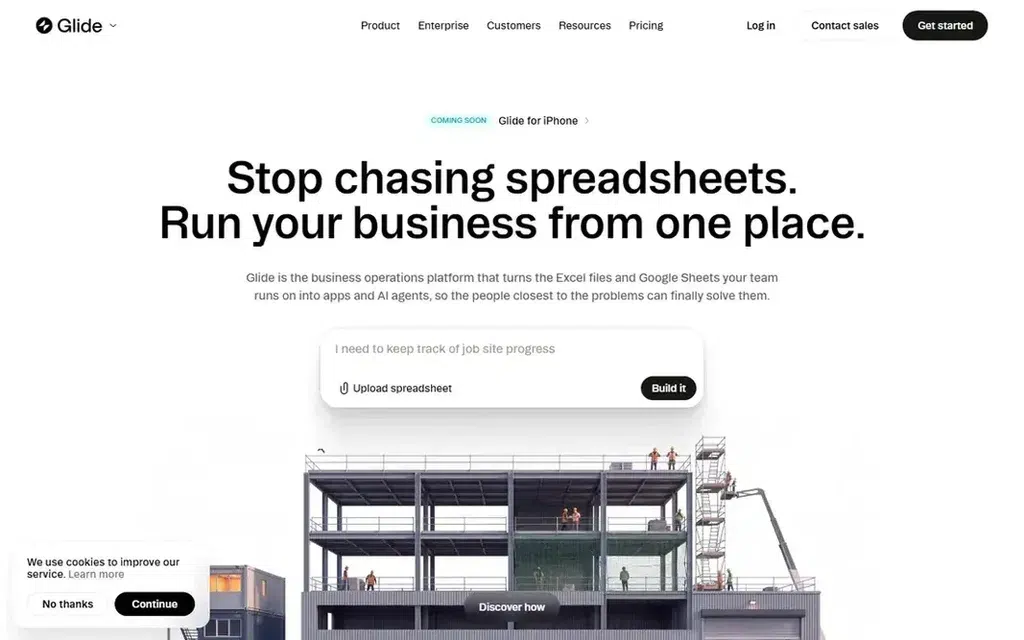
Glide is aimed squarely at internal business apps from spreadsheets. Glide is positioned as an AI app builder for internal business apps. It builds custom business apps and agents from a spreadsheet or a prompt, aiming to be ready in minutes instead of months.
Watch-outs: Less suited to consumer mobile apps.
For everyday use, Glide's strength in internal tools means it is not the natural choice for refined consumer-facing mobile products. Worth adding: teams that require native app store publishing or elaborate custom interfaces should compare it against mobile-first products before deciding. Entry price for Glide: $25 per month. Glide offers a free plan.
- Fast path from data to app
- Builds from a spreadsheet or prompt
- Design adaptability is narrower
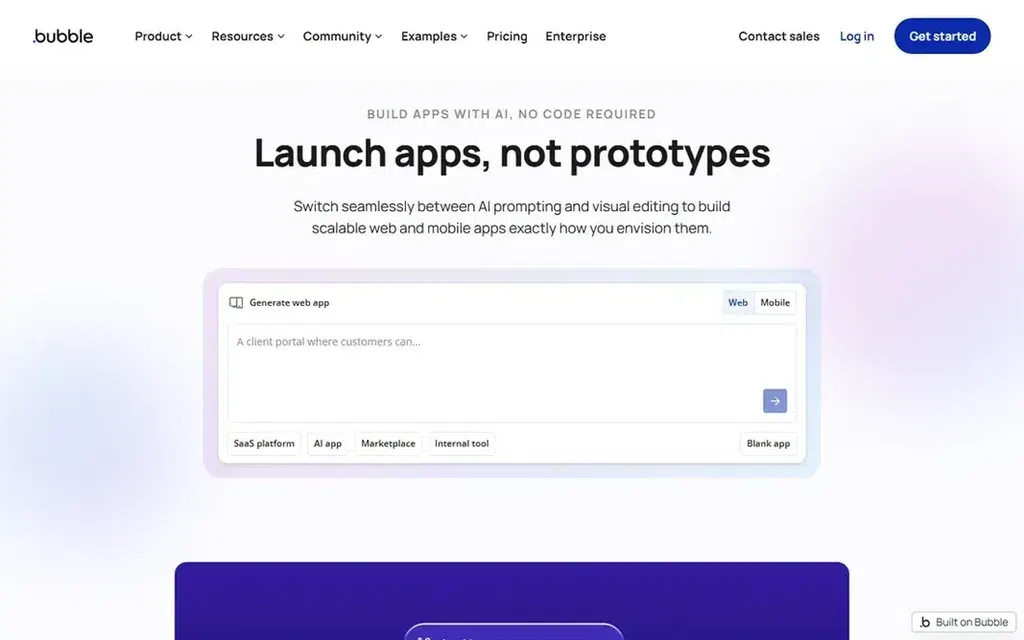
Bubble is designed for AI-assisted web and mobile apps. Bubble describes itself as a no-code AI app builder for web and mobile apps. Its pitch is to build with AI when speed matters and switch to visual editing when precision matters, including design, database, logic and privacy rules.
On top of that, teams that only need a straightforward internal tool from a spreadsheet may find a lighter choice quicker, whereas those needing deep native device features should check system limits first. More specifically, since Bubble spans web and mobile and exposes in-depth controls, the ramp-up time is steeper than a narrow single-purpose tool. Bubble shows no starting price here, so confirm the cost on the vendor site. Free plan details: Not stated.
Limits to weigh: Wide feature set takes time to learn.
Where Bubble stands out: AI building plus visual editing.
- Deals with database
- Fits full application builds
- Not focused solely on native mobile
For Vibe coding native mobile apps, Thunkable is a natural candidate. Thunkable describes itself as a way to vibe code an app idea into a real native iOS and Android app without coding. Its AI builder deals with design, logic and publishing, which suits individuals and small teams that want a mobile app and are comfortable describing what they want in plain language.
What to check first: Complicated features may need workarounds.
More specifically, highly specialized functionality should be validated against the system's capabilities before you build around it. Since the emphasis is native mobile, projects that also need a substantial web presence may require a second tool. Thunkable cost at the entry level: $18 per month. Thunkable offers a free plan.
- Targets native iOS and Android
- Bundles publishing support
- Mobile-only focus limits web use
How we built this list
Pre-purchase checklist
- Get a written quote from Bubble; the list shows no starting price for them.
- Read the fine print on the free plans from Adalo, FlutterFlow, Glide and Thunkable; seat, project and feature caps differ.
- Before choosing Adalo, weigh its main limit: complicated custom logic may need workarounds.
- Test how quickly Bubble answers a pre-sales question; it hints at how support will feel later.
- Total up the real monthly cost of FlutterFlow, including add-ons, extra users and usage-based fees.
FAQ
What is the cheapest option for No-Code mobile app development platforms in this list?
On published monthly entry prices, Thunkable is the lowest here at $18 per month. Entry price is only part of the cost, because seats, add-ons and billing terms can change the total. For the full picture, the cards above cover all 5 entries of this No-Code mobile app development platforms list, including price, free plan and limits.
Which no-code platform is a good match for a customer-facing mobile app?
The first pick on this list is Adalo, because it suits native iOS and Android from one project. FlutterFlow is better for describing an app into native builds, and Glide for internal business apps from spreadsheets. Check price and limits against your own needs before choosing.
Which options for No-Code mobile app development platforms have a free plan?
On this list, Adalo, FlutterFlow, Glide and Thunkable include a free plan. Caps on seats, usage or features are common, so test the free plan against your real workload.
Can I try these options before paying?
Often, yes. Adalo, FlutterFlow, Glide and Thunkable have a free plan. Use your own data and a real task during the test, and check what the free tier or trial limits before you rely on it.
Do these tools publish their prices?
Not all of them. Bubble publishes no starting price, so expect a quote request for it. The rest, Adalo included, show a starting price, though seats and billing terms still change the final cost. Prices, free plan details and limits for all 5 tools in this No-Code mobile app development platforms roundup sit on the individual cards above.
Sources
- https://www.adalo.com
- https://www.flutterflow.io
- https://www.glideapps.com
- https://bubble.io
- https://thunkable.com