Top 6 Low Code App Builders for 2026 (Prices and Free Plans)
Shortlisting the best low code app builders? 6 products compared on cost, free access and ideal buyer. Fit, price and catches for every tool. Numbers first.
- Editor's choice
 Retool
Internal tools over databases and APIs
Starts at$10 per builder a monthVisit retool.comFull review - Great alternative
 Zoho Creator
Custom apps, agents, and workflows
Starts atSee websiteVisit zoho.comFull review - Also consider
 Salesforce Platform
Apps tied to Salesforce data and governance
Starts atSee websiteVisit salesforce.comFull review
Direct answer
Retool is the first pick on this list for internal tools over databases and APIs. Listed starting prices: Retool from $10 per builder a month. For a different need, Zoho Creator covers custom apps, agents, and workflows and Salesforce Platform covers Apps tied to Salesforce data and governance. Details, prices and limits for the rest of the 6 tools are below.
TL;DR:
- This list starts with Retool, which is built for internal tools over databases and APIs.
- Check the limits for Salesforce Platform before you commit: most natural inside the Salesforce ecosystem.
- For custom business apps for Microsoft environments, Microsoft Power Apps is worth a look.
- A free plan is available from 2 of the 6 tools: Retool, Microsoft Power Apps.
Last checked November 2026. Prices and plan details were read from the vendors' own pages in November 2026; vendors change plans often, so confirm the current price on the vendor site before you buy.
Quick comparison
| Tool | Best for | Starts at | Free plan? | |
|---|---|---|---|---|
| Retool | Internal tools over databases and APIs | $10 per builder a month | Yes | Visit |
| Zoho Creator | Custom apps, agents, and workflows | See website | Not stated | Visit |
| Salesforce Platform | Apps tied to Salesforce data and governance | See website | Not stated | Visit |
 Mendix | Enterprise workflows, agents, and app delivery | See website | Not stated | Visit |
 OutSystems | Modernizing legacy systems with custom apps | See website | Not stated | Visit |
 Microsoft Power Apps | Custom business apps for Microsoft environments | See website | Yes | Visit |
Every option for low code app builders explained
LinkVetted compared 6 low code app builders. The goal is a practical shortlist: published prices, free plan facts, best-fit use cases and honest limits for every entry.
In short, Retool is for internal tools over databases and APIs. Getting value relies on understanding your databases and APIs.
Limits to weigh: Needs understanding of your data sources.
In practice, consider a broader low-code product when you need business-user app building or enterprise process orchestration. Entry price for Retool: $10 per builder per month. Retool has a free plan.
- AI support throughout
- Links to databases, APIs, LLMs
- Concentrated on internal instead of customer apps
Zoho Creator is a good fit for custom apps, agents, and workflows. Zoho Creator is described as an AI app development system that helps companies build custom applications, agents, and workflows securely. More specifically, choose Zoho Creator when you want accessible custom app building with workflow and agent support.
The main drawbacks: Best fit within the Zoho suite.
In daily use, teams needing broad enterprise orchestration may prefer a broader product. Organizations already using Zoho products will find it particularly natural. Its advantages are most solid inside the Zoho ecosystem, and highly specialized requirements may call for deeper customization work. This comparison lists no price for Zoho Creator; ask the vendor. Free options: Not stated.
- Emphasis on secure delivery
- Builds apps, agents, workflows
- Advanced customization may need more effort
Think of Salesforce Platform for Apps tied to Salesforce data and governance. Salesforce Platform powers what the vendor calls the agentic enterprise, combining metadata, governance, MuleSoft, and Data Cloud. For everyday use, pick a more straightforward builder if you need a focused internal app without deep system ties.
Limits to weigh: Wide system takes time to master.
In daily use, the product is most valuable when you are committed to Salesforce, and organizations outside that ecosystem may find it less direct. Its breadth also means a ramp-up time across metadata, integration, and data tools. Salesforce Platform does not show a starting price in this comparison, so check the vendor site for current pricing. Trial and free access: Not stated.
- Bundles MuleSoft and Data Cloud
- Pitched at enterprise app delivery
- Most natural inside the Salesforce ecosystem
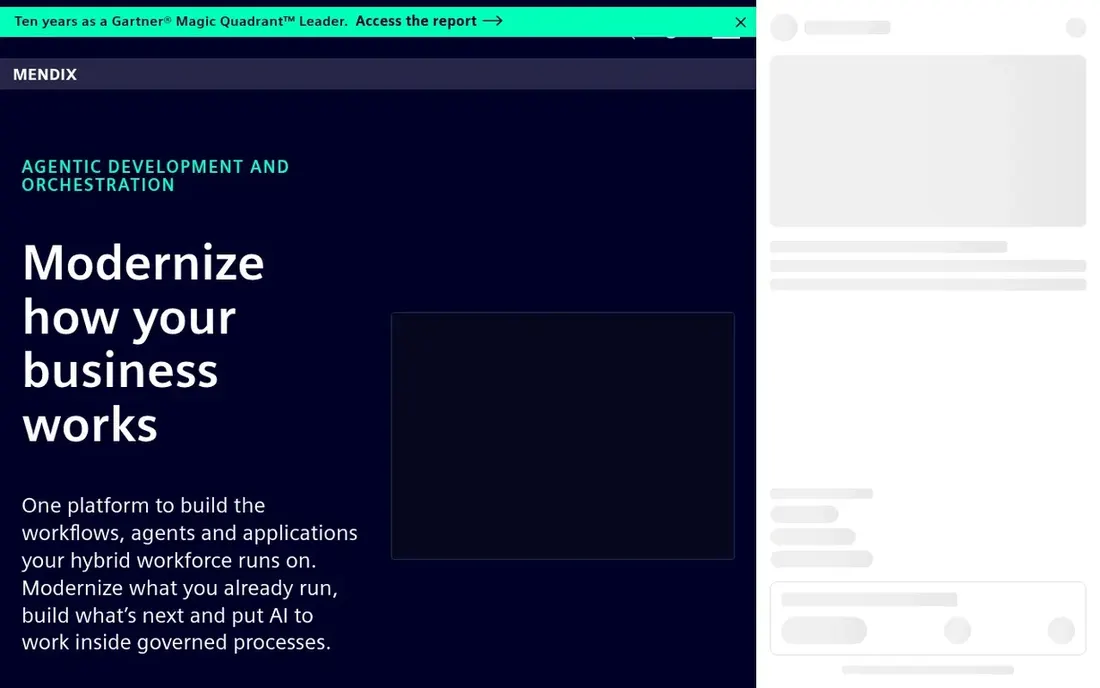
Mendix is designed for enterprise workflows, agents, and app delivery. The system's breadth means a ramp-up time, and smaller teams may not need its full governance and modernization scope. It targets organizations that want to modernize what they already run whereas building what comes next.
Drawbacks to consider: Wide scope takes time to learn.
It emphasizes putting AI to work inside governed processes. Also, setup and administration can need dedicated effort. No starting price is listed for Mendix here; confirm pricing on the vendor site. Free access: Not stated.
- Supports AI agents inside governed processes
- Pitched at modernizing existing systems
- Enterprise focus can feel heavy for small teams
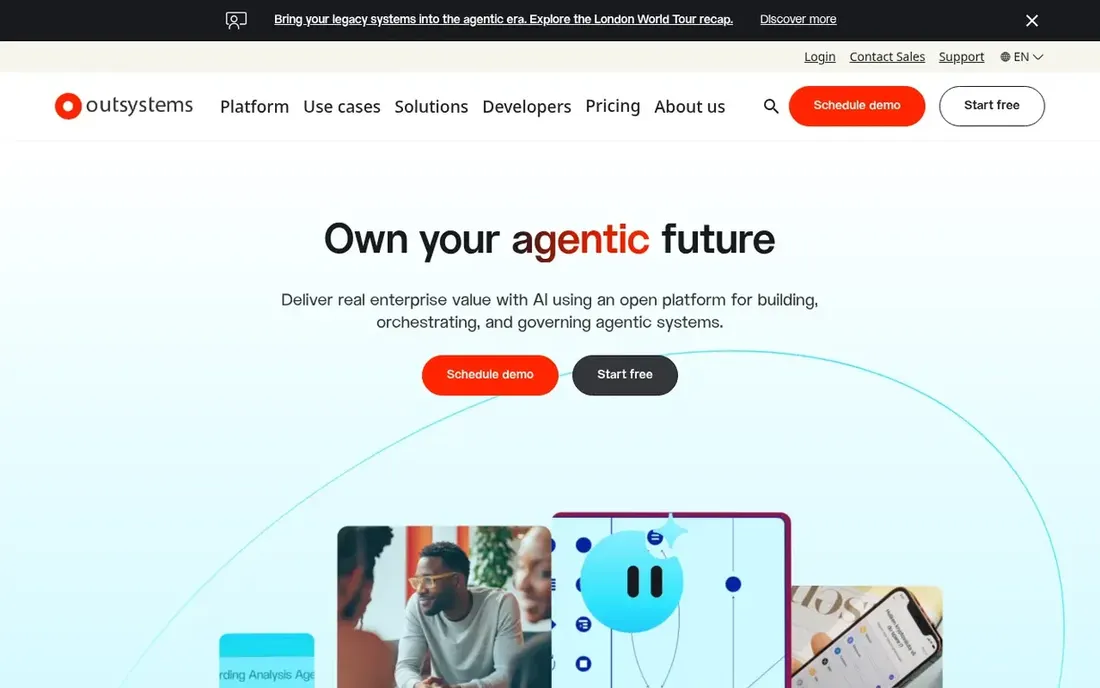
OutSystems is aimed squarely at Modernizing legacy systems with custom apps. Teams with ongoing enterprise app portfolios are the core audience. Its enterprise focus and breadth can be more than a small team needs, and getting productive takes real investment.
The main drawbacks: Needs commitment to learn properly.
More specifically, OutSystems positions itself around building apps and AI agents with confidence, helping enterprises modernize legacy systems and run custom applications that meet customer and regulator demands. In practice, organizations wanting a straightforward form-and-workflow tool may prefer something lighter. OutSystems shows no starting price here, so confirm the cost on the vendor site. On free options: Not stated.
- Builds apps and AI agents
- Focus on legacy modernization
- Enterprise orientation may overwhelm small teams
Microsoft Power Apps
Best for: Custom business apps for Microsoft environments
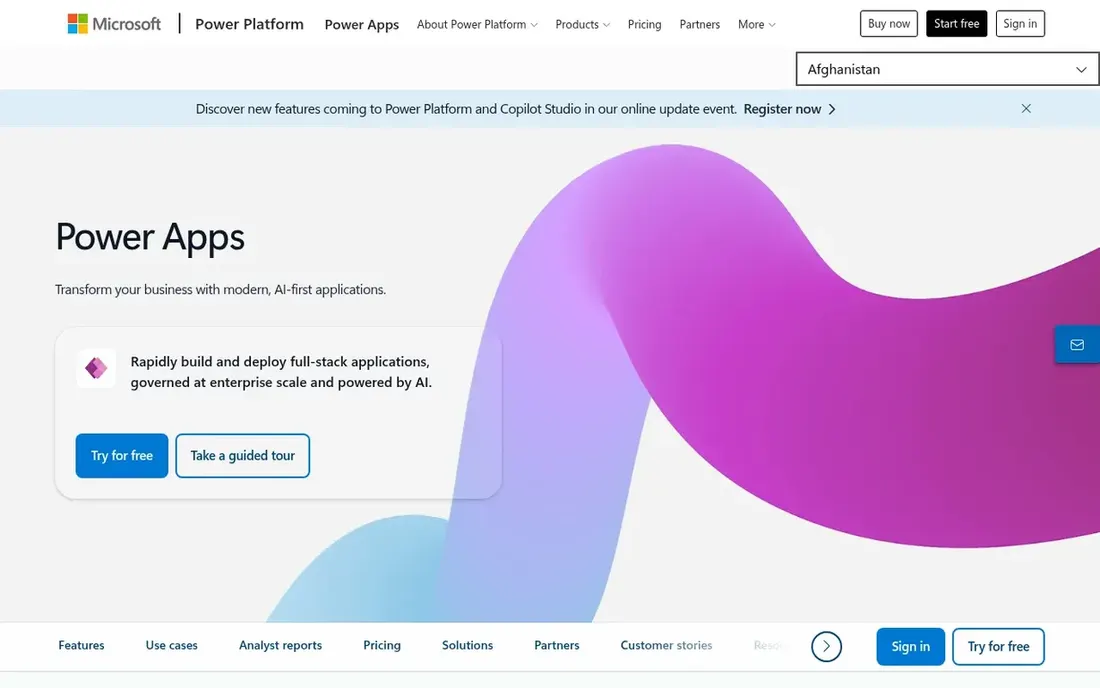
Microsoft Power Apps was built for custom business apps for Microsoft environments. Microsoft Power Apps is a low-code app builder from Microsoft that lets organizations build custom business apps to simplify processes and boost productivity.
The system emphasizes connecting business data to apps that employees use day to day. As for the details, consider a more open enterprise system when you need heavy legacy modernization or advanced orchestration. This comparison lists no price for Microsoft Power Apps; ask the vendor. Microsoft Power Apps includes a free tier.
Watch-outs: Complicated needs may outgrow low-code.
- Geared toward simplifying organizational processes
- Low-code app builder for business apps
- Best value inside the Microsoft ecosystem
What went into this list
Selection started from tools commonly considered for low code app builders, then narrowed to 6 that have clear pricing information or a clear quote process. Where a vendor does not publish a price, the entry says quote. Where a price depends on seats or billing term, the entry says so. The sequence is a judgement call: typical use case first, then pricing transparency, then free access. Use the profiles to check fit.
What to confirm before you sign up
- Confirm the entry price on the vendor page. For Zoho Creator, Salesforce Platform, Mendix and others that means a quote rather than a fixed price.
- Check what the free option really includes: Retool and Microsoft Power Apps offer a free plan, and usage caps differ.
- Before choosing Retool, weigh its main limit: concentrated on internal instead of customer apps.
- Ask the daily users to test OutSystems on a live task before you roll it out to everyone.
- Test how quickly Retool answers a pre-sales question; it hints at how support will feel later.
FAQ
Is Retool the right pick for everyone comparing low code app builders?
No single tool suits every team. Retool comes first because it fits internal tools over databases and APIs, while Zoho Creator suits custom apps, agents, and workflows and Salesforce Platform suits Apps tied to Salesforce data and governance. Match the tool to your own size, budget and workflow before deciding.
Which low code app builders have a free plan?
Retool and Microsoft Power Apps offer a free plan in this list. Free plans usually cap users, projects or features, so check the limits on the vendor page.
What should I look for in a low-code app builder?
Focus on the data sources and systems you have to link, the governance and security controls your organization needs, and how much technical skill your builders have.
How are the low code app builders ordered?
The order follows typical fit for low code app builders, with Retool first and Microsoft Power Apps last, then price clarity and free access. It is editorial judgement, not a score, so another team could rank the tools differently.
Is a low-code builder suitable for internal tools only?
Not necessarily. Enterprise systems like OutSystems and Mendix also target bigger custom applications, so match the tool to the app types you plan to deliver.
Which low-code builder is a good match for enterprise process automation?
This list starts with Retool, which fits internal tools over databases and APIs. For other needs, Zoho Creator is aimed at custom apps, agents, and workflows, and Salesforce Platform at Apps tied to Salesforce data and governance. Check each tool's price and main limit first.
Sources
- https://retool.com
- https://www.zoho.com/creator
- https://www.salesforce.com/platform
- https://www.mendix.com
- https://www.outsystems.com
- https://powerapps.microsoft.com