Best Code Quality Tools in 2026: 8 Tools Compared
We compared the best code quality tools for small and large teams, checking pricing, language coverage and pull request checks to help you choose well.
- Editor's choice
 SonarQube Cloud
Quality gates and broad language coverage
Starts at$34 per monthVisit sonarsource.comFull review - Great alternative
 Codacy
Simple setup for small teams
Starts at$18 per developer per monthVisit codacy.comFull review - Also consider
 DeepSource
Automated fixes in pull requests
Starts at$24 per user per monthVisit deepsource.comFull review
TL;DR:
- SonarQube Cloud and Codacy give the clearest starting points for most teams, with free tiers for small or open source work.
- Per developer pricing suits small teams, while pricing by lines of code can suit a large team with a modest codebase.
- Free linters such as ESLint and Ruff still matter, because they catch basic problems before any paid platform runs.
- Quality gates, not raw issue counts, are what stop weak code from reaching production.
- Check language support and pull request integration before you pay, since both vary a lot between tools.
Quick comparison
| Tool | Best for | Starts at | Free plan? | |
|---|---|---|---|---|
| SonarQube Cloud | Quality gates and broad language coverage | $34 per month | Yes | Visit |
| Codacy | Simple setup for small teams | $18 per developer per month | Yes | Visit |
| DeepSource | Automated fixes in pull requests | $24 per user per month | Free trial | Visit |
 Snyk Code | Security focused code review | See website | Yes | Visit |
 Semgrep | Custom rules and fast scans | See website | Yes | Visit |
 Qlty | Code Climate style quality tracking | $20 per contributor per month | Yes | Visit |
 CodeScene | Code health and team trends | See website | Yes | Visit |
 ESLint | JavaScript and TypeScript linting | Free | Yes | Visit |
The best code quality tools
Code quality tools sit between writing code and shipping it. The best ones flag bugs, security flaws and messy patterns early, and they do it in a way developers can act on without leaving a pull request.
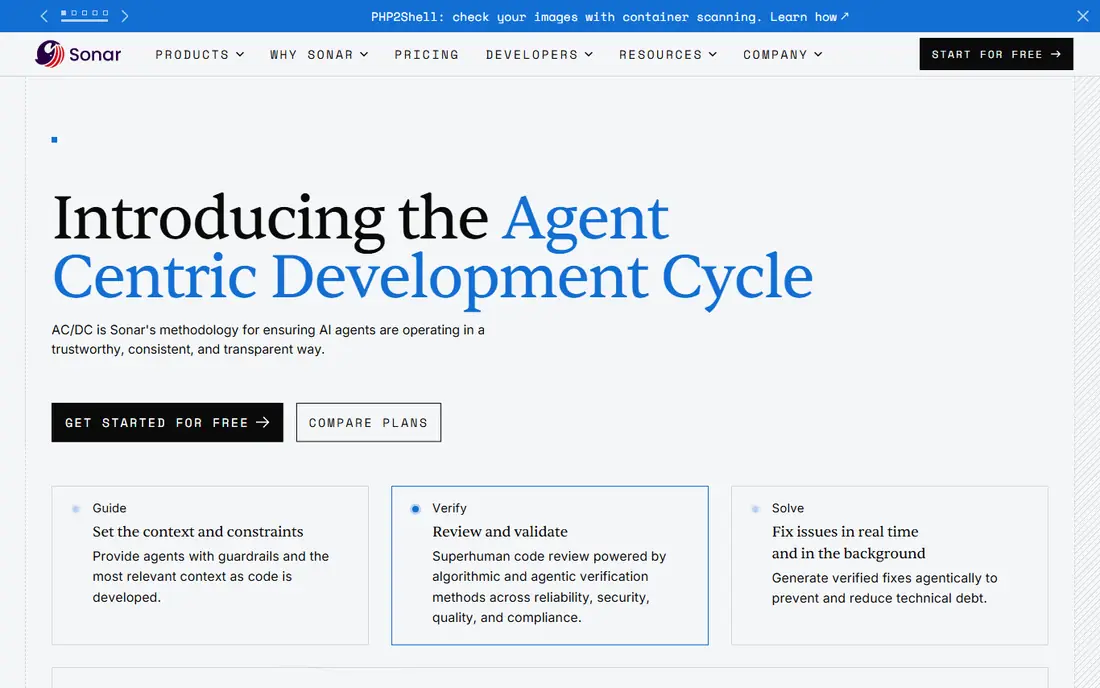
SonarQube Cloud, formerly SonarCloud, is the default choice for many teams because it covers a wide set of languages and gives a clear pass or fail signal on each pull request. Its quality gate concept is simple to explain to a team: new code must meet a set of thresholds for bugs, security issues and coverage before it merges. That clarity helps managers and developers agree on what good looks like, instead of arguing over individual comments.
The free tier covers public projects and private projects up to 50,000 lines of code, which makes it easy to try on a real repository. Paid plans start at $34 per month for up to 100,000 lines of private code, with higher tiers for larger codebases. The main drawback is that lines of code pricing can grow quickly for older, larger systems, even when only a small part of the code changes often. Teams with very large monoliths should check their total count before committing.
- Broad language coverage
- Clear quality gates for pull requests
- Free tier for public projects and small private codebases
- Paid pricing rises with lines of code
- Setup and rule tuning take time on larger codebases
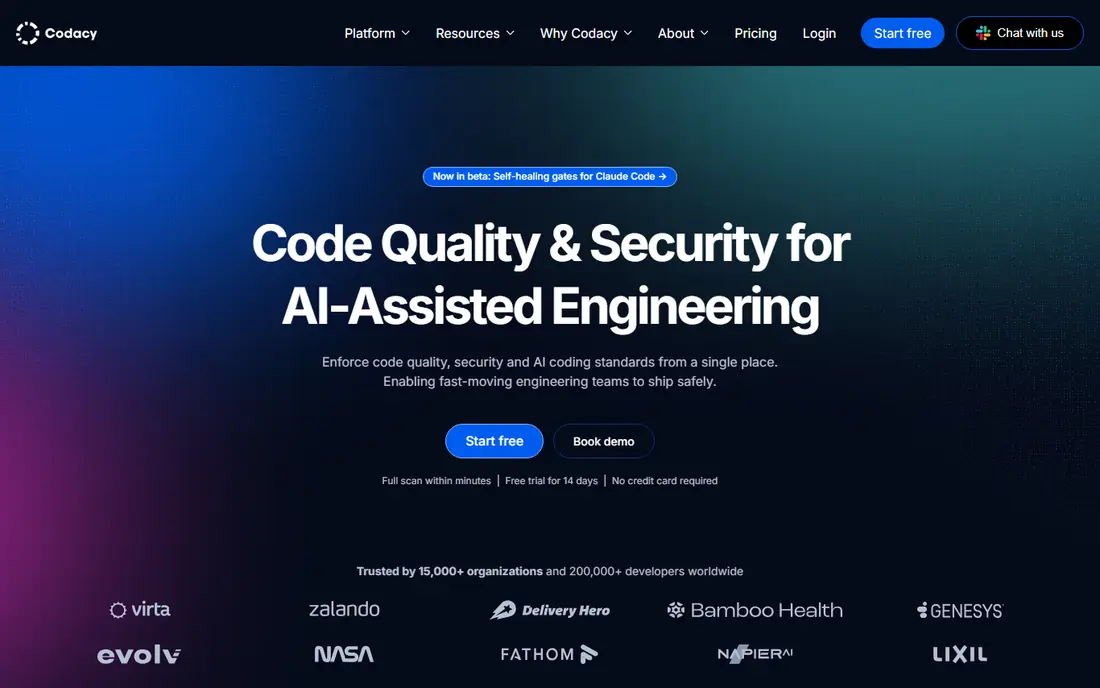
Codacy appeals to teams that want useful results on day one without a long configuration project. It connects to common Git hosts, scans pull requests and reports issues with plain explanations and suggested fixes. For a small product team, that low friction matters more than having every advanced rule a large enterprise might need.
Pricing is per developer, starting at $18 per developer per month billed annually, with a free developer plan for smaller use. That model is easy to budget when the team is stable, though it can add up as headcount grows. Codacy also covers open source projects for free, which makes it a sensible pick for maintainers who want automated review without paying for a seat for every occasional contributor.
- Quick setup with GitHub, GitLab and Bitbucket
- Free developer plan
- Combines quality, security and duplication checks
- Team plan caps at 30 developers on self serve
- Deeper enterprise controls need a higher plan
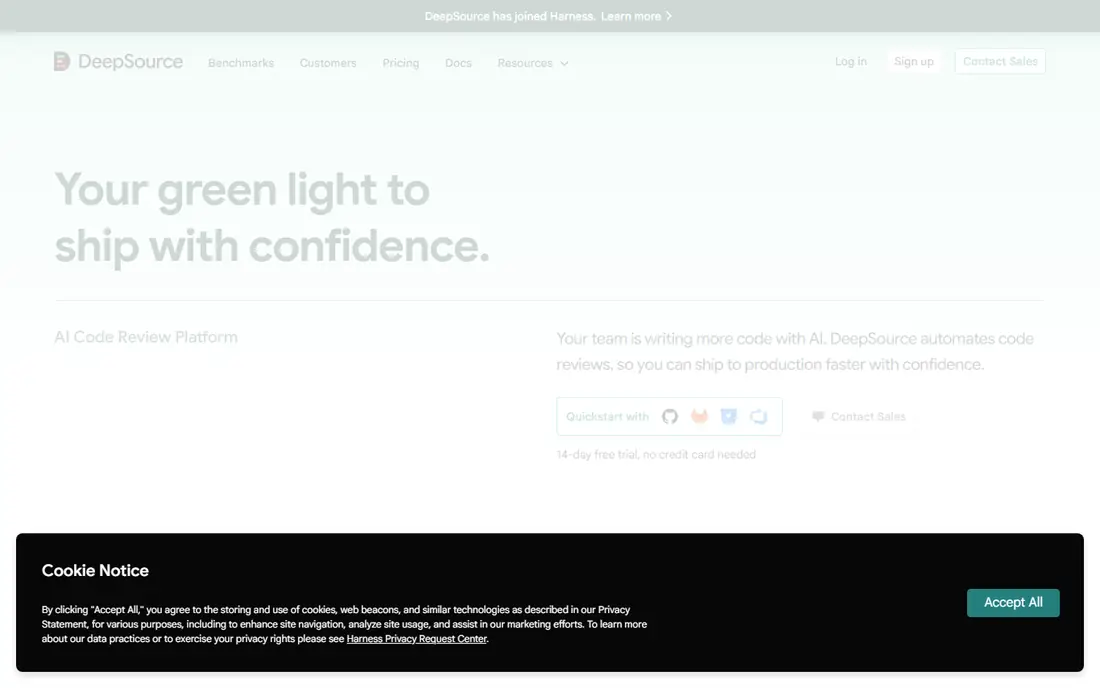
DeepSource stands out for how much of the fix it does for you. Instead of only pointing at a problem, it often proposes a patch that a developer can accept in the pull request. That saves back and forth and helps junior developers learn good patterns by seeing the corrected code, rather than only reading a warning.
The team plan is listed at $24 per user per month billed annually, with a free tier for open source projects. The catch is that AI powered review and some extras can add cost beyond the base plan, so teams should read the current pricing page closely before estimating a yearly bill. If your main pain is slow reviews, DeepSource is worth a trial on a busy repository.
- Autofix suggestions that developers can apply directly
- Clear issue explanations
- Support for many common languages
- Some advanced review features are billed separately
- Smaller community than the largest platforms
Snyk Code is built for teams that worry most about security flaws in their own code, rather than style alone. It scans for injection flaws, insecure data handling and similar risks, and it explains each finding in developer terms with a path to a fix. That focus makes it a good fit for teams that handle customer data or ship software to regulated customers.
A limited free plan lets small teams try it, while paid plans are built around the wider Snyk platform. The trade off is pricing complexity: credit based models can be hard to forecast without testing on your own repositories. If you already use Snyk for dependencies or containers, adding Snyk Code keeps findings in one place, which reduces tool sprawl.
- Strong security findings alongside quality checks
- Integrates with the wider Snyk platform
- Developer friendly explanations
- Pricing is credit based on higher plans, which complicates budgeting
- Best value comes when you also use other Snyk products
Semgrep is the tool many security and platform teams reach for when off the shelf rules are not enough. Its rule language lets a team write a check for a specific bad pattern in their own codebase, such as a banned function or an unsafe internal API. Because scans run quickly, it fits well in continuous integration without slowing merges to a crawl.
The open source engine and community rules are free, which makes it easy to start. Paid plans add team management, more rules and support, with team pricing published per contributor. The honest catch is that custom rules need ownership: someone has to write them, test them and tune them, or they will produce noise that developers learn to ignore.
- Fast scans in CI
- Custom rules written in a readable form
- Open source engine available
- Paid team pricing is per contributor and adds up
- Rule writing still needs care to avoid noisy results
Qlty is the current name for the product formerly known as Code Climate Quality, and it focuses on maintainability as much as on individual bugs. It tracks complexity, duplication and churn over time, so a team can see whether a codebase is getting easier or harder to change. That trend view is useful in planning work, because it shows where refactoring will pay off.
A free plan with unlimited contributors makes it easy to try, and the Pro plan is listed at $20 per contributor per month. Enterprise pricing is higher. The main drawback is brand confusion from the rename, and teams comparing older Code Climate reviews should confirm they are looking at current Qlty documentation and pricing before deciding.
- Tracks maintainability trends over time
- Free plan with unlimited contributors
- Covers many languages through plugins
- Newer brand name can confuse buyers
- Enterprise features cost more than the entry plan
CodeScene takes a different angle from most tools on this list. Instead of only listing issues, it analyses how code changes over time, which files change together and where knowledge is concentrated in a few people. That view helps engineering leaders spot risky areas before they become outages or painful rewrites.
Pricing is published per active author, with a standard tier around 18 euros per month billed annually, so US buyers should check the current dollar figure at checkout. It is free for open source projects. CodeScene is less suited as a sole gate for every pull request, and it works best alongside a linter or a scanner that blocks obvious bugs.
- Links code health to delivery risk
- Useful for planning refactoring
- Free for open source projects
- Pricing in euros can complicate US budgeting
- Analysis is more strategic than a simple pass or fail check
ESLint is not a full quality platform, but no JavaScript or TypeScript team should skip it. It catches unused variables, risky patterns and style problems before code ever reaches review, and it runs in the editor so developers fix issues as they type. Plugins cover frameworks, accessibility and security patterns, which extends it well beyond basic style checks.
Because it is free and open source, the cost is team time, not a subscription. The catch is scope: it only covers JavaScript and TypeScript, and teams need to agree on a shared configuration or they will spend review time arguing about rules instead of logic. Pair ESLint with one of the platforms above for a solid setup: ESLint for fast local feedback, and a platform for gates, trends and security depth.
- Free and open source
- Huge plugin ecosystem
- Runs in editors and CI with little setup
- JavaScript and TypeScript only
- Configuration choices can spark long team debates
How we picked these
We compared official feature pages, pricing pages and public documentation for tools that are actively maintained in October 2026. We looked for products that integrate with GitHub, GitLab or Bitbucket, run in continuous integration, and give actionable feedback on pull requests rather than only a long report. We also favoured tools with a free tier or trial, so a team can test on its own code before paying, and we left out tools that are discontinued or that only cover a single narrow check.
What to check before you buy
Start with your main pain, not with a feature list. If merges are slow because reviews catch the same style issues again and again, a linter plus a light platform may be enough. If security findings reach production, prioritise a scanner with strong security rules and clear fix guidance.
Language and repository fit
Check that the tool supports every language you ship, including older code that still runs in production. Some tools cover popular languages well and handle others only lightly. Also check monorepo support, private repository limits and whether pull request comments work with your Git host.
Pricing model and limits
Per developer pricing is predictable for a stable team. Lines of code pricing can be cheaper for a small team with a large legacy codebase, or expensive for the opposite case. Credit based pricing needs a trial on real repositories, because estimates based on marketing pages often miss how often scans rerun.
Noise control
A tool that flags everything will be ignored. Look for ways to tune rules, set quality gates only on new code, and suppress known issues with a reason attached. Run a two week trial, count how many findings developers actually fixed, and ask the team whether comments felt helpful or distracting.
FAQ
What is the best code quality tool for a small team?
Codacy or SonarQube Cloud are strong starting points, because both offer free tiers and simple Git integration. Pair either one with ESLint or a similar linter for your main language, so basic issues are fixed before the platform runs. Start with quality gates on new code only, so older code does not block every merge.
Do code quality tools replace code review?
No, they support it. Automated tools catch repeatable problems such as bugs, security flaws and duplication, which frees reviewers to focus on design, logic and product fit. A human still needs to judge whether a change solves the right problem and whether the code will be easy to change later.
How much do code quality tools cost?
Free linters cost nothing beyond setup time, while paid platforms in this list start around $18 to $34 per month or per developer, depending on the pricing model. Larger teams and larger codebases pay more, and credit based plans vary with usage. Always test on your own repositories before budgeting for a year.
Can these tools work with GitHub Actions or GitLab CI?
Yes, the platforms in this list are built for continuous integration and pull request checks. Most offer ready made actions or integrations for GitHub, GitLab and Bitbucket. Check the documentation for your host before buying, especially if you use a self hosted runner or a less common setup.
What is a quality gate?
A quality gate is a set of thresholds that new or changed code must meet before it merges, such as no new critical bugs and a minimum test coverage level. Gates give teams a shared, automatic definition of done. They work best when they apply to new code first, so teams are not punished for old problems they have not yet fixed.
Should we use more than one code quality tool?
Often yes, but keep the stack small. A common setup is one linter for fast local feedback, one platform for pull request gates, and one security scanner if the platform does not cover security well. Adding more tools than that usually creates duplicate comments and extra maintenance without better results.