5 Best No-Code Platforms with Quality Templates for 2026, Vetted and Compared
5 best No-Code platforms with quality templates, with entry costs, free tiers and the buyer each one serves. Each tool gets a one-line verdict. Decide faster.
- Editor's choice
 Bubble
Template-started web and mobile apps
Starts atSee websiteVisit bubble.ioFull review - Great alternative
 Softr
Secure client portals and internal tools
Starts atSee websiteVisit softr.ioFull review - Also consider
 Airtable
Workflow and database templates
Starts at$20 per user a monthVisit airtable.comFull review
Direct answer
Start with Bubble if you need template-started web and mobile apps. Listed starting prices: Airtable from $20 per user a month, Glide from $25 per month and Webflow from $15 per month. Alternatives: Softr for secure client portals and internal tools, and Airtable for workflow and database templates. The full list of 5 tools follows, with prices and free plan facts.
TL;DR:
- The list opens with Bubble, aimed at template-started web and mobile apps.
- 4 of 5 tools offer a free plan: Softr, Airtable, Glide, Webflow.
- Check the limits for Softr before you commit: less control over advanced custom logic.
- For design-led websites with refined templates, Webflow is worth a look.
- Webflow is the lowest-priced starter here at $15 per month.
Last checked November 2026. Prices and plan details were read from the vendors' own pages in November 2026; vendors change plans often, so confirm the current price on the vendor site before you buy.
Quick comparison
| Tool | Best for | Starts at | Free plan? | |
|---|---|---|---|---|
| Bubble | Template-started web and mobile apps | See website | Not stated | Visit |
| Softr | Secure client portals and internal tools | See website | Yes | Visit |
| Airtable | Workflow and database templates | $20 per user a month | Yes | Visit |
 Glide | Internal business apps from spreadsheets | $25 per month | Yes | Visit |
 Webflow | Design-led websites with refined templates | $15 per month | Yes | Visit |
No-Code Platforms with Quality Templates profiles
Choosing No-Code platforms with quality templates usually comes down to price, fit and limits. This LinkVetted guide sets 5 tools side by side on those three points, with the facts kept short and checkable.
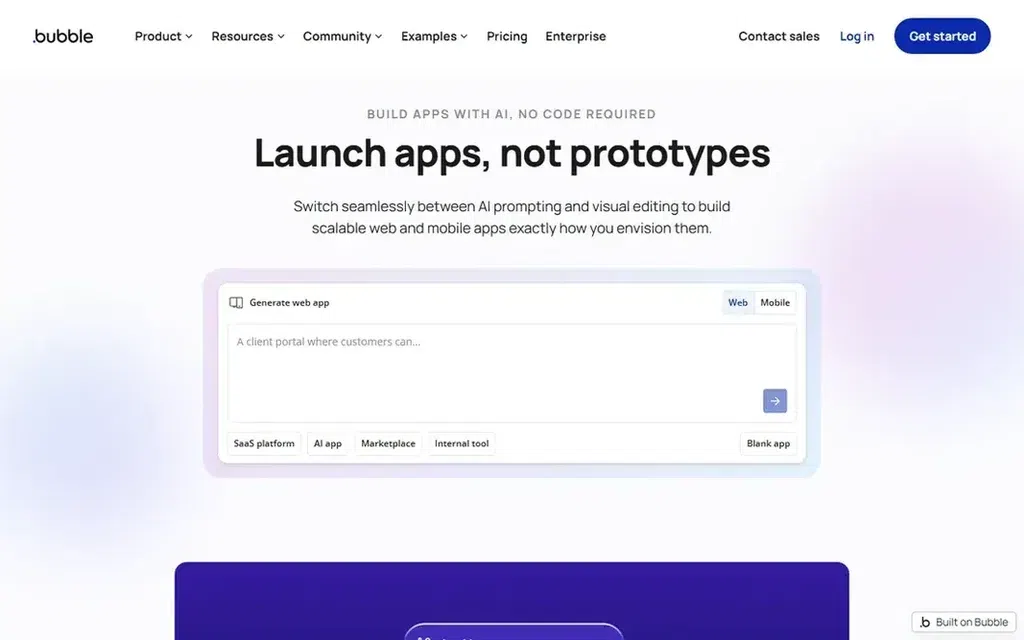
Where Bubble fits: template-started web and mobile apps. Bubble is a no-code app builder for web and mobile products, combining a visual editor with database design, workflow logic, and privacy rules. On top of that, pick Bubble when app logic and customization are the priority.
Drawbacks to consider: Performance tuning needs attention.
On top of that, templates provide you a working starting point for typical app patterns, and AI-assisted building can accelerate early screens. Also, the ramp-up time rises as workflows grow, and complicated apps need careful performance planning. No starting price is listed for Bubble here; confirm pricing on the vendor site. On free options: Not stated.
- AI-assisted building for speed
- Privacy rules and app-level controls
- Logic complexity can slow beginners
Choose Softr for secure client portals and internal tools. If your priority is a refined public marketing site, a website product is a better match.
Where it is weaker: Design depth is moderate.
Choose Softr when secure access and business app workflows are central. From a buyer's view, Softr is a system for building secure business apps and internal tools, with AI that creates an app from a description and comes with permissions and workflows from the start. Check the vendor site for Softr pricing; none is listed in this comparison. Softr includes a free tier.
- AI-assisted app generation from a description
- Permissions and workflows built in
- Less control over advanced custom logic
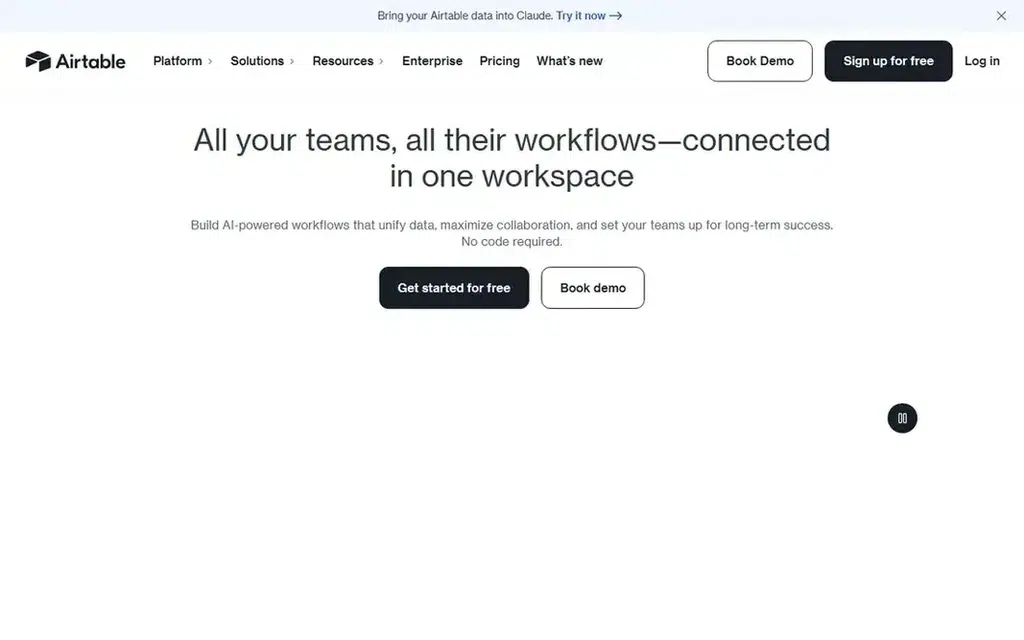
Airtable serves workflow and database templates. Airtable is a cloud product for building databases, workflows, and internal apps around structured data. Its template gallery spans typical business processes like project tracking and content planning, which helps teams start with a proven structure.
Drawbacks to consider: Interface design is more functional than visual.
If your goal is a customer-facing site with rich visual templates, a website builder is a better fit. For everyday use, choose Airtable when data structure and workflow templates drive the project. Airtable is not built for pixel-perfect public websites, and its interface choices are more utilitarian than design-forward. What you pay to start with Airtable: $20 per user per month. Airtable has a free plan.
- Templates for business processes
- Automation for repetitive tasks
- Not a full public website builder
Glide was built for internal business apps from spreadsheets. Glide is an AI app builder centred on internal business apps, generating custom apps from a spreadsheet or a prompt. This makes it a practical choice when your data already lives in a table and you want a usable interface rapidly.
As for the details, Glide is oriented toward internal use, so highly custom public products may outgrow it. In practice, pick Glide when speed and spreadsheet-based data are the central requirements. Also, visual customization is more constrained than in design-first systems. Glide cost at the entry level: $25 per month. Glide offers a free plan.
Watch-outs: Less suited to complicated public products.
- Quick setup for internal tools
- AI-assisted app creation
- Design adaptability is narrower
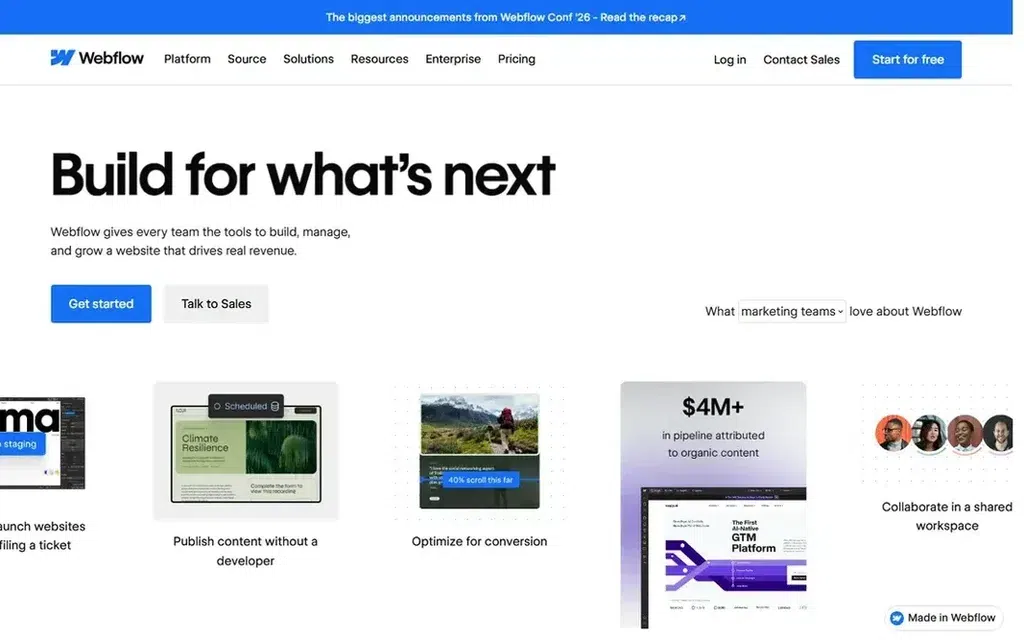
Where Webflow fits: design-led websites with refined templates. Webflow is a visual web development product for building marketing sites, blogs, and content-driven pages.
Honest limits: Steeper ramp-up time for beginners.
In practice, the visual editor is feature-rich but takes time to learn, and interactive logic beyond standard site behavior can need custom code. Webflow pricing: $15 per month. Webflow offers a free plan.
- Built-in CMS, hosting
- Search optimization
- Complicated logic needs workarounds
How we chose
LinkVetted looked at what each vendor publishes: pricing, plan limits, feature coverage for No-Code platforms with quality templates and stated drawbacks. No hands-on testing is claimed. Seat minimums, billing terms and add-ons can move the real cost, so the starting prices here are a guide and not a quote. We ordered the tools by general fit, then by how clearly pricing is shown, then by free access. A buyer with unusual needs may reorder them.
Before you commit
- Get a written quote from Bubble and Softr; the list shows no starting price for them.
- Read the fine print on the free plans from Softr, Airtable, Glide and Webflow; seat, project and feature caps differ.
- Read the limits listed for Bubble first: logic complexity can slow beginners.
- Test how quickly Softr answers a pre-sales question; it hints at how support will feel later.
- Before rolling out Bubble, verify the integrations your workflow depends on.
FAQ
How are the tools for No-Code platforms with quality templates ordered?
Bubble sits first and Webflow last because the order follows typical fit for No-Code platforms with quality templates, then price clarity and free access. It is a judgement call, so read each profile for fit and limits.
Do these tools publish their prices?
Not all of them. Bubble and Softr publish no starting price, so expect a quote request for those. The rest, Airtable included, show a starting price, though seats and billing terms still change the final cost.
Which options for No-Code platforms with quality templates have a free plan?
On this list, Softr, Airtable, Glide and Webflow include a free plan. Caps on seats, usage or features are common, so test the free plan against your real workload.
Which no-code platform has the best templates for websites?
For most readers this guide would start with Bubble, built for template-started web and mobile apps. Softr is the alternative for secure client portals and internal tools, and Airtable for workflow and database templates. The right answer depends on budget and workflow.
Is Bubble the right pick for everyone comparing No-Code platforms with quality templates?
No single tool suits every team. Bubble comes first because it fits template-started web and mobile apps, while Softr suits secure client portals and internal tools and Airtable suits workflow and database templates. Match the tool to your own size, budget and workflow before deciding.
Sources
- https://bubble.io
- https://www.softr.io
- https://airtable.com
- https://www.glideapps.com
- https://webflow.com