Operating Systems for Raspberry Pi in 2026: The 6 Best Options Side by Side
Shortlisting the best operating systems for raspberry pi? 6 products compared on cost, free access and ideal buyer. Weak spots flagged for every entry. No hype.
- Editor's choiceDebian
Stability and long-term use
Starts atPricing on requestVisit debian.orgFull review - Great alternativeAlpine Linux
Minimal resource usage
Starts atPricing on requestVisit alpinelinux.orgFull review - Also considerFedora
Modern features and containers
Starts atPricing on requestVisit fedoraproject.orgFull review
Direct answer
For stability and long-term use, Debian is where this list starts. If your case is different, Alpine Linux suits minimal resource usage and Fedora suits modern features and containers. Details and limits for the rest of the 6 tools are below. None of these vendors publish plan prices, so pricing is on request for every option.
TL;DR:
- Debian takes the first slot, best suited to stability and long-term use.
- Debian, Ubuntu and the 4 others all sell by quote; expect sales conversations before you see a price.
- openSUSE comes with a trade-off: Raspberry Pi images may be less prominent.
- Ubuntu fits general-purpose use and development.
Last checked November 2026. Pricing on request: vendors did not publish plan prices when this guide was last checked (November 2026), so ask each vendor for a written quote.
Quick comparison
| Tool | Best for | Starts at | Free plan? | |
|---|---|---|---|---|
| Debian | Stability and long-term use | Pricing on request | Not stated | Visit |
| Alpine Linux | Minimal resource usage | Pricing on request | Not stated | Visit |
| Fedora | Modern features and containers | Pricing on request | Not stated | Visit |
| openSUSE | Desktop and server adaptability | Pricing on request | Not stated | Visit |
| Arch Linux ARM | Experienced users wanting control | Pricing on request | Not stated | Visit |
| Ubuntu | General-purpose use and development | Pricing on request | Not stated | Visit |
Operating Systems for Raspberry Pi, one by one
This LinkVetted guide covers 6 options for operating systems for raspberry pi. Each profile lists a starting price, free plan details, strengths and drawbacks, so you can drop poor fits quickly.
Debian
Best for: Stability and long-term use
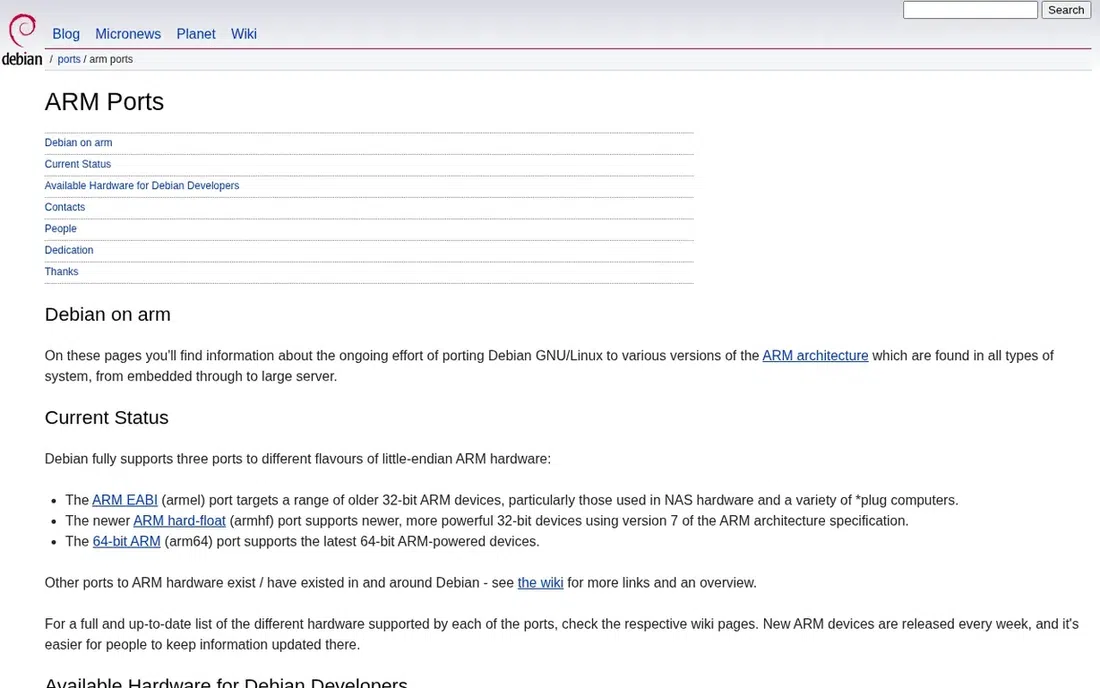
Debian was built for stability and long-term use. Debian is a free operating system known for its stability and widespread use as a base for other distributions.
Trade-offs to know: Software can be older.
In daily use, the ARM port supports Raspberry Pi, offering a dependable environment for servers and long-running projects. Beyond that, choose Debian when a solid, unchanging base is more important than the latest packages. No starting price is listed for Debian here; confirm pricing on the vendor site. On free options: Not stated.
- Huge package repository
- Capable community support
- Setup may need more manual steps
Alpine Linux
Best for: Minimal resource usage
Alpine Linux targets minimal resource usage. Users who require a small footprint for containers or embedded tasks may find Alpine appealing. From a buyer's view, Alpine's minimalism means fewer preinstalled tools and a ramp-up time for those used to more full-featured systems.
Honest limits: Restricted documentation for Raspberry Pi.
Raspberry Pi-specific support is less documented compared with mainstream choices. It is aimed at efficiency, making it right for resource-constrained devices like the Raspberry Pi. Alpine Linux shows no starting price here, so confirm the cost on the vendor site. Trial and free access: Not stated.
- Security-oriented design
- Very light
- Steeper ramp-up time
Fedora
Best for: Modern features and containers
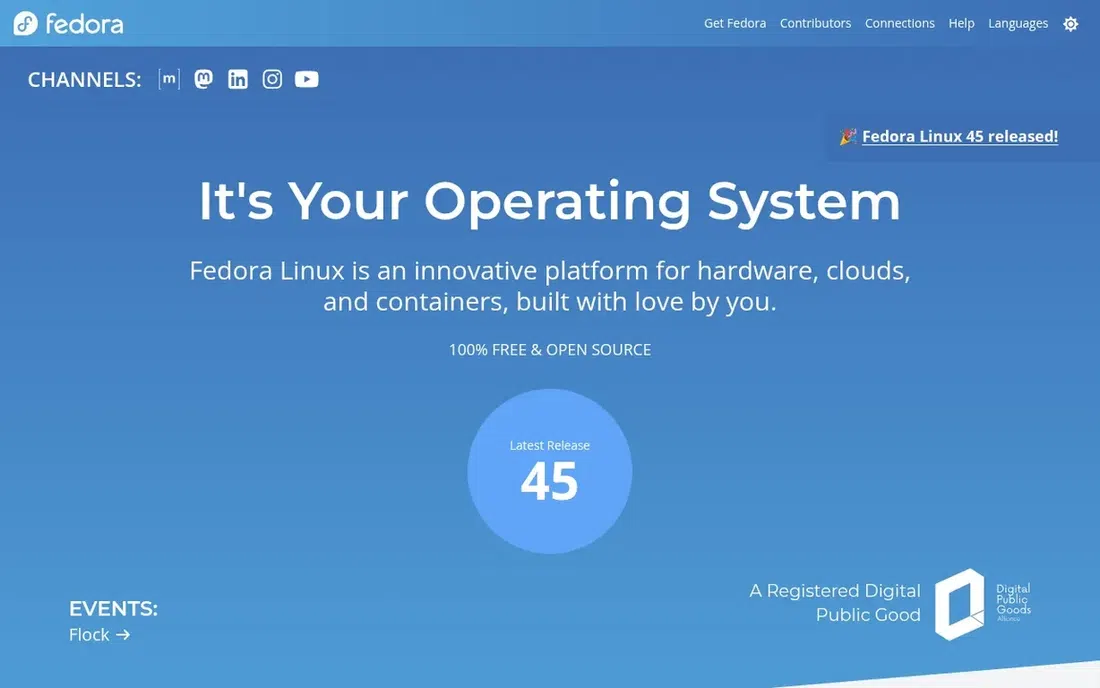
For modern features and containers, Fedora is a natural candidate. Fedora is an innovative Linux distribution that emphasizes new technologies and container-friendly tools. Fedora's rapid release cycle means more frequent updates, which can need maintenance.
Also, Raspberry Pi support may not be as turnkey as with distributions that offer official images. In daily use, on Raspberry Pi, Fedora can be a solid fit for experimentation and modern development workflows. Fedora does not show a starting price in this comparison, so check the vendor site for current pricing. As for free access: Not stated.
Drawbacks to consider: Frequent updates may need attention.
- Recent software versions
- Active community
- Less simplified for Raspberry Pi than some
openSUSE
Best for: Desktop and server adaptability
Choose openSUSE for desktop and server adaptability. openSUSE is a free Linux operating system available in multiple flavors, catering to desktops, servers, and containers. More specifically, consider openSUSE if you value its tooling and adaptability. openSUSE may not have as numerous dedicated Raspberry Pi images as some competitors.
Its full-featured nature can be heavier on resources. Also, if you need a light or highly optimized Pi experience, other choices might be better. This comparison lists no price for openSUSE; ask the vendor. Free access: Not stated.
Honest limits: Raspberry Pi images may be less prominent.
- Community-driven
- Solid tooling (YaST)
- Can be heavier than minimal distros
Arch Linux ARM
Best for: Experienced users wanting control
Arch Linux ARM serves experienced users wanting control. Arch Linux ARM is a port of Arch Linux for ARM devices, including Raspberry Pi. It follows a rolling release model, supplying access to the latest software and allowing users to build a system from the ground up.
The main drawbacks: Not well suited to beginners.
This appeals to experienced Linux users who want full control over their environment. Also, Arch Linux ARM needs manual configuration and continuing maintenance, which can be time-consuming. It lacks the hand-holding of more beginner-friendly distributions. As for the details, if you are new to Linux or prefer a preconfigured system, look elsewhere. This comparison lists no price for Arch Linux ARM; ask the vendor. Free access: Not stated.
- Highly configurable
- Light base
- Manual setup required
Ubuntu
Best for: General-purpose use and development
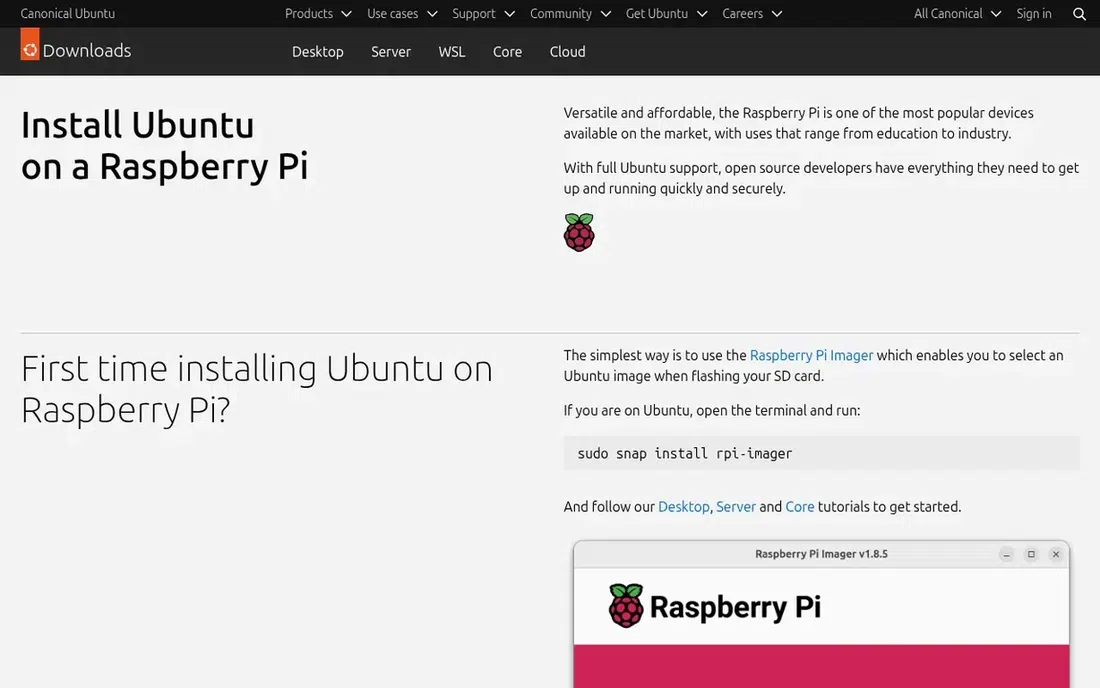
Ubuntu works best for general-purpose use and development. Ubuntu is a widely used open-source operating system that supplies official images for Raspberry Pi. This makes it a solid choice for users who want a balance of simplicity and access to a vast software ecosystem, whether for learning, coding, or running servers.
Otherwise, Ubuntu is a dependable default for many projects. If you have restricted hardware or need a minimal footprint, consider a lighter distribution. Ubuntu does not show a starting price in this comparison, so check the vendor site for current pricing. Free plan details: Not stated.
Where it is weaker: Can be resource-heavy for older models.
- Official Raspberry Pi images
- Regular updates
- Some hardware features may need additional setup
Selection criteria
What to confirm before you sign up
- Request quotes from Debian, Ubuntu and the others; the list shows no fixed prices.
- Read the limits listed for Debian first: software can be older.
- Confirm that Alpine Linux connects to the apps your team already uses, on the plan you would actually buy.
- Check how data leaves Ubuntu: formats, limits and whether exports are available on every plan.
- Test how quickly Fedora answers a pre-sales question; it hints at how support will feel later.
FAQ
Does any tool for operating systems for raspberry pi here have a free plan?
A permanent free plan is not offered by Debian, Ubuntu or the other tools here. Plan a short evaluation period instead.
Do these tools publish their prices?
No. None of the tools, from Debian to Ubuntu, shows a fixed starting price here, so budget time for quotes.
How are the tools for operating systems for raspberry pi ordered?
The order follows typical fit for operating systems for raspberry pi, with Debian first and Ubuntu last, then price clarity and free access. It is editorial judgement, not a score, so another team could rank the tools differently.
Which operating system is a good match for a beginner with Raspberry Pi?
Debian comes first here and is built for stability and long-term use. Buyers with other needs may prefer Alpine Linux (for minimal resource usage) or Fedora (for modern features and containers). Compare costs and limits first.
Is Debian the right pick for everyone comparing operating systems for raspberry pi?
No single tool suits every team. Debian comes first because it fits stability and long-term use, while Alpine Linux suits minimal resource usage and Fedora suits modern features and containers. Match the tool to your own size, budget and workflow before deciding.
Sources
- https://www.debian.org/ports/arm
- https://alpinelinux.org
- https://fedoraproject.org
- https://www.opensuse.org
- https://archlinuxarm.org
- https://ubuntu.com/download/raspberry-pi