ServiceNow Alternatives in 2026: 8 Tools Compared
Explore the best ServiceNow alternatives in 2026. We compare 8 alternatives to ServiceNow on ITSM features, pricing, and fit for IT teams in full detail.
- Editor's choice
 Jira Service Management
Dev teams already using Jira and Atlassian tools
Starts at$20 per agent per monthVisit atlassian.comFull review - Great alternative
 Freshservice
Mid-size IT teams that want a fast, clear service desk
Starts at$19 per agent per monthVisit freshworks.comFull review - Also consider
 Zendesk
Teams that handle customer and employee service in one place
Starts atSee websiteVisit zendesk.comFull review
TL;DR:
- Jira Service Management is our pick for teams already using Atlassian and Jira.
- Freshservice leads for mid-size IT teams that want a fast rollout without enterprise complexity.
- BMC Helix ITSM is the closest like-for-like enterprise replacement here.
- Do not buy on price alone, because missing change or asset modules can cost more later in workarounds.
Quick comparison
| Tool | Best for | Starts at | Free plan? | |
|---|---|---|---|---|
| Jira Service Management | Dev teams already using Jira and Atlassian tools | $20 per agent per month | Free trial | Visit |
| Freshservice | Mid-size IT teams that want a fast, clear service desk | $19 per agent per month | Free trial | Visit |
| Zendesk | Teams that handle customer and employee service in one place | See website | Free trial | Visit |
 ManageEngine ServiceDesk Plus | IT teams that want on-premises or cloud ITSM at a lower price | See website | Free trial | Visit |
 BMC Helix ITSM | Large enterprises replacing ServiceNow with a like-for-like suite | See website | No | Visit |
 HaloITSM | Mid-size and large teams that want all modules in one price | See website | Free trial | Visit |
 SysAid | IT teams that want AI-assisted routing and automation | See website | Free trial | Visit |
 monday service | Teams that want no-code service workflows linked to projects | $26 per seat per month | Free trial | Visit |
The best ServiceNow alternatives
We compared ServiceNow alternatives on incident, problem, change, asset, and self-service features, plus pricing and setup time, and we kept only tools that can serve as a real service desk. Jira Service Management is our pick for Atlassian teams, while Freshservice leads for a fast mid-market rollout.
Jira Service Management
Best for: Dev teams already using Jira and Atlassian tools

For many teams, Jira Service Management is the first name that comes up in this category, and there is a good reason for that. Its strength is linking service requests to development work in the same system.
An incident can become a linked dev issue, and teams can track work from report to fix without switching tools. That trace helps software teams most.
The catch is scope. Non-technical teams may find the setup heavier than a simpler service desk, so plan admin time for workflows and portals.
- Strong dev links
- Incident and change workflows
- Atlassian integrations
- Setup needs Atlassian knowledge
- Pricing rises with agents
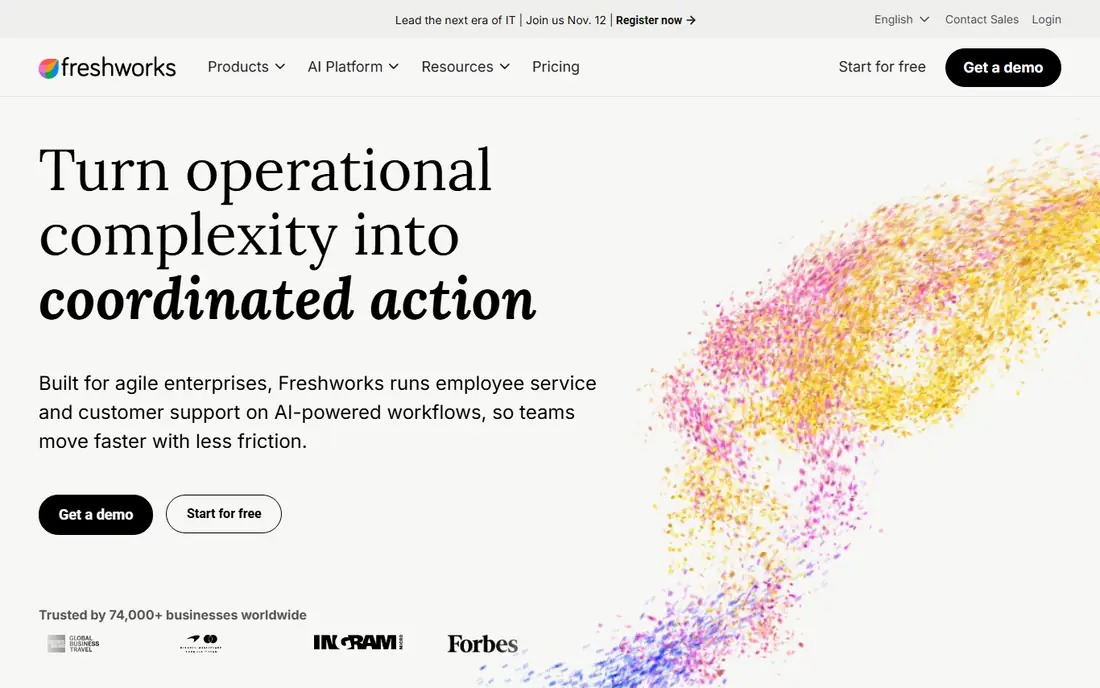
If your shortlist is getting long, Freshservice is worth a closer look before you decide. Its strength is a fast rollout for a mid-size IT team that needs a working service desk soon.
Ticketing, a self-service portal, and automation cover most day-to-day IT work. Asset tracking helps teams link tickets to devices.
The catch is tiering. Some advanced features sit on higher plans, so map incident, change, and asset needs to the plan before buying.
- Fast setup
- Self-service portal
- Automation and asset tools
- Advanced enterprise features need higher tiers
- Some depth varies by plan

Some buyers choose Zendesk for its breadth, while others choose it for one feature done well. Its strength is service across channels, with email, chat, and phone tickets in one queue.
Support teams can route, track, and report on requests from customers and staff alike. That breadth suits firms that share one support team.
The catch is ITSM depth. Heavy change, asset, and configuration needs may fit a dedicated ITSM tool better, so check those modules early.
- Multi-channel ticketing
- Strong reporting
- Wide integrations
- ITSM depth is lighter than dedicated ITSM tools
- Costs rise with add-ons
ManageEngine ServiceDesk Plus
Best for: IT teams that want on-premises or cloud ITSM at a lower price
We put ManageEngine ServiceDesk Plus on this list because it solves a clear problem for a clear kind of buyer. Its strength is broad ITSM coverage at a price below many enterprise suites.
Incident, problem, change, and asset modules follow common ITIL practice. The on-premises option suits firms with strict hosting rules.
The catch is polish. The interface and setup need more patience than newer cloud tools, so allow time for configuration and training.
- ITIL-aligned modules
- On-premises option
- Asset management
- Interface feels dated in places
- Setup takes IT skill
BMC Helix ITSM
Best for: Large enterprises replacing ServiceNow with a like-for-like suite
Look past the marketing for BMC Helix ITSM and you find a practical tool with a specific job to do. Its strength is enterprise scope, with the depth large IT teams expect from a full ITSM suite.
Incident, change, asset, and service catalog features cover complex operations. AI options help with routing and self-service at scale.
The catch is effort. Implementation and pricing suit large buyers, so smaller teams should look at Freshservice or Jira Service Management first.
- Enterprise ITSM depth
- AI and automation options
- Multi-cloud support
- Quote-based pricing
- Implementation can be long
Among the options here, HaloITSM stands out for the way it fits into daily work. Its strength is packaging, with ITSM modules included rather than sold as separate add-ons.
Teams get incident, problem, change, and asset tools in one system, with customization for workflows and portals. That clarity helps budgeting.
The catch is price. The entry cost is above simpler tools, so it fits teams that will actually use the full module set.
- All modules included in one price
- Strong customization
- Self-service portal
- Pricing is higher than entry tools
- Setup needs planning
A buyer who values simplicity may pass over SysAid at first, which would be a mistake for some teams. Its strength is AI help for the service desk, with routing and suggested actions that cut manual triage.
Agents get cleaner queues, and staff can solve common issues through self-service. Asset links help teams trace a ticket to a device.
The catch is tiering. The full AI set sits on higher plans, so confirm which features are in the plan you will buy.
- AI routing and automation
- Asset and ticket tools
- Self-service options
- Higher tiers needed for full AI features
- Setup takes time
monday service
Best for: Teams that want no-code service workflows linked to projects
The case for monday service is not that it does everything, but that it does its core job with care. Its strength is flexibility, with no-code workflows that non-technical teams can build and change.
Service tickets can link to projects, tasks, and customer records in the same workspace. That helps operations, HR, and IT teams that share work.
The catch is ITSM depth. Firms with strict change and asset rules may need a dedicated ITSM tool, so check those needs before choosing.
- No-code workflows
- Links to projects and CRM
- Fast setup
- ITSM depth is lighter than dedicated suites
- Per-seat pricing adds up
How we picked these
We compared official feature and pricing pages, ITSM module lists, and deployment options for each vendor. We favoured tools with clear incident and change workflows, self-service portals, and honest pricing, and we noted where enterprise depth needs a higher tier or a quote. We did not claim hands-on testing, and we treated ServiceNow itself as the baseline, not as a listed pick.
We also checked pricing transparency and noted where a vendor requires a quote, because a hidden price makes comparison harder for a small buyer. Where a price changed recently or differed between sources, we used the safer wording rather than publishing a figure we could not confirm. That approach keeps the comparison useful without overstating what we verified, and it lets readers check the current price on the vendor site before they buy.
How to choose a ServiceNow alternative
List the ITSM modules you actually use
Incident and request handling are table stakes, but change, problem, asset, and configuration needs separate the tools here. If you rarely use a module, do not pay for an enterprise suite to get it.
Check migration and integrations
Ask how tickets, knowledge articles, and asset data move from your current system, and which monitoring and chat tools connect natively. Migration effort often matters more than the monthly price.
Pilot with real agents and requesters
Run a pilot with your own ticket types, SLAs, and portal pages. That test reveals workflow gaps, reporting limits, and training needs before a full switch.
What a good trial should prove
A trial should answer one question for each part of your workflow, not just show a demo. Pick a real task, such as onboarding one person, sending one proposal, running one campaign, or opening one ticket, and run it end to end with your own data. Note where you needed help, where the steps felt slow, and where the result differed from what you expected. If a trial only lets you click through sample data, ask for a longer pilot or a guided session with your own use case, because sample data hides the friction that matters in daily work.
Costs beyond the headline price
The headline price rarely tells the full story, because seats, add-ons, volume limits, and support tiers can change the total. Ask what happens when you add users, exceed a limit, or need a higher support level, and get that answer in writing before you sign. Also check contract length, renewal terms, and any setup or migration fees, since those items can matter more than a small monthly difference. A tool that looks cheap at five users can become costly at fifty, so model the price at your next stage of growth.
Support, security, and exit options
Support quality, security controls, and exit options deserve the same attention as features. Check how you reach support, what hours it covers, and whether help is included or paid, because a tool you rely on daily needs a clear route when something breaks. Review security basics such as access controls, two-factor sign-in, and data handling, and ask how you export your data if you leave. A clean export path protects your work and gives you freedom to change tools later without losing history.
FAQ
What are the top ServiceNow alternatives?
Jira Service Management, Freshservice, Zendesk, ManageEngine ServiceDesk Plus, and BMC Helix ITSM are among the top alternatives. The best pick depends on team size, Atlassian use, and enterprise needs.
What is the best alternative to ServiceNow for small IT teams?
Freshservice and Jira Service Management suit smaller IT teams, with faster setup and lower entry prices than enterprise suites. Check agent pricing and module limits for your team size.
Is Jira Service Management a good ServiceNow alternative?
Yes, especially for dev teams already on Atlassian, because it links incidents to development work. Non-technical teams should test the setup and portal experience first.
What are the best ServiceNow alternatives for enterprises?
BMC Helix ITSM and HaloITSM suit larger teams with deeper ITSM needs, while SysAid adds AI-assisted routing. Large buyers should plan implementation time and data migration carefully.
Can Zendesk replace ServiceNow?
Zendesk can replace ServiceNow for service and support queues, but its ITSM depth is lighter. Firms with heavy change and asset needs should compare it with a dedicated ITSM tool first.