Choosing Cloud Desktop Services for Remote Work in 2026: 5 Options Compared
Best cloud desktop services for remote work in 2026: 5 contenders with entry costs and free tiers. Short, factual notes on every option. Updated for 2026.
- Editor's choiceShadow
Individuals needing a full cloud PC
Starts atSee websiteVisit shadow.techFull review - Great alternativeVagon
Creative and 3D cloud workstations
Starts at$7.99 per monthVisit vagon.ioFull review - Also consider
 Citrix DaaS
Enterprise virtual apps and desktops
Starts atSee websiteVisit citrix.comFull review
Direct answer
Our first pick is Shadow, best for individuals needing a full cloud PC. Listed starting prices: Vagon from $7.99 per month. Alternatives: Vagon for creative and 3D cloud workstations, and Citrix DaaS for enterprise virtual apps and desktops. All 5 tools are compared below on price, free plan and limits.
TL;DR:
- Shadow sits first on this list: individuals needing a full cloud PC.
- Shadow, Nerdio and the 3 others all need a premium plan or a trial, since no free plan is listed.
- Citrix DaaS comes with a trade-off: enterprise-oriented setup can be complicated.
- Nerdio suits managing Microsoft cloud desktops.
- Vagon is the lowest-priced starter here at $7.99 per month.
Last checked November 2026. Prices and plan details were read from the vendors' own pages in November 2026; vendors change plans often, so confirm the current price on the vendor site before you buy.
Quick comparison
| Tool | Best for | Starts at | Free plan? | |
|---|---|---|---|---|
| Shadow | Individuals needing a full cloud PC | See website | Not stated | Visit |
| Vagon | Creative and 3D cloud workstations | $7.99 per month | Free trial | Visit |
| Citrix DaaS | Enterprise virtual apps and desktops | See website | Not stated | Visit |
| Frame | Streaming desktops and apps | See website | Not stated | Visit |
| Nerdio | Managing Microsoft cloud desktops | See website | Free trial | Visit |
Tool-by-tool breakdown
Short on time? The summary and table above give the quick view of 5 tools for cloud desktop services for remote work, and the profiles that follow give the detail behind each entry.
Shadow
Best for: Individuals needing a full cloud PC
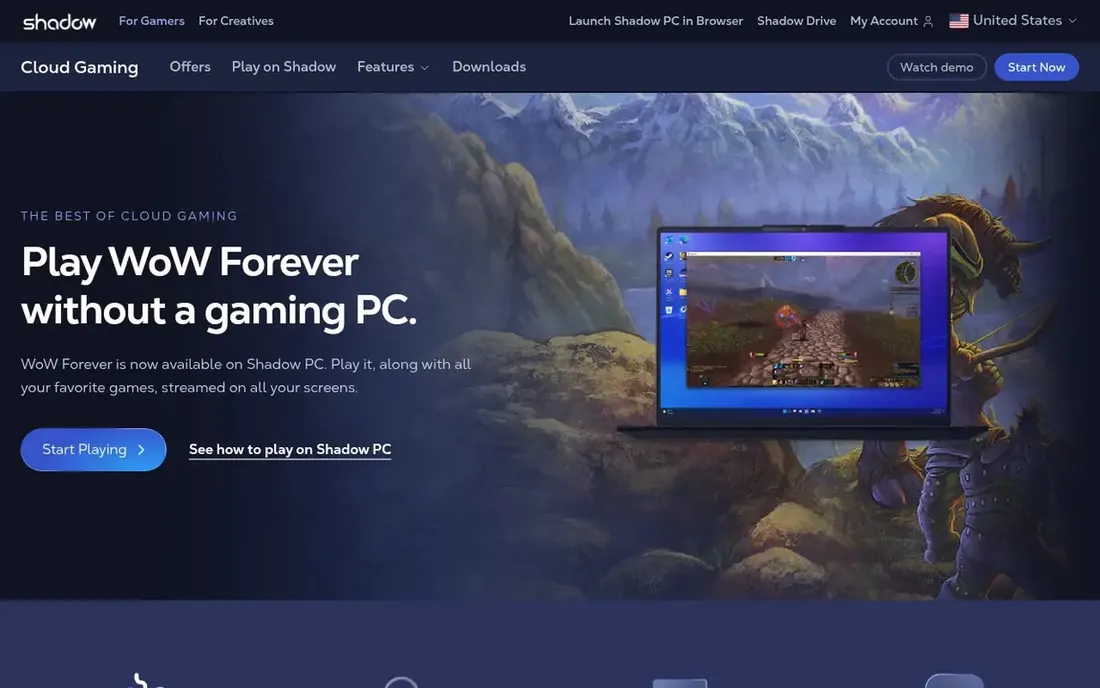
Shadow serves individuals needing a full cloud PC. Shadow gives you a full Windows PC in the cloud, giving you the power of a gaming PC on your devices. Shadow is positioned around gaming and personal computing instead of enterprise desktop management, so it lacks the centralized administration some IT teams expect.
Downsides: Positioned around gaming as well as work.
Organizations needing policy controls and multi-user management should look at enterprise-focused services instead. More specifically, you can play, produce and work, and install anything you want. No starting price is listed for Shadow here; confirm pricing on the vendor site. Free access: Not stated.
Reasons to shortlist it: Works across your devices.
- Install and run the applications you choose
- Full Windows PC in the cloud
- Not a managed enterprise desktop system
Vagon
Best for: Creative and 3D cloud workstations
Pick Vagon if this describes you: creative and 3D cloud workstations. Vagon transforms your device into a feature-rich workstation with interactive cloud streaming and desktop options.
Downsides: Focused on performance workloads.
More specifically, teams seeking a standard Windows desktop for general office work might find a more straightforward service more appropriate. Starting cost for Vagon: $7.99 per month. Free plan details: Free trial.
- Interactive cloud streaming and desktop options
- Run applications on any device
- Not a general enterprise VDI suite
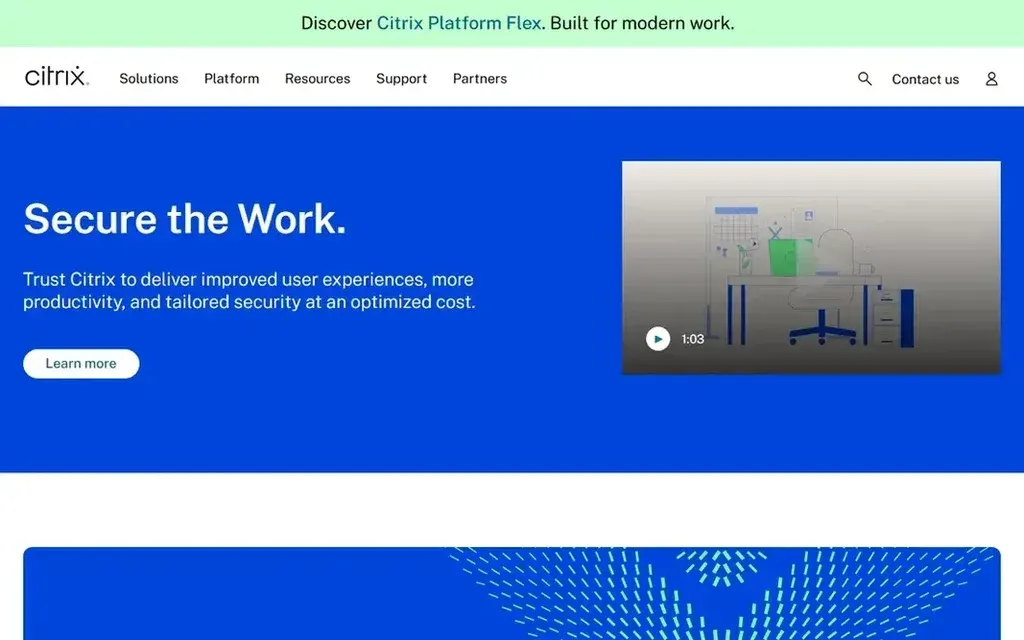
Citrix DaaS works best for enterprise virtual apps and desktops. Setup and administration can need dedicated IT involvement.
If you need a simpler browser-based desktop for a small team, a lighter service may be a better match. This comparison lists no price for Citrix DaaS; ask the vendor. Free options: Not stated.
Watch-outs: May be more than small teams need.
- Supports virtual apps alongside full desktops
- Focus on security posture and efficient workload management
- Enterprise-oriented setup can be complicated
Frame
Best for: Streaming desktops and apps
Frame is aimed squarely at streaming desktops and apps. Frame supplies cloud desktop and application streaming, letting users access Windows desktops and apps from a browser. It is made for remote and hybrid teams that require consistent access to work applications without local installation.
From a buyer's view, teams needing deep Microsoft integration may prefer a management system aimed at that ecosystem. In practice, organizations evaluating streaming-first desktop services should bundle it in their shortlist. On top of that, Frame is less oriented toward full enterprise VDI management than some systems, so large IT departments with complicated policy needs should evaluate carefully. Frame shows no starting price here, so confirm the cost on the vendor site. Free options: Not stated.
Best features of Frame: Access from a browser.
Honest limits: Less known for enterprise VDI management.
- Desktop and application streaming from the cloud
- Suited to remote and hybrid teams
- May need evaluation for complicated workloads
Nerdio
Best for: Managing Microsoft cloud desktops
Nerdio makes the most sense for managing Microsoft cloud desktops. Teams outside the Microsoft ecosystem will not get value from it. In practice, Nerdio is a management layer, so you still need a Microsoft cloud desktop environment underneath.
Honest limits: Needs a Microsoft cloud environment.
Nerdio is a Microsoft cloud desktop management product. It offers automatic, scalable cloud management for Microsoft technologies, helping IT teams simplify operations and boost efficiency across AVD and Windows environments. Nerdio shows no starting price here, so confirm the cost on the vendor site. Free options: Free trial.
- Targeted at simplifying IT operations
- Unified system for AVD and Windows environments
- Management tool instead of a standalone desktop service
Our selection method
We compared the tools on published pricing, free plan or trial availability, feature coverage for cloud desktop services for remote work, and the limits each vendor documents. Figures are shown as the vendors publish them. Billing terms, seat minimums and add-ons can change the real cost. The ranking is editorial: typical fit first, then clear pricing, then free access. If your needs are unusual, read the profiles rather than relying on position.
Before you commit
- Confirm the entry price on the vendor page. For Shadow, Citrix DaaS, Frame and Nerdio that means a quote rather than a fixed price.
- Use real work to test the free trial from Vagon and Nerdio, rather than a demo project.
- Before choosing Shadow, weigh its main limit: positioned around gaming along with work.
- Confirm minimum seats and billing terms with Nerdio before you commit to an annual plan.
- Look at the help docs and support options for Shadow before you commit.
FAQ
Which service is a good match for a small remote team?
For most readers this guide would start with Shadow, built for individuals needing a full cloud PC. Vagon is the alternative for creative and 3D cloud workstations, and Citrix DaaS for enterprise virtual apps and desktops. The right answer depends on budget and workflow.
Does any tool for cloud desktop services for remote work here have a free plan?
A permanent free plan is not offered by Shadow, Nerdio or the other tools here. Vagon, Nerdio offer a trial. Plan a short evaluation period instead.
Is Shadow the right pick for everyone comparing cloud desktop services for remote work?
No single tool suits every team. Shadow comes first because it fits individuals needing a full cloud PC, while Vagon suits creative and 3D cloud workstations and Citrix DaaS suits enterprise virtual apps and desktops. Match the tool to your own size, budget and workflow before deciding.
How are the tools for cloud desktop services for remote work ordered?
Shadow sits first and Nerdio last because the order follows typical fit for cloud desktop services for remote work, then price clarity and free access. It is a judgement call, so read each profile for fit and limits.
What is the cheapest option for cloud desktop services for remote work in this list?
On published monthly entry prices, Vagon is the lowest here at $7.99 per month. Entry price is only part of the cost, because seats, add-ons and billing terms can change the total.
Sources
- https://shadow.tech
- https://vagon.io
- https://www.citrix.com/products/citrix-daas
- https://www.frame.co
- https://getnerdio.com