5 Desktop Database Software for Remote Teams Worth Shortlisting in 2026
Best desktop database software for remote teams: 5 contenders ranked by fit, with entry costs and free tiers. Real limits included. Refreshed for 2026.
- Editor's choiceFileMaker Pro
Custom low-code apps with AI features
Starts at$22 per user a monthVisit claris.comFull review - Great alternative
 Airtable
Live collaborative tables and automation
Starts at$20 per user per monthVisit airtable.comFull review - Also considerMicrosoft Access
Familiar desktop databases and custom apps
Starts at$18.00 per user a monthVisit microsoft.comFull review
Direct answer
Our first pick is FileMaker Pro, best for custom low-code apps with AI features. Listed starting prices: FileMaker Pro from $22 per user a month, Airtable from $20 per user per month and Microsoft Access from $18.00 per user a month. Alternatives: Airtable for live collaborative tables and automation, and Microsoft Access for familiar desktop databases and custom apps. The other 2 tools in the list cover narrower or pricier cases.
TL;DR:
- Number one here is FileMaker Pro, a fit for custom low-code apps with AI features.
- Knack fits no-code application development.
- The cheapest monthly starting price in the list is $18.00 per user per month, offered by Microsoft Access.
- Microsoft Access comes with a trade-off: desktop focus can limit remote access.
Last checked November 2026. Prices and plan details were read from the vendors' own pages in November 2026; vendors change plans often, so confirm the current price on the vendor site before you buy.
Quick comparison
| Tool | Best for | Starts at | Free plan? | |
|---|---|---|---|---|
| FileMaker Pro | Custom low-code apps with AI features | $22 per user a month | No | Visit |
| Airtable | Live collaborative tables and automation | $20 per user per month | Yes | Visit |
| Microsoft Access | Familiar desktop databases and custom apps | $18.00 per user a month | Free trial | Visit |
| Quickbase | Improving and managing complicated processes | $35 per user per month | Free trial | Visit |
 Knack | No-code application development | $19 a month | Free trial | Visit |
Tool-by-tool breakdown
If you are comparing desktop database software for remote teams, this page covers 5 tools in one place: what each is best for, what it costs to start, whether it has a free plan, and the main limit to know about.
FileMaker Pro
Best for: Custom low-code apps with AI features
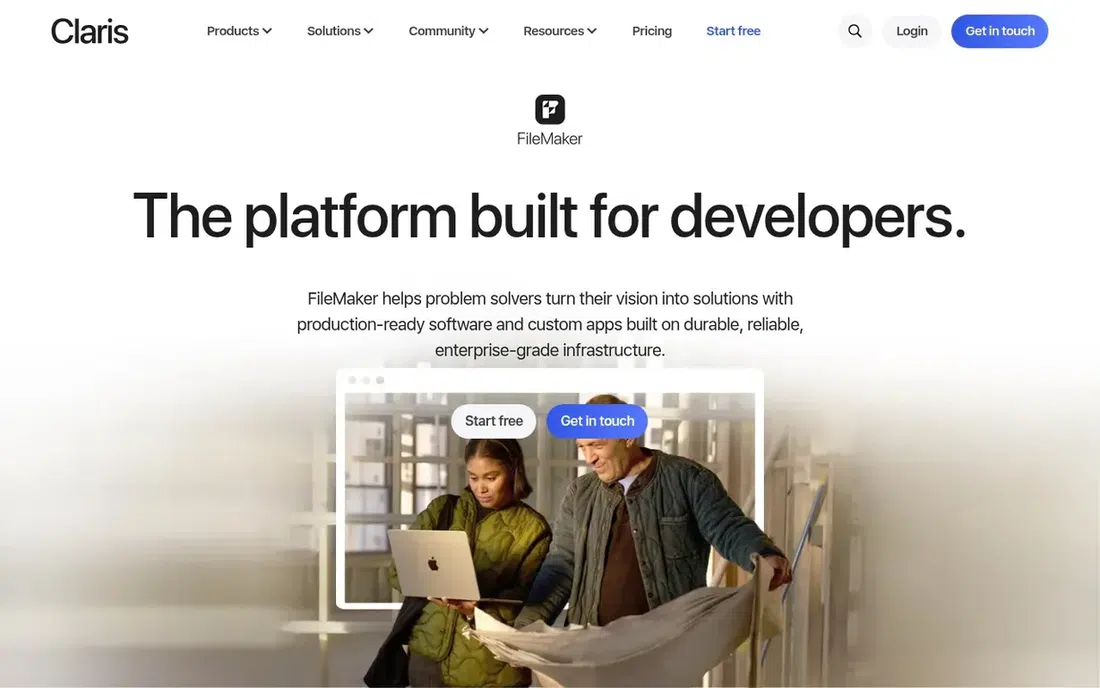
FileMaker Pro is built with custom low-code apps with AI features in mind. FileMaker Pro from Claris merges low-code speed with AI capabilities for building custom apps.
Downsides: May be more than straightforward databases need.
Since apps are custom-built, remote teams can shape screens and processes around how they actually work instead of adapting to a rigid template. Price to start with FileMaker Pro: $22 per user per month. FileMaker Pro has no free tier.
- Custom apps for varied business needs
- Low-code app building
- Custom builds take planning
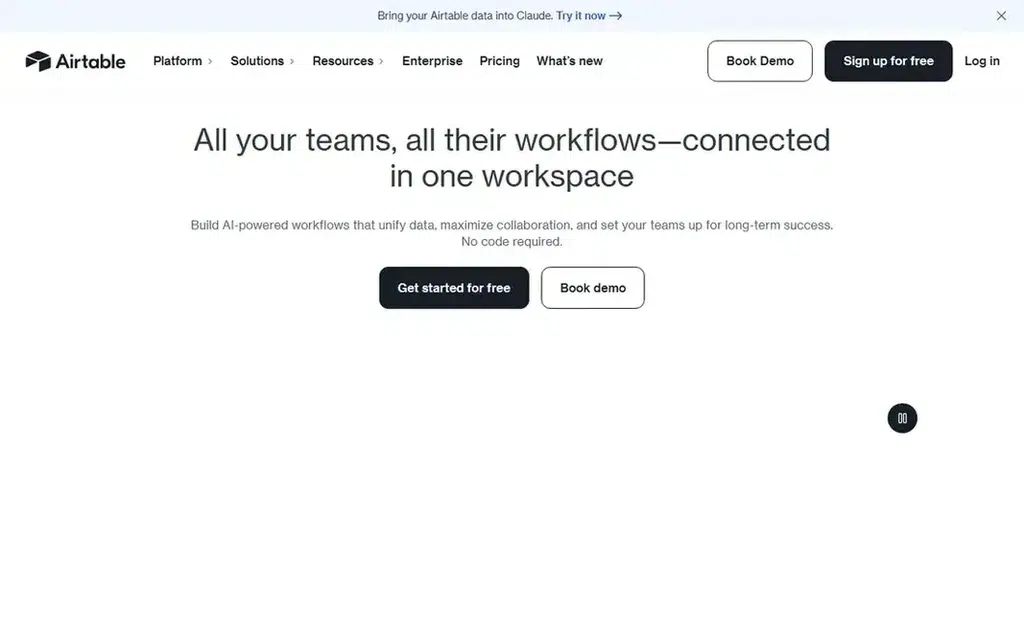
Airtable targets live collaborative tables and automation. Airtable presents itself as a product for building enterprise-ready AI workflows, apps and agents, with live collaboration and automation of repetitive manual work.
The starting price for Airtable: $20 per user per month. Airtable has a free plan.
Trade-offs to know: Less like a traditional desktop database.
- Simplified business processes
- Live collaboration
- Large bases need structure discipline
Microsoft Access
Best for: Familiar desktop databases and custom apps
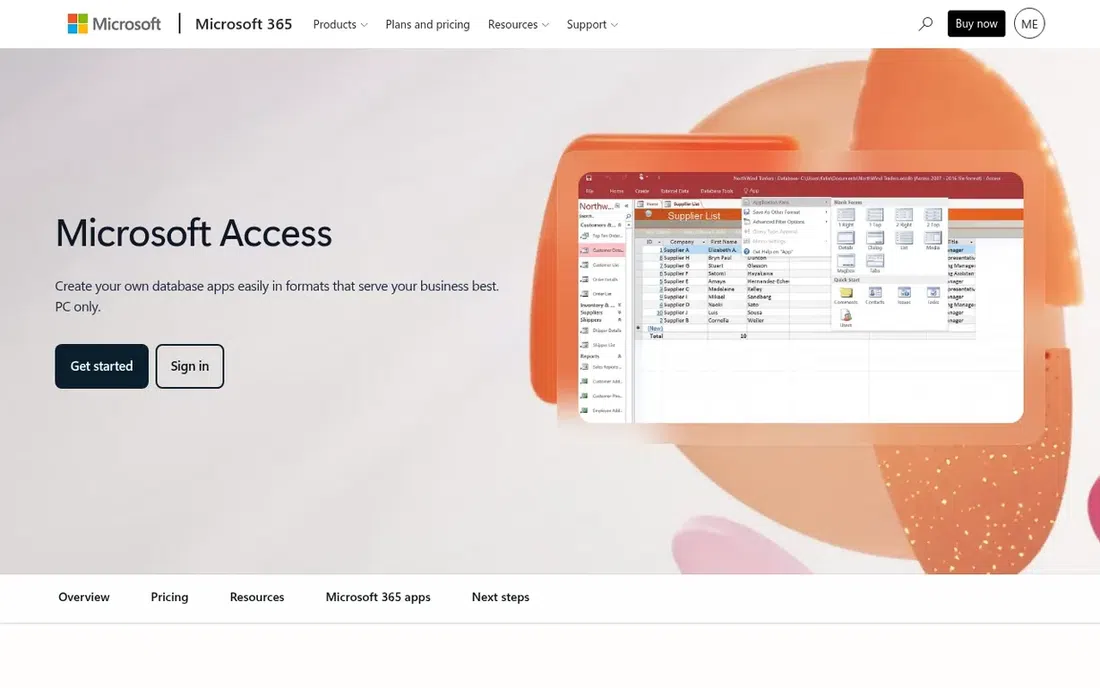
Microsoft Access was built for familiar desktop databases and custom apps. Microsoft Access is a desktop database tool for rapidly creating databases and configurable database apps.
Drawbacks to consider: Sharing across locations needs planning.
Access is built around the desktop experience, so simultaneous remote collaboration and browser-based access are not its core strengths. For everyday use, for remote teams, it performs best when the database is hosted in a way that supports shared access. Starting cost for Microsoft Access: $18.00 per user per month. Free access: Free trial.
- Rapidly produce desktop databases
- Configurable database applications
- Desktop focus can limit remote access
Quickbase
Best for: Improving and managing complicated processes
Where Quickbase fits: improving and managing complex processes. Quickbase is positioned as a system for dynamic work and complicated project management, letting teams boost processes and build what matters to the business.
Downsides: Can need process design work.
Consider a more straightforward collaborative table tool if your main goal is shared records instead of process redesign. Also, since Quickbase targets process improvement, teams with straightforward data storage needs may find it more elaborate than required. On cost, Quickbase starts like this: $35 per user per month. Free plan details: Free trial.
- Complicated project management support
- Process improvement focus
- Broader than straightforward record keeping
Knack makes the most sense for no-code application development. It suits remote teams that want to turn structured data into usable web applications without writing code, making it a practical choice for departments building their own tracking tools and internal apps while working from different locations.
Watch-outs: Custom apps need continuing upkeep.
Entry price for Knack: $19 per month. On free options: Free trial.
- AI-assisted app building
- Accessible starting point
- Less suited to deep desktop data work
How the list was put together
The comparison looks at four things: starting price, free access, how well the feature set matches desktop database software for remote teams, and the main limit of each tool. Treat prices as a snapshot: vendors change plans often, so check the vendor site for the figure that applies today. The ranking is editorial: typical fit first, then clear pricing, then free access. If your needs are unusual, read the profiles rather than relying on position.
What to check before you buy
- Confirm the entry price on the vendor page: Microsoft Access starts at $18.00 per user per month, but seat counts and billing terms change the total.
- Look at the free plan from Airtable closely: its caps decide whether it is usable for real work.
- Take the trial from Microsoft Access, Quickbase and Knack and push a live task through it before you pay.
- Before choosing FileMaker Pro, weigh its main limit: custom builds take planning.
- Work out what Quickbase costs with your real seat count, add-ons and usage, not just the entry price.
- Ask the daily users to test FileMaker Pro on a live task before you roll it out to everyone.
FAQ
Which options for desktop database software for remote teams have a free plan?
Airtable is the only tool in this list with a free plan. Free plans usually cap users, projects or features, so check the limits on the vendor page. Several others offer a trial instead. Each of the 5 options in this desktop database software for remote teams guide has its own card above with the price, free plan and limits.
Do these tools publish their prices?
Yes. Every tool from FileMaker Pro to Knack shows a starting price, though seats, add-ons and billing terms still change the final cost.
Is a desktop database still useful for remote teams?
Tools like Microsoft Access and FileMaker Pro can support remote work when hosted appropriately, whereas cloud-first products for example Airtable are built around distributed collaboration from the start.
How are the tools for desktop database software for remote teams ordered?
FileMaker Pro sits first and Knack last because the order follows typical fit for desktop database software for remote teams, then price clarity and free access. It is a judgement call, so read each profile for fit and limits.
Is FileMaker Pro the right pick for everyone comparing desktop database software for remote teams?
No single tool suits every team. FileMaker Pro comes first because it fits custom low-code apps with AI features, while Airtable suits real-time collaborative tables and automation and Microsoft Access suits familiar desktop databases and custom apps. Match the tool to your own size, budget and workflow before deciding.
Sources
- https://www.claris.com/filemaker
- https://www.airtable.com
- https://www.microsoft.com/en-us/microsoft-365/access
- https://www.quickbase.com
- https://www.knack.com