Best Desktop Database Software for Enterprise (2026): 6 Picks Checked on Vendor Pages
Need the best desktop database software for enterprise? We compare 6 tools on cost, free access and who each suits. Real limits included. Straight answers.
- Editor's choice
 PostgreSQL
Open source with advanced features
Starts atPricing on requestVisit postgresql.orgFull review - Great alternative
 Oracle Database
Critical workloads and app development
Starts atPricing on requestVisit oracle.comFull review - Also consider
 MariaDB
Enterprise open source with services
Starts atPricing on requestVisit mariadb.comFull review
Direct answer
PostgreSQL is the first pick on this list for open source with advanced features. For a different need, Oracle Database covers critical workloads and app development and MariaDB covers enterprise open source with services. The full list of 6 tools follows, with free plan facts. None of these vendors publish plan prices, so pricing is on request for every option.
TL;DR:
- Top of the list is PostgreSQL, which targets open source with advanced features.
- For adaptable, live application data, MongoDB is worth a look.
- MongoDB stands alone as the one tool in this list with a free plan.
- No starting price is shown for any of the 6 tools, PostgreSQL and MongoDB included, so plan time for sales calls.
- One limit worth knowing about SAP HANA: most valuable within SAP stack.
Last checked November 2026. Pricing on request: vendors did not publish plan prices when this guide was last checked (November 2026), so ask each vendor for a written quote.
Quick comparison
| Tool | Best for | Starts at | Free plan? | |
|---|---|---|---|---|
| PostgreSQL | Open source with advanced features | Pricing on request | Not stated | Visit |
| Oracle Database | Critical workloads and app development | Pricing on request | Not stated | Visit |
| MariaDB | Enterprise open source with services | Pricing on request | Not stated | Visit |
| SAP HANA | SAP-centric analytics and modern apps | Pricing on request | Not stated | Visit |
 Microsoft SQL Server | Enterprises wanting integrated analytics and AI | Pricing on request | Not stated | Visit |
 MongoDB | Adaptable, live application data | Pricing on request | Yes | Visit |
Our 6 picks for desktop database software for enterprise
LinkVetted compared 6 tools for desktop database software for enterprise. The goal is a practical shortlist: published prices, free plan facts, best-fit use cases and honest limits for every entry.
PostgreSQL serves open source with advanced features. Since it is community-driven, organizations needing guaranteed commercial support must arrange it separately, and performance tuning still needs expertise.
Where it is weaker: Tuning expertise still matters.
Pricing for PostgreSQL is not stated here, so ask the vendor for current figures. Free plan details: Not stated.
- Advanced
- Open source with no vendor lock-in
- No single vendor support by default
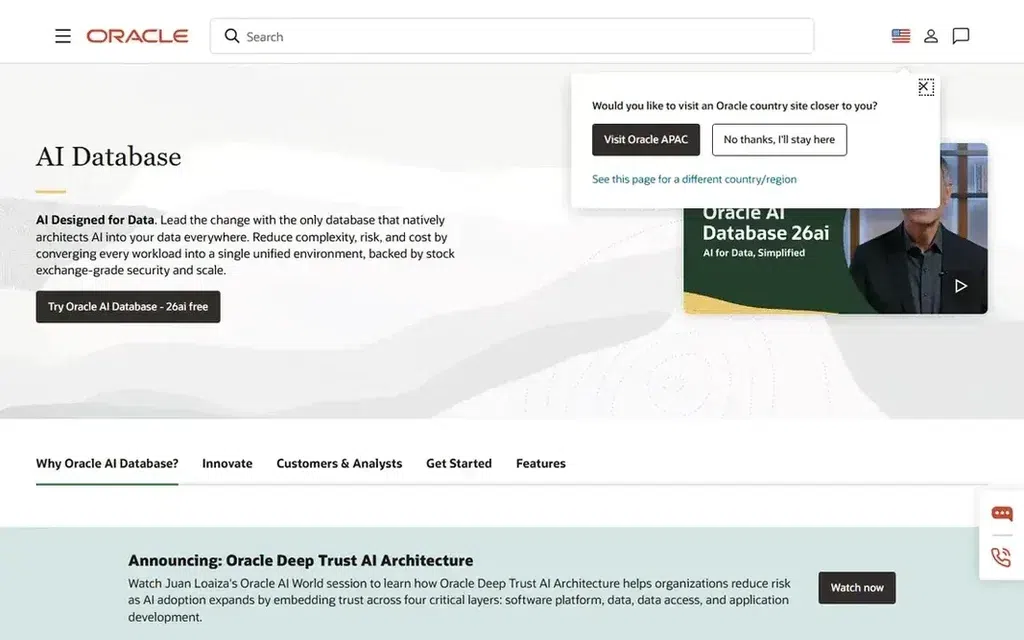
Think of Oracle Database for critical workloads and app development. The system carries a reputation for complexity, and tuning and administration generally need experienced staff.
What to check first: Configuration can be demanding.
Oracle Database does not show a starting price in this comparison, so check the vendor site for current pricing. Free options: Not stated.
- Made for critical workloads
- AI features for app development
- Specialized skills commonly required
For enterprise open source with services, MariaDB is a natural candidate. It suits organizations that want open source adaptability paired with commercial services, and it is a practical choice for teams migrating from MySQL-style workloads or standardizing on a community-rooted relational engine.
Points against: Advanced tuning still required.
Its ecosystem and external tooling are smaller than those around bigger products, and complicated deployments still demand experienced administration. Pricing for MariaDB is not stated here, so ask the vendor for current figures. Free plan details: Not stated.
- Supports scalability needs
- Services for mission-critical deployments
- Smaller ecosystem than some rivals
SAP HANA
Best for: SAP-centric analytics and modern apps
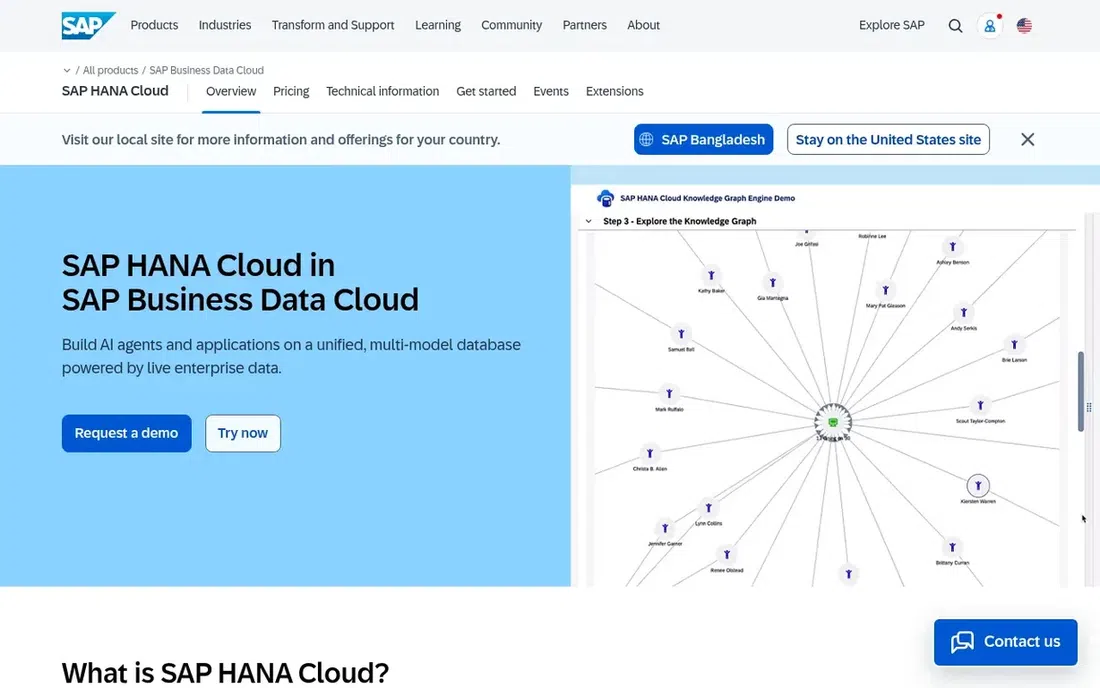
SAP HANA serves SAP-centric analytics and modern apps. SAP HANA Cloud is described by the vendor as a single database as a service foundation for modern applications and analytics across all enterprise data.
Its value is most solid inside SAP environments, and administration calls for specialized skills. This comparison lists no price for SAP HANA; ask the vendor. Free plan details: Not stated.
Where it is weaker: Specialized administration needed.
- Suits SAP landscapes
- Single foundation for apps and analytics
- Most valuable within SAP stack
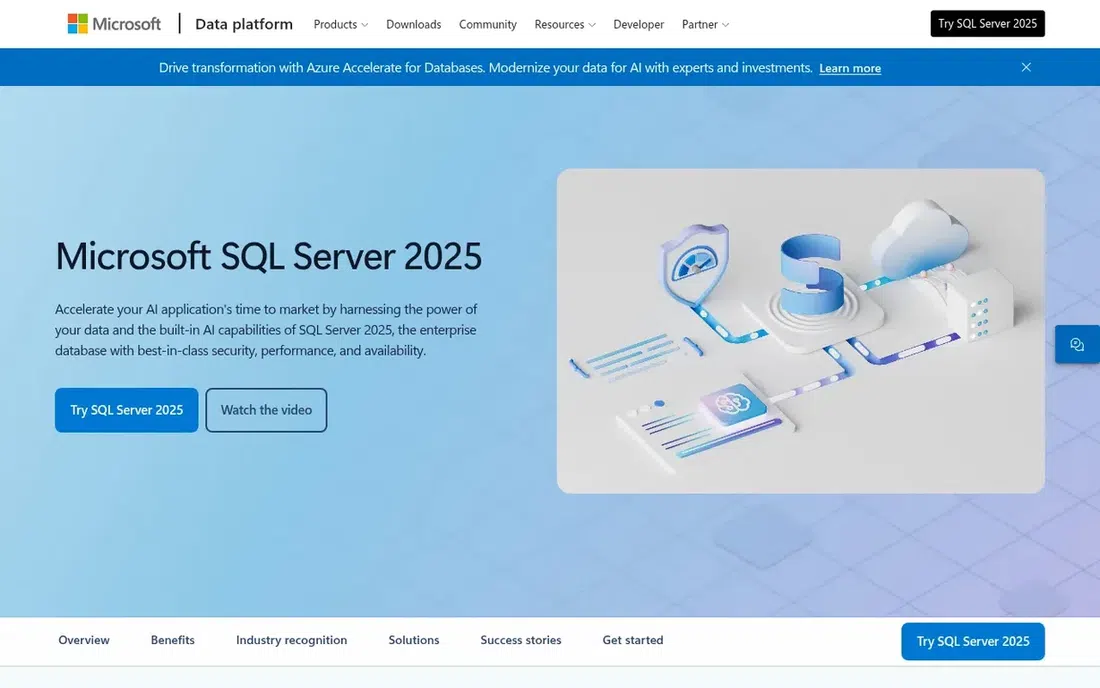
Microsoft SQL Server is aimed squarely at enterprises wanting integrated analytics and AI. It suits organizations that want a single product for transactional workloads and analytics, especially those already invested in Microsoft tooling and Windows or hybrid environments.
Microsoft SQL Server shows no starting price here, so confirm the cost on the vendor site. Free options: Not stated.
The main drawbacks: Best value inside Microsoft ecosystem.
- Mature enterprise tooling
- Developer-first feature set
- Licensing can be complicated
MongoDB makes the most sense for adaptable, live application data. MongoDB describes itself as an intelligent data product for the AI era, offering adaptable, live data that scales across any cloud so teams can get ideas to market quicker.
From a buyer's view, document modeling also rewards careful design to avoid inconsistent data over time. No starting price is listed for MongoDB here; confirm pricing on the vendor site. A free plan is available with MongoDB.
Points against: Schema design needs discipline.
- Scales across cloud environments
- Adaptable document data model
- Not a traditional relational model
Our selection method
Selection started from tools commonly considered for desktop database software for enterprise, then narrowed to 6 that have clear pricing information or a clear quote process. Prices and plan limits come from vendor pages and can change, so confirm them on the vendor site before you buy. The ranking is editorial: typical fit first, then clear pricing, then free access. If your needs are unusual, read the profiles rather than relying on position.
Questions to settle before buying
- Request quotes from PostgreSQL, MongoDB and the others; the list shows no fixed prices.
- Look at the free plan from MongoDB closely: its caps decide whether it is usable for real work.
- Read the limits listed for PostgreSQL first: no single vendor support by default.
- Add up seats, add-ons and usage charges for PostgreSQL before comparing it with cheaper entries.
- Make sure Microsoft SQL Server lets you export your data in a format another tool can read.
FAQ
How are the tools for desktop database software for enterprise ordered?
The order follows typical fit for desktop database software for enterprise, with PostgreSQL first and MongoDB last, then price clarity and free access. It is editorial judgement, not a score, so another team could rank the tools differently.
Do these tools publish their prices?
No. None of the tools, from PostgreSQL to MongoDB, shows a fixed starting price here, so budget time for quotes.
Which options for desktop database software for enterprise have a free plan?
MongoDB is the only tool in this list with a free plan. Free plans usually cap users, projects or features, so check the limits on the vendor page. Prices, free plan details and limits for all 6 tools in this desktop database software for enterprise roundup sit on the individual cards above.
Which enterprise database is easiest to start with?
Microsoft SQL Server and PostgreSQL are often recommended starting points due to their broad documentation and broad tooling. The right choice relies on whether you prefer a vendor-supported product or an open source engine.
How do I evaluate these databases before buying?
Map your workloads, integration needs and required skills against each vendor's documented features, then run a pilot with realistic data. Confirm current capabilities straight on vendor sites, since system details evolve.
Is open source a good match for enterprise use?
PostgreSQL and MariaDB are both used in enterprise settings, and MariaDB pairs its open source database with commercial services. Evaluate support arrangements and internal skills before standardizing.
Sources
- https://www.postgresql.org
- https://www.oracle.com/database
- https://mariadb.com
- https://www.sap.com/products/technology-platform/hana.html
- https://www.microsoft.com/en-us/sql-server
- https://www.mongodb.com