Best Performing Database Software for Enterprise in 2026: 8 Systems Compared
Compare the best performing database software for enterprise workloads, with speed, scale, reliability, and pricing in this detailed 2026 guide for teams.
- Editor's choice
 PostgreSQL
Most enterprise workloads
Starts atFreeVisit postgresql.orgFull review - Great alternative
 Oracle Database
Mission critical regulated workloads
Starts atSee websiteVisit oracle.comFull review - Also consider
 Microsoft SQL Server
Microsoft centered enterprises
Starts atSee websiteVisit microsoft.comFull review
TL;DR:
- PostgreSQL is our default pick for most enterprise teams, because it combines strong performance with no license cost.
- Oracle and SQL Server suit regulated and Microsoft centered enterprises, but licensing and specialist skills raise total cost.
- For very high write or flexible data workloads, MongoDB, Cassandra style systems, and cloud warehouses beat a single relational engine.
- Performance in production depends more on indexing, queries, and managed service choice than on a benchmark headline.
Quick comparison
| Tool | Best for | Starts at | Free plan? | |
|---|---|---|---|---|
| PostgreSQL | Most enterprise workloads | Free | Yes | Visit |
| Oracle Database | Mission critical regulated workloads | See website | Yes | Visit |
| Microsoft SQL Server | Microsoft centered enterprises | See website | Yes | Visit |
 MySQL | Web and read heavy workloads | Free | Yes | Visit |
 MongoDB | Flexible document workloads | Free | Yes | Visit |
 Snowflake | Cloud analytics at scale | See website | Free trial | Visit |
 CockroachDB | Distributed transactional workloads | Free | Yes | Visit |
 Amazon Aurora | Managed cloud relational workloads | See website | Free trial | Visit |
The best performing database software for enterprise
Enterprise performance is not one number. It includes query speed, write throughput, availability under load, and how well a system scales when data and users grow. The systems below cover relational, document, distributed, and analytics workloads, so the best pick depends on the workload in front of you.
PostgreSQL is the safest default for many enterprise teams. It handles complex queries, geospatial data, JSON, and large transactional workloads, and it runs on every major cloud as a managed service. That breadth means a team can start small and scale without changing engines.
We pick it first for most readers because the license cost is zero and the ecosystem is deep. The honest catch is people: at large scale, PostgreSQL still needs database expertise for tuning, backup, and high availability, whether that expertise is in house or bought through a managed service.
- Free and open source
- Strong indexing and query planning
- Wide managed cloud options
- Needs skilled administration at scale
- Some enterprise features come via extensions or managed services
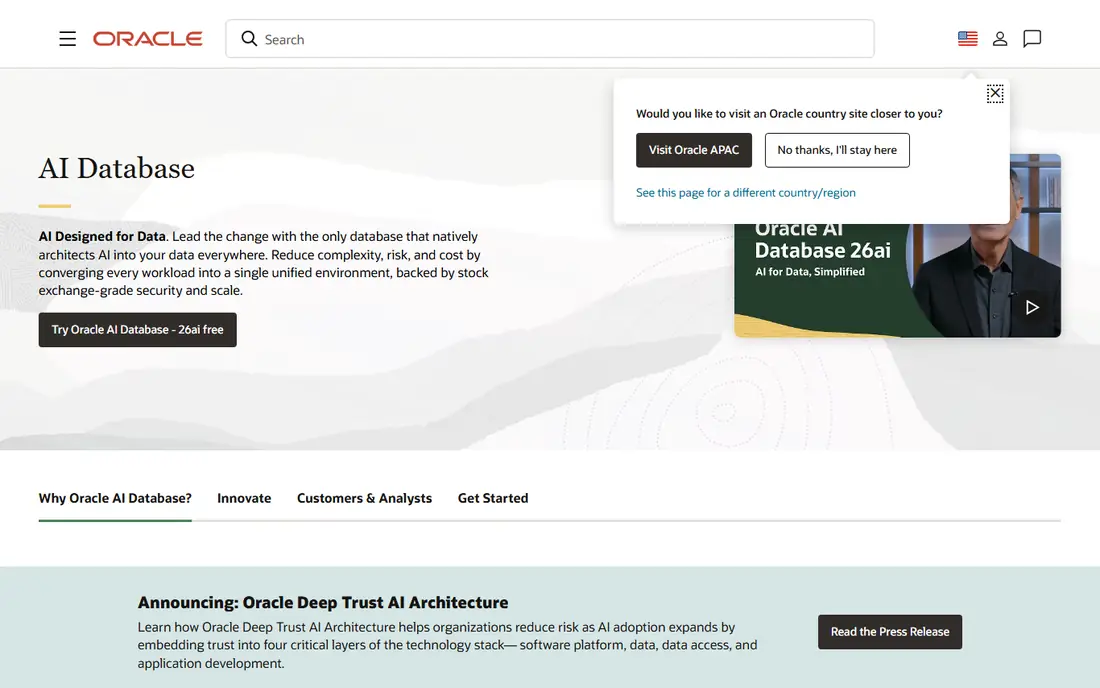
Oracle Database remains the choice for many large banks, telecoms, and government systems where availability, security, and support contracts matter as much as raw speed. Features such as Real Application Clusters, Data Guard, and advanced security are built for workloads that cannot go down.
The cost is the main barrier. Enterprise licensing is typically per processor core, with annual support on top, and audits can be painful if licensing is not tracked carefully. Choose Oracle when the workload or the compliance need justifies that cost, not as a default.
- Deep enterprise features for security and availability
- Strong tooling
- Long regulated industry history
- Licensing is complex and costly
- Key features are licensed separately
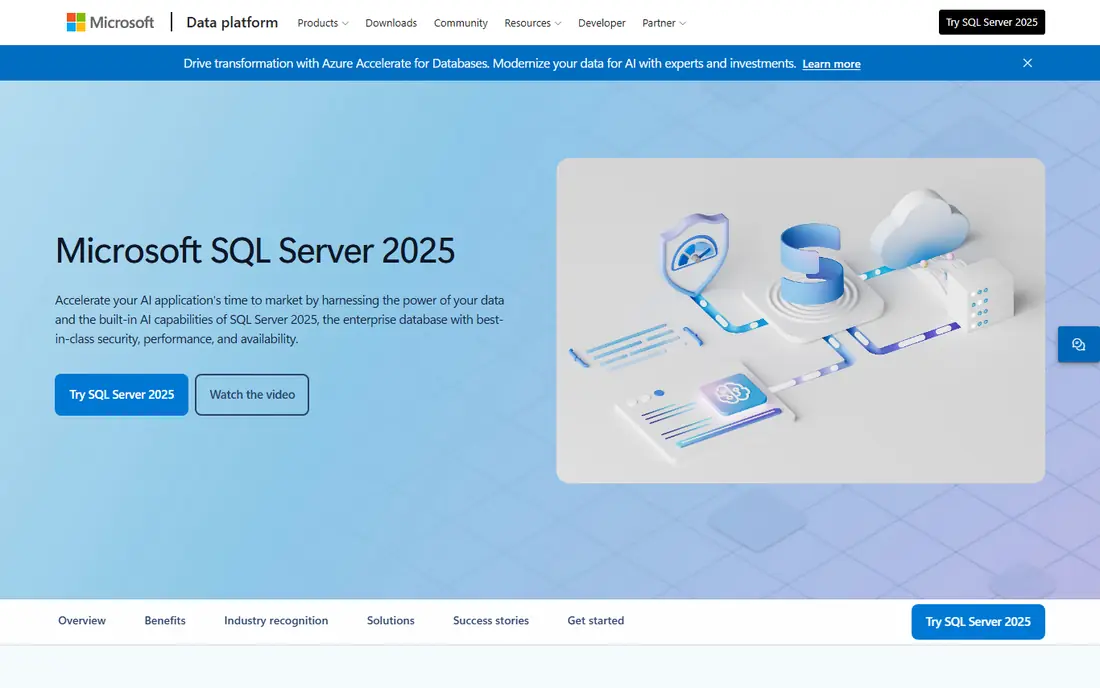
SQL Server fits enterprises already built on Microsoft technology. Integration with Active Directory, .NET, Power BI, and Azure makes it a natural choice, and the tooling for administration and reporting is mature. Azure SQL adds a managed route for teams that want less server work.
Licensing needs care, especially on large virtual machines where core counts drive cost. A free Express edition exists for small workloads, but enterprise use should be priced with a reseller or Microsoft before a commitment is made.
- Strong fit with Windows and .NET
- Good tooling
- Azure SQL managed options
- Per core licensing can be costly on large VMs
- Linux use is possible but less common
MySQL powers a large share of web applications, content systems, and online stores, and it is well suited to read heavy workloads with simple queries. The community edition is free, managed versions are available on all major clouds, and hiring MySQL skills is usually easy.
For very complex analytical queries or advanced geospatial work, PostgreSQL often has an edge. MySQL still wins on familiarity and speed for many web workloads, and MariaDB offers a compatible open source alternative for teams that want a different steward.
- Free community edition
- Fast for read heavy web workloads
- Huge ecosystem
- Some advanced features need commercial editions
- Oracle ownership concerns some open source users
MongoDB stores data as documents rather than fixed tables, which suits applications where data shapes change often, such as catalogs, content systems, and internet of things data. Atlas, its managed cloud service, handles backups, scaling, and global distribution without a team running servers.
The flexibility is also the risk. Poor document design, missing indexes, or unbounded arrays can hurt performance badly, so teams need data modeling discipline. Used well, MongoDB is fast and scalable; used carelessly, it can be slower than a relational system for the same workload.
- Flexible document model for changing data
- Atlas managed cloud
- Strong horizontal scaling
- Data modeling mistakes hurt performance
- Atlas costs can grow with use
Snowflake is a cloud data warehouse, not a transactional system for day to day application writes. Its strength is analytics: large queries over huge datasets, with storage and compute scaled separately so a heavy report does not slow other work. Data sharing and governance tools also suit enterprise analytics teams.
We include it because many enterprises judge database performance by reporting speed, and Snowflake often wins there. Just do not use it as a replacement for a transactional database, and watch compute costs, since idle or poorly written queries can still incur charges.
- Separates storage and compute for analytics
- Scales for large queries
- Strong sharing and governance
- Not a transactional database
- Costs depend on compute use and need monitoring
CockroachDB is a distributed SQL database designed for applications that must stay available across regions. It keeps transactional consistency while spreading data across nodes, which suits global services, financial systems, and applications where downtime in one region cannot stop the whole service.
That resilience comes with complexity and cost in latency for some workloads. A single region application with modest availability needs will often perform better and cost less on PostgreSQL. Choose CockroachDB when multi region survival is a real requirement, not a nice to have.
- Distributed SQL with strong consistency
- Survives node and region failures
- PostgreSQL compatible
- Operational complexity at scale
- Some workloads are faster on a single node system
Amazon Aurora is a managed relational database on AWS that is compatible with MySQL and PostgreSQL. It offers fast storage, quick replication, and automated backups, which removes much of the operational work of running a database. For AWS centered teams, it is often the fastest route to a reliable production database.
The main limit is cloud lock in: Aurora runs on AWS, so a multi cloud strategy needs a different plan. Costs also vary with instance size, storage, and input and output, so teams should test with a realistic workload before estimating a monthly bill.
- Managed MySQL and PostgreSQL compatibility
- Fast storage and replication
- Pay as you go
- AWS only
- Costs depend on instance size, storage, and I/O
How we picked these
We compared official documentation, pricing pages, and public performance guidance for databases used in enterprise production today. We favored systems with a clear workload strength, current managed options, and a track record at scale. We did not claim hands-on benchmarking, since real performance depends on schema, queries, and hardware. Where pricing was not published, we wrote See website.
How to judge enterprise performance
Benchmark headlines rarely predict your workload. Start with your own queries: transactional writes, complex joins, full text search, geospatial queries, or large analytical scans each favor different engines. Test with production like data volume and concurrency, and measure latency at the 95th and 99th percentiles, not just the average.
Indexing, queries, and operations
Most performance problems we see in enterprise systems come from missing indexes, poor query design, or uncontrolled growth, not from the engine itself. Review slow queries regularly, set limits on result sizes, and archive old data where possible. Operations matter too: backups, failover testing, and upgrade planning affect real availability more than a small speed difference between engines.
Managed versus self managed
A managed service can be the best performance decision, because it brings tuned defaults, automated patching, and fast failover. Self managed systems give more control and can cost less at very large scale, but they need skilled staff on call. Model total cost over three years, including staff time, before choosing based on license price alone.
FAQ
Which database is fastest for enterprise use?
There is no single fastest database, because speed depends on workload. PostgreSQL and Oracle perform well for complex transactional work, MongoDB and distributed systems suit high write and flexible data workloads, and Snowflake suits large analytics. Test your own queries at production scale before deciding.
Is PostgreSQL suitable for large enterprises?
Yes. PostgreSQL is used by large enterprises for transactional, analytical, and geospatial workloads, and managed versions are available on all major clouds. Large deployments still need skilled administration, backup testing, and high availability planning, just as commercial systems do.
Should we choose a managed database or run our own?
Managed databases suit most teams, because they reduce operational work and speed up failover and patching. Self managed databases suit teams with specialist staff, strict data location needs, or very large scale where control outweighs convenience. Compare staff cost as well as service cost.
How does licensing affect database choice?
Licensing can dominate total cost. Open source systems such as PostgreSQL and MySQL community editions have no license fee, while Oracle and SQL Server use per core models that scale with hardware. Always price licensing, support, and managed service costs together for a realistic comparison.
Can one database handle both transactions and analytics?
One system can handle both for modest workloads, but large enterprises usually separate them. A transactional database serves application writes, while a warehouse such as Snowflake serves reporting. That separation keeps heavy reports from slowing customer facing transactions.