Best Database Management Software in 2026: 8 Tools Compared
Compare the best database management software in 2026. We review 8 systems for apps, analytics and scale, from free open source tools to enterprise platforms.

- Editor's choice
 PostgreSQL
Most new applications
Starts atFreeVisit postgresql.orgFull review - Great alternative
 MySQL
Web apps and hosting
Starts atFreeVisit mysql.comFull review - Also consider
 Microsoft SQL Server
Microsoft and Azure shops
Starts atSee websiteVisit microsoft.comFull review
TL;DR:
- PostgreSQL is the safest default for most new applications, thanks to its reliability, extensions and free licence.
- MySQL remains a strong choice for web apps and hosting, while MongoDB suits document data with changing schemas.
- Managed options such as Supabase and MongoDB Atlas remove much of the operations work for small teams.
- Enterprise systems such as Oracle Database and Microsoft SQL Server suit regulated, high stakes workloads, but need careful licence planning.
- Usage priced platforms such as Snowflake can scale well, but costs need monitoring against real query patterns.
Quick comparison
| Tool | Best for | Starts at | Free plan? | |
|---|---|---|---|---|
| PostgreSQL | Most new applications | Free | Yes | Visit |
| MySQL | Web apps and hosting | Free | Yes | Visit |
| Microsoft SQL Server | Microsoft and Azure shops | See website | Yes | Visit |
 Oracle Database | Mission critical enterprise | See website | Yes | Visit |
 MongoDB | Flexible document data | Free | Yes | Visit |
 Snowflake | Cloud analytics | See website | Free trial | Visit |
 Supabase | Postgres with built in backend | Free | Yes | Visit |
 Redis | Caching and real time data | Free | Yes | Visit |
The best database management software
These eight systems cover relational, document, analytics and in memory workloads.
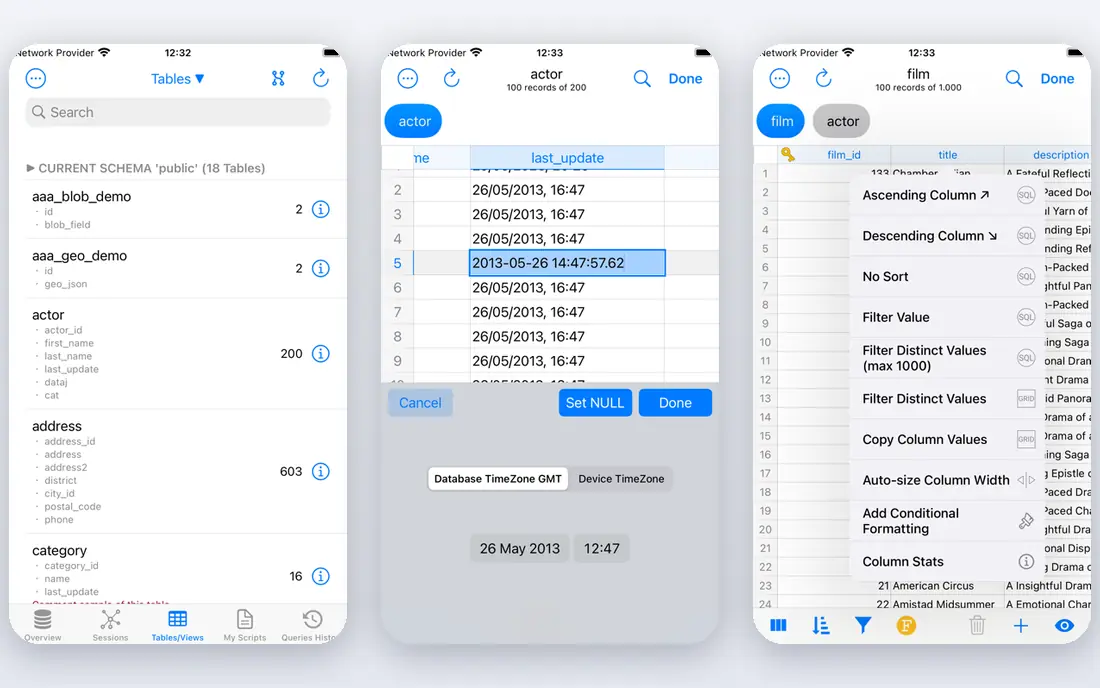
PostgreSQL is our default recommendation for most teams starting a new application. It handles transactions correctly, supports complex queries, and covers JSON, full text search and geospatial work through extensions. That range means many teams can run one database instead of three specialised ones.
The main cost is expertise. Self hosted PostgreSQL needs backup, monitoring and tuning work, and its default settings favour safety over speed. Managed services remove much of that burden, so small teams should weigh hosting against running it themselves.
- Free and open source
- Strong SQL support
- Wide extension ecosystem
- Tuning for very high throughput takes skill
- Managed hosting costs extra
- Defaults are conservative
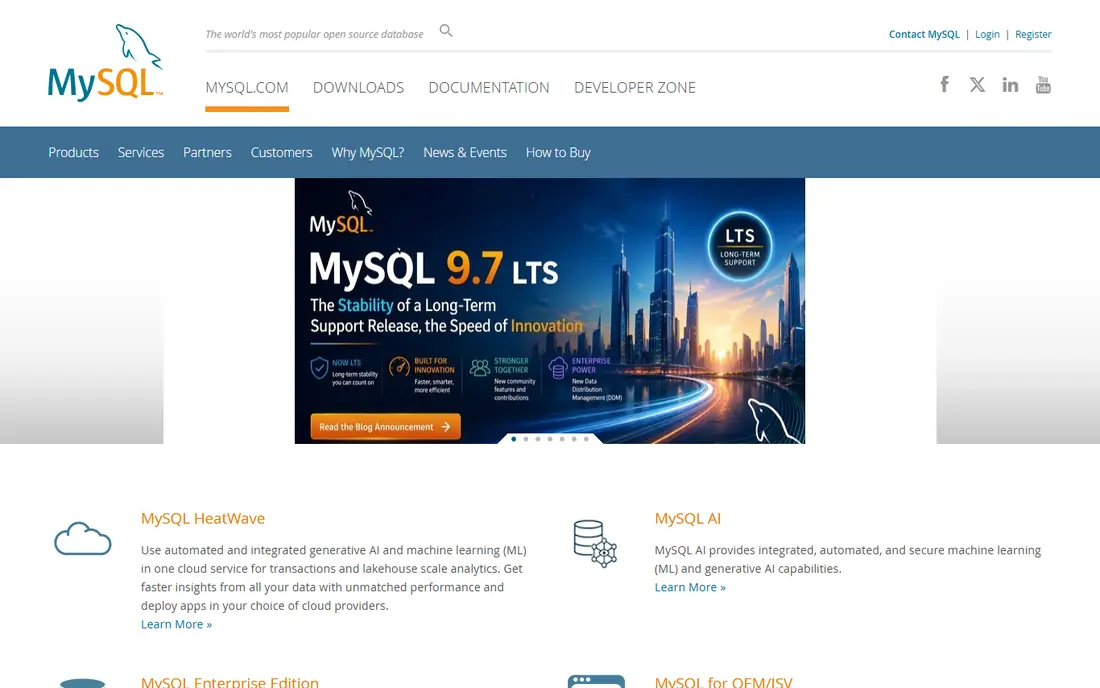
MySQL remains the workhorse of web hosting, content sites and many small business applications. Almost every host, framework and migration tool supports it, and the free Community Edition covers a large share of real workloads. For a standard web app with clear tables and predictable queries, it is a proven choice.
Teams that need advanced analytics, complex constraints or a wide extension library may find PostgreSQL a better fit. MySQL also splits features across editions, so check whether a feature you need sits in the free edition or a commercial one before committing.
- Widely supported by hosts and tools
- Free Community Edition
- Simple to get started
- Fewer advanced features than PostgreSQL
- Some enterprise features need paid editions
- Extension ecosystem is narrower
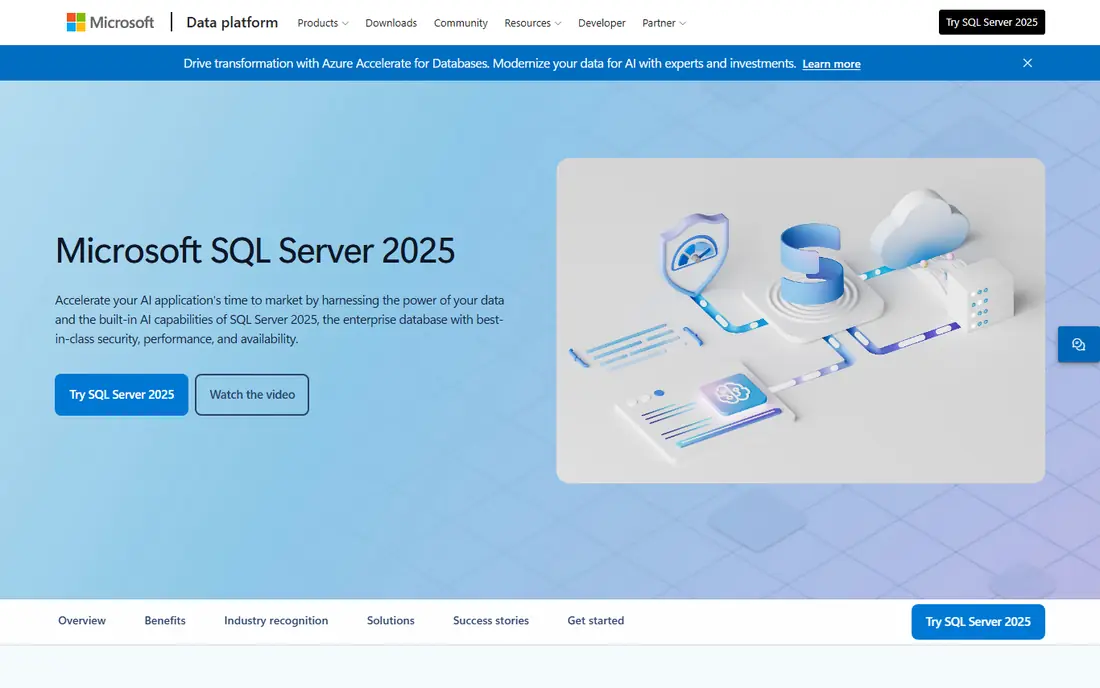
Microsoft SQL Server is the natural pick for organisations already standardised on Microsoft tools. It works closely with .NET applications, Azure services and business intelligence tooling, and its management studio is familiar to many database administrators. Free Express and Developer editions let teams learn and build before paying.
Licensing is the main watch point. Edition limits, core based pricing and cloud options can confuse a first time buyer, so get a clear quote for your expected load. Teams outside the Microsoft stack will usually find PostgreSQL or MySQL simpler and cheaper.
- Strong integration with .NET and Azure
- Mature tooling
- Free Express and Developer editions
- Licensing needs careful planning
- Best experience is on Microsoft platforms
- Enterprise costs rise fast
Oracle Database suits large organisations with workloads where downtime or data errors carry serious cost. It offers deep features for partitioning, high availability, security and compliance, and it has decades of use in finance, telecoms and government. A free edition exists for learning and small use, which helps teams evaluate it.
For most small and mid sized teams, Oracle is more than they need. Licence planning takes real effort, and administration rewards specialist skill. Choose it when the workload or the existing enterprise stack justifies that weight, not as a default.
- Proven at very large scale
- Strong availability and security features
- Broad enterprise tooling
- Licensing is complex and costly
- Administration needs specialists
- Smaller teams may find it heavy
MongoDB fits product teams whose data does not sit neatly in fixed tables. Documents can hold nested fields, new fields can appear without a migration, and the Atlas cloud service handles backups, scaling and monitoring. That speed suits apps where the data model changes often during development.
Freedom has a cost. Without discipline, documents drift into inconsistent shapes that are hard to query later. Teams with strongly relational data, heavy joins and strict reporting needs will usually be happier with PostgreSQL. Use MongoDB where document shape is the point, not as a reflex.
- Flexible document schema
- Atlas managed hosting
- Scales across distributed setups
- Relational joins are weaker than SQL systems
- Costs can rise with scale
- Schema freedom needs discipline
Snowflake is built for analytics rather than day to day app transactions. Storage and compute scale separately, so a team can load large datasets and run heavy reports without sizing one warehouse for every job. Data sharing across accounts and clouds is also a genuine strength for firms that exchange data with partners.
Pricing follows usage, so a badly written query or an always on warehouse can raise the bill quickly. Set budgets, auto suspend idle compute and review usage regularly. For analytics teams with real data volume, the flexibility is worth that discipline.
- Separates storage and compute
- Strong data sharing
- Scales for analytics workloads
- Usage based pricing can surprise
- Not a transactional app database
- Query habits drive cost
Supabase gives small teams a fast start on top of real PostgreSQL. One project provides a database, authentication, file storage and instant APIs, so a new app can go from idea to working backend in a day. The free tier is generous enough for prototypes and small products, and the paid tier adds capacity.
It is still PostgreSQL underneath, so complex queries and data modelling reward real database skill. Teams should also watch usage limits on storage, bandwidth and active users as they grow. For builders who want Postgres without running servers, Supabase is a strong pick.
- Postgres plus auth, storage and APIs
- Generous free tier
- Quick setup for new apps
- Managed limits apply on lower plans
- Postgres knowledge still helps
- Pricing scales with usage
Redis is the tool teams reach for when speed matters most. It stores data in memory, which makes it ideal for caching, session storage, leaderboards, queues and real time counters. Most applications pair it with a primary database rather than replacing one with it.
That pairing is the honest limit. Redis is not the right home for data that must never be lost unless persistence is planned carefully, and large datasets in memory cost more than disk storage. Used for the job it was built for, it can transform app responsiveness.
- Very fast in memory performance
- Good for caching, sessions and queues
- Open source core
- Not a primary database for most apps
- Memory costs rise with data size
- Persistence needs planning
How we picked these
We compared official documentation, pricing pages and community adoption for database systems in active use in October 2026. We covered relational, document, analytics and in memory categories, and we favoured systems with clear documentation, managed options and a realistic path from prototype to production. We noted where pricing is usage based or quoted, rather than presenting estimates as facts.
How to choose the right database
Start from your data and your queries, not from popularity lists. Relational data with joins and strict rules points to PostgreSQL, MySQL, SQL Server or Oracle. Document data with evolving shapes points to MongoDB. Analytics over large datasets points to Snowflake. Fast temporary data points to Redis, usually alongside a primary store.
Next, decide how much operations work you want. Managed services cost more per month but remove backups, patching and scaling work. Self hosting costs less in fees but more in staff time. Prototype with a free tier, load realistic data, and test the queries your app will actually run before committing.
Also plan for backups from day one. A database choice is only as good as its recovery plan, so test restores, not just backups, and document who can restore data and how long it takes. Managed services help here, but the responsibility for checking restores still sits with your team, whatever platform you choose.
FAQ
What is the best database management software?
PostgreSQL is the best default for most applications, thanks to its reliability, features and free licence. MySQL suits web hosting, MongoDB suits document data, and Snowflake suits analytics, so the best choice follows your workload.
What is the best database tool for beginners?
Supabase and MongoDB Atlas are friendly starting points because managed hosting removes much of the setup work. MySQL is also easy to start with, thanks to wide hosting and tutorial support.
Should I use SQL or NoSQL?
Use SQL for most applications, especially where data is relational and consistency matters. Use NoSQL where document flexibility, very high write volume or a specific data shape, such as caching, is the main requirement.
Is a free database good enough for production?
Yes, for many apps. PostgreSQL, MySQL and Redis are free and run large production systems. The real costs are hosting, backups, monitoring and staff time, so budget for operations even when the licence is free.
How much does database software cost?
Open source systems are free to download, while managed and enterprise options range from free tiers to usage based or quoted pricing. Snowflake and Atlas bill by usage, while Oracle and SQL Server need licence quotes for enterprise use.
Can I switch databases later?
Migration is possible but rarely trivial. Data types, queries and application code all need checking, and stored procedures or extensions may need rewriting. Choose carefully at the start, and keep application code as portable as practical.