Customer Database Management System in 2026: The 6 Best Options Side by Side
Best customer database management system: 6 tools compared on price, free plans and fit. The weak spots sit next to the strengths. Budget notes included.
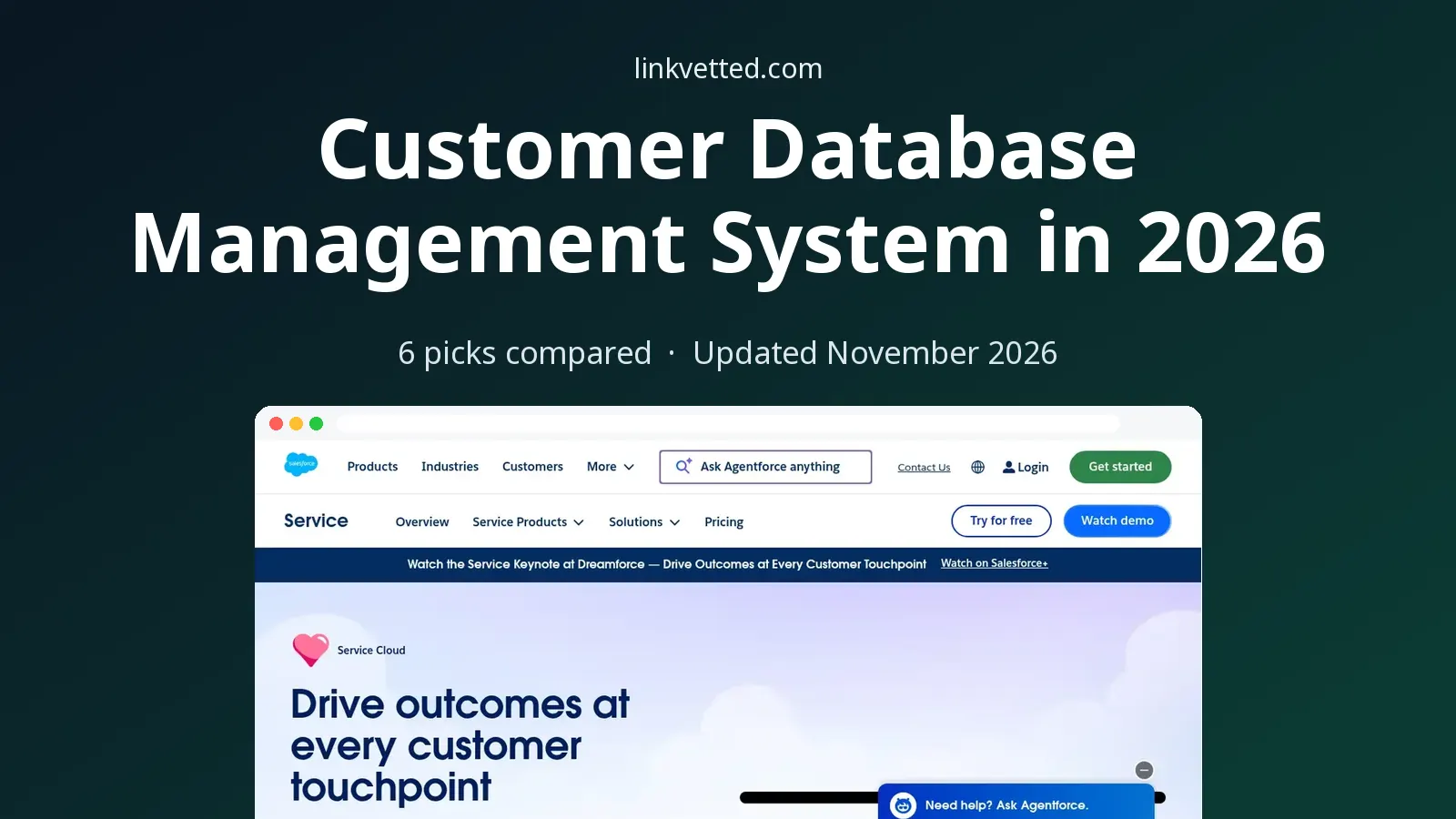
- Editor's choice
 Freshdesk
Omnichannel ticketing with automatic workflows
Starts atSee websiteVisit freshworks.comFull review - Great alternative
 Zoho Desk
Unified help desk with AI-human collaboration
Starts atSee websiteVisit zoho.comFull review - Also considerMicrosoft Dynamics 365 Customer Service
Microsoft-centric organizations needing AI and automation
Starts atSee websiteVisit microsoft.comFull review
Direct answer
Start with Freshdesk if you need omnichannel ticketing with automatic workflows. Listed starting prices: Zendesk from $19 agent/month premium yearly. Zoho Desk is the stronger choice for unified help desk with AI-human collaboration, while Microsoft Dynamics 365 Customer Service suits Microsoft-centric organizations needing AI and automation. Prices, free plans and limits for all 6 tools follow.
TL;DR:
- The list opens with Freshdesk, aimed at omnichannel ticketing with automatic workflows.
- Freshdesk, HubSpot Service Hub and the 4 others all need a premium plan or a trial, since no free plan is listed.
- HubSpot Service Hub suits expanding teams seeking an AI-powered product.
- The main caution on Zoho Desk: can be overwhelming for beginners.
- Zendesk is the lowest-priced starter here at $19 agent/month premium yearly.
Last checked November 2026. Prices and plan details were read from the vendors' own pages in November 2026; vendors change plans often, so confirm the current price on the vendor site before you buy.
Quick comparison
| Tool | Best for | Starts at | Free plan? | |
|---|---|---|---|---|
| Freshdesk | Omnichannel ticketing with automatic workflows | See website | Not stated | Visit |
| Zoho Desk | Unified help desk with AI-human collaboration | See website | Not stated | Visit |
| Microsoft Dynamics 365 Customer Service | Microsoft-centric organizations needing AI and automation | See website | Not stated | Visit |
 Salesforce Service Cloud | Full AI-powered customer service | See website | Not stated | Visit |
 Zendesk | AI-driven issue resolution and scalability | $19 agent/month premium yearly | Free trial | Visit |
 HubSpot Service Hub | Expanding teams seeking an AI-powered product | See website | Not stated | Visit |
Customer Database Management System profiles
Choosing customer database management system usually comes down to price, fit and limits. This LinkVetted guide sets 6 tools side by side on those three points, with the facts kept short and checkable.
Freshdesk targets omnichannel ticketing with automatic workflows. Freshdesk is an AI-powered customer service option that boosts agent productivity and gives smooth customer experiences through omnichannel ticketing and automatic workflows. It is built for teams that require to run support across several channels whereas automating repetitive tasks.
Limits to weigh: Advanced features need higher levels.
Some users find the interface cluttered, and advanced features are commonly available only in higher-tier plans. On top of that, Freshdesk is a solid choice for small to midsize teams seeking a low-cost, feature-rich help desk. If you need a more simplified or enterprise-grade system, you might look elsewhere. Check the vendor site for Freshdesk pricing; none is listed in this comparison. Free options: Not stated.
- AI-powered ticketing
- Automatic workflows
- Interface can feel cluttered
In short, Zoho Desk is for unified help desk with AI-human collaboration. Zoho Desk is a unified help desk system designed for the smoothest AI-human collaboration, enabling teams to deliver world-class support at scale. It merges ticketing, automation, and AI to help agents work more efficiently.
Where it falls short: Can be overwhelming for beginners.
On top of that, if you need a more straightforward option, Zoho Desk might feel heavy. Also, the product can be overwhelming for beginners due to its plenty of features, and customization may need technical expertise. Zoho Desk does not show a starting price in this comparison, so check the vendor site for current pricing. Free plan details: Not stated.
- Scalable for support teams
- Unified help desk system
- Customization needs technical know-how
Microsoft Dynamics 365 Customer Service
Best for: Microsoft-centric organizations needing AI and automation
Microsoft Dynamics 365 Customer Service targets Microsoft-centric organizations needing AI and automation. Microsoft Dynamics 365 Customer Service enables service representatives with generative AI and automation to enhance customer service and experiences. It is especially well-suited for organizations already using Microsoft products, as it integrates deeply with tools like Outlook, Teams, and Power Platform.
Honest limits: Needs Microsoft licensing.
Implementation can be complicated and commonly needs Microsoft licensing, which may be a barrier for non-Microsoft shops. As for the details, if you are not invested in the Microsoft ecosystem, the learning curve and cost may outweigh the benefits. More specifically, choose Dynamics 365 when you need tight integration with Microsoft tools and advanced AI. This comparison lists no price for Microsoft Dynamics 365 Customer Service; ask the vendor. Free access: Not stated.
- Deep integration with Microsoft ecosystem
- Generative AI capabilities
- Complicated implementation
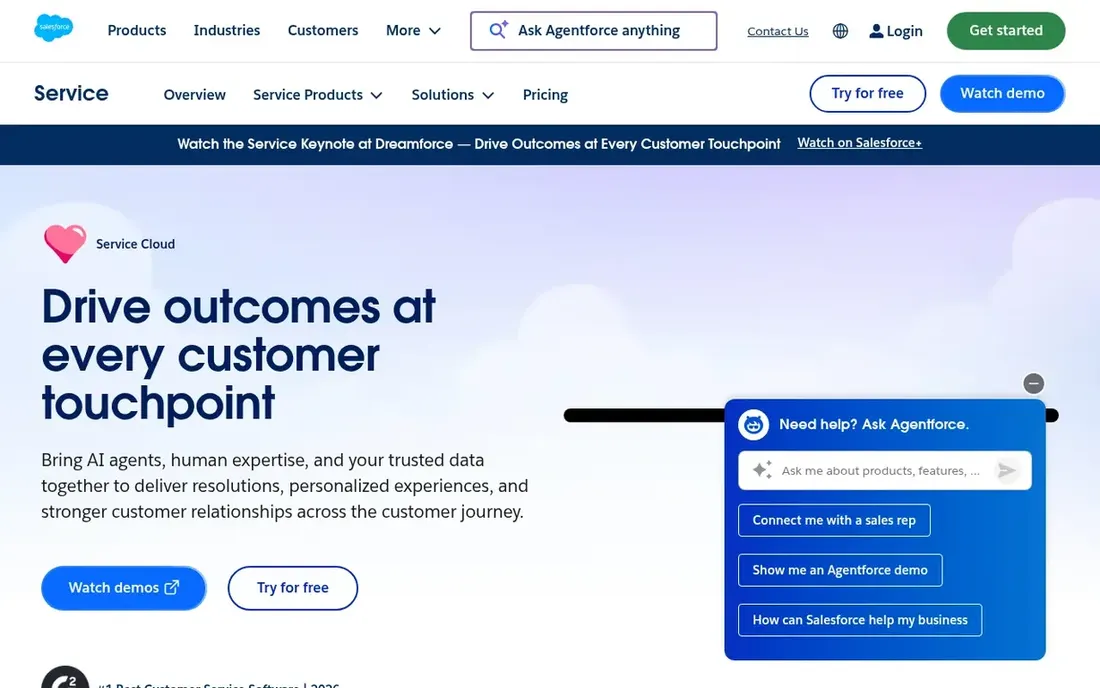
Salesforce Service Cloud is a good fit for comprehensive AI-powered customer service. Salesforce Service Cloud is a customer service product that uses AI to help teams build connected, efficient, and scalable service experiences. Beyond that, choose Salesforce when you need deep customization and scalability for a large service operation.
More specifically, the product aims to boost agent productivity and customer satisfaction through automation and insights. Even so, Salesforce Service Cloud can be complicated to set up and may need specialized administrators, making it less well suited to very small teams without technical resources. Salesforce Service Cloud shows no starting price here, so confirm the cost on the vendor site. On free options: Not stated.
Drawbacks to consider: May need dedicated admin.
- Efficient case management
- Scalable and connected platform
- Can be complicated for small teams
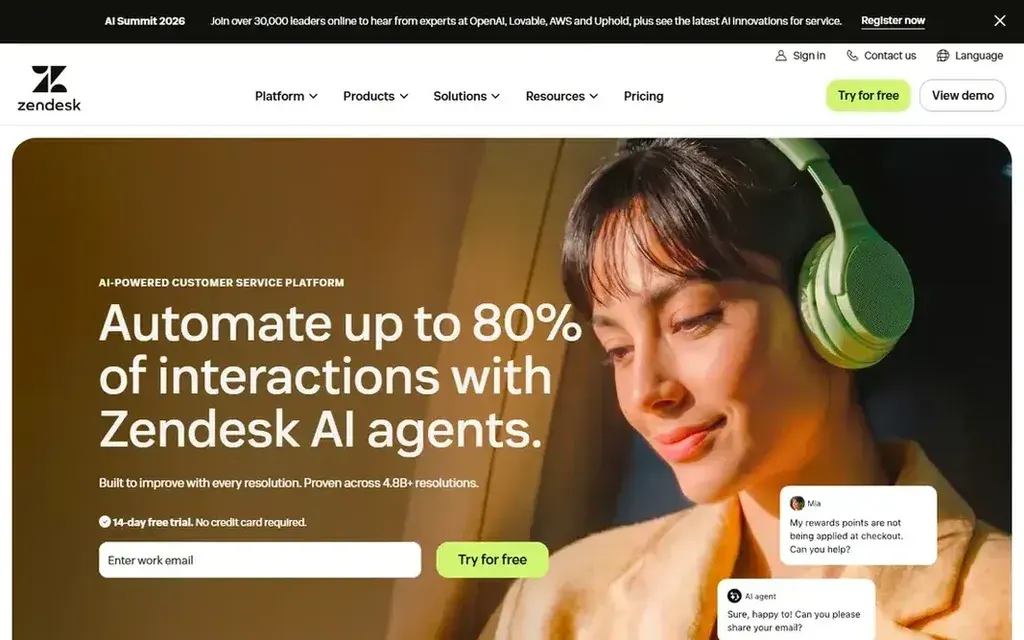
For AI-driven issue resolution and scalability, Zendesk is a natural candidate. Choose Zendesk when AI-driven efficiency and scalability are top priorities. If you need a straightforward, all-inclusive option, consider alternatives.
As for the details, Zendesk is an AI-powered customer service product that moves beyond deflection with AI agents that resolve issues end-to-end. It is built to improve service quality, speed, and scale, making it a solid choice for organizations that want to automate routine inquiries and free up human agents for complex problems. On top of that, some capabilities are only available through extras. Zendesk cost at the entry level: $19 agent/month premium yearly. Free options: Free trial.
Drawbacks to consider: Can become expensive at scale.
- Focus on service quality
- Scalable for expanding teams
- Some features need extras
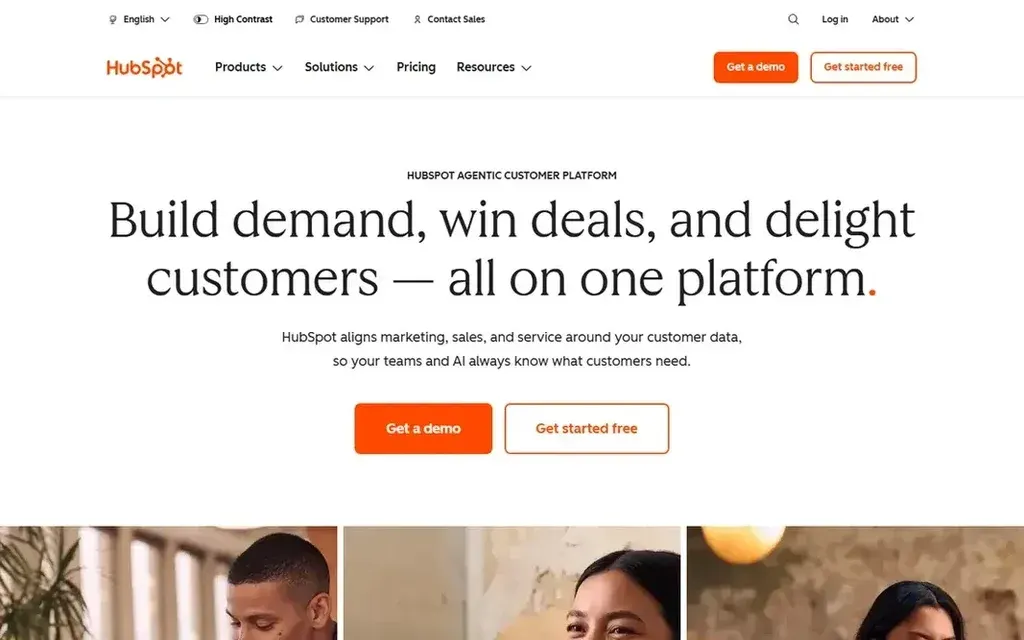
Choose HubSpot Service Hub for expanding teams seeking an AI-powered product. If you need highly tailored workflows or advanced reporting, you might outgrow it. HubSpot Service Hub is an AI-powered customer service product made for expanding teams to transform their customer experience.
Where it falls short: May lack some enterprise features.
It integrates smoothly with HubSpot's CRM, allowing companies to handle customer data and interactions in one place. Consider HubSpot when you value simplicity and integration with marketing and sales tools. Worth adding: the product concentrates on simplicity and quick setup, making it a good match for teams looking to scale their support without deep technical overhead. Check the vendor site for HubSpot Service Hub pricing; none is listed in this comparison. As for free access: Not stated.
- Approachable interface
- AI-powered customer service
- Restricted advanced customization
How we chose
We compared the tools on published pricing, free plan or trial availability, feature coverage for customer database management system, and the limits each vendor documents. Seat minimums, billing terms and add-ons can move the real cost, so the starting prices here are a guide and not a quote. The ranking is editorial: typical fit first, then clear pricing, then free access. If your needs are unusual, read the profiles rather than relying on position.
Before you commit
- Ask Freshdesk, Zoho Desk, Microsoft Dynamics 365 Customer Service and others for a written quote, since no starting price is shown.
- Run a trial of Zendesk with real work before paying for a year; your own workflow is the best test.
- Read the limits listed for Freshdesk first: interface can feel cluttered.
- Get the contract term, renewal terms and any onboarding fees from HubSpot Service Hub in writing.
- Test the integrations you rely on with Zendesk before committing; some connectors sit on upper tiers.
FAQ
Is Freshdesk the right pick for everyone comparing customer database management system?
No single tool suits every team. Freshdesk comes first because it fits omnichannel ticketing with automated workflows, while Zoho Desk suits unified help desk with AI-human collaboration and Microsoft Dynamics 365 Customer Service suits Microsoft-centric organizations needing AI and automation. Match the tool to your own size, budget and workflow before deciding.
Does any tool for customer database management system here have a free plan?
A permanent free plan is not offered by Freshdesk, HubSpot Service Hub or the other tools here. Zendesk offer a trial. Plan a short evaluation period instead.
How are the tools for customer database management system ordered?
The order follows typical fit for customer database management system, with Freshdesk first and HubSpot Service Hub last, then price clarity and free access. It is editorial judgement, not a score, so another team could rank the tools differently.
Can these systems handle omnichannel customer service?
Numerous modern customer database management systems, for example Freshdesk and Zendesk, offer omnichannel support to run interactions across email, chat, phone, and social media.
What is the cheapest option for customer database management system in this list?
On published monthly entry prices, Zendesk is the lowest here at $19 agent/month premium yearly. Entry price is only part of the cost, because seats, add-ons and billing terms can change the total. Each of the 6 options in this customer database management system guide has its own card above with the price, free plan and limits.
Sources
- https://www.freshworks.com/freshdesk
- https://www.zoho.com/desk
- https://www.microsoft.com/en-us/dynamics-365/products/customer-service
- https://www.salesforce.com/service
- https://www.zendesk.com
- https://www.hubspot.com/products/service