5 Best Customer Database Software for 2026, Vetted and Compared
Comparing the best customer database software? 5 contenders, each with entry cost, free tier and best-fit buyer. Real limits included. Straight answers.
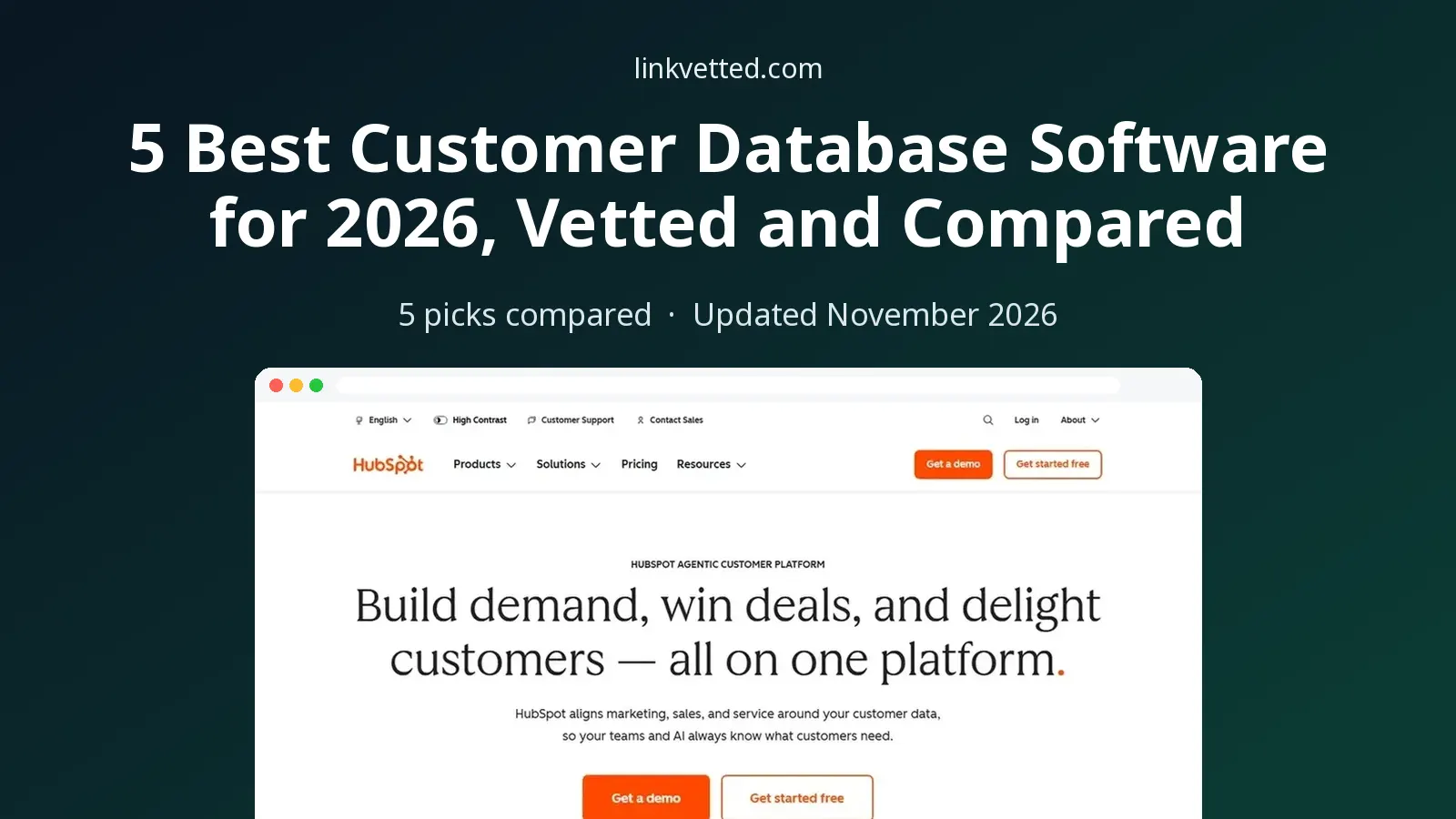
- Editor's choiceServiceNow Customer Service Management
Connecting service across teams
Starts atSee websiteVisit servicenow.comFull review - Great alternative
 HubSpot Service Hub
Expanding teams in the HubSpot ecosystem
Starts atSee websiteVisit hubspot.comFull review - Also consider
 Salesforce Service Cloud
Scalable AI-powered customer service
Starts atSee websiteVisit salesforce.comFull review
Direct answer
ServiceNow Customer Service Management comes first here, mainly for connecting service across teams. Listed starting prices: Zendesk from $19 agent/month premium yearly. HubSpot Service Hub is the stronger choice for expanding teams in the HubSpot ecosystem, while Salesforce Service Cloud suits scalable AI-powered customer service. All 5 tools are compared below on price, free plan and limits.
TL;DR:
- ServiceNow Customer Service Management is the opening pick, best for connecting service across teams.
- Zendesk is the lowest-priced starter here at $19 agent/month premium yearly.
- A fair warning about HubSpot Service Hub: best value inside HubSpot ecosystem.
- A permanent free plan is missing from all 5 tools, ServiceNow Customer Service Management and Freshdesk included; plan for a trial or a premium start.
- Freshdesk suits omnichannel ticketing with automated workflows.
Last checked November 2026. Prices and plan details were read from the vendors' own pages in November 2026; vendors change plans often, so confirm the current price on the vendor site before you buy.
Quick comparison
| Tool | Best for | Starts at | Free plan? | |
|---|---|---|---|---|
| ServiceNow Customer Service Management | Connecting service across teams | See website | Not stated | Visit |
| HubSpot Service Hub | Expanding teams in the HubSpot ecosystem | See website | Not stated | Visit |
| Salesforce Service Cloud | Scalable AI-powered customer service | See website | Not stated | Visit |
 Zendesk | AI agents that resolve issues end to end | $19 agent/month premium yearly | Free trial | Visit |
 Freshdesk | Omnichannel ticketing with automatic workflows | See website | Not stated | Visit |
Every option for customer database software explained
This LinkVetted guide covers 5 options for customer database software. Each profile lists a starting price, free plan details, strengths and drawbacks, so you can drop poor fits quickly.
ServiceNow Customer Service Management
Best for: Connecting service across teams
ServiceNow Customer Service Management targets connecting service across teams. ServiceNow Customer Service Management is positioned as going beyond CRM, removing silos and connecting customer service with other teams to boost satisfaction.
Watch-outs: Likely suited to bigger operations.
More specifically, bigger operations with structured service workflows are the clearest match. In practice, teams wanting a straightforward ticketing tool may find a focused help desk simpler to adopt. This comparison lists no price for ServiceNow Customer Service Management; ask the vendor. Free options: Not stated.
- Aims to remove silos
- Links service with other teams
- Can be complicated to implement

HubSpot Service Hub was built for expanding teams in the HubSpot ecosystem. HubSpot Service Hub is an AI-powered customer service system pitched at expanding teams, with the goal of transforming customer experience.
Teams outside the HubSpot ecosystem may not get the same benefit from its connected approach, and very complicated enterprise service operations may need deeper configuration than it gives you. This comparison lists no price for HubSpot Service Hub; ask the vendor. Free options: Not stated.
Where it is weaker: May feel restricted for complicated enterprises.
- Aimed at expanding service teams
- Suits a connected customer product
- Best value inside HubSpot ecosystem
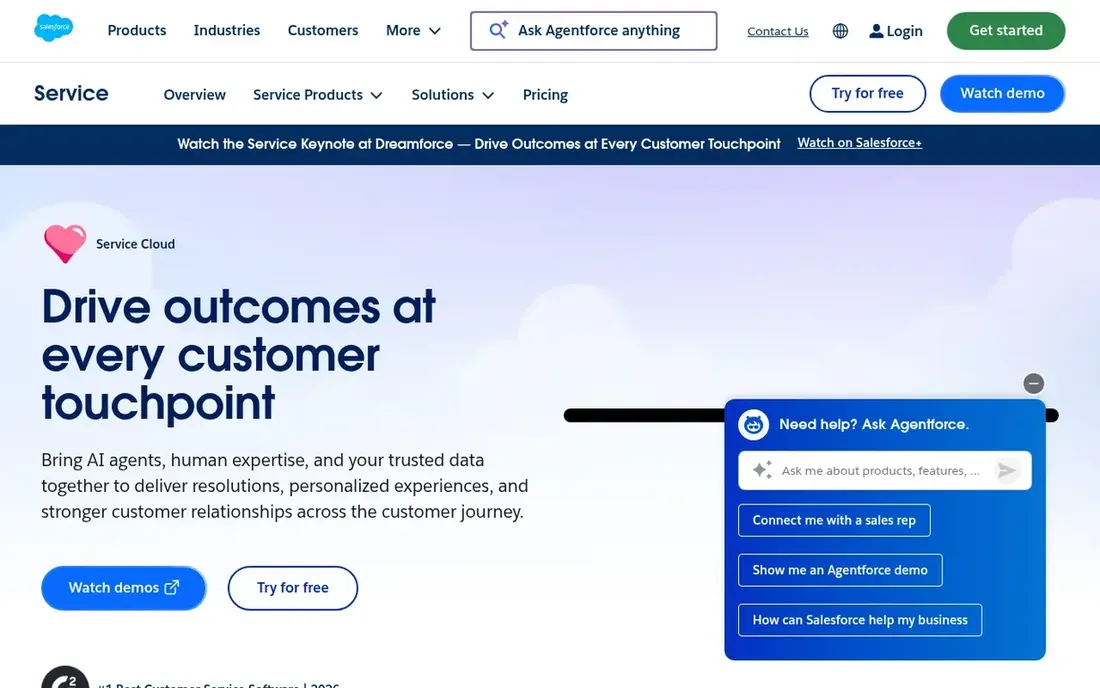
Salesforce Service Cloud is built with scalable AI-powered customer service in mind. The tradeoff is that a wide system commonly means more setup and administration than a light help desk.
Points against: May be more than small teams need.
Beyond that, teams with complicated service processes and a need for configurable tooling are the clearest fit. More specifically, Salesforce Service Cloud is a customer service product built around AI-powered support software, positioned to help teams deliver connected and efficient service at scale. No starting price is listed for Salesforce Service Cloud here; confirm pricing on the vendor site. As for free access: Not stated.
- Scalable service system
- Connected
- Configuration can be involved

Choose Zendesk for AI agents that resolve issues end to end. Zendesk is an AI-powered customer service system that emphasizes moving beyond deflection, with AI agents built to resolve issues end to end.
It suits support teams that want to boost service quality, speed and scale whereas keeping customer conversations in a structured ticketing environment. On cost, Zendesk starts like this: $19 agent/month premium yearly. On free options: Free trial.
Limits to weigh: Advanced needs may need extras.
- Focus on service quality and speed
- AI agents manage full resolution
- Setup effort grows with complexity
In short, Freshdesk is for omnichannel ticketing with automatic workflows. It fits support teams that deal with customer requests across multiple channels and want automation to cut repetitive work.
On top of that, organizations needing very deep enterprise service management beyond ticketing may want to compare it with broader systems. Pricing for Freshdesk is not stated here, so ask the vendor for current figures. Trial and free access: Not stated.
Limits to weigh: Advanced automation needs planning.
- Automatic workflow support
- AI-powered service features
- Customization depth varies by need
How these tools were picked
A buyer's checklist
- Ask ServiceNow Customer Service Management, HubSpot Service Hub, Salesforce Service Cloud and Freshdesk for a written quote, since no starting price is shown.
- Run a trial of Zendesk with real work before paying for a year; your own workflow is the best test.
- Before choosing ServiceNow Customer Service Management, weigh its main limit: can be complicated to implement.
- Total up the real monthly cost of Freshdesk, including add-ons, extra users and usage-based fees.
- Ask ServiceNow Customer Service Management whether prices are locked for the first term and what happens at renewal.
FAQ
Is ServiceNow Customer Service Management the right pick for everyone comparing customer database software?
No single tool suits every team. ServiceNow Customer Service Management comes first because it fits connecting service across teams, while HubSpot Service Hub suits growing teams in the HubSpot ecosystem and Salesforce Service Cloud suits scalable AI-powered customer service. Match the tool to your own size, budget and workflow before deciding.
Do these tools publish their prices?
Not all of them. ServiceNow Customer Service Management, HubSpot Service Hub, Salesforce Service Cloud and Freshdesk publish no starting price, so expect a quote request for those. The rest, Zendesk included, show a starting price, though seats and billing terms still change the final cost.
Can I try these options before paying?
Often, yes. Zendesk offers a free trial. Use your own data and a real task during the test, and check what the free tier or trial limits before you rely on it. For the full picture, the cards above cover all 5 entries of this customer database software list, including price, free plan and limits.
What is the cheapest option for customer database software in this list?
On published monthly entry prices, Zendesk is the lowest here at $19 agent/month premium yearly. Entry price is only part of the cost, because seats, add-ons and billing terms can change the total. Prices, free plan details and limits for all 5 tools in this customer database software roundup sit on the individual cards above.
How can I evaluate these tools before buying?
Map your current support channels and workflows, then check which systems document matching features. On top of that, use the buying checks above and verify current details on vendor sites, since offerings change.
Sources
- https://www.servicenow.com/products/customer-service-management.html
- https://www.hubspot.com/products/service
- https://www.salesforce.com/service
- https://www.zendesk.com
- https://www.freshworks.com/freshdesk