5 Best Database for Scanned Documents for 2026, Vetted and Compared
Best database for scanned documents in 2026: 5 tools with starting prices, free plans and limits. Caveats come with every verdict. Current for November 2026.
- Editor's choiceCouchbase Server
Low-latency operational document workloads
Starts at$0.15 per hour per nodeVisit couchbase.comFull review - Great alternative
 Oracle Database
Critical workloads with AI features
Starts atSee websiteVisit oracle.comFull review - Also consider
 Microsoft SQL Server
Relational storage with analytics integration
Starts atSee websiteVisit microsoft.comFull review
Direct answer
Start with Couchbase Server if you need low-latency operational document workloads. Listed starting prices: Couchbase Server from $0.15 per hour per node. Alternatives: Oracle Database for critical workloads with AI features, and Microsoft SQL Server for Relational storage with analytics integration. Prices, free plans and limits for all 5 tools follow.
TL;DR:
- Couchbase Server is the opening pick, best for low-latency operational document workloads.
- A free plan is available from 2 of the 5 tools: Couchbase Server, MongoDB.
- One limit worth knowing about Microsoft SQL Server: search needs additional setup.
- For adaptable document and metadata storage, MongoDB is worth a look.
- No starting price is published for Oracle Database, Microsoft SQL Server, Hyland OnBase and MongoDB; expect a quote.
Last checked November 2026. Prices and plan details were read from the vendors' own pages in November 2026; vendors change plans often, so confirm the current price on the vendor site before you buy.
Quick comparison
| Tool | Best for | Starts at | Free plan? | |
|---|---|---|---|---|
| Couchbase Server | Low-latency operational document workloads | $0.15 per hour per node | Yes | Visit |
| Oracle Database | Critical workloads with AI features | See website | Not stated | Visit |
| Microsoft SQL Server | Relational storage with analytics integration | See website | Not stated | Visit |
 Hyland OnBase | Content management and process workflows | See website | Not stated | Visit |
 MongoDB | Adaptable document and metadata storage | See website | Yes | Visit |
Database for Scanned Documents profiles
This LinkVetted guide covers 5 database for scanned documents. Each profile lists a starting price, free plan details, strengths and drawbacks, so you can drop poor fits quickly.
Couchbase Server
Best for: Low-latency operational document workloads
Think of Couchbase Server for low-latency operational document workloads. Teams primarily seeking compliance-grade document lifecycle control should weigh content management systems instead.
As for the details, Couchbase Server is described as an operational data product for AI, emphasizing sub-millisecond performance and cloud-to-edge synchronization. The product is oriented toward operational workloads instead of archival records management, so long-term retention and governance may need complementary tools. Couchbase Server cost at the entry level: $0.15 per hour per node. You can start on Couchbase Server without paying.
Honest limits: Search setup needs planning.
- Supports AI agents
- Cloud-to-edge sync
- Specialized operational focus
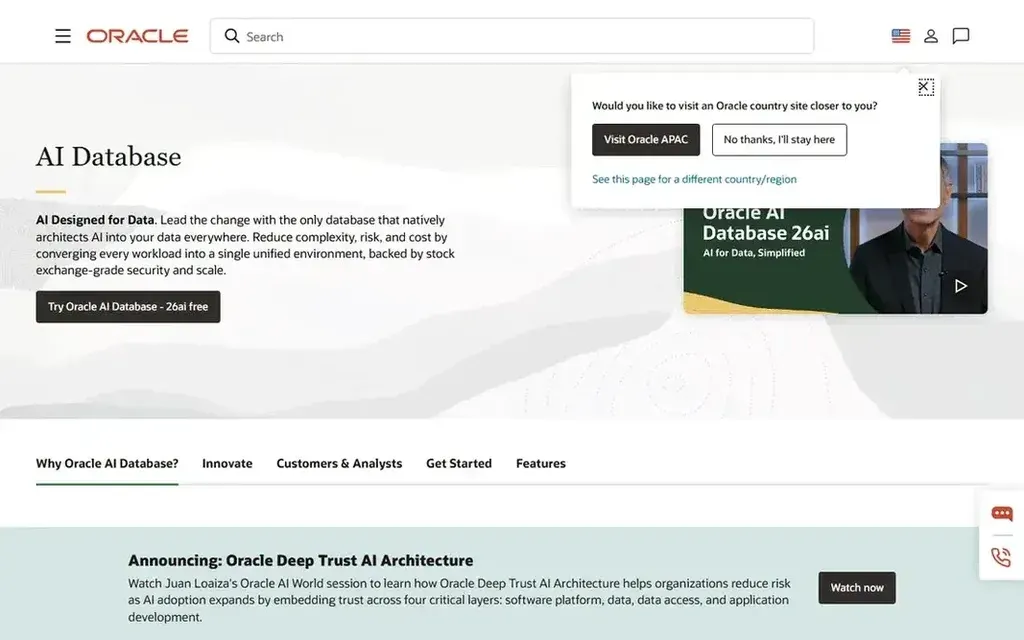
Oracle Database is built with critical workloads with AI features in mind. Oracle Database is an enterprise relational product positioned for critical workloads, with AI capabilities intended to support application development and data operations.
Limits to weigh: Heavier administrative overhead.
For scanned documents, it fits organizations that require a solid transactional core to hold document metadata and links to stored files within existing Oracle environments. Worth adding: administration and tuning demand experienced staff, and the product can be heavier than needed for straightforward document storage. No starting price is listed for Oracle Database here; confirm pricing on the vendor site. On free options: Not stated.
- Capable enterprise track record
- AI features built in
- Configuration is involved
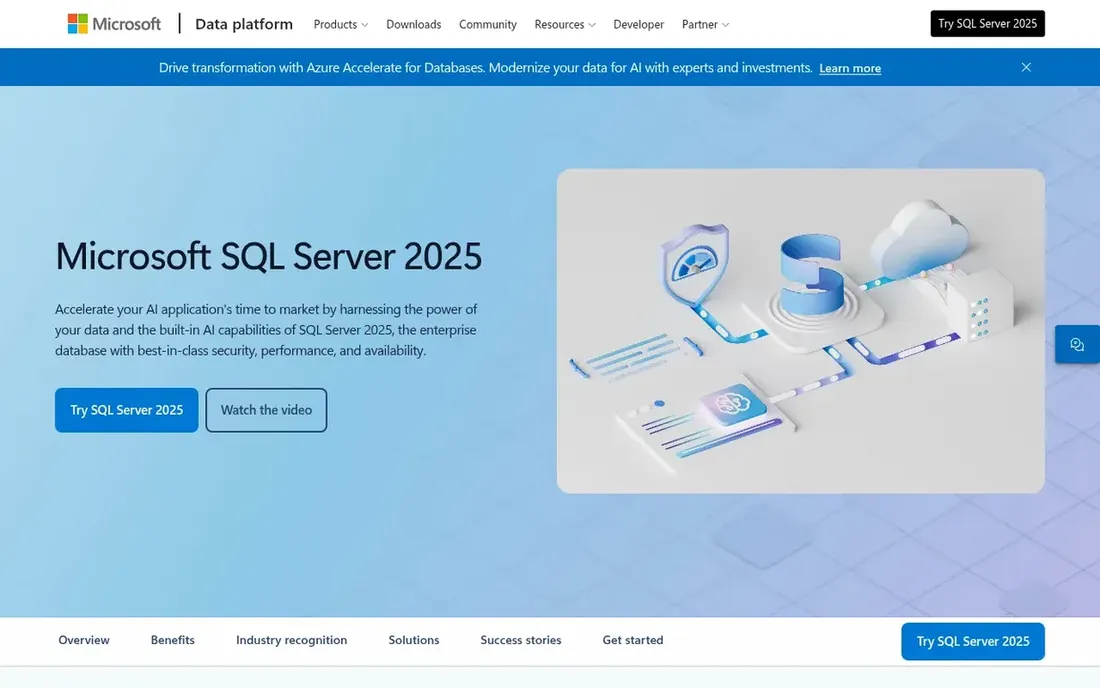
Microsoft SQL Server was built for Relational storage with analytics integration. Full-text search over scanned text needs configuration and tuning, and large binary keeps can strain capacity planning.
Microsoft SQL Server does not show a starting price in this comparison, so check the vendor site for current pricing. On free options: Not stated.
Watch-outs: Search needs additional setup.
- Analytics and AI integration
- Developer-first tooling
- Licensing can be complicated
Hyland OnBase makes the most sense for Content management and process workflows. Hyland OnBase is a content management option built to run information and simplify business processes.
Drawbacks to consider: Implementation effort is high.
Deploying a content management system takes planning and continuing administration, which may be heavy for small operations. Teams with modest document volumes might start with a database or search engine and revisit later. Hyland OnBase does not show a starting price in this comparison, so check the vendor site for current pricing. As for free access: Not stated.
- Content management focus
- Process simplifying
- Best value at bigger scale
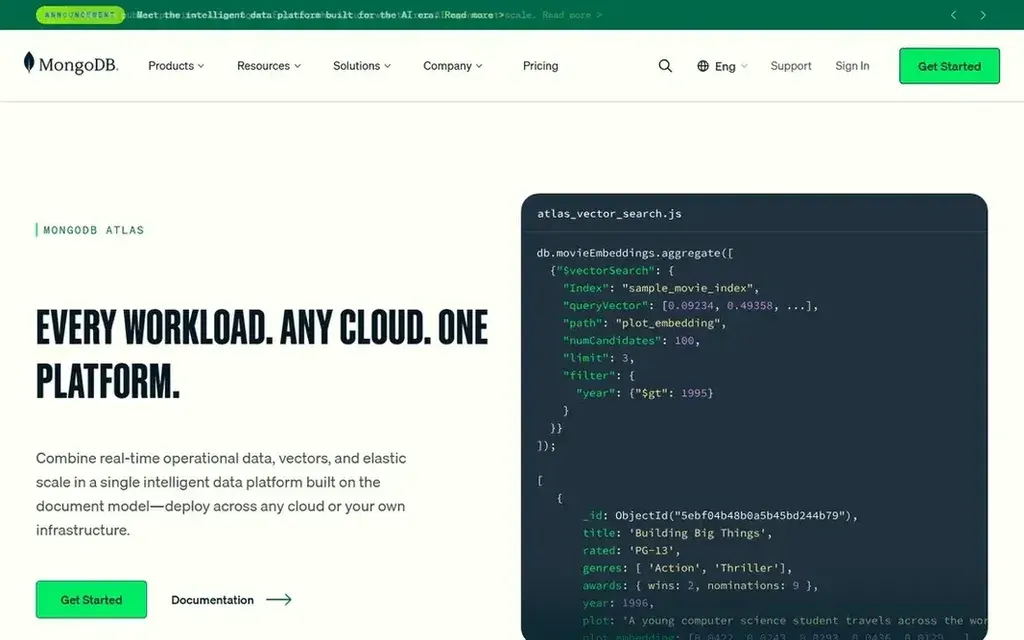
MongoDB makes the most sense for adaptable document and metadata storage. MongoDB is a document-oriented data product that keeps records in an adaptable format, which maps well to scanned files with inconsistent metadata fields. Its live data handling and cloud scalability suit teams building applications that ingest documents continuously and have to evolve fields without rigid migrations.
Worth adding: since the model is adaptable, teams must impose their own consistency rules to avoid messy records. In daily use, full-text search over extracted text may need extra configuration, so search-heavy use cases should be validated before committing. MongoDB does not show a starting price in this comparison, so check the vendor site for current pricing. A free plan is available with MongoDB.
Honest limits: Search features vary by setup.
- Flexible document model
- Live data handling
- Schema discipline is optional
How the list was put together
Questions to settle before buying
- Confirm the entry price on the vendor page. For Oracle Database, Microsoft SQL Server, Hyland OnBase and MongoDB that means a quote rather than a fixed price.
- Look at free plan limits closely: Couchbase Server and MongoDB have one, and the caps decide whether it is usable for real work.
- Read the limits listed for Couchbase Server first: specialized operational focus.
- Ask the daily users to test Couchbase Server on a live task before you roll it out to everyone.
- Get the contract term, renewal terms and any onboarding fees from Microsoft SQL Server in writing.
FAQ
Do I need OCR before using a search engine?
Search engines index text, so scanned images must be converted to text through OCR first for content search to work. Some content management systems contain capture and recognition steps as part of ingestion, which cuts the integration work.
How are the tools for database for scanned documents ordered?
The order follows typical fit for database for scanned documents, with Couchbase Server first and MongoDB last, then price clarity and free access. It is editorial judgement, not a score, so another team could rank the tools differently.
Which options for database for scanned documents have a free plan?
Couchbase Server and MongoDB offer a free plan in this list. Free plans usually cap users, projects or features, so check the limits on the vendor page.
Can I try these tools before paying?
Often, yes. Couchbase Server and MongoDB have a free plan. Use your own data and a real task during the test, and check what the free tier or trial limits before you rely on it.
Can a regular database store scanned document images?
Yes, numerous relational and document databases can store binary content or references to files held in object storage. The practical choice normally relies on how much search and governance you need around those files, since databases are not document management systems by default.
When should I choose a content management product over a database?
Choose a content management product when retention rules, workflows, and access governance matter as much as storage. A database is commonly better when you are building a custom application and want direct control over schema and queries.
Sources
- https://www.couchbase.com
- https://www.oracle.com/database
- https://www.microsoft.com/en-us/sql-server
- https://www.hyland.com/en/products/onbase
- https://www.mongodb.com