Best Database Design Tool in 2026: 8 Tools Compared
We compared the best database design tool options for ER diagrams, schema modeling, and team review, from dbdiagram to Lucidchart and DBeaver in 2026.
- Editor's choice
 dbdiagram
Code-first ER diagrams
Starts atFreeVisit dbdiagram.ioFull review - Great alternative
 DrawSQL
Visual ER diagrams
Starts atSee websiteVisit drawsql.appFull review - Also consider
 Lucidchart
Polished team diagrams
Starts atSee websiteVisit lucidchart.comFull review
TL;DR:
- dbdiagram is our pick for fast, code-first schema design, because you type DBML and see the diagram update live.
- Lucidchart suits teams that need polished diagrams for presentations and documentation, not just for developers.
- DBeaver is the best free option for designing from a live database, because it generates ER diagrams from an open connection.
- Code-first tools are faster for developers, while drag-and-drop tools are easier for mixed teams and stakeholders.
- Check whether a tool writes SQL back to a database or only draws a picture, because that difference changes the workflow.
Quick comparison
| Tool | Best for | Starts at | Free plan? | |
|---|---|---|---|---|
| dbdiagram | Code-first ER diagrams | Free | Yes | Visit |
| DrawSQL | Visual ER diagrams | See website | Yes | Visit |
| Lucidchart | Polished team diagrams | See website | Yes | Visit |
 ERDPlus | Free classroom ER diagrams | Free | Yes | Visit |
 DBeaver | Diagrams from live databases | Free | Yes | Visit |
 DbSchema | Visual design with sync | See website | Free trial | Visit |
 Vertabelo | Online database modeling | See website | Free trial | Visit |
 QuickDBD | Quick online diagrams | See website | Yes | Visit |
The best database design tool options
We focused on tools that produce entity relationship diagrams, support common databases, and help a team review a schema before it is built. Here are eight that cover different styles of work.

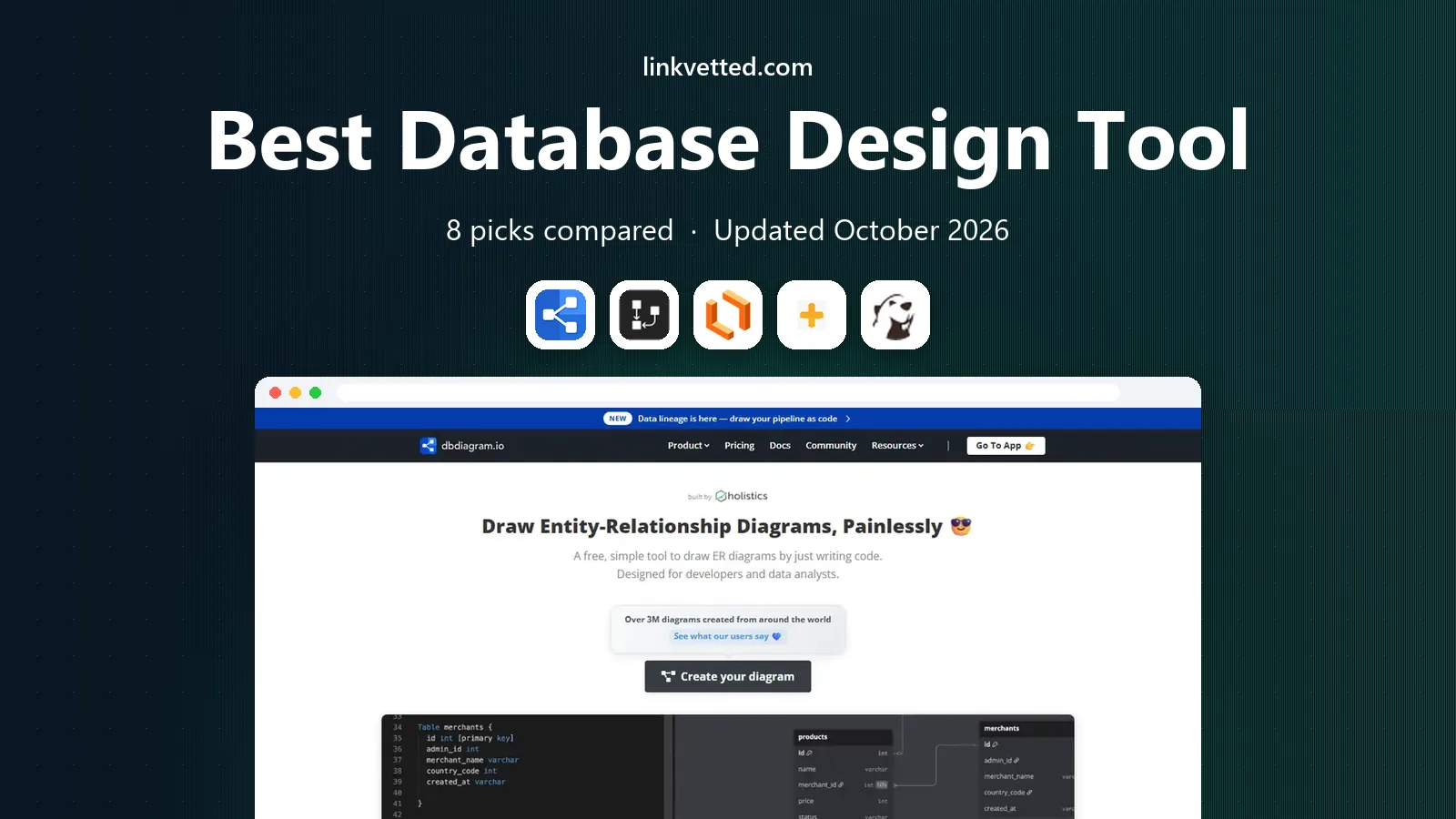
dbdiagram is built for developers who think in code. You write tables in DBML, a simple text language, and the diagram redraws as you type. That makes it easy to review a schema in a pull request, share a link, and export SQL for PostgreSQL, MySQL, or other engines.
The free plan covers up to 10 diagrams, but those diagrams are public. Personal Pro costs $8 per month billed annually and adds private diagrams, unlimited tables, and version history. If you need live sync with a running database, dbdiagram alone will not do it, because the web editor parses scripts rather than connecting to a server.
- Fast DBML workflow
- Live diagram updates
- SQL and image exports
- Free diagrams are public
- No live database connection in the web editor
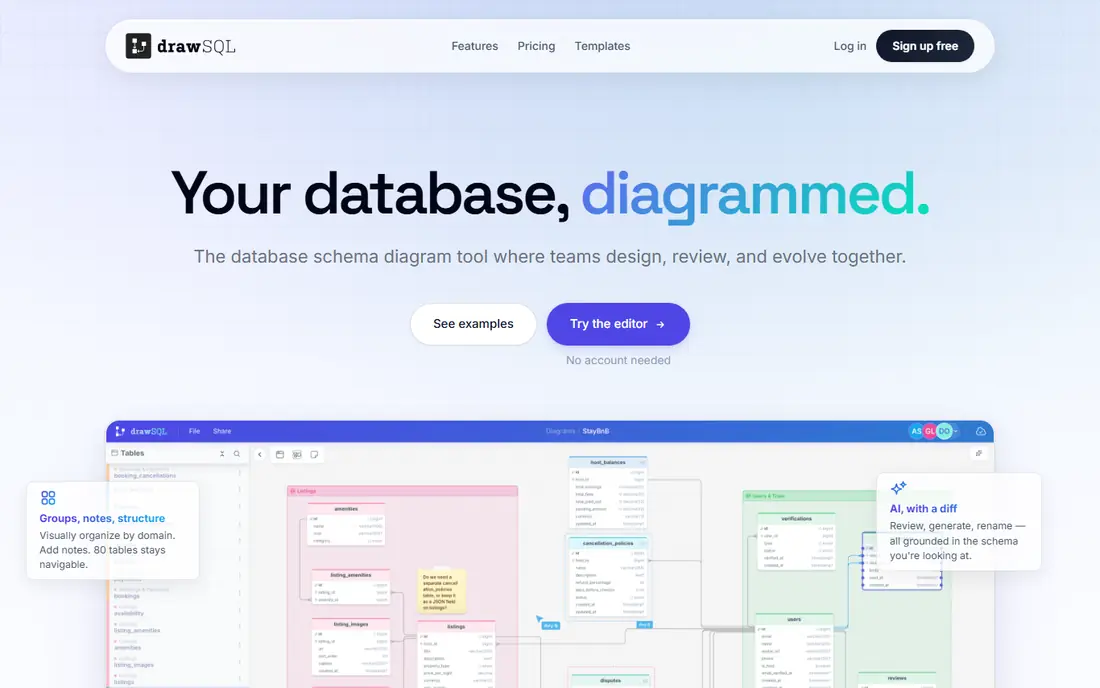
DrawSQL feels like dbdiagram for visual thinkers. You drag tables onto a canvas, define columns and relationships in a panel, and polish the result until it is ready to share with a team. The interface is modern and easy to read, which helps when non-developers need to review a schema.
Pricing and plan limits change, so check the DrawSQL pricing page before you rely on a free tier for a large project. For a small schema that needs to look good and be easy to share, DrawSQL is a strong alternative to a code-first tool.
- Clean drag-and-drop canvas
- Collaboration and sharing
- Import from live databases in some plans
- Paid plans needed for private or larger projects
- Desktop and web details vary by plan
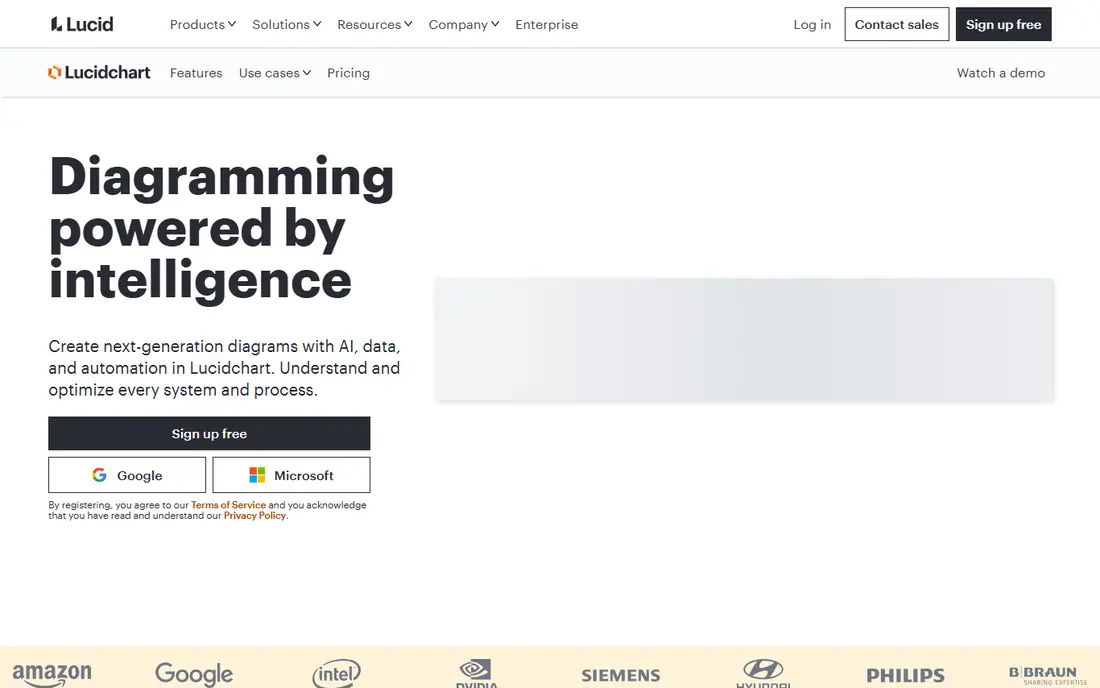
Lucidchart is a general diagram tool that also handles ER diagrams well. Teams use it for system architecture, flowcharts, org charts, and database models in one place. That breadth suits product and engineering teams that need diagrams for docs, reviews, and stakeholder meetings.
For pure schema work, a dedicated tool such as dbdiagram or DbSchema may be faster. Lucidchart earns its place when the diagram must look polished and live alongside other documentation. Start with the free plan to test the ERD shapes, then check paid plans for import and collaboration limits.
- Wide diagram types beyond ERDs
- Templates and collaboration
- Good for documentation and presentations
- Not a dedicated schema tool
- Database import and SQL generation need higher plans or add-ons
ERDPlus is a simple, free tool for drawing entity relationship diagrams and relational schemas in a browser. It suits students, teachers, and small teams that need a quick diagram without signing up for a paid platform. You can create entities, attributes, and relationships with a clear, plain interface.
The feature set is basic compared with DbSchema or Vertabelo. There is no live database sync, migration support, or team management layer. For learning, interviews, or a first draft of a schema, ERDPlus is enough. For production work, move to a tool with version history and SQL generation.
- Free and browser-based
- Simple ERD and relational schema views
- No install needed
- Basic feature set
- Not built for production schema management
DBeaver is a database client first, and that is its strength for design work on existing systems. Open a connection, view tables, and generate an ER diagram from the live schema. That view reflects what is actually in the database, not what a separate diagram claims.
The Community Edition is free and open source, which makes DBeaver a good starting point for any developer. Paid editions add more features and support, with prices listed on the DBeaver site. The interface is dense, so new users should expect a short learning period before diagram work feels fast.
- Free Community Edition
- Connects to many databases
- ER diagrams from live connections
- Interface is dense
- Design features are tied to database administration work
DbSchema bridges the gap between drawing and building. You can design visually, reverse engineer an existing database into a diagram, compare schemas, and generate sync or migration scripts. That workflow suits teams that maintain a database over time, not just at launch.
Because DbSchema is a desktop tool, it feels different from browser tools such as dbdiagram. The payoff is control over the schema lifecycle. Download the trial, test reverse engineering on a copy of your database, and confirm the edition pricing on the DbSchema site before you buy.
- Visual designer with reverse engineering
- Schema sync and migration scripts
- Supports many databases
- Desktop tool with a learning curve
- Pricing is per edition and needs checking
Vertabelo is an online database modeling tool built for professional schema work. You can model visually, generate SQL for your target database, reverse engineer an existing schema, and collaborate with a team on the same model. Versioning helps when a schema changes across releases.
The tool is priced for teams rather than casual use, so check the current Vertabelo pricing page and start with a trial. For a team that needs a shared, versioned model and clean SQL output, Vertabelo is a solid, focused choice.
- Browser-based modeling
- Forward and reverse engineering
- Team collaboration and versioning
- Pricing is aimed at teams
- Free options are limited
QuickDBD is built for speed. You type a short text description of tables and fields, and it draws a diagram you can share. That makes it useful for early drafts, interview exercises, and quick reviews before a schema is finalized in a fuller tool.
Depth is the trade-off. QuickDBD does not replace DbSchema or Vertabelo for reverse engineering, migrations, or team versioning. Use it to sketch an idea fast, then move the final schema into the tool that will maintain it.
- Fast text-to-diagram workflow
- Simple sharing
- Good for early drafts
- Limited modeling depth
- Not a full schema management tool
How we picked these
We compared official feature pages, pricing pages, and documentation for tools that create ER diagrams and database models. We favored tools that support common databases, export SQL or images, and allow sharing or review. We included code-first, visual, and live-database tools so different teams can find a fit. We did not claim hands-on testing that did not happen, and we used See website where a price could not be verified at writing time.
How to choose a database design tool
Start with how you think. If you write SQL daily, a code-first tool such as dbdiagram or QuickDBD will feel fastest. If you review schemas with product managers or clients, a visual tool such as DrawSQL or Lucidchart will be easier to present.
Next, decide whether the diagram must stay in sync with a live database. Tools such as DBeaver, DbSchema, and Vertabelo handle existing databases, while dbdiagram and QuickDBD are better for greenfield design. A diagram that drifts from the real schema causes more confusion than no diagram at all.
Finally, check export and sharing needs. SQL export, PDF or image export, private diagrams, and version history are the features that matter once a schema leaves a single laptop. Test those features on a real schema during a trial, not on a three-table example.
FAQ
What is the best database design tool?
dbdiagram is a strong default for developers because of its fast DBML workflow and live diagrams. Lucidchart is better for polished team documentation, and DBeaver is better for diagrams from a live database. The best tool depends on whether you design new schemas or document existing ones.
What is the best database design software for beginners?
DrawSQL and ERDPlus are good for beginners because they use a visual canvas or a simple interface. dbdiagram is also beginner-friendly if you are comfortable with a text-based language. Start with a small schema and a template to learn relationships before you model a full system.
Can I generate a database diagram from an existing database?
Yes. DBeaver, DbSchema, and Vertabelo can reverse engineer a live or imported schema into a diagram. dbdiagram can parse a SQL script, but its web editor does not connect directly to a running database. Choose a reverse engineering tool when you need to document what already exists.
Is dbdiagram free?
Yes, dbdiagram has a free plan with up to 10 diagrams, but free diagrams are public. Personal Pro costs $8 per month billed annually and adds private diagrams and version history. Check the dbdiagram pricing page for current limits before you use it for sensitive schemas.
What is the difference between an ERD and a database schema?
An ERD is a visual diagram of entities and relationships, while a schema is the full definition of tables, columns, types, and constraints in a database. A good design tool produces both: a readable diagram and SQL that can create the schema.