Best Configuration Management Database Tools (2026): 6 Picks Checked on Vendor Pages
Searching for the best configuration management database tools? Here are 6 options with prices and free plans. Verdicts stay brief and factual. Decide faster.
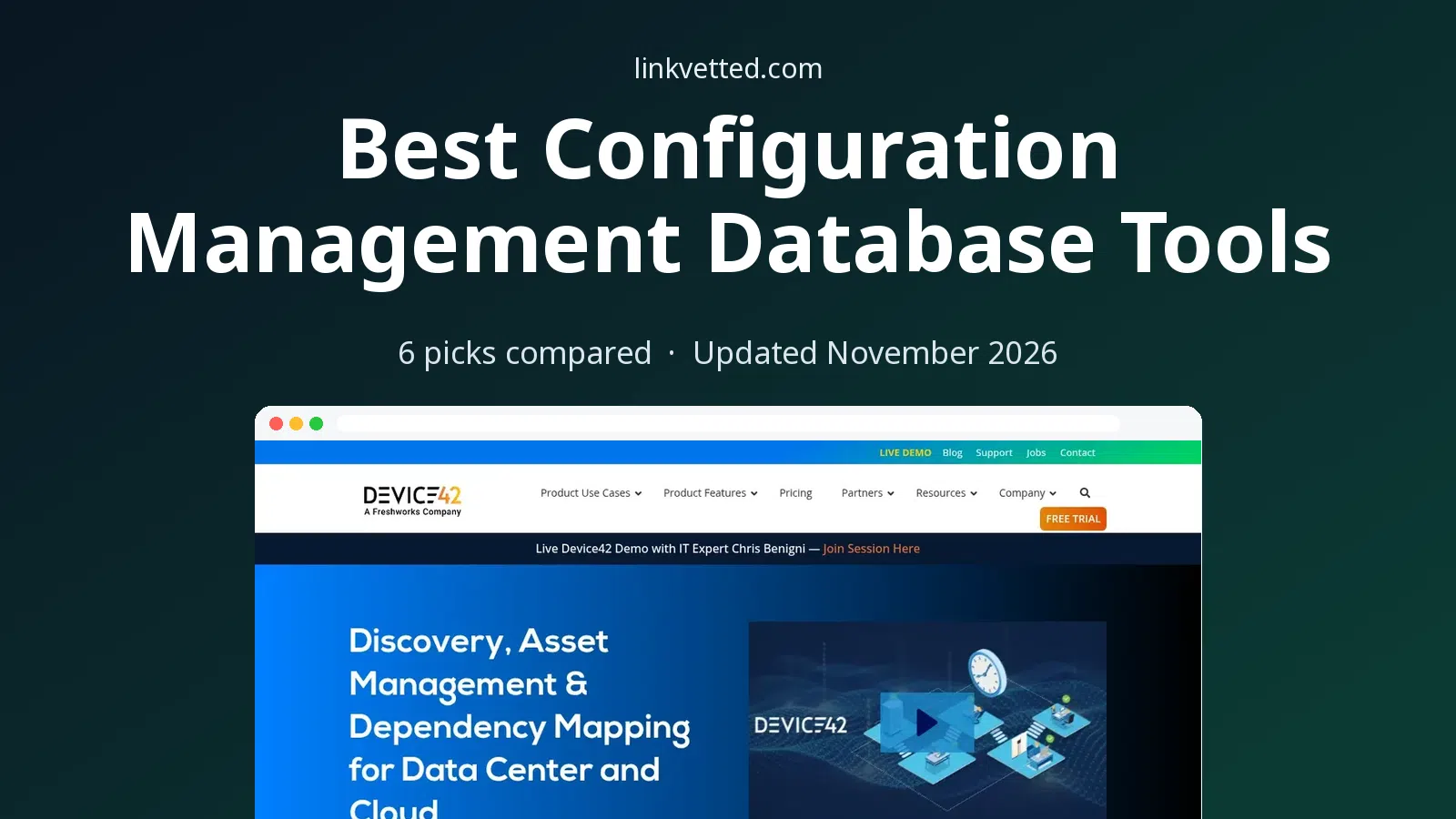
- Editor's choice
 Device42
Agentless discovery and dependency mapping
Starts atPricing on requestVisit device42.comFull review - Great alternativeManageEngine ServiceDesk Plus CMDB
Mid-size IT teams seeking ITIL-aligned CMDB
Starts atPricing on requestVisit manageengine.comFull review - Also considerVirima
Visual CMDB with dependency mapping
Starts atPricing on requestVisit virima.comFull review
Direct answer
Our first pick is Device42, best for Agentless discovery and dependency mapping. ManageEngine ServiceDesk Plus CMDB fits mid-size IT teams seeking ITIL-aligned CMDB; Virima fits visual CMDB with dependency mapping. The other 3 tools in the list cover narrower or pricier cases. None of these vendors publish plan prices, so pricing is on request for every option.
TL;DR:
- Number one here is Device42, a fit for Agentless discovery and dependency mapping.
- Neither Device42 nor Atlassian Jira Service Management, nor any of the other 4 tools, has a permanent free plan; trials and quotes are the norm.
- Atlassian Jira Service Management is the one to check for teams using Atlassian for ITSM.
- The main caution on BMC Helix CMDB: implementation and administration can be complicated.
- Every tool from Device42 to Atlassian Jira Service Management works by quote, with no list price shown.
Last checked November 2026. Pricing on request: vendors did not publish plan prices when this guide was last checked (November 2026), so ask each vendor for a written quote.
Quick comparison
| Tool | Best for | Starts at | Free plan? | |
|---|---|---|---|---|
| Device42 | Agentless discovery and dependency mapping | Pricing on request | Not stated | Visit |
| ManageEngine ServiceDesk Plus CMDB | Mid-size IT teams seeking ITIL-aligned CMDB | Pricing on request | Not stated | Visit |
| Virima | Visual CMDB with dependency mapping | Pricing on request | Not stated | Visit |
| BMC Helix CMDB | Large enterprises needing a scalable CMDB | Pricing on request | Not stated | Visit |
| SolarWinds Service Desk CMDB | ITSM teams wanting built-in CMDB | Pricing on request | Not stated | Visit |
| Atlassian Jira Service Management | Teams using Atlassian for ITSM | Pricing on request | Not stated | Visit |
The best configuration management database tools
Choosing configuration management database tools usually comes down to price, fit and limits. This LinkVetted guide sets 6 tools side by side on those three points, with the facts kept short and checkable.
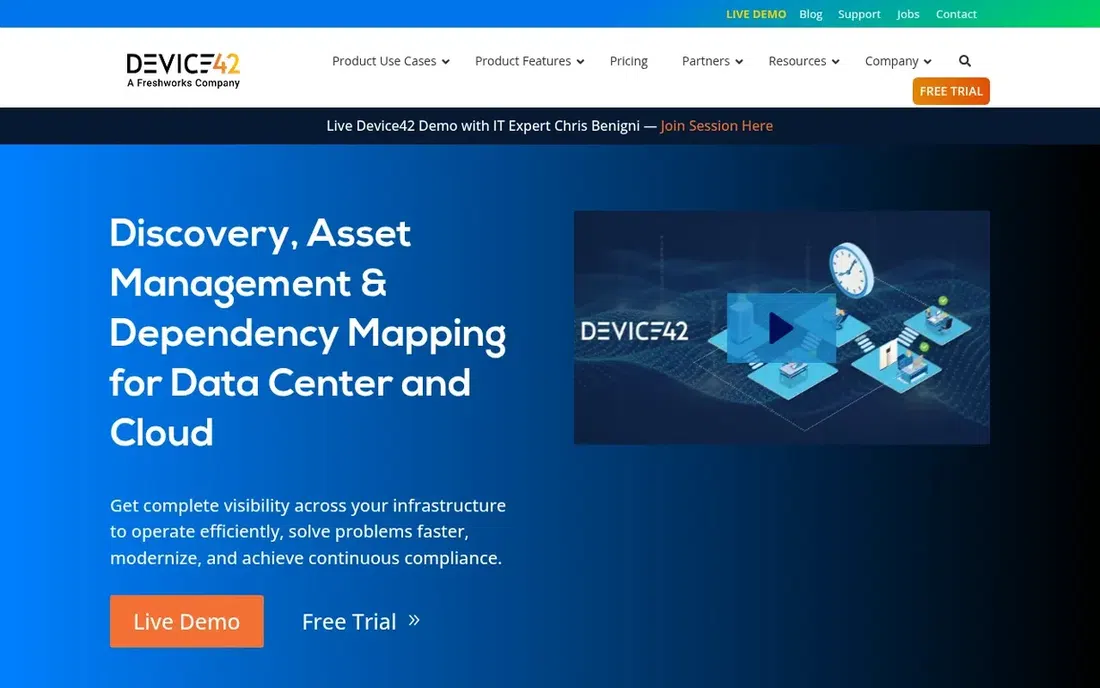
Device42 is aimed squarely at Agentless discovery and dependency mapping. Device42, a Freshworks company, offers agentless discovery and dependency mapping that spans from legacy mainframes to cloud containers. It automatically builds a configuration management database by discovering assets and their relationships.
Watch-outs: May need tuning for highly dynamic environments.
From a buyer's view, Discovery relies on proper network access and credentials, so gaps can occur if segments are unreachable. In daily use, highly dynamic environments may need ongoing tuning to keep the CMDB current. If you need deep native ITSM workflows rather than discovery-centric CMDB, a service desk integrated choice might be a better fit. Pricing for Device42 is not stated here, so ask the vendor for current figures. Free plan details: Not stated.
- Dependency mapping for applications and infrastructure
- Supports mainframes to cloud containers
- Discovery accuracy relies on network access and credentials
ManageEngine ServiceDesk Plus CMDB
Best for: Mid-size IT teams seeking ITIL-aligned CMDB
ManageEngine ServiceDesk Plus CMDB works best for mid-size IT teams seeking ITIL-aligned CMDB. ManageEngine ServiceDesk Plus CMDB is a configuration management database module within the ServiceDesk Plus IT service management suite. It helps IT teams track and run configuration items across the environment, supporting better visibility and informed ITSM decisions.
The main drawbacks: Advanced discovery may need extra modules.
It is targeted at mid-size organizations looking for an ITIL-aligned CMDB tightly coupled with service desk operations. The CMDB performs best when paired with ManageEngine's discovery tools, which may be separate components. Setup and ongoing administration require time and process discipline. This comparison lists no price for ManageEngine ServiceDesk Plus CMDB; ask the vendor. Free access: Not stated.
- ITIL-aligned configuration management
- Integrated with ServiceDesk Plus ITSM
- Interface and setup can take time to learn
Virima
Best for: Visual CMDB with dependency mapping
Think of Virima for visual CMDB with dependency mapping. Virima gives you configuration management database and IT asset visibility tools with a focus on visual dependency mapping. It helps organizations understand how configuration items relate to one another and supports IT service management efforts.
Drawbacks to consider: Less established than some enterprise CMDB vendors.
Beyond that, as a smaller vendor, Virima may have fewer integrations and less broad ecosystem support than bigger CMDB platforms. For everyday use, evaluate it when visual clarity and a focused CMDB are priorities over wide enterprise suite integration. This comparison lists no price for Virima; ask the vendor. Free plan details: Not stated.
- Focus on CMDB and IT asset visibility
- Visual mapping of dependencies
- Discovery may need setup and tuning
BMC Helix CMDB
Best for: Large enterprises needing a scalable CMDB
BMC Helix CMDB is a good fit for large enterprises needing a scalable CMDB. BMC Helix CMDB is a configuration management database made for large organizations that require a central system of record for IT assets and services. It supports federated data sources and helps teams understand relationships between configuration items.
Consider it when deep integration with BMC workflows and enterprise scale are priorities. Beyond that, organizations seeking a more straightforward, light CMDB or those not invested in the BMC ecosystem may find alternative tools more approachable. As for the details, the product can be complicated to deploy and maintain, commonly requiring dedicated administrators and careful data governance. BMC Helix CMDB shows no starting price here, so confirm the cost on the vendor site. As for free access: Not stated.
Watch-outs: Best value realized within the BMC ecosystem. What BMC Helix CMDB does well: Capable integration with BMC Helix ITSM suite.
- Scalable for complicated
- Multi-source environments
- Implementation and administration can be complicated
SolarWinds Service Desk CMDB
Best for: ITSM teams wanting built-in CMDB
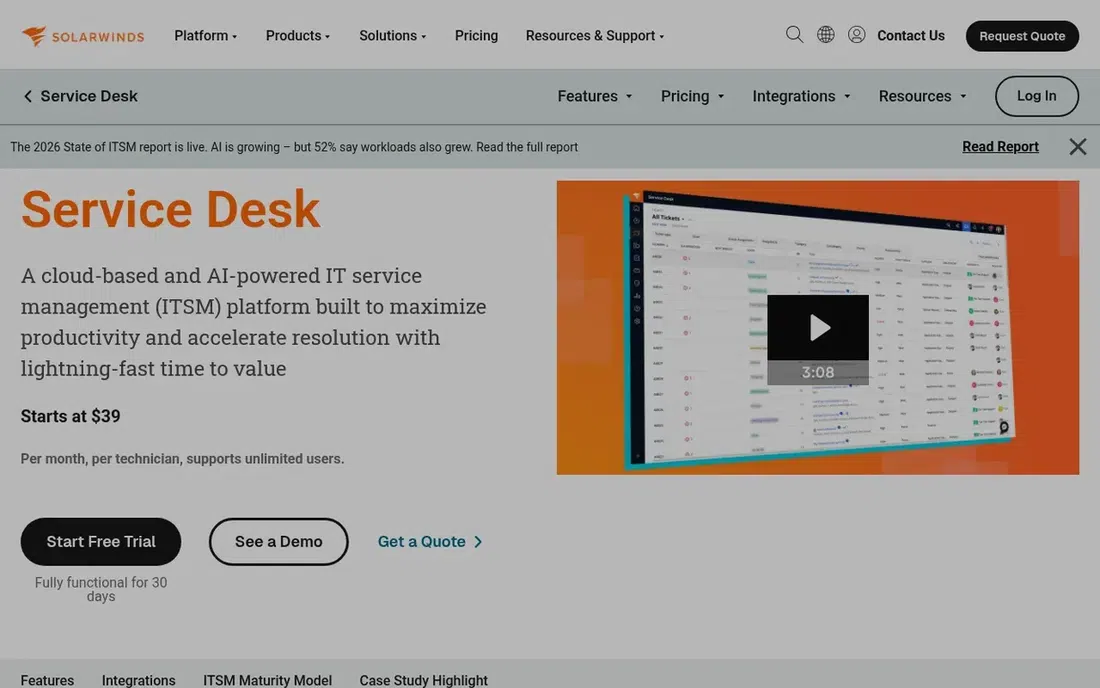
Pick SolarWinds Service Desk CMDB if this describes you: ITSM teams wanting built-in CMDB. Choose it when tight integration with service management workflows is more important than advanced discovery features. For everyday use, SolarWinds Service Desk CMDB is a configuration management database built into an IT service management option.
Beyond that, as part of a service desk platform, its discovery and mapping depth may not match dedicated discovery tools. Organizations with highly complicated or heterogeneous environments might need a more specialized CMDB. This comparison lists no price for SolarWinds Service Desk CMDB; ask the vendor. Trial and free access: Not stated.
Honest limits: Discovery capabilities may be less broad than dedicated tools.
- Part of a broader service desk system
- CMDB integrated with IT service management
- A good match for organizations using SolarWinds Service Desk
Atlassian Jira Service Management
Best for: Teams using Atlassian for ITSM
Atlassian Jira Service Management is designed for teams using Atlassian for ITSM. Atlassian Jira Service Management comes with configuration management database capabilities as part of its IT service management offering. It helps teams link configuration items to incidents, changes, and requests, and integrates closely with Jira and other Atlassian products.
Strengths: Supports incident, change.
It is a solid fit for organizations already using Atlassian tools that want CMDB functionality within their service management workflows. Worth adding: organizations with large, heterogeneous estates might need a specialized CMDB. From a buyer's view, consider it when Atlassian integration and a modern ITSM experience are primary requirements. For everyday use, the CMDB features are evolving and may not match the depth of dedicated configuration management databases for complicated discovery and dependency mapping. Atlassian Jira Service Management shows no starting price here, so confirm the cost on the vendor site. Free options: Not stated. Downsides: CMDB depth may be less than dedicated CMDB tools.
- CMDB features within a modern ITSM system
- Plugs into Jira and Atlassian ecosystem
- Needs configuration to align with ITIL practices
How the list was put together
Pre-purchase checklist
- Confirm the entry price with every vendor: no tool from Device42 to Atlassian Jira Service Management shows a fixed starting price.
- Read the limits listed for Device42 first: Discovery accuracy relies on network access and credentials.
- Confirm that Virima connects to the apps your team already uses, on the plan you would actually buy.
- Compare total cost, not headline price: for Device42, add extra seats, add-ons and any usage-based charges.
- Check whether the features you need in SolarWinds Service Desk CMDB sit on the entry plan or only on higher tiers.
FAQ
Can I try these options before paying?
Not by default. None of the tools, from Device42 to Atlassian Jira Service Management, lists a free plan or a free trial here, so ask each vendor for a demo before committing.
Do these tools publish their prices?
No. None of the tools, from Device42 to Atlassian Jira Service Management, shows a fixed starting price here, so budget time for quotes.
How are the tools for configuration management database tools ordered?
Device42 sits first and Atlassian Jira Service Management last because the order follows typical fit for configuration management database tools, then price clarity and free access. It is a judgement call, so read each profile for fit and limits.
Why is discovery important for a CMDB?
Discovery automates the identification of assets and their relationships, helping keep the CMDB accurate and up to date. Without discovery, maintaining a CMDB manually can become error-prone and resource-intensive.
Is Device42 the right pick for everyone comparing configuration management database tools?
No single tool suits every team. Device42 comes first because it fits Agentless discovery and dependency mapping, while ManageEngine ServiceDesk Plus CMDB suits mid-sized IT teams seeking ITIL-aligned CMDB and Virima suits visual CMDB with dependency mapping. Match the tool to your own size, budget and workflow before deciding.
Sources
- https://www.device42.com
- https://www.manageengine.com/products/service-desk/cmdb.html
- https://virima.com
- https://www.bmc.com/it-solutions/bmc-helix-cmdb.html
- https://www.solarwinds.com/service-desk
- https://www.atlassian.com/software/jira/service-management