Best Desktop Database Software for Startups (2026): 6 Picks Checked on Vendor Pages
Best desktop database software for startups: 6 tools compared on price, free plans and fit. Fit and flaws are laid out for each entry. See which fits.
- Editor's choice
 Airtable
Collaborative cloud tables and automation
Starts at$20 per user a monthVisit airtable.comFull review - Great alternativeFileMaker Pro
Custom low-code business apps
Starts at$22 per user a monthVisit claris.comFull review - Also consider
 Knack
No-code application development
Starts at$19 a monthVisit knack.comFull review
Direct answer
Our first pick is Airtable, best for collaborative cloud tables and automation. Listed starting prices: Airtable from $20 per user a month, FileMaker Pro from $22 per user a month and Knack from $19 a month. FileMaker Pro fits custom low-code business apps; Knack fits no-code application development. The remaining 3 options are covered below with prices and limits.
TL;DR:
- This list starts with Airtable, which is built for collaborative cloud tables and automation.
- One limit worth knowing about FileMaker Pro: requires app design effort.
- Microsoft Access suits familiar desktop databases on Windows.
- For the cheapest start, look at Microsoft Access: $18.00 per user per month.
Last checked November 2026. Prices and plan details were read from the vendors' own pages in November 2026; vendors change plans often, so confirm the current price on the vendor site before you buy.
Quick comparison
| Tool | Best for | Starts at | Free plan? | |
|---|---|---|---|---|
| Airtable | Collaborative cloud tables and automation | $20 per user a month | Yes | Visit |
| FileMaker Pro | Custom low-code business apps | $22 per user a month | No | Visit |
| Knack | No-code application development | $19 a month | Free trial | Visit |
| Quickbase | Process improvement and project management | $35 per user per month | Free trial | Visit |
 Caspio | Compliant custom business applications | $270 per month | Free trial | Visit |
| Microsoft Access | Familiar desktop databases on Windows | $18.00 per user per month | Free trial | Visit |
Our 6 desktop database software for startups
If you are comparing desktop database software for startups, this page covers 6 tools in one place: what each is best for, what it costs to start, whether it has a free plan, and the main limit to know about.
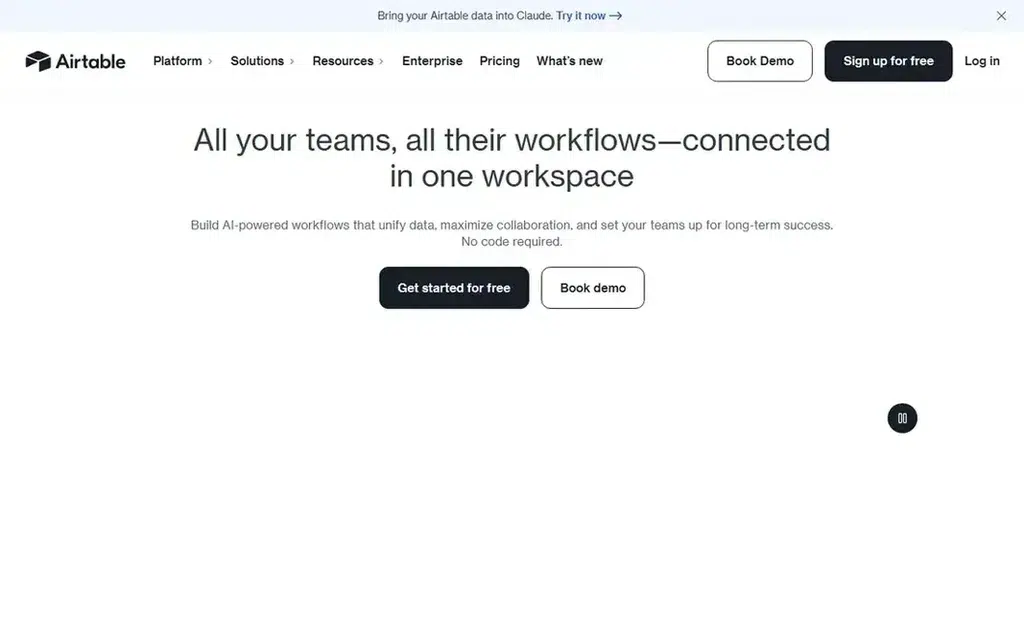
Airtable is designed for collaborative cloud tables and automation. Airtable presents itself as a system for building enterprise-ready AI workflows, apps, and agents, with live collaboration and automation of repetitive tasks.
Teams can organize projects and data in a shared workspace. Also, Airtable is cloud-first, so offline desktop use is restricted and data lives with the vendor. On cost, Airtable starts like this: $20 per user per month. A free plan is available with Airtable.
Watch-outs: Less like a traditional desktop database.
- Simplified business processes
- Automation of repetitive tasks
- Cloud-dependent
FileMaker Pro
Best for: Custom low-code business apps
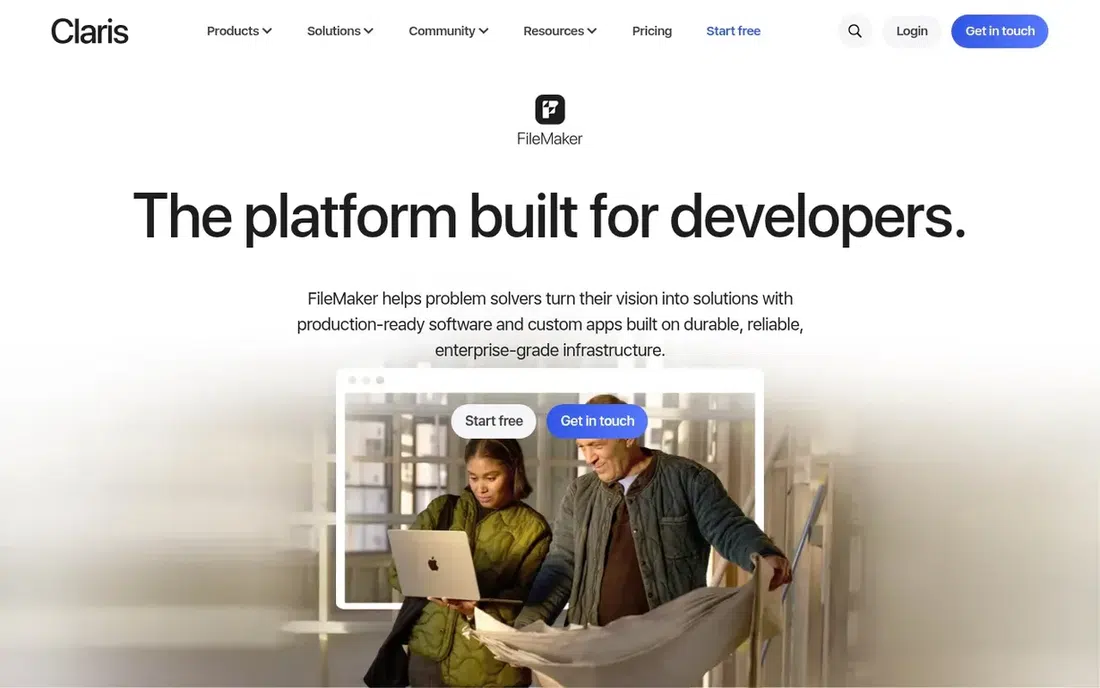
Choose FileMaker Pro for custom low-code business apps. Claris FileMaker Pro merges low-code speed with feature-rich AI capabilities to build custom apps for business needs.
For everyday use, FileMaker Pro involves a ramp-up time for app design and may be heavier than a startup needs for entry-level data storage. FileMaker Pro pricing: $22 per user per month. FileMaker Pro has no free tier.
Trade-offs to know: Needs app design effort.
- Custom app focus
- AI capabilities mentioned
- May be more than straightforward tables need
Think of Knack for no-code application development. Startups wanting an entry-level desktop database might prefer a more straightforward tool.
Choose Knack when no-code application development is the goal. Knack needs some learning to use its app builder effectively and may be more than needed for straightforward data lists. The starting price for Knack: $19 per month. Free access: Free trial.
Honest limits: May be overkill for straightforward lists.
- Solid application focus
- No-code app builder
- App-building ramp-up time
Quickbase
Best for: Process improvement and project management
Quickbase is built with process improvement and project management in mind. Quickbase is positioned as a dynamic work and complicated project management product that helps teams rapidly boost any process.
Quickbase may be more complicated than a small startup needs for entry-level data storage, and configuration takes effort. Teams seeking a straightforward desktop database might prefer a lighter choice. Quickbase cost at the entry level: $35 per user per month. On free options: Free trial.
Watch-outs: Can be complicated for small teams.
- Dynamic work management
- Complicated project support
- Needs configuration
Caspio works best for compliant custom business applications. The platform targets custom application development instead of straightforward desktop tables.
Points against: Application-building focus.
From a buyer's view, Caspio is oriented toward application building, which may be more than a startup needs for entry-level database tasks. Worth adding: Caspio is an AI product for building custom business applications, with annually certified HIPAA, SOC 2 Type II, and GDPR compliance and unlimited users. On cost, Caspio starts like this: $270 per month. As for free access: Free trial.
- Compliance certifications mentioned
- AI product for custom apps
- May need technical planning
Microsoft Access
Best for: Familiar desktop databases on Windows
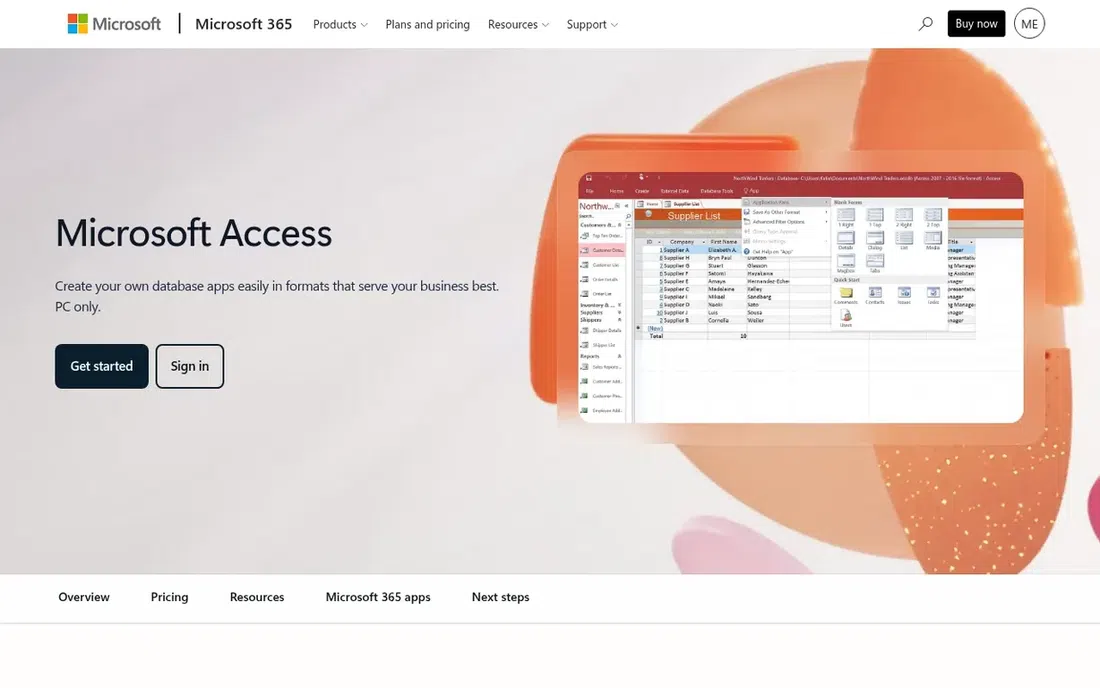
Microsoft Access targets familiar desktop databases on Windows. Microsoft Access lets you quickly produce desktop databases and configurable database apps.
Points against: Primarily Windows desktop.
For everyday use, Access is desktop-centric, so remote collaboration and web access are restricted compared to cloud products. In practice, choose Access when local desktop databases and Microsoft familiarity matter most. What you pay to start with Microsoft Access: $18.00 per user per month. Free options: Free trial.
- Fast desktop database creation
- Widely known Microsoft ecosystem
- Less suited to web-first teams
How we chose
We compared the tools on published pricing, free plan or trial availability, feature coverage for desktop database software for startups, and the limits each vendor documents. Where a price is missing, the vendor does not list one publicly or ties it to a quote. Always confirm before budgeting. The order reflects how well each tool fits the most common buying scenario for desktop database software for startups, then price clarity, then free plan access. It is a starting point, not a verdict.
Things to verify first
- Confirm the entry price on the vendor page: Microsoft Access starts at $18.00 per user per month, but seat counts and billing terms change the total.
- Look at the free plan from Airtable closely: its caps decide whether it is usable for real work.
- Run a trial of Knack, Quickbase, Caspio and Microsoft Access with real work before paying for a year; your own workflow is the best test.
- Before choosing Airtable, weigh its main limit: cloud-dependent.
- Confirm you can export your data from Knack, so leaving later does not mean losing records.
- List the apps you already depend on and check that Caspio supports each one on the plan you would buy.
FAQ
Can I try these tools before paying?
Often, yes. Airtable has a free plan and Knack, Quickbase, Caspio and Microsoft Access offer a free trial. Use your own data and a real task during the test, and check what the free tier or trial limits before you rely on it.
Is Airtable the right pick for everyone comparing desktop database software for startups?
No single tool suits every team. Airtable comes first because it fits collaborative cloud tables and automation, while FileMaker Pro suits custom low-code business apps and Knack suits no-code application development. Match the tool to your own size, budget and workflow before deciding.
How are the tools for desktop database software for startups ordered?
The order follows typical fit for desktop database software for startups, with Airtable first and Microsoft Access last, then price clarity and free access. It is editorial judgement, not a score, so another team could rank the tools differently.
Which options for desktop database software for startups have a free plan?
Airtable is the only tool in this list with a free plan. Free plans usually cap users, projects or features, so check the limits on the vendor page. Several others offer a trial instead. All 6 picks in this desktop database software for startups comparison list a starting price, free plan details and the main limits on their cards above.
What is the best desktop database software for a startup?
Start with Airtable if you need collaborative cloud tables and automation. FileMaker Pro is the better match for custom low-code business apps, and Knack for no-code application development. The best choice depends on budget, team size and workflow.
Sources
- https://www.airtable.com
- https://www.claris.com/filemaker
- https://www.knack.com
- https://www.quickbase.com
- https://www.caspio.com
- https://www.microsoft.com/en-us/microsoft-365/access