6 Desktop Database Software for Small Business Worth Shortlisting in 2026
Best desktop database software for small business in 2026: 6 tools with starting prices, free plans and limits. Details on cost, catches and fit. Quick to scan.
- Editor's choiceFileMaker Pro
Cross-platform custom business apps
Starts at$22 per user a monthVisit claris.comFull review - Great alternative
 Caspio
Compliance-focused custom business apps
Starts at$270 a monthVisit caspio.comFull review - Also consider
 Zoho Creator
Custom apps within Zoho ecosystem
Starts atSee websiteVisit zoho.comFull review
Direct answer
If you need cross-platform custom business apps, FileMaker Pro is the first tool to look at here. Listed starting prices: FileMaker Pro from $22 per user a month, Caspio from $270 a month and Airtable from $20 per user a month. For a different need, Caspio covers compliance-focused custom business apps and Zoho Creator covers custom apps within Zoho ecosystem. The remaining 3 options are covered below with prices and limits.
TL;DR:
- FileMaker Pro is the opening pick, best for cross-platform custom business apps.
- For the cheapest start, look at Microsoft Access: $18.00 per user per month.
- Microsoft Access is the one to check for Windows desktop relational databases.
- Only 2 of the 6 tools have a free plan (Airtable, Ninox), so check the caps.
- One limit worth knowing about FileMaker Pro: needs some design planning.
Last checked November 2026. Prices and plan details were read from the vendors' own pages in November 2026; vendors change plans often, so confirm the current price on the vendor site before you buy.
Quick comparison
| Tool | Best for | Starts at | Free plan? | |
|---|---|---|---|---|
| FileMaker Pro | Cross-platform custom business apps | $22 per user a month | No | Visit |
| Caspio | Compliance-focused custom business apps | $270 a month | Free trial | Visit |
| Zoho Creator | Custom apps within Zoho ecosystem | See website | Not stated | Visit |
 Airtable | Collaborative web-first databases | $20 per user a month | Yes | Visit |
 Ninox | AI-native CRM and ERP databases | €25 per user per month | Yes | Visit |
| Microsoft Access | Windows desktop relational databases | $18.00 per user per month | Free trial | Visit |
Desktop Database Software for Small Business compared in detail
LinkVetted put together this guide to desktop database software for small business for readers who want a clear shortlist without reading every vendor page. It compares 6 tools on starting price, free plans, who each one suits and where each one falls short.
FileMaker Pro
Best for: Cross-platform custom business apps
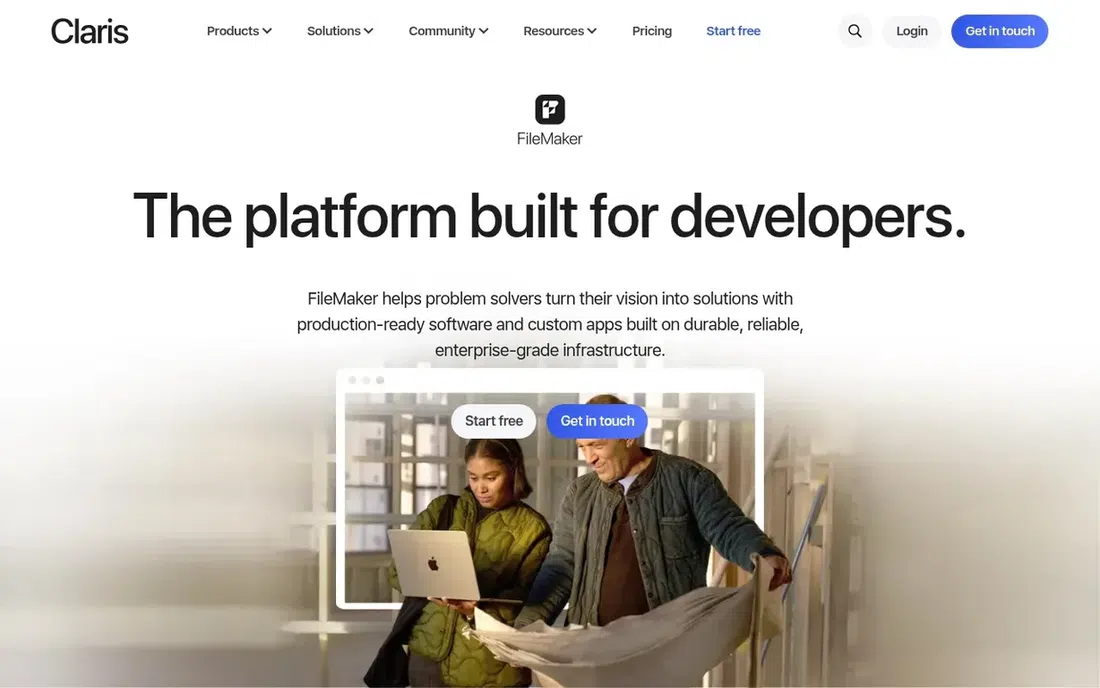
FileMaker Pro is aimed squarely at cross-platform custom business apps. Pick FileMaker Pro when custom apps are central to how you operate.
In daily use, FileMaker Pro from Claris merges low-code speed with AI capabilities for building custom apps that power business operations. From a buyer's view, if you only need straightforward spreadsheets or a light shared list, a more straightforward tool may be enough. On cost, FileMaker Pro starts like this: $22 per user per month. FileMaker Pro has no permanent free option.
What to check first: Platform-specific ramp-up time.
- AI capabilities included
- Custom apps for varied business needs
- Needs some design planning
Where Caspio fits: compliance-focused custom business apps. Building applications takes planning and configuration.
Honest limits: Geared toward app building, not desktop files.
For everyday use, if your priority is a straightforward local database on a single machine, a desktop tool may be more straightforward. Caspio starts at: $270 per month. Free access: Free trial.
- Unlimited users noted
- Custom business applications
- Setup requires planning
Zoho Creator targets custom apps within Zoho ecosystem. Choose Zoho Creator when custom apps and workflow automation are the priority.
Zoho Creator is an AI app development system that helps companies build custom applications, agents and workflows securely. Beyond that, if you need a standalone desktop database with no broader suite, a more straightforward choice may be preferable. Pricing for Zoho Creator is not stated here, so ask the vendor for current figures. Trial and free access: Not stated.
Where it falls short: App design needs planning.
- AI app builder
- Custom applications and workflows
- Best value inside Zoho stack
Airtable serves collaborative web-first databases. It is commonly chosen when collaboration matters as much as data structure.
For everyday use, if you require a locally installed relational engine, a desktop tool may fit better. Airtable pricing: $20 per user per month. You can start on Airtable without paying.
Limits to weigh: Complicated bases need structure.
- Enterprise-ready AI workflows
- Task and workflow automation
- Web-first instead of desktop-native
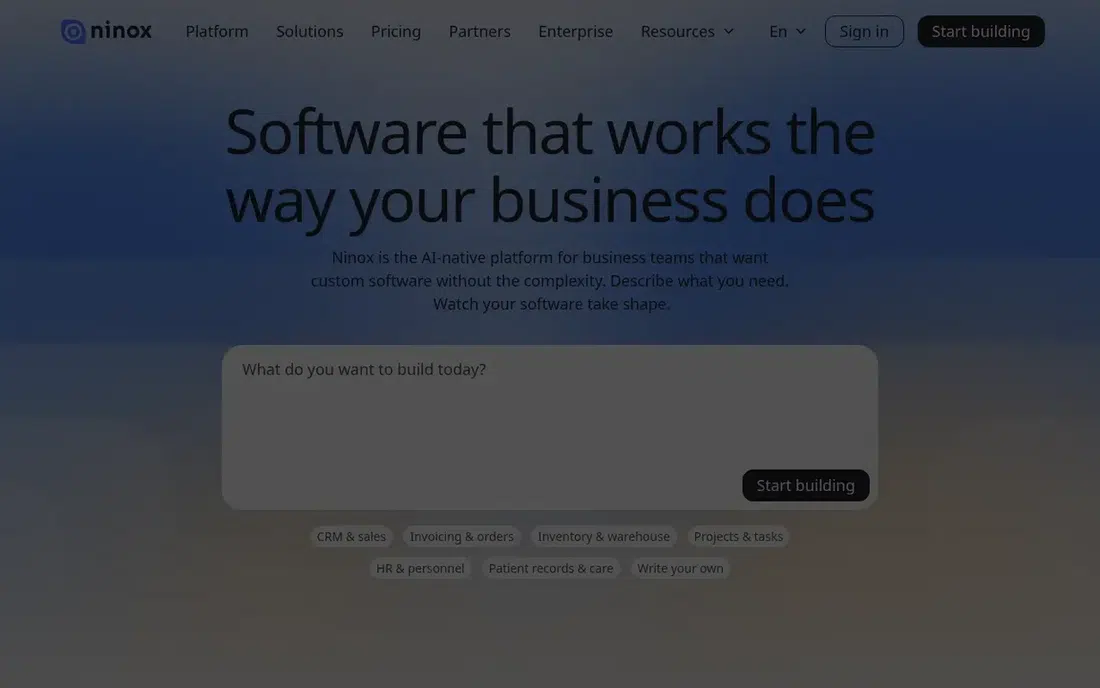
Ninox is built with AI-native CRM and ERP databases in mind. It targets small companies that want a customizable database instead of a fixed product, with AI features woven into the building experience. If you need broad external integrations or a large partner network, compare alternatives.
Teams outgrowing spreadsheets commonly look here. As a smaller vendor, its ecosystem and integrations are narrower than those of the largest products, so verify fit for your specific workflows. Ninox cost at the entry level: €25 per user per month. Free access exists with Ninox.
Drawbacks to consider: Less known than bigger vendors.
- Custom databases for business needs
- Fits CRM and ERP use cases
- Feature depth varies by use case
Microsoft Access
Best for: Windows desktop relational databases
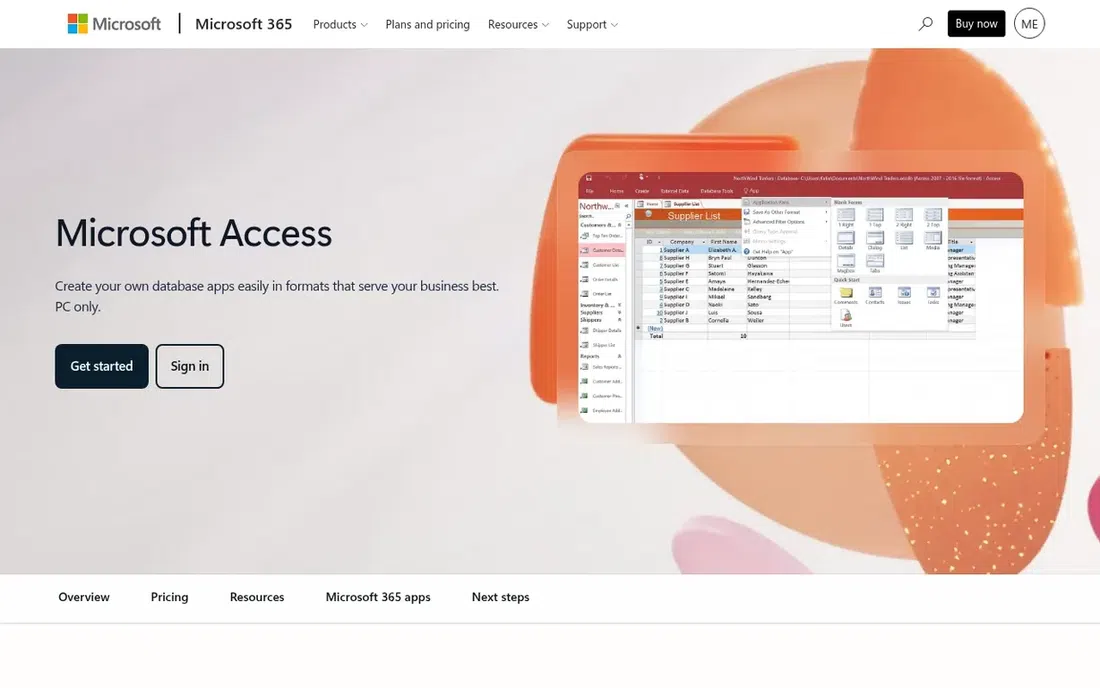
Microsoft Access targets Windows desktop relational databases. Microsoft Access is a desktop database tool for rapidly creating relational databases and configurable database apps.
Trade-offs to know: Desktop focus limits web use.
Teams that require structured records and straightforward internal apps commonly find it a natural starting point. Access is desktop-centric, so sharing and remote access are less fluid than web-first systems, and it leans on Windows. Microsoft Access pricing: $18.00 per user per month. Free options: Free trial.
- Familiar Microsoft environment
- Fast desktop database creation
- A good match for Windows users
What went into this list
A buyer's checklist
- Confirm the entry price on the vendor page. For Zoho Creator that means a quote rather than a fixed price.
- Check what the free option really includes: Airtable and Ninox offer a free plan, and usage caps differ.
- Use real work to test the free trial from Caspio and Microsoft Access, rather than a demo project.
- Before choosing FileMaker Pro, weigh its main limit: requires some design planning.
- Involve the people who will use Caspio daily; a short pilot beats a long feature checklist.
- Confirm minimum seats and billing terms with Airtable before you commit to an annual plan.
FAQ
Which options for desktop database software for small business have a free plan?
Airtable and Ninox offer a free plan in this list. Free plans usually cap users, projects or features, so check the limits on the vendor page. Several others offer a trial instead.
Which tools suit companies with compliance requirements?
Other systems may offer their own safeguards, so confirm current statements straight with each vendor. Always match the tool to your specific obligations.
Do these tools publish their prices?
Not all of them. Zoho Creator publishes no starting price, so expect a quote request for it. The rest, FileMaker Pro included, show a starting price, though seats and billing terms still change the final cost.
Is FileMaker Pro the right pick for everyone comparing desktop database software for small business?
No single tool suits every team. FileMaker Pro comes first because it fits cross-platform custom business apps, while Caspio suits compliance-focused custom business apps and Zoho Creator suits custom apps within Zoho ecosystem. Match the tool to your own size, budget and workflow before deciding.
How are the tools for desktop database software for small business ordered?
FileMaker Pro sits first and Microsoft Access last because the order follows typical fit for desktop database software for small business, then price clarity and free access. It is a judgement call, so read each profile for fit and limits.
Sources
- https://www.claris.com/filemaker
- https://www.caspio.com
- https://www.zoho.com/creator
- https://www.airtable.com
- https://ninox.com
- https://www.microsoft.com/en-us/microsoft-365/access