5 Desktop Publishing Software Worth Shortlisting in 2026
Compare 5 picks for the best desktop publishing software, with prices, free plans and who each fits. Weaknesses are named for every tool. Choose faster.
- Editor's choiceMicrosoft Publisher
Straightforward desktop publishing for Office users
Starts atPricing on requestVisit microsoft.comFull review - Great alternative
 Adobe Illustrator
Vector graphics and illustration
Starts atPricing on requestVisit adobe.comFull review - Also consider
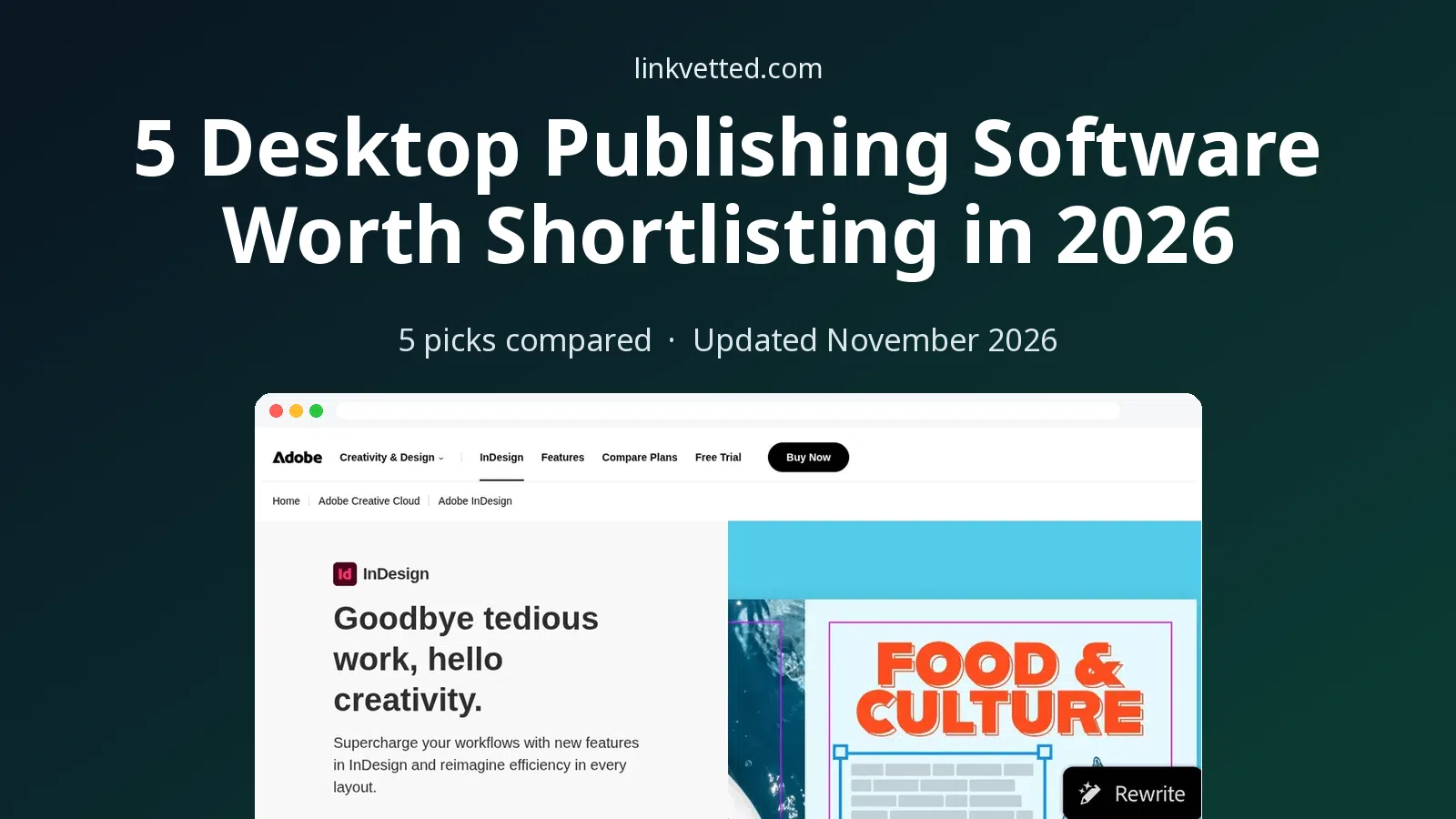
 Adobe InDesign
Professional print and digital layout
Starts atPricing on requestVisit adobe.comFull review
Direct answer
Microsoft Publisher leads the list, best for straightforward desktop publishing for Office users. Adobe Illustrator is better for vector graphics and illustration, and Adobe InDesign is better for professional print and digital layout. The full list of 5 tools follows, with free plan facts. None of these vendors publish plan prices, so pricing is on request for every option.
TL;DR:
- The list opens with Microsoft Publisher, aimed at straightforward desktop publishing for Office users.
- What to know about Adobe InDesign first: subscription-based pricing may deter some users.
- A permanent free plan is missing from all 5 tools, Microsoft Publisher and Adobe FrameMaker included; plan for a trial or a premium start.
- Microsoft Publisher, Adobe FrameMaker and the 3 others all sell by quote; expect sales conversations before you see a price.
Last checked November 2026. Pricing on request: vendors did not publish plan prices when this guide was last checked (November 2026), so ask each vendor for a written quote.
Quick comparison
| Tool | Best for | Starts at | Free plan? | |
|---|---|---|---|---|
| Microsoft Publisher | Straightforward desktop publishing for Office users | Pricing on request | Not stated | Visit |
| Adobe Illustrator | Vector graphics and illustration | Pricing on request | Not stated | Visit |
| Adobe InDesign | Professional print and digital layout | Pricing on request | Not stated | Visit |
| Affinity Publisher | Budget-friendly professional page layout | Pricing on request | Not stated | Visit |
 Adobe FrameMaker | Technical and structured content publishing | Pricing on request | Not stated | Visit |
The best desktop publishing software
Short on time? The summary and table above give the quick view of 5 tools for desktop publishing software, and the profiles that follow give the detail behind each entry.
Microsoft Publisher
Best for: Straightforward desktop publishing for Office users
Microsoft Publisher works best for simple desktop publishing for Office users. Microsoft Publisher is a desktop publishing application pitched at users who require to produce straightforward publications for example flyers, brochures, and newsletters. It provides an approachable interface that is familiar to Microsoft Office users, making it accessible for beginners and small companies.
The main drawbacks: Restricted advanced features.
Microsoft Publisher will no longer be supported after October 2026, which means it may not be a viable long-term choice. It also lacks the advanced typography and layout features found in professional tools. Worth adding: choose Publisher only for short-term, simple projects if you are already invested in the Microsoft ecosystem. No starting price is listed for Microsoft Publisher here; confirm pricing on the vendor site. Free plan details: Not stated.
- Familiar Microsoft Office interface
- Simple to use for entry-level layouts
- Will be discontinued after October 2026
Adobe Illustrator works best for vector graphics and illustration. Illustrator is not made for long documents or multi-page layouts, so it is less right for full desktop publishing projects. It also needs a subscription.
Downsides: Subscription required.
Beyond that, Adobe Illustrator is a vector graphics software widely used for creating illustrations, logos, and graphic designs. It comes with generative AI features that can transform text prompts into editable vector graphics. As for the details, choose Illustrator when your work concentrates on vector graphics and you have to build assets for layouts instead of the layouts themselves. Adobe Illustrator does not show a starting price in this comparison, so check the vendor site for current pricing. On free options: Not stated.
- Generative AI features for vector creation
- Industry-standard vector tools
- Not well suited to multi-page layouts
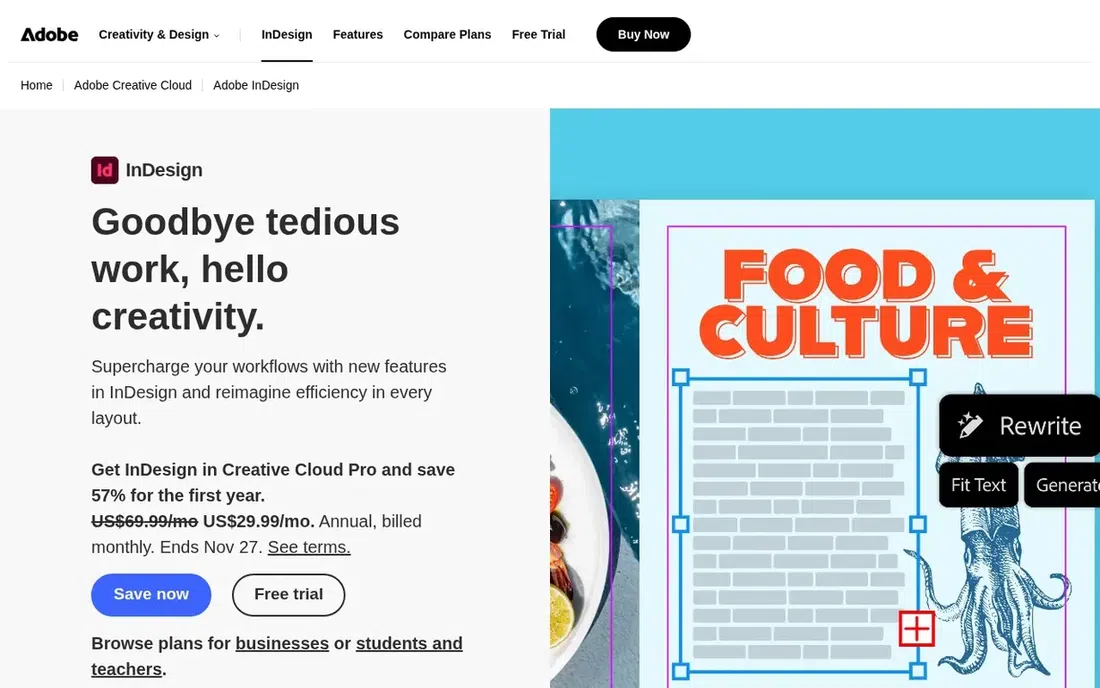
For professional print and digital layout, Adobe InDesign is a natural candidate. Adobe InDesign is a desktop publishing application for creating layouts for print and digital media. It is widely used for books, brochures, magazines, flyers, and interactive online documents.
The software provides precise typography controls, master pages, and solid export choices. It may be overkill for straightforward projects or occasional users. Worth adding: choose InDesign when you need industry-standard layout features and smooth integration with other Adobe tools. No starting price is listed for Adobe InDesign here; confirm pricing on the vendor site. Free access: Not stated.
The main drawbacks: Subscription-based pricing may deter some users.
Best features of Adobe InDesign: Supports print.
- Full layout and typesetting tools
- Interactive documents
- Steep ramp-up time for beginners
Affinity Publisher
Best for: Budget-friendly professional page layout
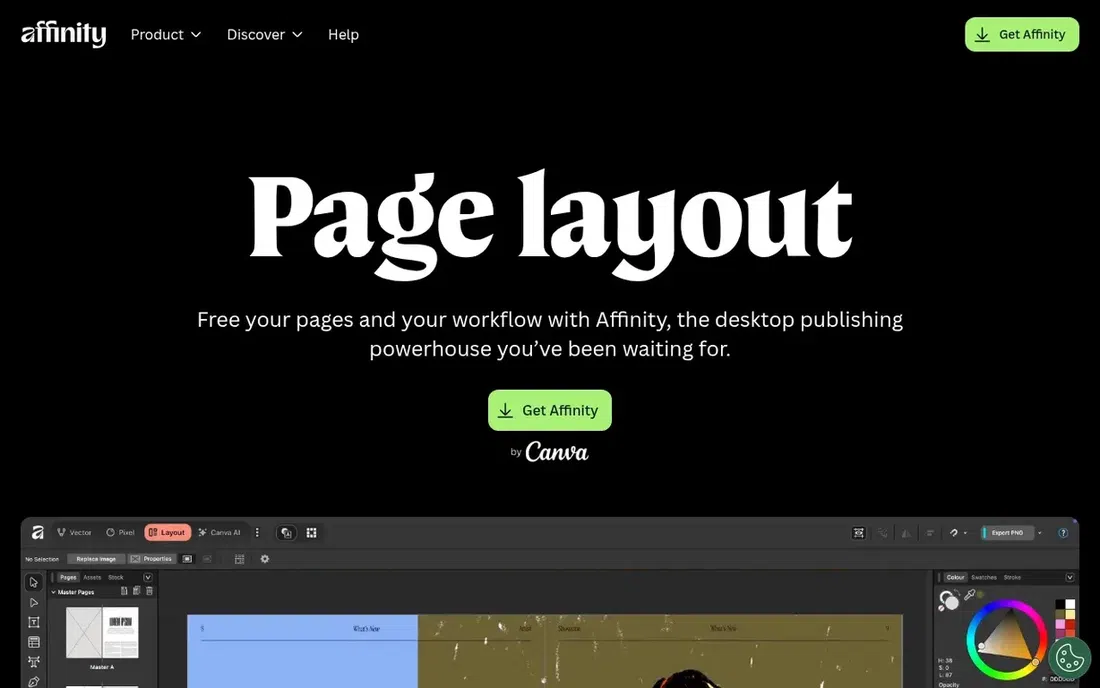
Think of Affinity Publisher for budget-friendly professional page layout. Affinity Publisher is a page layout and desktop publishing application that supplies professional-grade tools for creating striking layouts. It is available free of charge, making it an attractive choice for designers, small companies, and freelancers who require solid layout capabilities without continuing costs.
Honest limits: Fewer advanced features than InDesign.
In practice, choose Affinity Publisher when you need professional layout tools with a free model and tight integration with Affinity's design suite. Beyond that, the software supports precise typography, master pages, and smooth integration with other Affinity creative applications, enabling efficient workflows for print and digital projects. In practice, whereas capable, Affinity Publisher may lack some of the advanced collaboration and publishing features found in Adobe InDesign. It also has a smaller ecosystem of plugins and external integrations. Affinity Publisher shows no starting price here, so confirm the cost on the vendor site. On free options: Not stated.
- Professional layout and typography tools
- Connects with other Affinity apps
- Restricted external plugin ecosystem
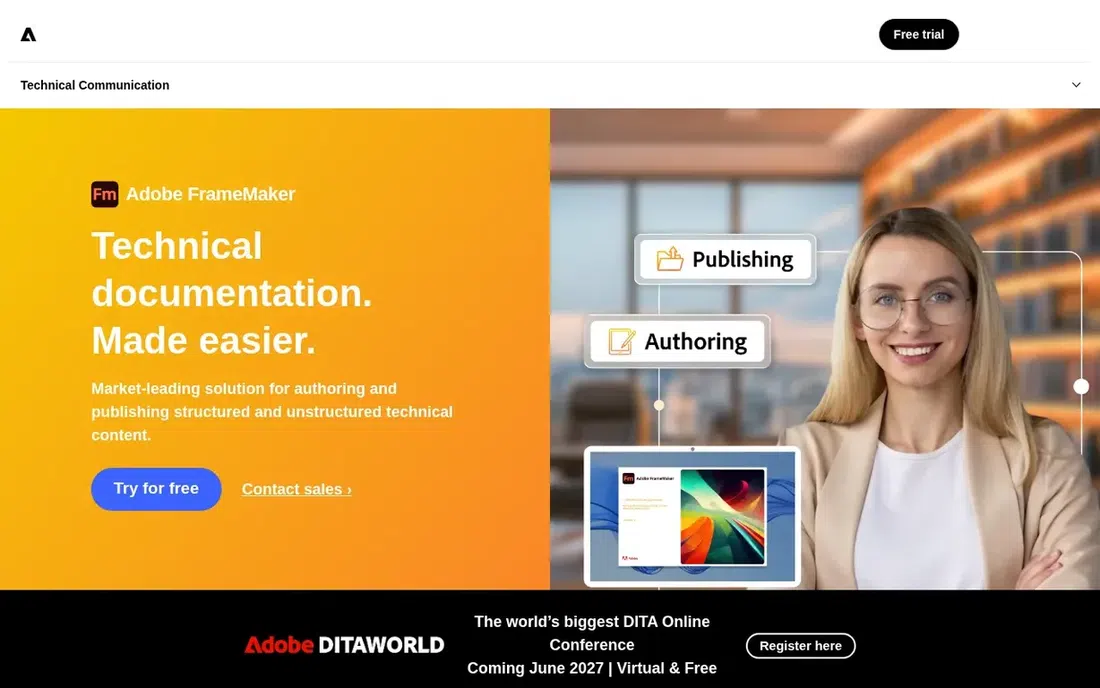
Choose Adobe FrameMaker for technical and structured content publishing. For creative layout work, Adobe InDesign or Affinity Publisher are more appropriate. As for the details, Adobe FrameMaker is a desktop publishing option made for authoring and publishing technical content.
It supports structured authoring using XML and DITA, making it suitable for documentation teams, technical writers, and organizations that require to handle large, complicated documents. Choose FrameMaker when you need structured authoring and publishing for technical documentation. Adobe FrameMaker shows no starting price here, so confirm the cost on the vendor site. Free plan details: Not stated.
Downsides: Steep ramp-up time.
- Complicated documents
- Publishes to several devices and formats
- Pricey for non-technical users
How we compared the tools
Selection started from tools commonly considered for desktop publishing software, then narrowed to 5 that have clear pricing information or a clear quote process. Where a vendor does not publish a price, the entry says quote. Where a price depends on seats or billing term, the entry says so. Order on the page follows fit for the typical buyer first, then price transparency and free access. Your own requirements should decide the final pick.
Before you commit
- Confirm the entry price with every vendor: no tool from Microsoft Publisher to Adobe FrameMaker shows a fixed starting price.
- Read the limits listed for Microsoft Publisher first: will be discontinued after October 2026.
- Look at which plan of Adobe InDesign unlocks the features you need; entry tiers are often cut down.
- Involve the people who will use Microsoft Publisher daily; a short pilot beats a long feature checklist.
- Verify that exporting from Affinity Publisher is possible on your plan and covers all your records.
FAQ
How are the tools for desktop publishing software ordered?
Microsoft Publisher sits first and Adobe FrameMaker last because the order follows typical fit for desktop publishing software, then price clarity and free access. It is a judgement call, so read each profile for fit and limits.
What should I do about Microsoft Publisher being discontinued?
Since Microsoft Publisher will no longer be supported after October 2026, you should consider migrating to another tool for long-term projects. Adobe InDesign and Affinity Publisher are solid alternatives that offer advanced layout capabilities and continuing support.
Do these tools publish their prices?
No. None of the tools, from Microsoft Publisher to Adobe FrameMaker, shows a fixed starting price here, so budget time for quotes.
Can I try these options before paying?
Not by default. None of the tools, from Microsoft Publisher to Adobe FrameMaker, lists a free plan or a free trial here, so ask each vendor for a demo before committing.
Does any tool for desktop publishing software here have a free plan?
No tool in this list, Microsoft Publisher and Adobe FrameMaker included, has a permanent free plan. Trials and quotes are the usual route, so plan a short evaluation period.
Sources
- https://www.microsoft.com/en-us/microsoft-365/publisher
- https://www.adobe.com/products/illustrator.html
- https://www.adobe.com/products/indesign.html
- https://affinity.serif.com/en-us/publisher
- https://www.adobe.com/products/framemaker.html