Best Virtual Desktop Infrastructure Software in 2026: Prices, Free Plans and 6 Picks
6 tools for the best virtual desktop infrastructure software, compared on pricing, free plans and best-fit use. Hidden costs and gaps are flagged. Easy to scan.
- Editor's choiceProxmox Virtual Environment
Open-source server virtualization
Starts atSee websiteVisit proxmox.comFull review - Great alternativeThinLinc
Linux remote desktop server
Starts at$49 per user a yearVisit cendio.comFull review - Also considerScale Computing Platform
Edge virtualization and networking
Starts atSee websiteVisit scalecomputing.comFull review
Direct answer
Start with Proxmox Virtual Environment if you need open-source server virtualization. Listed starting prices: ThinLinc from $49 per user a year. Alternatives: ThinLinc for Linux remote desktop server, and Scale Computing Platform for edge virtualization and networking. Details, prices and limits for the rest of the 6 tools are below.
TL;DR:
- Proxmox Virtual Environment takes the first slot, best suited to open-source server virtualization.
- ThinLinc is the only tool of the 6 with a free plan.
- A fair warning about Scale Computing Platform: focus on edge instead of core VDI.
- ThinLinc has the lowest monthly starting price in this list: $49 per user per year.
Last checked November 2026. Prices and plan details were read from the vendors' own pages in November 2026; vendors change plans often, so confirm the current price on the vendor site before you buy.
Quick comparison
| Tool | Best for | Starts at | Free plan? | |
|---|---|---|---|---|
| Proxmox Virtual Environment | Open-source server virtualization | See website | Not stated | Visit |
| ThinLinc | Linux remote desktop server | $49 per user a year | Yes | Visit |
| Scale Computing Platform | Edge virtualization and networking | See website | Not stated | Visit |
 Citrix DaaS | Thorough cloud and hybrid VDI | See website | Not stated | Visit |
| Workspot | Economical DaaS with DEX | See website | Not stated | Visit |
| VMware vSphere | Virtualization infrastructure foundation | See website | Not stated | Visit |
Our 6 picks for virtual desktop infrastructure software
If you are comparing virtual desktop infrastructure software, this page covers 6 tools in one place: what each is best for, what it costs to start, whether it has a free plan, and the main limit to know about.
Proxmox Virtual Environment
Best for: Open-source server virtualization
Proxmox Virtual Environment is built with open-source server virtualization in mind. It can be used as an economical foundation for virtual desktop infrastructure, especially for Linux-based desktops.
Where it falls short: Needs technical expertise.
Worth adding: Proxmox VE lacks native VDI brokering and desktop delivery features, so it usually needs extra components to build a complete VDI stack. Pricing for Proxmox Virtual Environment is not stated here, so ask the vendor for current figures. Trial and free access: Not stated.
- Supports virtual machines and containers
- Open-source system
- Not a dedicated VDI option
ThinLinc
Best for: Linux remote desktop server
ThinLinc serves Linux remote desktop server. ThinLinc by Cendio is a Linux remote desktop server that makes it possible for the deployment of a Linux server-based computing infrastructure.
What to check first: Linux-only focus.
What you pay to start with ThinLinc: $49 per user per year. You can start on ThinLinc without paying.
- Free to use
- Remote desktop access
- Restricted Windows support
Scale Computing Platform
Best for: Edge virtualization and networking
Choose Scale Computing Platform for edge virtualization and networking. It can support virtual desktops at the edge, making it right for organizations with remote or branch locations.
Enterprises with complicated VDI needs might have to combine it with other options or consider a dedicated VDI system. Check the vendor site for Scale Computing Platform pricing; none is listed in this comparison. Free access: Not stated.
Where it falls short: Focus on edge instead of core VDI.
- Aimed at distributed enterprises
- Eases edge infrastructure
- May not suit large-scale VDI
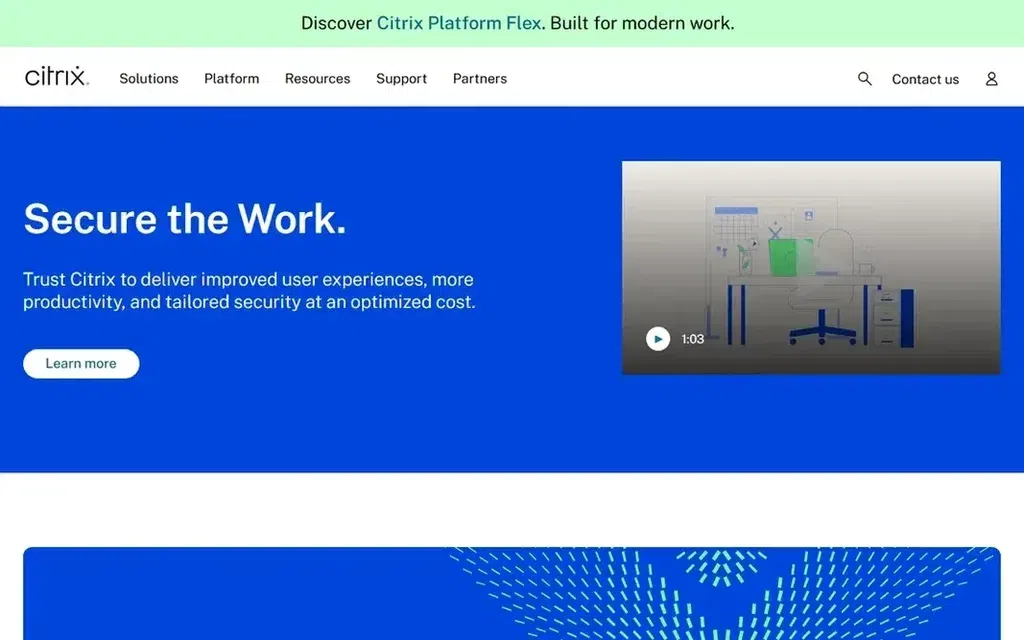
Choose Citrix DaaS for full cloud and hybrid VDI. The system may involve a steeper ramp-up time and need dedicated IT resources to configure and maintain.
Limits to weigh: Can be complicated for small teams.
Citrix DaaS does not show a starting price in this comparison, so check the vendor site for current pricing. Trial and free access: Not stated.
- Gives virtual apps and desktops
- Focus on security and sustainability
- May need specialized expertise
Workspot
Best for: Economical DaaS with DEX
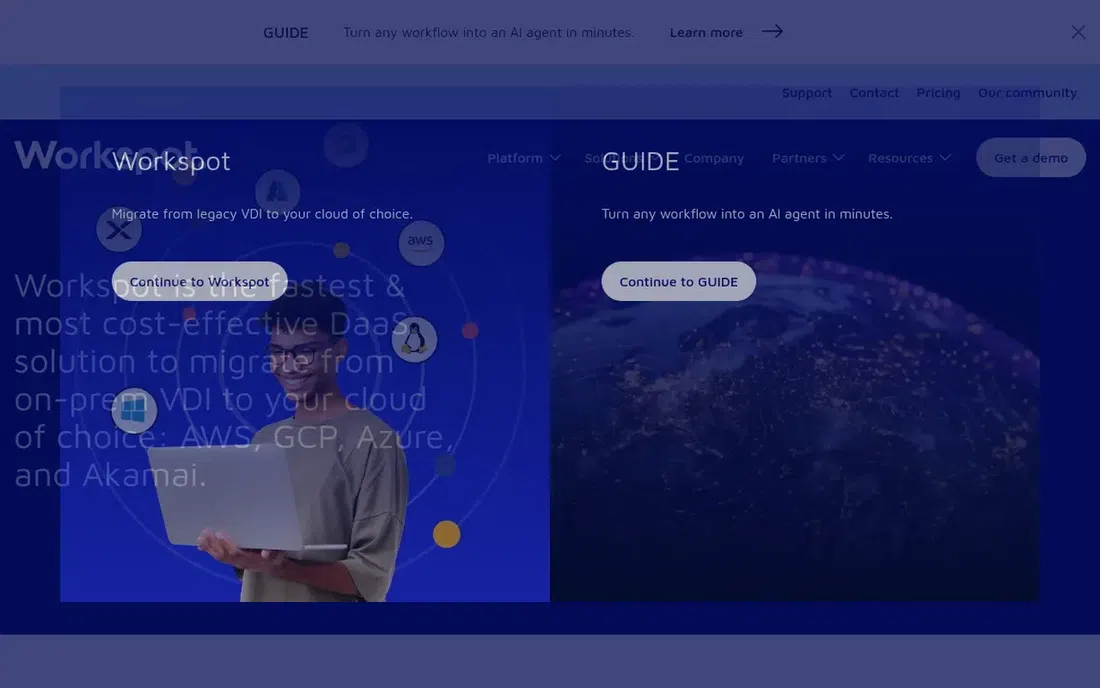
Pick Workspot if this describes you: economical DaaS with DEX. It is positioned to help organizations radically cut VDI costs, making it appealing for budget-conscious deployments that still need a modern digital workspace.
Trade-offs to know: May not suit all on-premises needs.
Teams needing deep on-premises control or deep customization might evaluate other choices. This comparison lists no price for Workspot; ask the vendor. Free options: Not stated.
- Brings together enterprise browser, DaaS, DEX
- Aims to cut VDI costs
- Restricted public detail on features
VMware vSphere
Best for: Virtualization infrastructure foundation
VMware vSphere works best for virtualization infrastructure foundation. VMware vSphere is a virtualization technology that modernizes compute infrastructure with security and compliance capabilities.
It serves as a foundational product for plenty of VDI deployments, offering the virtualized server and desktop infrastructure that underpins virtual desktops. No starting price is listed for VMware vSphere here; confirm pricing on the vendor site. Free plan details: Not stated.
Where it falls short: Not a complete VDI option alone.
- Solid virtualization system
- Security and compliance features
- Needs extra components
How we compared the tools
Each tool was reviewed on what its vendor publishes: price, plan limits, core features and stated drawbacks. We did not run hands-on tests. Treat prices as a snapshot: vendors change plans often, so check the vendor site for the figure that applies today. Tools are placed by general fit for virtual desktop infrastructure software, with price clarity and free access as tie-breakers. A different team can reasonably rank them differently.
What to check before you buy
- Ask Proxmox Virtual Environment, Scale Computing Platform, Citrix DaaS and others for a written quote, since no starting price is shown.
- Look at the free plan from ThinLinc closely: its caps decide whether it is usable for real work.
- Read the limits listed for Proxmox Virtual Environment first: not a dedicated VDI option.
- Check the support hours and onboarding help ThinLinc offers; smaller vendors vary a lot here.
- Involve the people who will use Proxmox Virtual Environment daily; a short pilot beats a long feature checklist.
FAQ
Can I try these options before paying?
Often, yes. ThinLinc has a free plan. Use your own data and a real task during the test, and check what the free tier or trial limits before you rely on it.
Which options for virtual desktop infrastructure software have a free plan?
ThinLinc is the only tool in this list with a free plan. Free plans usually cap users, projects or features, so check the limits on the vendor page.
How are the tools for virtual desktop infrastructure software ordered?
Proxmox Virtual Environment sits first and VMware vSphere last because the order follows typical fit for virtual desktop infrastructure software, then price clarity and free access. It is a judgement call, so read each profile for fit and limits.
Can open-source tools like Proxmox be used for VDI?
Yes, Proxmox Virtual Environment can serve as a virtualization foundation for VDI, but it lacks native desktop brokering. You would need extra open-source or commercial components to build a complete VDI option.
Is Proxmox Virtual Environment the right pick for everyone comparing virtual desktop infrastructure software?
No single tool suits every team. Proxmox Virtual Environment comes first because it fits open-source server virtualization, while ThinLinc suits Linux remote desktop server and Scale Computing Platform suits edge virtualization and networking. Match the tool to your own size, budget and workflow before deciding.
Sources
- https://www.proxmox.com/en/proxmox-virtual-environment/overview
- https://www.cendio.com/thinlinc
- https://www.scalecomputing.com
- https://www.citrix.com/products/citrix-daas
- https://www.workspot.com
- https://www.vmware.com/products/vsphere.html