5 Virtual Classroom Software for Coding Bootcamps Worth Shortlisting in 2026
Weighing the best virtual classroom software for coding bootcamps? We lined up 5 products by cost, free access and fit. With pricing notes and limits. No hype.

- Editor's choice
 Teachable
Selling courses and building online schools
Starts at$39 per monthVisit teachable.comFull review - Great alternative
 LearnWorlds
All-in-one LMS with built-in virtual classroom
Starts atSee websiteVisit learnworlds.comFull review - Also consider
 Cisco Webex
AI-powered collaboration and device integration
Starts atSee websiteVisit webex.comFull review
Direct answer
If you need selling courses and building online schools, Teachable is the first tool to look at here. Listed starting prices: Teachable from $39 per month. For a different need, LearnWorlds covers all-in-one LMS with built-in virtual classroom and Cisco Webex covers AI-powered collaboration and device integration. The full list of 5 tools follows, with prices and free plan facts.
TL;DR:
- Teachable sits first on this list: selling courses and building online schools.
- Cisco Webex stands alone as the one tool in this list with a free plan.
- For reliable video meetings and breakout rooms, Zoom is worth a look.
- What to know about LearnWorlds first: live class features may be less solid.
- For the cheapest start, look at Teachable: $39 per month.
Last checked November 2026. Prices and plan details were read from the vendors' own pages in November 2026; vendors change plans often, so confirm the current price on the vendor site before you buy.
Quick comparison
| Tool | Best for | Starts at | Free plan? | |
|---|---|---|---|---|
| Teachable | Selling courses and building online schools | $39 per month | Free trial | Visit |
| LearnWorlds | All-in-one LMS with built-in virtual classroom | See website | Free trial | Visit |
| Cisco Webex | AI-powered collaboration and device integration | See website | Yes | Visit |
 Microsoft Teams | Smooth integration with Microsoft 365 | See website | Not stated | Visit |
 Zoom | Dependable video meetings and breakout rooms | See website | Not stated | Visit |
The 5 tools in detail
LinkVetted put together this guide to virtual classroom software for coding bootcamps for readers who want a clear shortlist without reading every vendor page. It compares 5 tools on starting price, free plans, who each one suits and where each one falls short.
Think of Teachable for selling courses and building online schools. Teachable is an online course product that permits creators to build and sell courses, coaching, and memberships.
Downsides: Restricted live classroom features.
For coding bootcamps, it can serve as the business backbone for selling courses and managing students, but it is not primarily a virtual classroom tool. On cost, Teachable starts like this: $39 per month. As for free access: Free trial.
- Built-in payment processing
- Supports coaching and memberships
- Focus on asynchronous learning
Where LearnWorlds fits: all-in-one LMS with built-in virtual classroom. It is a strong match for coding bootcamps that want a single system to run course content, assessments, and live instruction without integrating several tools.
Whereas LearnWorlds gives you live sessions, its video conferencing features may not be as feature-rich as dedicated systems like Zoom. This comparison lists no price for LearnWorlds; ask the vendor. Free options: Free trial.
Trade-offs to know: Live class features may be less solid.
- Supports live sessions and community
- Thorough course creation tools
- Higher ramp-up time for beginners

Choose Cisco Webex for AI-powered collaboration and device integration. The product's deep features can be overwhelming for instructors who only need entry-level video conferencing. On top of that, some advanced capabilities may need technical configuration.
Where it falls short: May require IT setup for full features.
Cisco Webex is a collaboration suite that comes with video meetings, messaging, and calling, with AI-powered features to enhance the meeting experience. It is well-suited for coding bootcamps that require solid security and integration with hardware devices, for example cameras and microphones, to produce a professional classroom setup. In daily use, if simplicity is a priority, Zoom might be a better fit. No starting price is listed for Cisco Webex here; confirm pricing on the vendor site. A free plan is available with Cisco Webex.
- Integration with Cisco devices
- Capable security and enterprise focus
- Interface can be complicated for new users
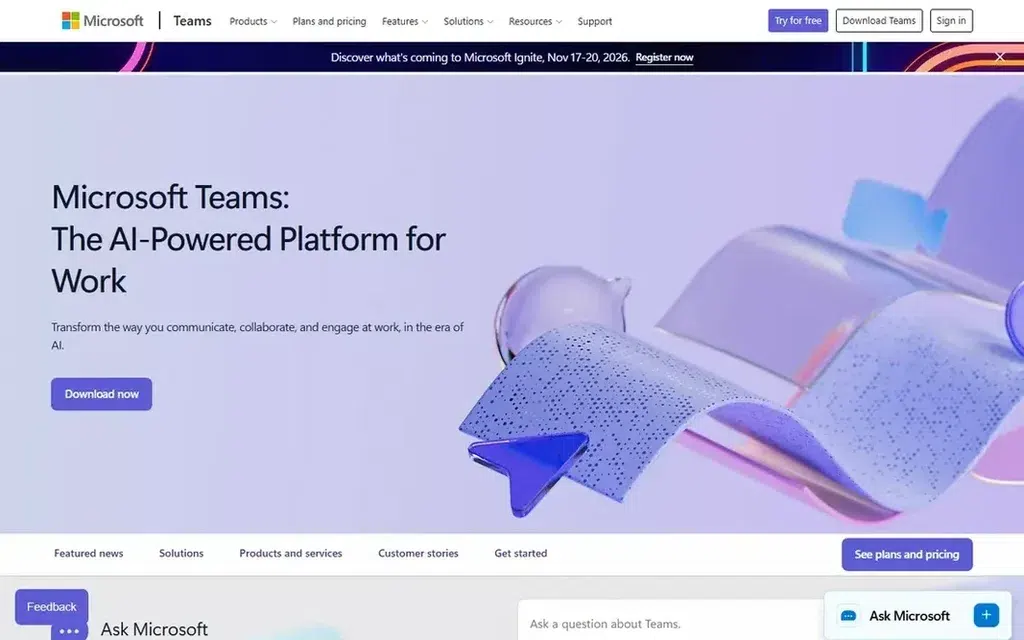
Microsoft Teams was built for Smooth integration with Microsoft 365. Microsoft Teams is a collaboration hub that merges video meetings, chat, file storage, and app integration.
Trade-offs to know: Feature set varies by license.
Teams may feel heavy for users on older hardware, and some features rely on the organization's license. Pricing for Microsoft Teams is not stated here, so ask the vendor for current figures. Trial and free access: Not stated.
- Built-in file storage and chat
- Supports large meetings
- Can be resource-intensive
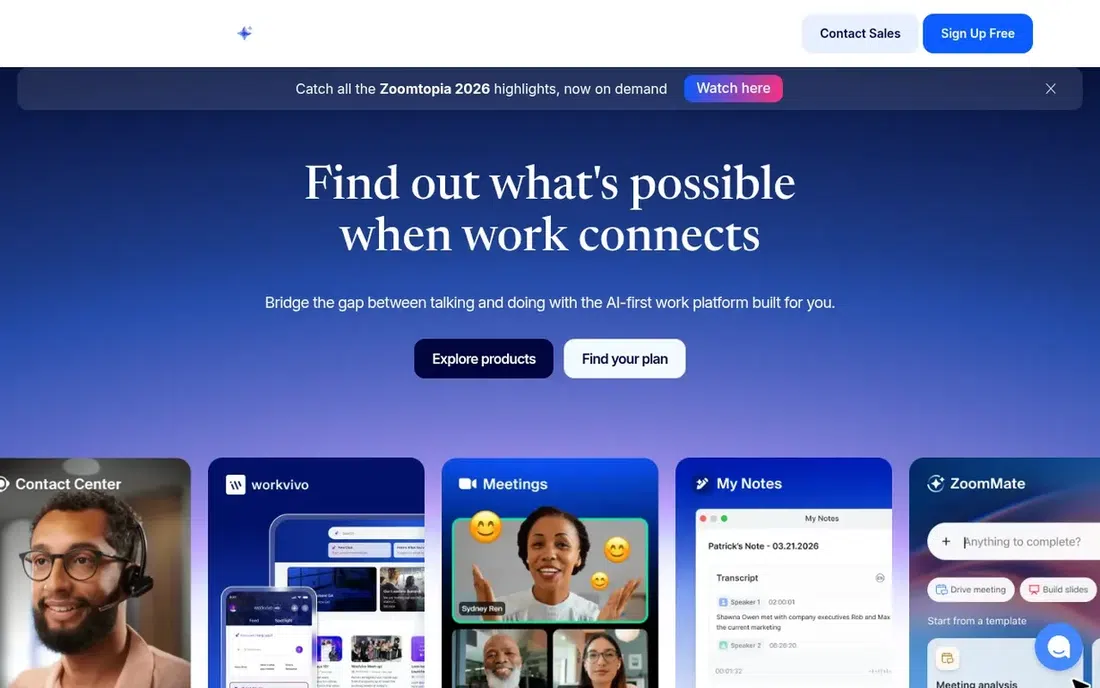
Zoom targets dependable video meetings and breakout rooms. However, Zoom lacks native course management features like assignments or grading, so bootcamps may have to integrate it with a LMS.
No starting price is listed for Zoom here; confirm pricing on the vendor site. Free access: Not stated.
The main drawbacks: Restricted built-in LMS features.
- Whiteboard and chat features
- Breakout rooms for group work
- Needs extras for advanced webinars
How the list was put together
Selection started from tools commonly considered for virtual classroom software for coding bootcamps, then narrowed to 5 that have clear pricing information or a clear quote process. Seat minimums, billing terms and add-ons can move the real cost, so the starting prices here are a guide and not a quote. The order reflects how well each tool fits the most common buying scenario for virtual classroom software for coding bootcamps, then price clarity, then free plan access. It is a starting point, not a verdict.
Questions to settle before buying
- Get a written quote from LearnWorlds, Cisco Webex, Microsoft Teams and Zoom; the list shows no starting price for them.
- Test the free plan from Cisco Webex against your real workload before relying on it.
- Use real work to test the free trial from Teachable and LearnWorlds, rather than a demo project.
- Before choosing Teachable, weigh its main limit: restricted live classroom features.
- Ask Teachable whether prices are locked for the first term and what happens at renewal.
- A short pilot of Cisco Webex with your real workflow tells you more than a feature table.
FAQ
Is Teachable the right pick for everyone comparing virtual classroom software for coding bootcamps?
No single tool suits every team. Teachable comes first because it fits selling courses and building online schools, while LearnWorlds suits all-in-one LMS with built-in virtual classroom and Cisco Webex suits AI-powered collaboration and device integration. Match the tool to your own size, budget and workflow before deciding.
How are the tools for virtual classroom software for coding bootcamps ordered?
Teachable sits first and Zoom last because the order follows typical fit for virtual classroom software for coding bootcamps, then price clarity and free access. It is a judgement call, so read each profile for fit and limits.
Do these tools publish their prices?
Not all of them. LearnWorlds, Cisco Webex, Microsoft Teams and Zoom publish no starting price, so expect a quote request for those. The rest, Teachable included, show a starting price, though seats and billing terms still change the final cost.
Can I try these tools before paying?
Often, yes. Cisco Webex has a free plan and Teachable and LearnWorlds offer a free trial. Use your own data and a real task during the test, and check what the free tier or trial limits before you rely on it.
What features should coding bootcamps look for in virtual classroom software?
Coding bootcamps should prioritize dependable video and audio, screen sharing for code demonstrations, breakout rooms for group work, and integration with learning management systems.
Sources
- https://teachable.com
- https://www.learnworlds.com
- https://www.webex.com
- https://www.microsoft.com/en-us/microsoft-teams/group-chat-software
- https://zoom.us