5 Terminal Emulator Software Worth Shortlisting in 2026
Need the best terminal emulator software? We compare 5 tools on cost, free access and who each suits. Each entry gets a plain verdict. Checked this month.
- Editor's choice
 SecureCRT
Secure remote access with SSH and Telnet
Starts atSee websiteVisit vandyke.comFull review - Great alternativeConEmu
Windows users needing a feature-rich console
Starts atSee websiteVisit conemu.github.ioFull review - Also consider
 Termius
Cross-platform SSH with sync and collaboration
Starts at$10 a monthVisit termius.comFull review
Direct answer
SecureCRT leads the list, best for secure remote access with SSH and Telnet. Listed starting prices: Termius from $10 a month. Look at ConEmu for Windows users needing a feature-rich console, and at Termius for cross-platform SSH with sync and collaboration. Details, prices and limits for the rest of the 5 tools are below.
TL;DR:
- SecureCRT sits first on this list: secure remote access with SSH and Telnet.
- Only Termius offers a free plan among these 5 tools.
- Before buying Termius, weigh this: some features need a subscription.
- PuTTY is the one to check for straightforward and free SSH client on Windows.
Last checked November 2026. Prices and plan details were read from the vendors' own pages in November 2026; vendors change plans often, so confirm the current price on the vendor site before you buy.
Quick comparison
| Tool | Best for | Starts at | Free plan? | |
|---|---|---|---|---|
| SecureCRT | Secure remote access with SSH and Telnet | See website | Not stated | Visit |
| ConEmu | Windows users needing a feature-rich console | See website | Not stated | Visit |
| Termius | Cross-platform SSH with sync and collaboration | $10 a month | Yes | Visit |
 iTerm2 | MacOS users seeking advanced terminal features | See website | Not stated | Visit |
| PuTTY | Straightforward and free SSH client on Windows | See website | Not stated | Visit |
The full terminal emulator software list
Choosing terminal emulator software usually comes down to price, fit and limits. This LinkVetted guide sets 5 tools side by side on those three points, with the facts kept short and checkable.
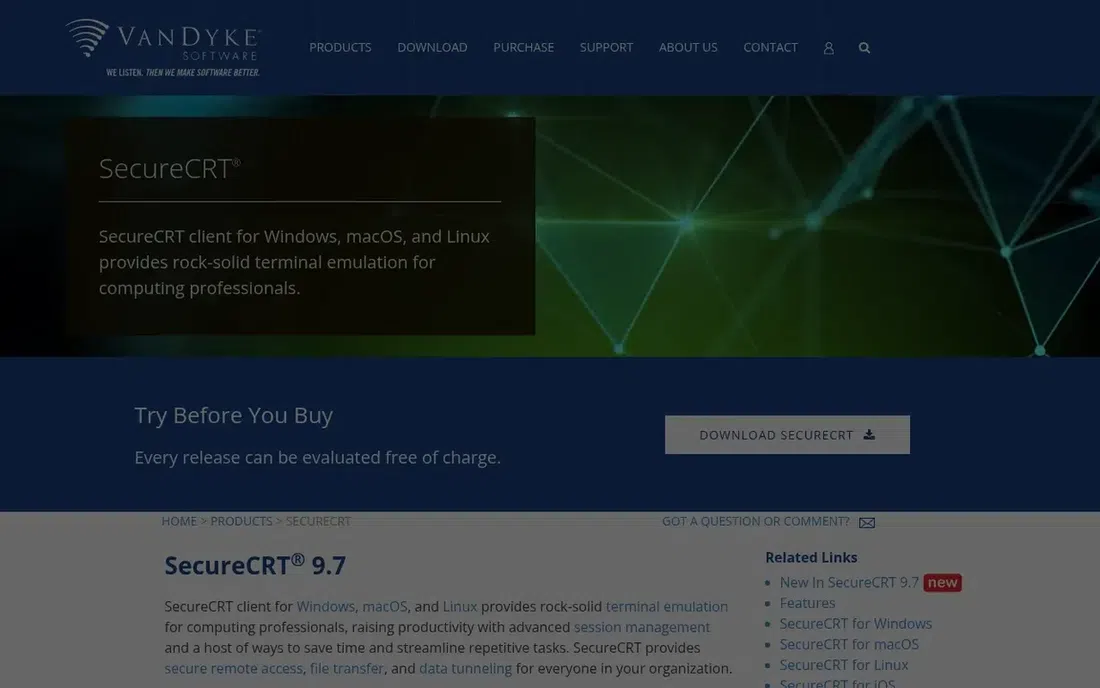
SecureCRT was built for secure remote access with SSH and Telnet. SecureCRT is a terminal emulator that supplies secure remote access via SSH and Telnet. It is available for Windows, macOS, and Linux, making it a versatile choice for professionals who require dependable connections across different systems.
It comes with features like session management, scripting, and solid encryption. As for the details, SecureCRT is a commercial product. So it needs a premium license, which might not suit individuals or small teams with restricted budgets. Its interface is functional but not as modern as some alternatives. For everyday use, consider it if you need solid security and cross-platform consistency. SecureCRT does not show a starting price in this comparison, so check the vendor site for current pricing. Trial and free access: Not stated.
Where it falls short: Interface may feel dated.
- Advanced security features
- Rock-solid stability
- Commercial license required
ConEmu
Best for: Windows users needing a feature-rich console
ConEmu makes the most sense for Windows users needing a feature-rich console. ConEmu is a full-featured local terminal for Windows that gives you tabs, splits, Quake-style dropdown, copy-paste enhancements, and integration with PuTTY. It is pitched at developers, administrators, and power users who want a more capable console window on Windows.
Downsides: Interface can be overwhelming.
On top of that, ConEmu is exclusive to Windows and its numerous choices can be daunting for new users. It is also not as actively developed as some alternatives. Pricing for ConEmu is not stated here, so ask the vendor for current figures. Trial and free access: Not stated.
- Plugs into PuTTY
- Quake-style dropdown
- Windows only
Pick Termius if this describes you: cross-platform SSH with sync and collaboration. Termius is a modern SSH client that works on Mac, Windows, Linux, iOS, and Android. It permits you to link with one click from any device and sync your settings and sessions across products.
Limits to weigh: Some features need a subscription.
Consider Termius if cross-device sync and a modern UI are important. Whereas Termius supplies a refined experience, some advanced features are part of a premium subscription. The starting price for Termius: $10 per month. Termius includes a free tier.
- Modern interface
- Available on plenty of systems
- May be overkill for straightforward tasks
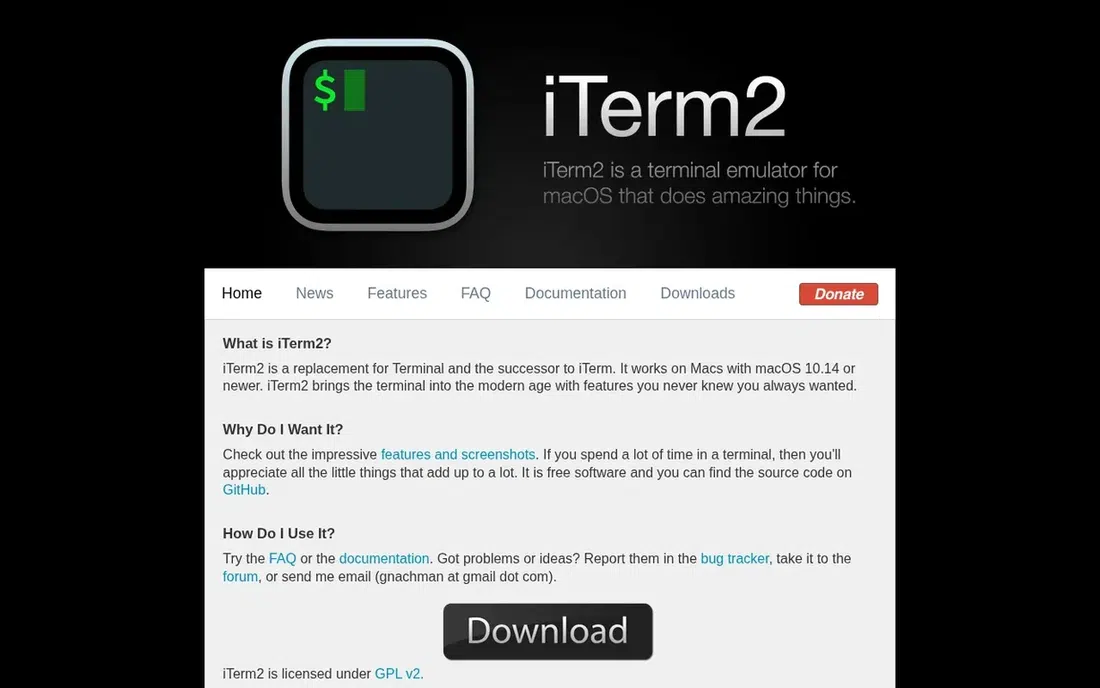
In short, iTerm2 is for macOS users seeking advanced terminal features. iTerm2 is a terminal emulator for macOS that replaces the default Terminal app. It gives you many different features for example split panes, search, autocomplete, and broad customization choices.
It is well-suited for developers and power users who want a feature-rich and adaptable terminal on their Mac. Since iTerm2 is exclusive to macOS, users on other products will need to look elsewhere. Additionally, its broad feature set may overwhelm those who prefer a more straightforward interface. This comparison lists no price for iTerm2; ask the vendor. Free access: Not stated.
Honest limits: Restricted to macOS.
- Highly configurable
- Rich feature set
- Can be complicated for beginners
PuTTY
Best for: Straightforward and free SSH client on Windows

PuTTY is built with straightforward and free SSH client on Windows in mind. It is light, straightforward to use, and supports several protocols including SSH, Telnet, and serial connections. It is a typical choice for system administrators and developers who require a straightforward tool for remote access.
Where it falls short: Entry-level feature set.
PuTTY lacks some advanced features found in other terminal emulators, like tabbed sessions or deep customization. Its interface is utilitarian. Pricing for PuTTY is not stated here, so ask the vendor for current figures. As for free access: Not stated.
- Light and free
- Widely used and trusted
- No tabbed interface natively
What went into this list
We compared the tools on published pricing, free plan or trial availability, feature coverage for terminal emulator software, and the limits each vendor documents. Treat prices as a snapshot: vendors change plans often, so check the vendor site for the figure that applies today. Position on the page reflects fit for a typical buyer first, with price clarity and free access breaking ties. Treat it as a guide, not a ruling.
What to check before you buy
- Confirm the entry price on the vendor page. For SecureCRT, ConEmu, iTerm2 and PuTTY that means a quote rather than a fixed price.
- Test the free plan from Termius against your real workload before relying on it.
- Read the limits listed for SecureCRT first: commercial license required.
- Make sure PuTTY lets you export your data in a format another tool can read.
- Test the integrations you rely on with ConEmu before committing; some connectors sit on upper tiers.
FAQ
What is the best terminal emulator for macOS?
This list starts with SecureCRT, which fits secure remote access with SSH and Telnet. For other needs, ConEmu is aimed at Windows users needing a feature-rich console, and Termius at cross-platform SSH with sync and collaboration. Check each tool's price and main limit first.
Which options for terminal emulator software have a free plan?
Termius is the only tool in this list with a free plan. Free plans usually cap users, projects or features, so check the limits on the vendor page.
What is the cheapest option for terminal emulator software in this list?
On published monthly entry prices, Termius is the lowest here at $10 per month. Entry price is only part of the cost, because seats, add-ons and billing terms can change the total. All 5 picks in this terminal Emulator software comparison list a starting price, free plan details and the main limits on their cards above.
Is SecureCRT the right pick for everyone comparing terminal emulator software?
No single tool suits every team. SecureCRT comes first because it fits secure remote access with SSH and Telnet, while ConEmu suits Windows users needing a feature-rich console and Termius suits cross-platform SSH with sync and collaboration. Match the tool to your own size, budget and workflow before deciding.
Can I try these options before paying?
Often, yes. Termius has a free plan. Use your own data and a real task during the test, and check what the free tier or trial limits before you rely on it.
Sources
- https://www.vandyke.com/products/securecrt
- https://conemu.github.io
- https://termius.com
- https://iterm2.com
- https://www.putty.org