Terminal Emulator for Linux in 2026: The 6 Best Options Side by Side
Shortlisting the best terminal emulator for linux? 6 products compared on cost, free access and ideal buyer. Prices and drawbacks included. Choose faster.
- Editor's choiceXshell
SSH sessions with additional protocols
Starts atSee websiteVisit netsarang.comFull review - Great alternativeRoyal TSX
Managing wide IT infrastructure connections
Starts atSee websiteVisit royalapps.comFull review - Also consider
 Termius
Cross-device SSH session management
Starts at$10 per monthVisit termius.comFull review
Direct answer
For SSH sessions with extra protocols, Xshell is where this list starts. Listed starting prices: Termius from $10 per month. Royal TSX is the stronger choice for managing wide IT infrastructure connections, while Termius suits cross-device SSH session management. The other 3 tools in the list cover narrower or pricier cases.
TL;DR:
- Number one here is Xshell, a fit for SSH sessions with additional protocols.
- The lowest published monthly entry price here is $10 per month, from Termius.
- A fair warning about Royal TSX: not a dedicated local terminal emulator.
- Just one of the 6 tools, Termius, has a free plan.
Last checked November 2026. Prices and plan details were read from the vendors' own pages in November 2026; vendors change plans often, so confirm the current price on the vendor site before you buy.
Quick comparison
| Tool | Best for | Starts at | Free plan? | |
|---|---|---|---|---|
| Xshell | SSH sessions with additional protocols | See website | Not stated | Visit |
| Royal TSX | Managing wide IT infrastructure connections | See website | Not stated | Visit |
| Termius | Cross-device SSH session management | $10 per month | Yes | Visit |
| PuTTY | Straightforward, widely used SSH connections | See website | Not stated | Visit |
 SecureCRT | Long-established commercial SSH and Telnet | See website | Not stated | Visit |
 iTerm2 | MacOS users who want a rich terminal | See website | Not stated | Visit |
The full terminal emulator for linux list
Choosing terminal emulator for linux usually comes down to price, fit and limits. This LinkVetted guide sets 6 tools side by side on those three points, with the facts kept short and checkable.
Xshell
Best for: SSH sessions with additional protocols
Pick Xshell if this describes you: SSH sessions with additional protocols. It suits users who link to plenty of servers and want terminal access and file transfer in one application.
Watch-outs: Not targeted at local shell customization.
Where Xshell stands out: Vendor markets it as a feature-rich SSH client.
Xshell is built around remote sessions, so it is not the choice for tuning a local shell experience or GPU rendering. Pricing for Xshell is not stated here, so ask the vendor for current figures. As for free access: Not stated.
- SSH terminal with SFTP
- Telnet and RDP support
- Primarily a remote access client
Royal TSX
Best for: Managing wide IT infrastructure connections
Royal TSX is designed for managing wide IT infrastructure connections. Consider Royal TSX when organizing plenty of remote connections is the central problem you want to solve.
Drawbacks to consider: Feature depth may exceed straightforward needs.
In practice, the breadth of infrastructure features can also be more than a single-user setup needs. Pricing for Royal TSX is not stated here, so ask the vendor for current figures. On free options: Not stated.
- Connection management focus
- Labs and home networks
- Not a dedicated local terminal emulator
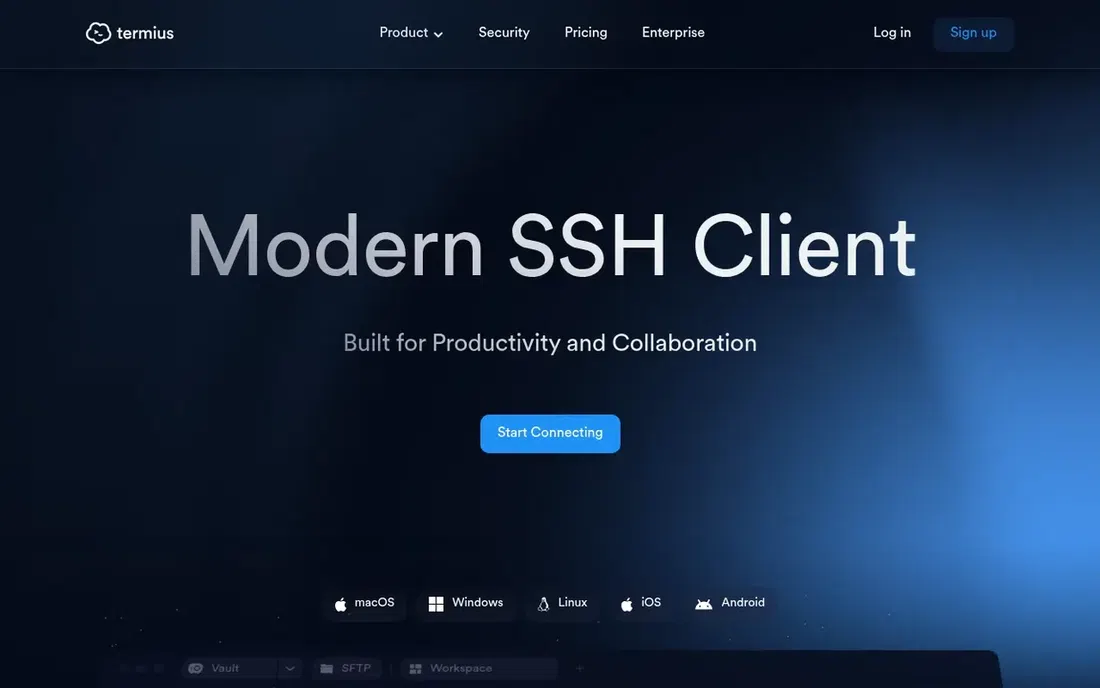
Termius makes the most sense for cross-device SSH session management. Since it centers on remote connections, Termius is not the tool for heavy local shell work or scripting on the desktop itself. On Linux it works as a SSH client instead of a replacement for a local shell.
The main drawbacks: Not a general-purpose local terminal.
Worth adding: some users also prefer keeping session data entirely local. In daily use, Termius is described as a modern SSH client for Mac, Windows, Linux, iOS and Android, with one-click connections from any device. The starting price for Termius: $10 per month. You can start on Termius without paying.
- One-click connections from any device
- Modern SSH client for desktop and mobile
- Cloud-oriented workflow may not suit everyone
PuTTY
Best for: Straightforward, widely used SSH connections
PuTTY targets straightforward, widely used SSH connections. For fast administrative connections it remains a familiar starting point.
Points against: Restricted session management.
Its interface is entry-level compared to modern clients, and session management is restricted when you deal with numerous hosts. Beyond that, choose PuTTY for straightforward SSH access, and look to Termius or Xshell when you need richer session organization across many servers. PuTTY does not show a starting price in this comparison, so check the vendor site for current pricing. On free options: Not stated.
- Widely known SSH and Telnet client
- Available on Linux through typical channels
- Entry-level interface compared to modern clients
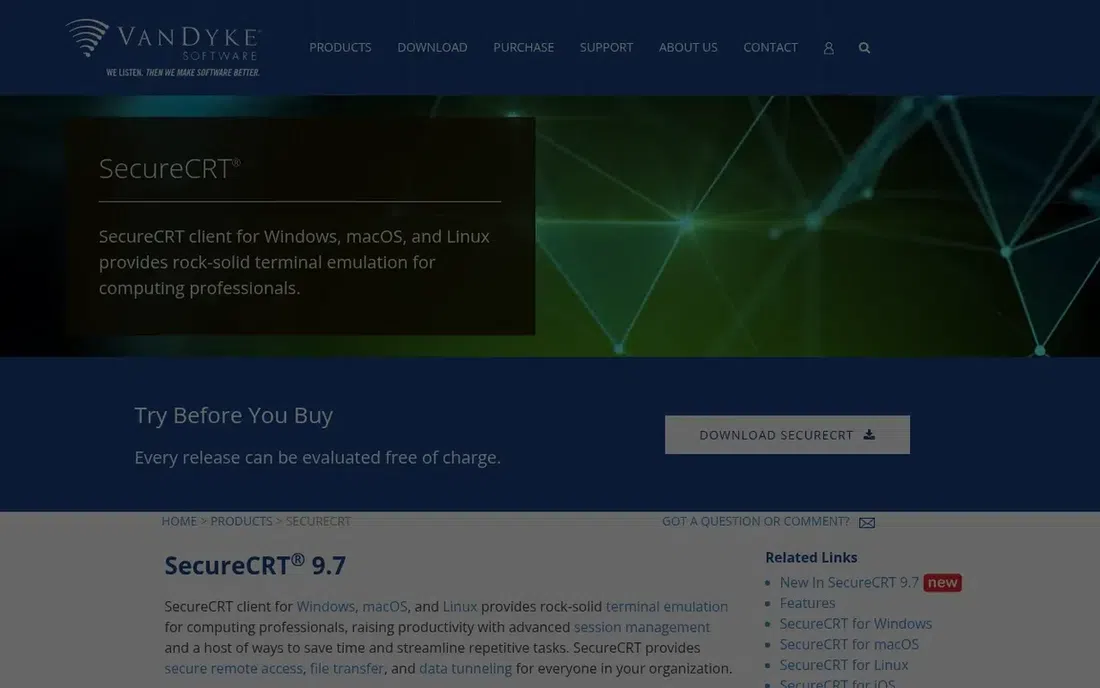
SecureCRT targets long-established commercial SSH and Telnet. SecureCRT is presented by VanDyke Software as the rock-solid Telnet and SSH client for Windows, macOS and Linux.
Watch-outs: Heavier than a straightforward local terminal.
In daily use, users who only need an entry-level SSH connection may find more straightforward tools sufficient. Beyond that, on Linux it serves as a remote access client instead of a local shell replacement. SecureCRT shows no starting price here, so confirm the cost on the vendor site. Free plan details: Not stated.
- Available for Windows
- MacOS and Linux
- Commercial product, not open source
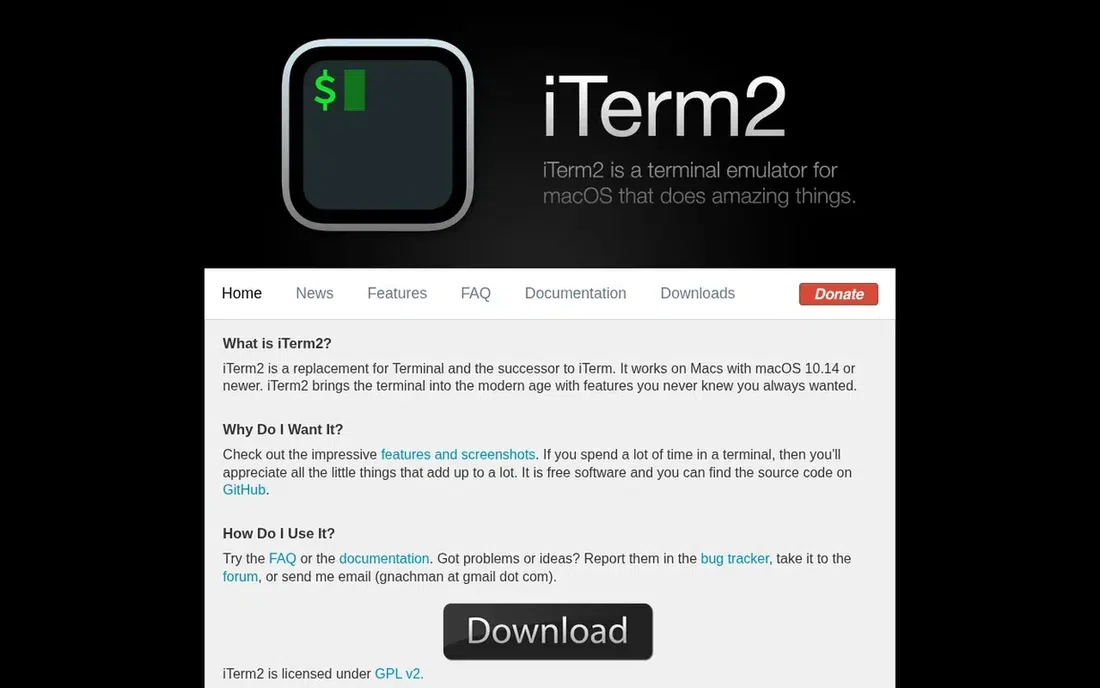
iTerm2 is a good fit for macOS users who want a rich terminal. It is widely known for a deep feature set and customization.
In practice, Linux users usually cannot use it as their native terminal. iTerm2 does not show a starting price in this comparison, so check the vendor site for current pricing. As for free access: Not stated.
Points against: Made for macOS, not Linux.
- Successor to iTerm with a mature feature set
- Presented as a replacement for the macOS Terminal
- Not a fit for Linux-only desktops
What went into this list
Questions to settle before buying
- Confirm the entry price on the vendor page. For Xshell, Royal TSX, PuTTY and others that means a quote rather than a fixed price.
- Look at the free plan from Termius closely: its caps decide whether it is usable for real work.
- Before choosing Xshell, weigh its main limit: primarily a remote access client.
- Look at the help docs and support options for Termius before you commit.
- A short pilot of SecureCRT with your real workflow tells you more than a feature table.
FAQ
Is Xshell the right pick for everyone comparing terminal emulator for linux?
No single tool suits every team. Xshell comes first because it fits SSH sessions with extra protocols, while Royal TSX suits managing broad IT infrastructure connections and Termius suits cross-device SSH session management. Match the tool to your own size, budget and workflow before deciding.
How are the tools for terminal emulator for linux ordered?
The order follows typical fit for terminal emulator for linux, with Xshell first and iTerm2 last, then price clarity and free access. It is editorial judgement, not a score, so another team could rank the tools differently.
What is the cheapest option for terminal emulator for linux in this list?
On published monthly entry prices, Termius is the lowest here at $10 per month. Entry price is only part of the cost, because seats, add-ons and billing terms can change the total.
Do these tools publish their prices?
Not all of them. Xshell, Royal TSX, PuTTY and others publish no starting price, so expect a quote request for those. The rest, Termius included, show a starting price, though seats and billing terms still change the final cost.
Sources
- https://www.netsarang.com/en/xshell
- https://www.royalapps.com/ts/mac/features
- https://termius.com
- https://www.putty.org
- https://www.vandyke.com/products/securecrt
- https://iterm2.com