Database Software for Linux in 2026: The 5 Best Options Side by Side
Best database software for linux: 5 tools compared on price, free plans and fit. Trade-offs are spelled out for each entry. Pricing and limits included.
- Editor's choice
 MongoDB
Adaptable document data across clouds
Starts atSee websiteVisit mongodb.comFull review - Great alternative
 MariaDB
Enterprise open source with scalability focus
Starts atSee websiteVisit mariadb.comFull review - Also consider
 Oracle Database
Enterprise critical workloads with AI features
Starts atSee websiteVisit oracle.comFull review
Direct answer
For flexible document data across clouds, MongoDB is where this list starts. Listed starting prices: Redis from $5 a month. For a different need, MariaDB covers enterprise open source with scalability focus and Oracle Database covers enterprise critical workloads with AI features. Prices, free plans and limits for all 5 tools follow.
TL;DR:
- MongoDB sits first on this list: adaptable document data across clouds.
- Redis suits live in-memory data for apps.
- The lowest published monthly entry price here is $5 per month, from Redis.
- One limit worth knowing about MongoDB: not a relational SQL engine.
Last checked November 2026. Prices and plan details were read from the vendors' own pages in November 2026; vendors change plans often, so confirm the current price on the vendor site before you buy.
Quick comparison
| Tool | Best for | Starts at | Free plan? | |
|---|---|---|---|---|
| MongoDB | Adaptable document data across clouds | See website | Yes | Visit |
| MariaDB | Enterprise open source with scalability focus | See website | Not stated | Visit |
| Oracle Database | Enterprise critical workloads with AI features | See website | Not stated | Visit |
 PostgreSQL | General-purpose open source relational workloads | See website | Not stated | Visit |
 Redis | Live in-memory data for apps | $5 a month | Yes | Visit |
Every option for database software for linux explained
Short on time? The summary and table above give the quick view of 5 tools for database software for linux, and the profiles that follow give the detail behind each entry.
Think of MongoDB for adaptable document data across clouds. MongoDB is a document database positioned as an intelligent data system for the AI era.
Where it is weaker: Not a relational SQL engine.
Schema design still needs discipline to avoid performance pitfalls. From a buyer's view, choose MongoDB when document adaptability and cloud-scale live data are central to your application design. MongoDB shows no starting price here, so confirm the cost on the vendor site. MongoDB offers a free plan.
- Scales across clouds
- Live data handling
- Schema design needs discipline
MariaDB targets enterprise open source with scalability focus. MariaDB gives you an enterprise open source database and database services pitched at scalability and mission-critical deployments.
Choose MariaDB when open source enterprise support and scalability for critical workloads are the deciding factors. No starting price is listed for MariaDB here; confirm pricing on the vendor site. Free plan details: Not stated.
Where it falls short: Compatibility nuances with MySQL.
- Scalability for mission-critical use
- MySQL-compatible heritage
- Some tooling differs by vendor
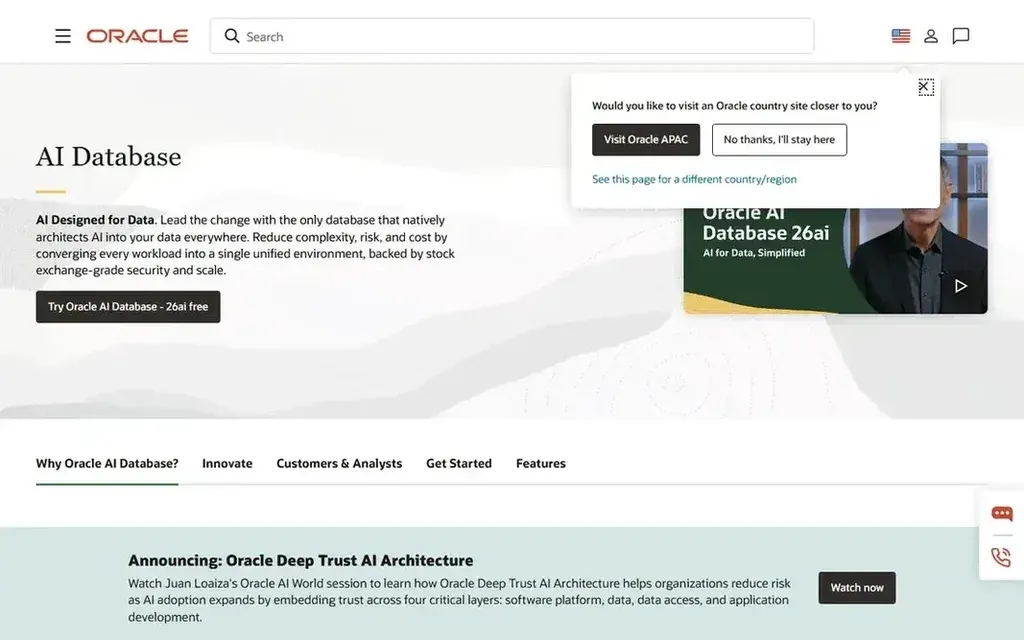
Oracle Database is aimed squarely at enterprise critical workloads with AI features. Oracle Database is a flagship relational system positioned for app development and critical workloads. Its homepage emphasizes AI capabilities and data operations, making it a fit for organizations that require a full-featured enterprise engine on Linux.
Trade-offs to know: Complicated administration.
The system is noted for administrative complexity and a substantial resource footprint, so smaller teams may prefer a lighter engine. Beyond that, teams with demanding transactional or analytical requirements and existing Oracle expertise will find the most value here. Choose Oracle when its enterprise features and AI tooling align with your requirements. No starting price is listed for Oracle Database here; confirm pricing on the vendor site. On free options: Not stated.
- AI integration highlighted
- Wide enterprise feature set
- Heavy resource footprint
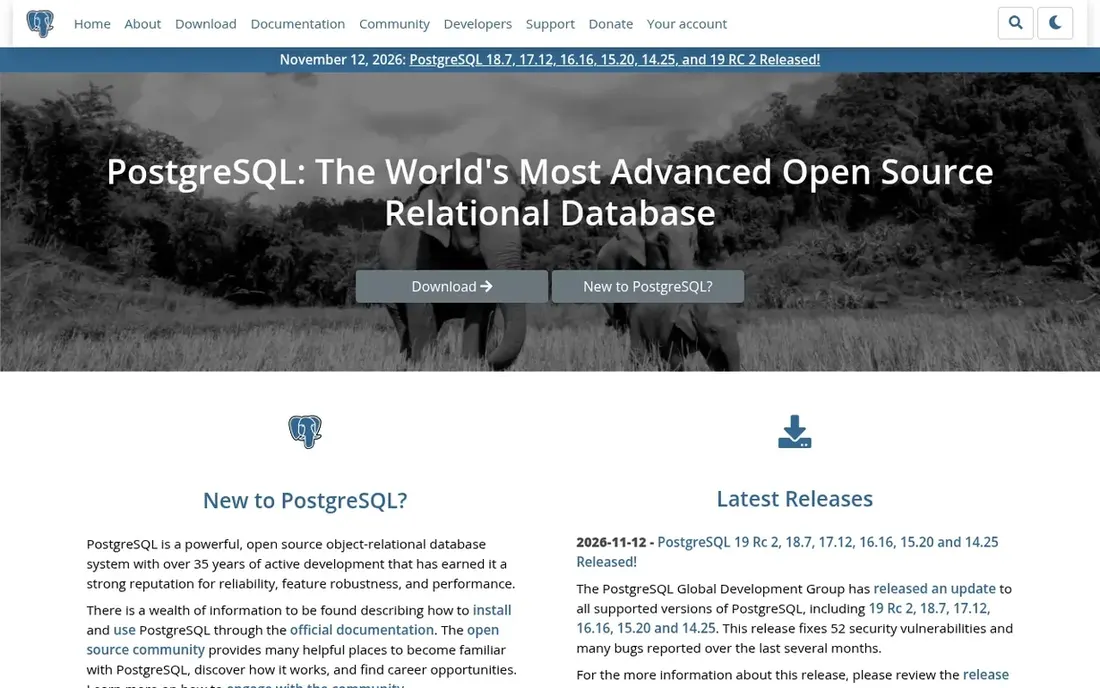
Choose PostgreSQL for general-purpose open source relational workloads. PostgreSQL is an open source relational database widely regarded for advanced SQL standards support and extensibility.
Limits to weigh: Some features need extensions.
Worth adding: choose PostgreSQL when standards compliance, extensibility, and open source adaptability are priorities. As for the details, performance tuning and advanced features can demand expertise, and some capabilities depend on extensions. Check the vendor site for PostgreSQL pricing; none is listed in this comparison. As for free access: Not stated.
- Advanced SQL standards support
- Extensible architecture
- Tuning can need expertise
Where Redis fits: live in-memory data for apps. Redis is an in-memory data store concentrated on live data for agents and applications. Its homepage notes that developers love Redis and flags quick application building.
As for the details, choose Redis when live speed and in-memory data structures are the core requirement. If you need durable relational transactions, pair Redis with PostgreSQL or another engine. Starting cost for Redis: $5 per month. Redis offers a free plan.
The main drawbacks: Not a primary relational store.
- Widely used with developers
- Live data focus
- Memory capacity planning needed
How the list was put together
A buyer's checklist
- Get a written quote from MongoDB, MariaDB, Oracle Database and PostgreSQL; the list shows no starting price for them.
- Read the fine print on the free plans from MongoDB and Redis; seat, project and feature caps differ.
- Before choosing MongoDB, weigh its main limit: not a relational SQL engine.
- Look at which plan of MariaDB unlocks the features you need; entry tiers are often cut down.
- Involve the people who will use Redis daily; a short pilot beats a long feature checklist.
FAQ
Can I try these tools before paying?
Often, yes. MongoDB and Redis have a free plan. Use your own data and a real task during the test, and check what the free tier or trial limits before you rely on it.
How are the tools for database software for linux ordered?
MongoDB sits first and Redis last because the order follows typical fit for database software for linux, then price clarity and free access. It is a judgement call, so read each profile for fit and limits.
What is the cheapest option for database software for linux in this list?
On published monthly entry prices, Redis is the lowest here at $5 per month. Entry price is only part of the cost, because seats, add-ons and billing terms can change the total.
Which options for database software for linux have a free plan?
MongoDB and Redis offer a free plan in this list. Free plans usually cap users, projects or features, so check the limits on the vendor page.
Which database is a good match for a Linux web application?
For most readers this guide would start with MongoDB, built for adaptable document data across clouds. MariaDB is the alternative for enterprise open source with scalability focus, and Oracle Database for enterprise critical workloads with AI features. The right answer depends on budget and workflow.
Sources
- https://www.mongodb.com
- https://mariadb.com
- https://www.oracle.com/database
- https://www.postgresql.org
- https://redis.io