5 Static Code Analysis Tools for Python Worth Shortlisting in 2026
Weighing the best static code analysis tools for python? We lined up 5 products by cost, free access and fit. Verdicts stay brief and factual. Plain facts.
- Editor's choice
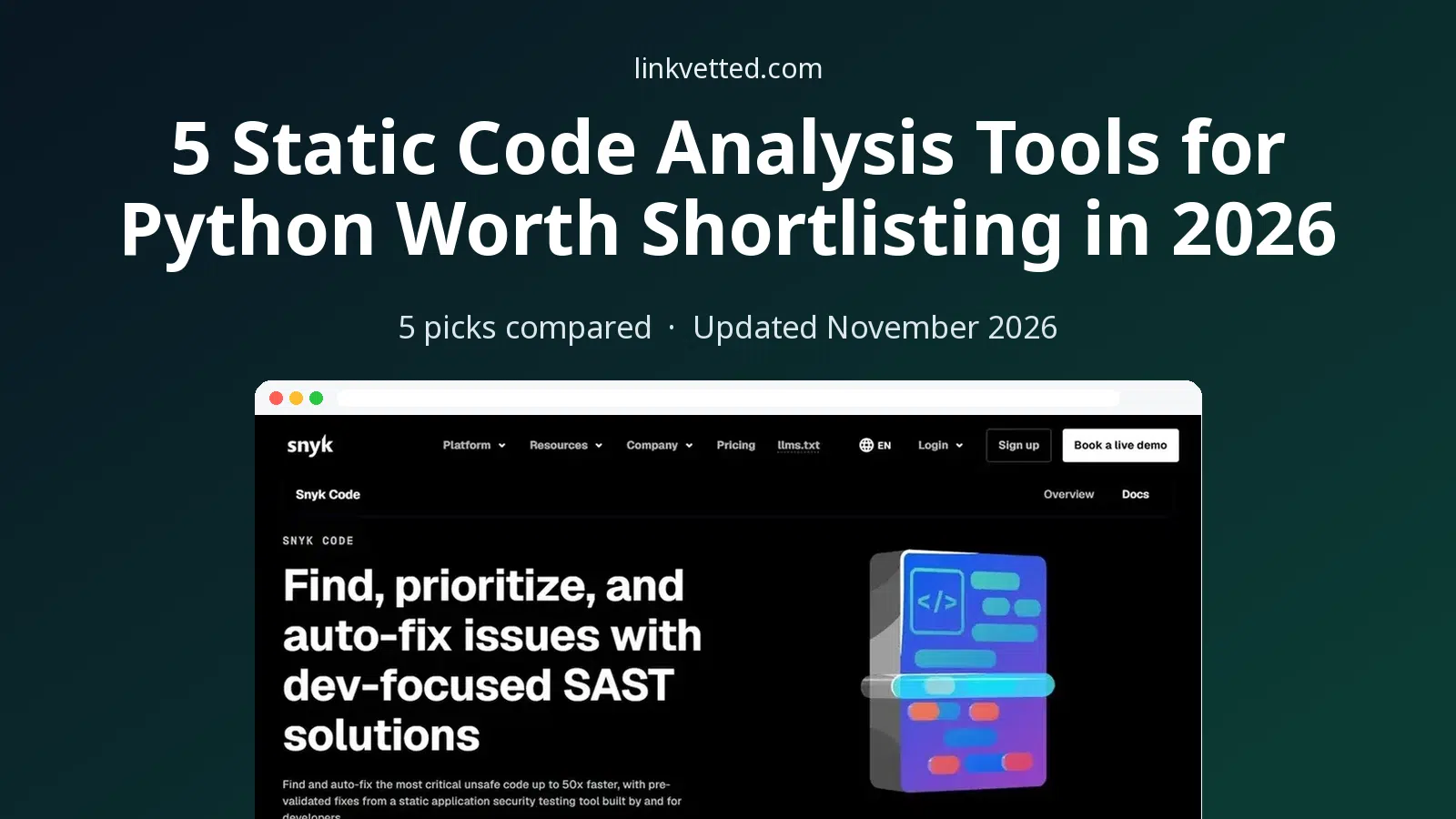
 Snyk Code
Quick SAST with auto-fix guidance
Starts at$25 a monthVisit snyk.ioFull review - Great alternative
 PyCharm
In-editor Python inspections
Starts atSee websiteVisit jetbrains.comFull review - Also consider
 Veracode
Application risk management programs
Starts atSee websiteVisit veracode.comFull review
Direct answer
Snyk Code is the first pick on this list for quick SAST with auto-fix guidance. Listed starting prices: Snyk Code from $25 a month. PyCharm fits in-editor Python inspections; Veracode fits application risk management programs. All 5 tools are compared below on price, free plan and limits.
TL;DR:
- Number one here is Snyk Code, a fit for fast SAST with auto-fix guidance.
- Snyk Code stands alone as the one tool in this list with a free plan.
- Checkmarx One fits unified application security testing.
- Starting prices begin at $25 per month with Snyk Code.
- What to know about SonarQube first: product setup layers on overhead.
Last checked November 2026. Prices and plan details were read from the vendors' own pages in November 2026; vendors change plans often, so confirm the current price on the vendor site before you buy.
Quick comparison
| Tool | Best for | Starts at | Free plan? | |
|---|---|---|---|---|
| Snyk Code | Quick SAST with auto-fix guidance | $25 a month | Yes | Visit |
| PyCharm | In-editor Python inspections | See website | Not stated | Visit |
| Veracode | Application risk management programs | See website | Not stated | Visit |
 SonarQube | Combined code quality and security | See website | Not stated | Visit |
 Checkmarx One | Unified application security testing | See website | Not stated | Visit |
5 options for static code analysis tools for python in detail
LinkVetted put together this guide to static code analysis tools for python for readers who want a clear shortlist without reading every vendor page. It compares 5 tools on starting price, free plans, who each one suits and where each one falls short.
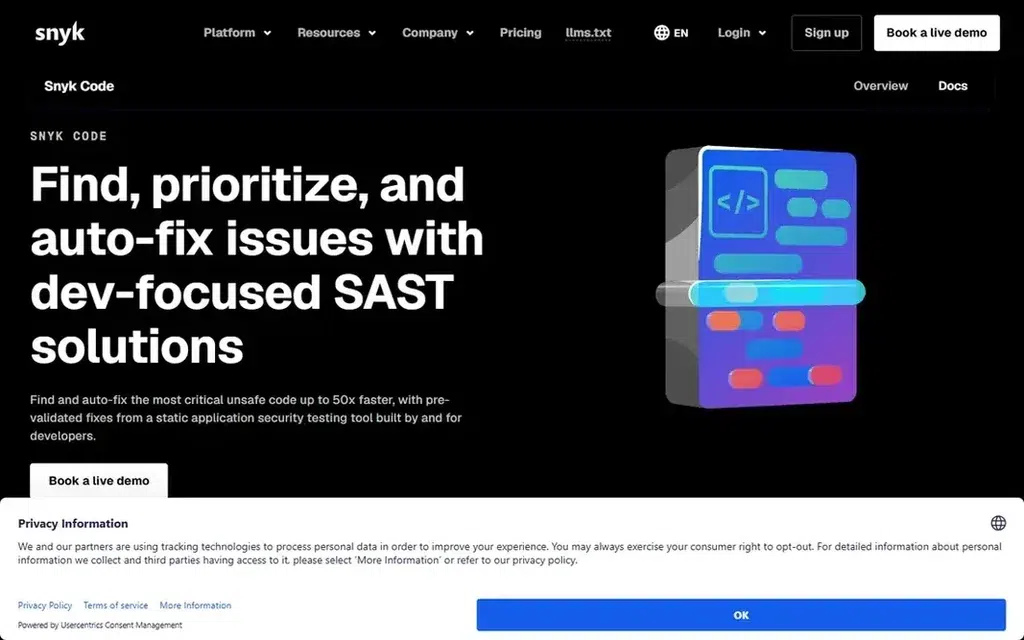
In short, Snyk Code is for quick SAST with auto-fix guidance. Groups running large application security programs with formal governance requirements may also weigh broader products alongside it.
Also, Snyk Code is Snyk's SAST code scanning tool, presented as a quick and comprehensive vulnerability scanner with auto-fixing capabilities. Its emphasis is security analysis, so teams wanting style, complexity and maintainability checks in the same view may need an extra quality tool. Snyk Code cost at the entry level: $25 per month. A free plan is available with Snyk Code.
Downsides: Security focus may miss style issues.
- Built around developer workflows
- SAST scanning centred on vulnerabilities
- Narrower than full quality systems
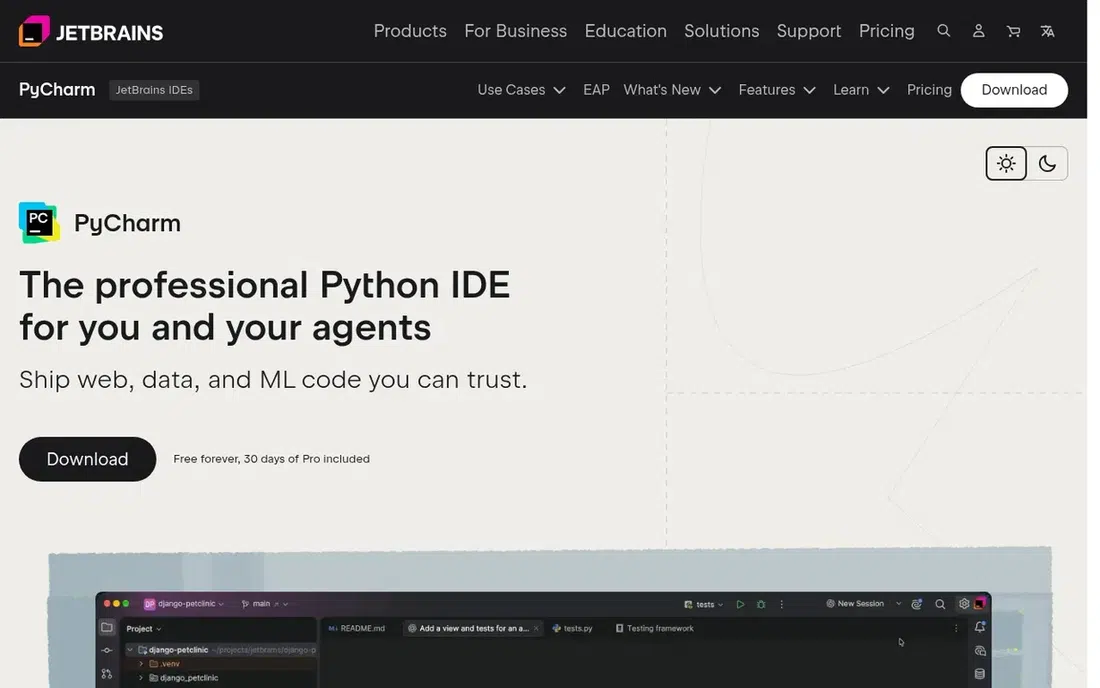
PyCharm was built for in-editor Python inspections. Its static analysis comes as code inspections built into the editing experience, so warnings about suspicious patterns and style issues appear as you type.
Honest limits: Editor-centric.
Worth adding: teams needing deep vulnerability management, policy enforcement or cross-language dashboards should pair it with a dedicated analysis service instead of depend on inspections alone. PyCharm shows no starting price here, so confirm the cost on the vendor site. On free options: Not stated.
What users get: data and ML workflows.
- Analysis appears whereas you write code
- Professional Python IDE with inspections
- Best value only for PyCharm users
For application risk management programs, Veracode is a natural candidate. The product orientation means onboarding and process work that small teams or individual developers seldom need.
Trade-offs to know: Overkill for small Python projects.
Projects that just want quick linting feedback should look at editor-based tools. Teams seeking lighter security scanning may prefer a developer-first SAST choice. Veracode does not show a starting price in this comparison, so check the vendor site for current pricing. As for free access: Not stated.
- Application risk management system
- Security testing for modern software
- Enterprise-oriented and process heavy
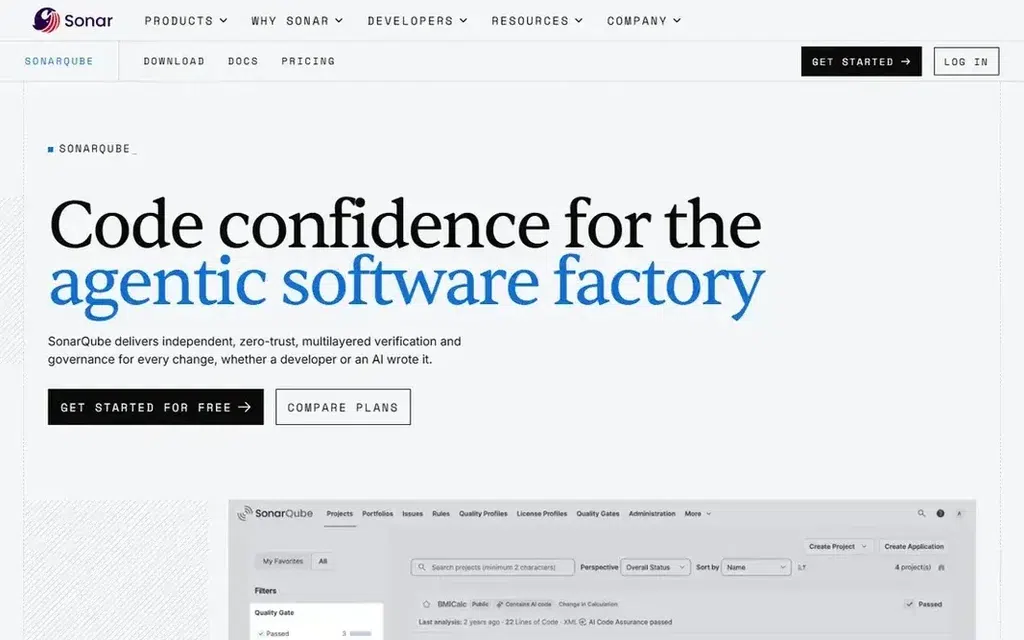
SonarQube is built with combined code quality and security in mind. SonarQube is a code quality, security and verification system from Sonar that positions itself around modern AI workflows and compliant code review.
On top of that, since it is a system instead of a light linter, expect configuration and maintenance effort that small scripts or solo projects may not justify. SonarQube shows no starting price here, so confirm the cost on the vendor site. Free access: Not stated.
Drawbacks to consider: System setup adds overhead.
- Central product for team-wide analysis
- Spans quality and security verification
- Heavier than editor-only tools
Choose Checkmarx One for unified application security testing. Checkmarx One is described as an agentic application security testing product that merges hybrid scanning, AI-powered agents and unified risk intelligence across attack surfaces.
As a wide system it carries configuration and operational complexity that light projects may find unnecessary. In daily use, for Python code it suits enterprises that want static analysis folded into a wider AppSec program spanning several languages and repositories. Pricing for Checkmarx One is not stated here, so ask the vendor for current figures. Free options: Not stated.
Downsides: Setup effort for smaller teams.
- Hybrid scanning across attack surfaces
- Unified risk intelligence
- Wide system complexity
What went into this list
A buyer's checklist
- Ask PyCharm, Veracode, SonarQube and Checkmarx One for a written quote, since no starting price is shown.
- Look at the free plan from Snyk Code closely: its caps decide whether it is usable for real work.
- Read the limits listed for Snyk Code first: narrower than full quality platforms.
- Look at the help docs and support options for SonarQube before you commit.
- Before rolling out Checkmarx One, verify the integrations your workflow depends on.
FAQ
What is the difference between a linter and a SAST system for Python?
Tools like PyCharm lean toward the editor experience, and systems for example SonarQube, Veracode or Checkmarx One lean toward organization-wide analysis. Plenty of teams use both kinds together.
Is Snyk Code the right pick for everyone comparing static code analysis tools for python?
No single tool suits every team. Snyk Code comes first because it fits fast SAST with auto-fix guidance, while PyCharm suits in-editor Python inspections and Veracode suits application risk management programs. Match the tool to your own size, budget and workflow before deciding.
What is the cheapest option for static code analysis tools for python in this list?
On published monthly entry prices, Snyk Code is the lowest here at $25 per month. Entry price is only part of the cost, because seats, add-ons and billing terms can change the total. For the full picture, the cards above cover all 5 entries of this static code analysis tools for Python list, including price, free plan and limits.
How should a small Python team choose a static analysis tool?
Small teams commonly start with editor-based inspections for example those in PyCharm, then add a scanning service when security reporting becomes a requirement. Developer-first choices like Snyk Code can fit teams that want vulnerability findings with fix guidance.
Can I try these tools before paying?
Often, yes. Snyk Code has a free plan. Use your own data and a real task during the test, and check what the free tier or trial limits before you rely on it.
Do static analysis tools replace manual code review?
No. Static analysis catches patterns that rules can describe, but design decisions, business logic and context still need human review. Pair automatic findings with regular peer review for the most solid results.
Sources
- https://snyk.io/product/snyk-code
- https://www.jetbrains.com/pycharm
- https://www.veracode.com
- https://www.sonarsource.com/products/sonarqube
- https://checkmarx.com