Best Video Compression Software for Web Developers in 2026: 6 Tools Compared
Best video compression software for web developers: 6 tools compared on price, free plans and fit. Each pick lists its main limit. Updated November 2026.
- Editor's choiceMux
API-driven video delivery
Starts at$20 per monthVisit mux.comFull review - Great alternativeAWS Elemental MediaConvert
Cloud transcoding at scale
Starts atSee websiteVisit aws.amazon.comFull review - Also consider
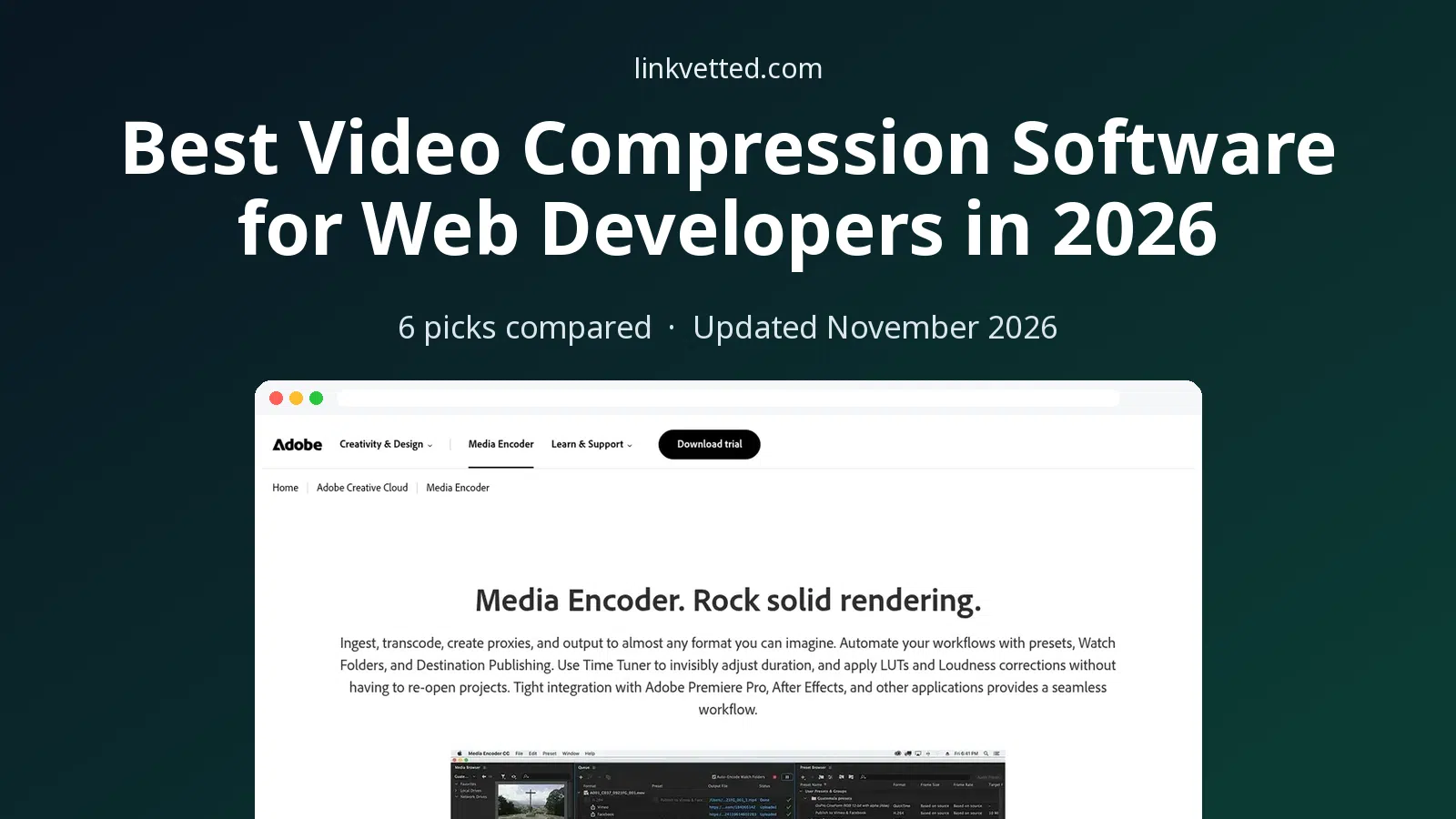
 Adobe Media Encoder
Creative Cloud encoding workflows
Starts atSee websiteVisit adobe.comFull review
Direct answer
This list puts Mux first for API-driven video delivery. Listed starting prices: Mux from $20 per month. If your case is different, AWS Elemental MediaConvert suits Cloud transcoding at scale and Adobe Media Encoder suits creative Cloud encoding workflows. Prices, free plans and limits for all 6 tools follow.
TL;DR:
- This list starts with Mux, which is built for API-driven video delivery.
- A free plan is available from 2 of the 6 tools: Mux, Vimeo.
- What to know about Adobe Media Encoder first: tied to Creative Cloud.
- FFmpeg is the one to check for scripted and automatic encoding.
Last checked November 2026. Prices and plan details were read from the vendors' own pages in November 2026; vendors change plans often, so confirm the current price on the vendor site before you buy.
Quick comparison
| Tool | Best for | Starts at | Free plan? | |
|---|---|---|---|---|
| Mux | API-driven video delivery | $20 per month | Yes | Visit |
| AWS Elemental MediaConvert | Cloud transcoding at scale | See website | Not stated | Visit |
| Adobe Media Encoder | Creative Cloud encoding workflows | See website | Not stated | Visit |
 HandBrake | Fast local desktop compression | See website | Not stated | Visit |
 Vimeo | Hosting and embedding compressed video | See website | Yes | Visit |
 FFmpeg | Scripted and automatic encoding | See website | Not stated | Visit |
The best video compression software for web developers
LinkVetted put together this guide to video compression software for web developers for readers who want a clear shortlist without reading every vendor page. It compares 6 tools on starting price, free plans, who each one suits and where each one falls short.
Mux
Best for: API-driven video delivery
For API-driven video delivery, Mux is a natural candidate. Mux gives you a video API that helps teams ship high-performance, economical video into websites, systems, and AI workflows.
Downsides: Less handy for offline encoding.
It is targeted at developers who want to integrate playback and processing through code instead of managing encoding infrastructure straight. In daily use, if you need full control over every encoding parameter on your own machines, a command-line tool is a better fit. Entry price for Mux: $20 per month. Free access exists with Mux.
- Video API made for developers
- Aims at quick integration
- Hosted service dependency
AWS Elemental MediaConvert
Best for: Cloud transcoding at scale
Think of AWS Elemental MediaConvert for Cloud transcoding at scale. Developers use it when compression jobs have to run in the cloud across plenty of outputs and formats without maintaining encoding servers.
More specifically, working with it assumes comfort in the AWS console and its job configuration model, which can feel heavy for straightforward one-off compressions. Check the vendor site for AWS Elemental MediaConvert pricing; none is listed in this comparison. Trial and free access: Not stated.
Downsides: Needs AWS familiarity.
- File-based cloud transcoding
- Aimed at multi-screen delivery
- Configuration can be involved
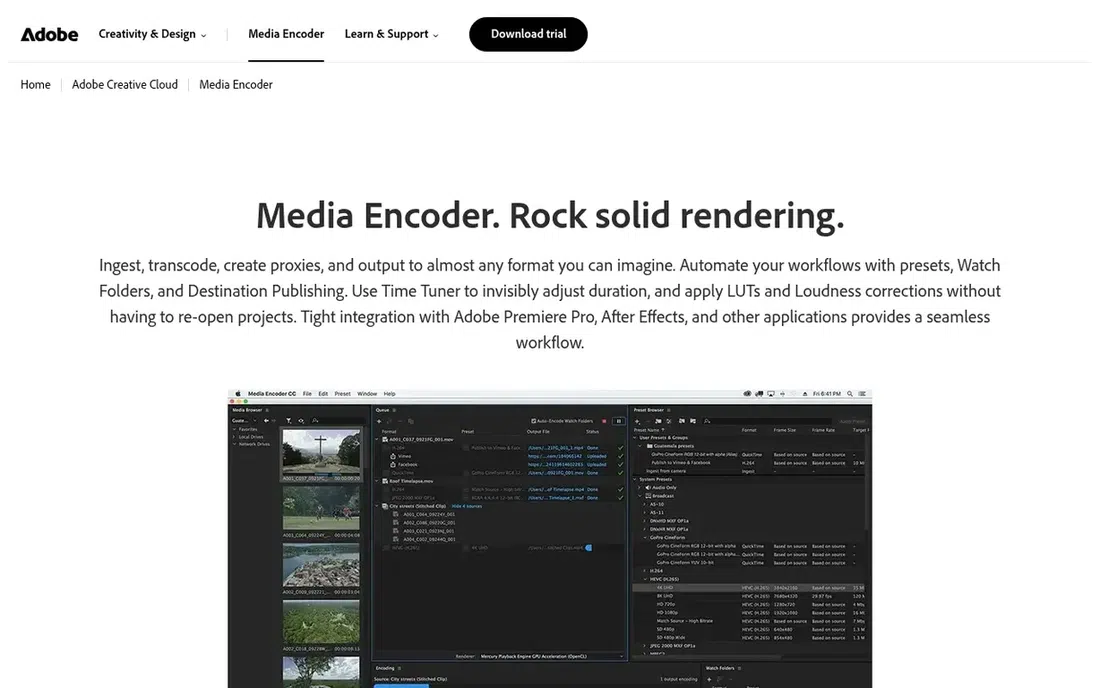
Adobe Media Encoder is designed for creative Cloud encoding workflows. Adobe Media Encoder builds optimized video for a set of screen sizes and resolutions, and it is available through Adobe Creative Cloud. If your compression needs to run inside code or CI, look to FFmpeg or a cloud transcoding service instead.
For developers working alongside designers or video editors, it keeps encoding close to the creative tools where source assets are produced. Its dependence on Creative Cloud makes it a poor fit for standalone or automatic server workflows, and it is not a developer API. Adobe Media Encoder shows no starting price here, so confirm the cost on the vendor site. Free options: Not stated.
Limits to weigh: Less suited to headless pipelines.
- Deals with format conversion
- Suits Adobe editing workflows
- Tied to Creative Cloud
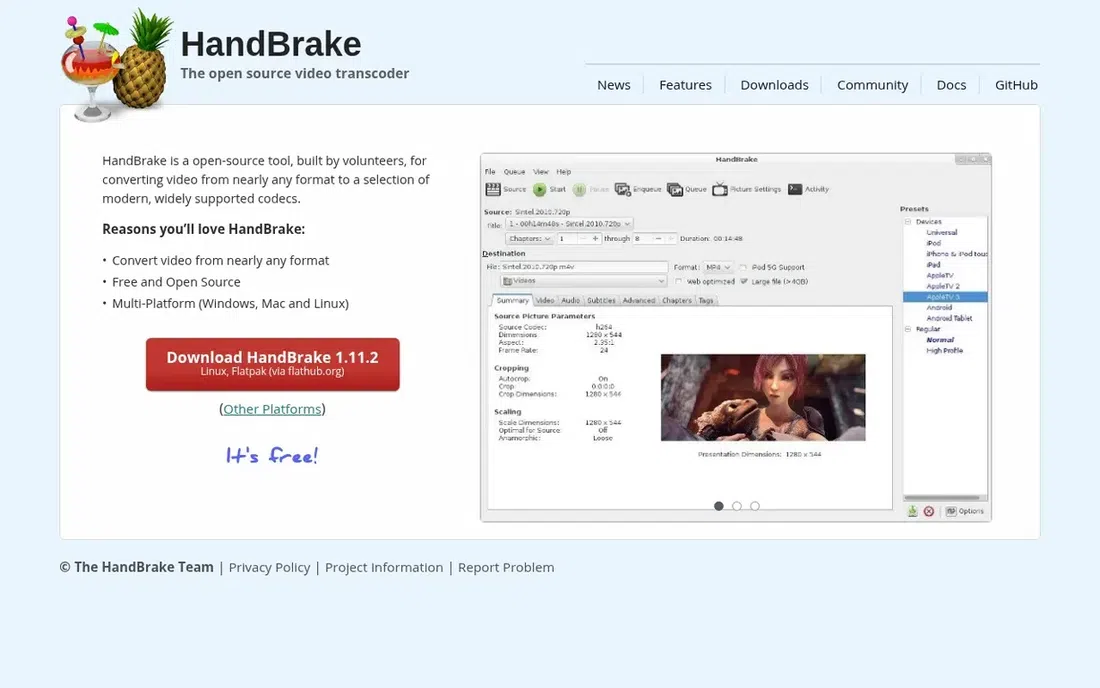
For fast local desktop compression, HandBrake is a natural candidate. Its preset-driven interface makes it approachable for developers who require to shrink a file before shipping it or check how a source looks at a lower bitrate.
Points against: Restricted batch pipeline control.
Worth adding: since HandBrake is desktop-focused, it is not designed for server-side or automatic batch pipelines, and repeatable jobs mean manual steps each time. For everyday use, if you need encoding triggered from code or integrated into a build, a command-line or cloud service will serve you better. This comparison lists no price for HandBrake; ask the vendor. Free options: Not stated.
- Multithreaded transcoding
- Straightforward preset-driven workflow
- No automation API
For hosting and embedding compressed video, Vimeo is a natural candidate. Vimeo is not a compression tool you run locally. It provides you little direct control over encoding parameters compared to FFmpeg or HandBrake.
Where it is weaker: Limited encoding control.
For web developers, its value is on the delivery side: you upload source video and embed playback instead of hand-tuning compression yourself. Vimeo is a video hosting and streaming product where creators publish and share films, shorts, and other content that streams in HD without ads. This comparison lists no price for Vimeo; ask the vendor. Vimeo has a free plan.
- No ads on the system
- Embeddable video pages
- Not a local encoder
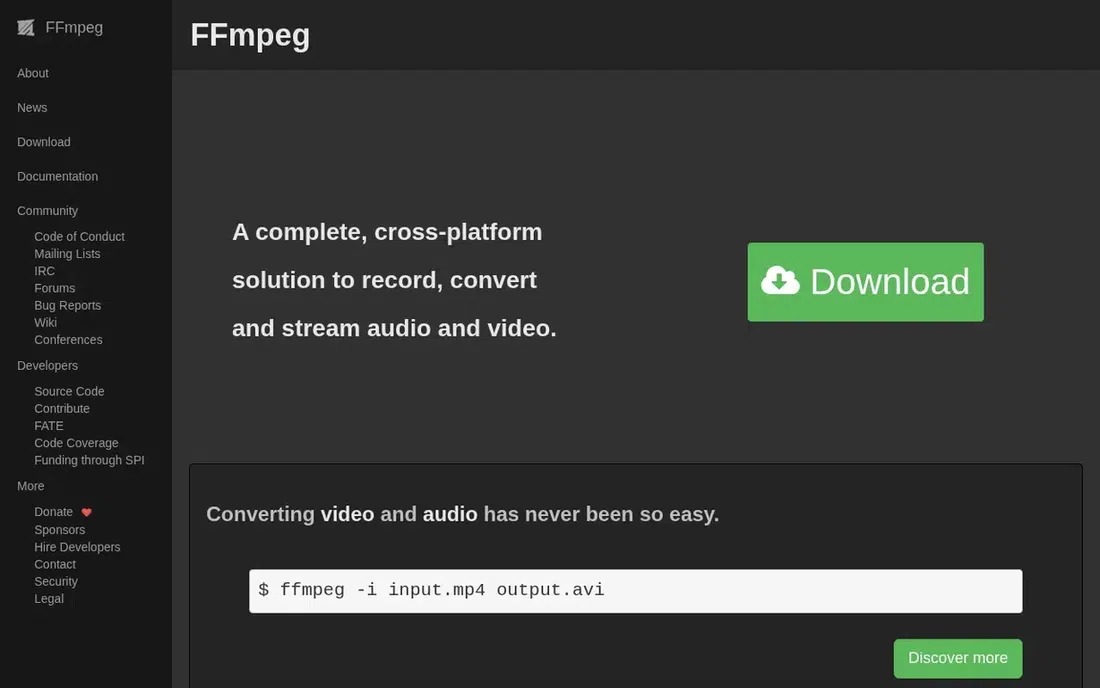
Choose FFmpeg for scripted and automatic encoding. If you want managed infrastructure and analytics, pair it with a product service or choose one instead. From a buyer's view, the tradeoff is complexity: choices are numerous and documentation assumes familiarity, so newcomers can stumble.
The main drawbacks: Steep ramp-up time.
Teams that require repeatable, versionable encoding steps tend to reach for it first. On top of that, FFmpeg is a widely known open multimedia framework that developers drive from the command line to transcode and compress video. This comparison lists no price for FFmpeg; ask the vendor. Free access: Not stated.
- Simple to script and repeat
- Widely used open toolkit
- No graphical interface
Our selection method
We compared the tools on published pricing, free plan or trial availability, feature coverage for video compression software for web developers, and the limits each vendor documents. Where a price is missing, the vendor does not list one publicly or ties it to a quote. Always confirm before budgeting. Order on the page follows fit for the typical buyer first, then price transparency and free access. Your own requirements should decide the final pick.
What to confirm before you sign up
- Ask AWS Elemental MediaConvert, Adobe Media Encoder, HandBrake and others for a written quote, since no starting price is shown.
- Read the fine print on the free plans from Mux and Vimeo; seat, project and feature caps differ.
- Before choosing Mux, weigh its main limit: hosted service dependency.
- Confirm minimum seats and billing terms with Mux before you commit to an annual plan.
- Check how data leaves Adobe Media Encoder: formats, limits and whether exports are available on every plan.
FAQ
How are the tools for video compression software for web developers ordered?
The order follows typical fit for video compression software for web developers, with Mux first and FFmpeg last, then price clarity and free access. It is editorial judgement, not a score, so another team could rank the tools differently.
What is the cheapest option for video compression software for web developers in this list?
On published monthly entry prices, Mux is the lowest here at $20 per month. Entry price is only part of the cost, because seats, add-ons and billing terms can change the total. All 6 picks in this video Compression software for web developers comparison list a starting price, free plan details and the main limits on their cards above.
Which options for video compression software for web developers have a free plan?
Mux and Vimeo offer a free plan in this list. Free plans usually cap users, projects or features, so check the limits on the vendor page.
Do I need a hosting system plus an encoder?
Not necessarily, but systems like Vimeo and Mux manage delivery and playback on top of processing. Choose a system when you want managed streaming and embedding.
Is Mux the right pick for everyone comparing video compression software for web developers?
No single tool suits every team. Mux comes first because it fits API-driven video delivery, while AWS Elemental MediaConvert suits Cloud transcoding at scale and Adobe Media Encoder suits creative Cloud encoding workflows. Match the tool to your own size, budget and workflow before deciding.
Sources
- https://www.mux.com
- https://aws.amazon.com/mediaconvert
- https://www.adobe.com/products/media-encoder.html
- https://handbrake.fr
- https://vimeo.com
- https://ffmpeg.org