Top 5 Desktop Virtualization Software for 2026 (Prices and Free Plans)
Searching for the best desktop virtualization software? Here are 5 options with prices and free plans. Plus the drawbacks of each tool. Pick by budget.
- Editor's choiceMicrosoft Remote Desktop Services
Session-based Windows desktop delivery
Starts atPricing on requestVisit learn.microsoft.comFull review - Great alternativeProxmox Virtual Environment
Open-source server virtualization management
Starts atPricing on requestVisit proxmox.comFull review - Also considerOracle VirtualBox
Local desktop virtualization on any OS
Starts atPricing on requestVisit virtualbox.orgFull review
Direct answer
Microsoft Remote Desktop Services is the first pick on this list for session-based Windows desktop delivery. Proxmox Virtual Environment fits open-source server virtualization management; Oracle VirtualBox fits local desktop virtualization on any OS. Free plan facts and limits for all 5 tools follow. None of these vendors publish plan prices, so pricing is on request for every option.
TL;DR:
- This list starts with Microsoft Remote Desktop Services, which is built for session-based Windows desktop delivery.
- Pricing across the list, from Microsoft Remote Desktop Services to Citrix DaaS, is by quote only.
- A fair warning about Microsoft Remote Desktop Services: needs Windows Server expertise.
- Citrix DaaS fits cloud and hybrid virtual apps and desktops.
- Microsoft Remote Desktop Services, Citrix DaaS and the 3 others all need a premium plan or a trial, since no free plan is listed.
Last checked November 2026. Pricing on request: vendors did not publish plan prices when this guide was last checked (November 2026), so ask each vendor for a written quote.
Quick comparison
| Tool | Best for | Starts at | Free plan? | |
|---|---|---|---|---|
| Microsoft Remote Desktop Services | Session-based Windows desktop delivery | Pricing on request | Not stated | Visit |
| Proxmox Virtual Environment | Open-source server virtualization management | Pricing on request | Not stated | Visit |
| Oracle VirtualBox | Local desktop virtualization on any OS | Pricing on request | Not stated | Visit |
 Microsoft Hyper-V | Windows-native virtualization for admins | Pricing on request | Not stated | Visit |
 Citrix DaaS | Cloud and hybrid virtual apps and desktops | Pricing on request | Not stated | Visit |
Every option for desktop virtualization software explained
Short on time? The summary and table above give the quick view of 5 tools for desktop virtualization software, and the profiles that follow give the detail behind each entry.
Microsoft Remote Desktop Services
Best for: Session-based Windows desktop delivery
Pick Microsoft Remote Desktop Services if this describes you: session-based Windows desktop delivery. Microsoft Remote Desktop Services is a Windows Server role that provides an overview of remote desktop and application delivery. It is a natural fit for Microsoft-centric IT teams already managing Windows Server infrastructure.
Honest limits: Session model differs from true VDI.
Teams that require per-user virtual machines or multi-cloud desktop management may prefer a dedicated VDI or DaaS product. RDS is session-based instead of a full virtual desktop infrastructure product, and it relies on Windows Server licensing and administration. No starting price is listed for Microsoft Remote Desktop Services here; confirm pricing on the vendor site. On free options: Not stated.
- Fits Microsoft-centric estates
- Provides remote desktops and apps
- Requires Windows Server expertise
Proxmox Virtual Environment
Best for: Open-source server virtualization management
Choose Proxmox Virtual Environment for open-source server virtualization management. Proxmox Virtual Environment is an open-source server virtualization management system. It is typical in labs, small datacenters and self-hosted environments.
Limits to weigh: Requires Linux administration skills.
Proxmox VE is built around server virtualization, so it is not a turnkey virtual desktop service for end users. Administrators comfortable with Linux will find it a practical way to run mixed workloads. Check the vendor site for Proxmox Virtual Environment pricing; none is listed in this comparison. As for free access: Not stated.
- Central management of virtual machines
- Open-source system
- Server-focused instead of desktop-first
Oracle VirtualBox
Best for: Local desktop virtualization on any OS
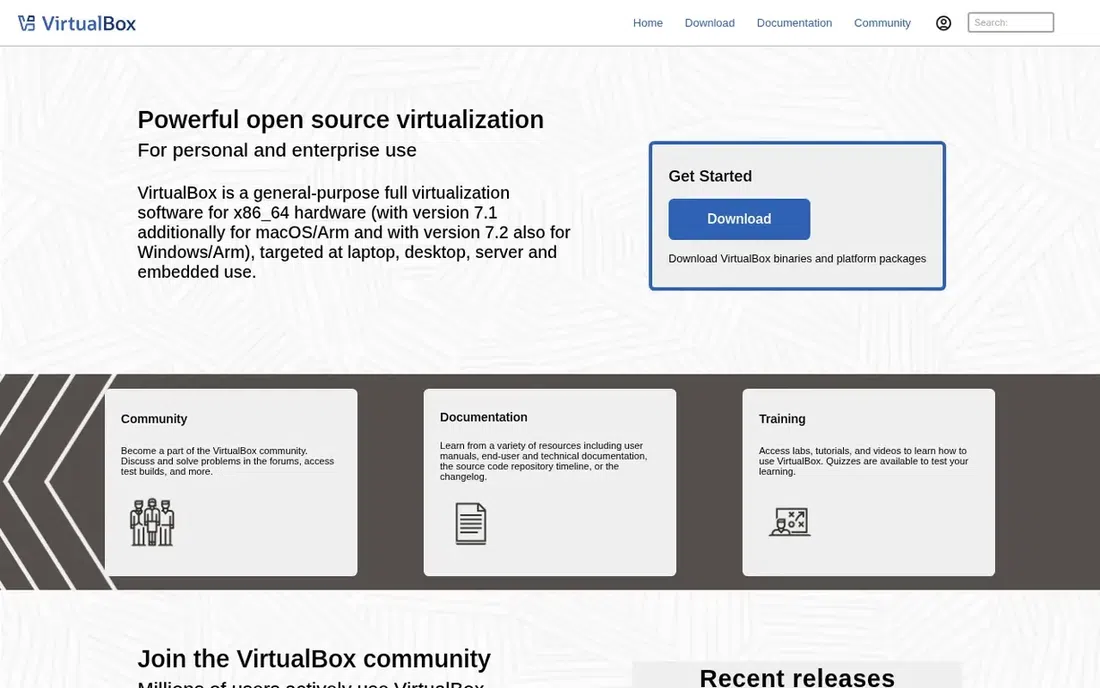
Oracle VirtualBox serves local desktop virtualization on any OS. Oracle VirtualBox is a general-purpose hypervisor for running virtual machines on a desktop or laptop. It is widely used by developers, IT staff and students who require to test operating systems or isolate workloads without dedicated hardware.
As for the details, pick it when you need a single-machine hypervisor. Choose a server or DaaS product when desktops must be delivered to plenty of users. VirtualBox is built for local use instead of centralized virtual desktop delivery. So it lacks the brokering and management layers of enterprise VDI systems. Oracle VirtualBox shows no starting price here, so confirm the cost on the vendor site. Free options: Not stated.
Where it is weaker: Performance relies on host hardware.
- Cross-platform host support
- Runs numerous guest operating systems
- Not aimed at large VDI fleets
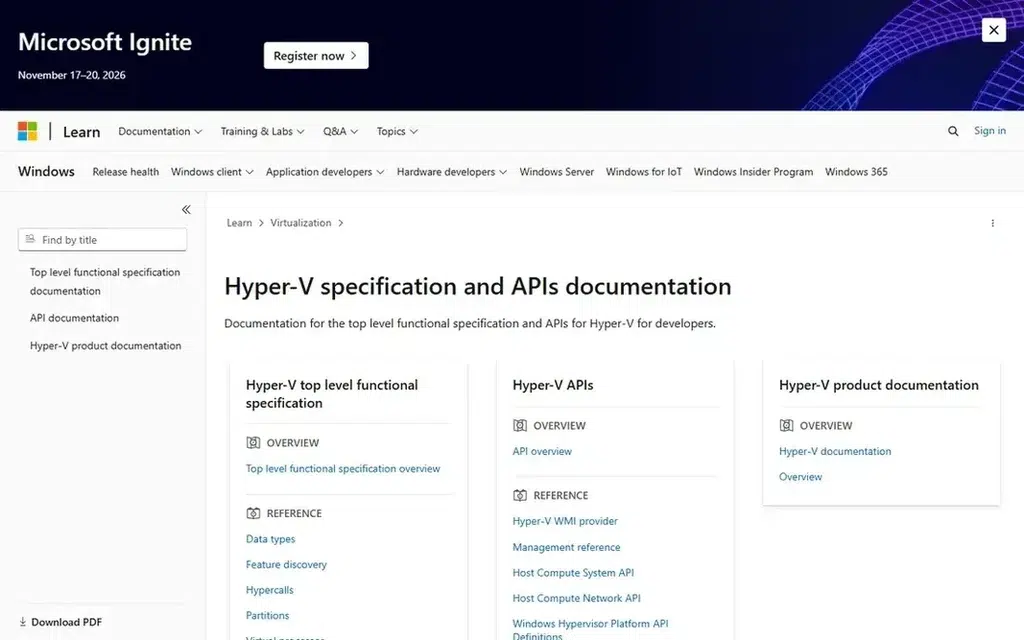
Microsoft Hyper-V makes the most sense for Windows-native virtualization for admins. It suits organizations already standardized on Microsoft infrastructure that want to run virtual machines close to their existing management tools.
Downsides: Less suited to non-Windows hosts.
Check the vendor site for Microsoft Hyper-V pricing; none is listed in this comparison. On free options: Not stated.
- Supports virtual machines and networking
- Integrated with Windows
- Management depth varies by edition
Citrix DaaS serves cloud and hybrid virtual apps and desktops. It suits bigger organizations that require secure, managed desktop delivery to numerous users and want to run workloads across on-premises and cloud infrastructure.
The main drawbacks: Requires planning across environments.
From a buyer's view, Citrix DaaS is an enterprise system, so setup and continuing administration involve more moving parts than a local hypervisor. Citrix DaaS shows no starting price here, so confirm the cost on the vendor site. Free options: Not stated.
- Emphasizes security and workload management
- Provides virtual apps and desktops
- Enterprise-scale complexity
How we compared the tools
Selection started from tools commonly considered for desktop virtualization software, then narrowed to 5 that have clear pricing information or a clear quote process. Prices and plan limits come from vendor pages and can change, so confirm them on the vendor site before you buy. The ranking is editorial: typical fit first, then clear pricing, then free access. If your needs are unusual, read the profiles rather than relying on position.
Pre-purchase checklist
- Request quotes from Microsoft Remote Desktop Services, Citrix DaaS and the others; the list shows no fixed prices.
- Before choosing Microsoft Remote Desktop Services, weigh its main limit: needs Windows Server expertise.
- Confirm that Microsoft Hyper-V connects to the apps your team already uses, on the plan you would actually buy.
- Pick one real project and run it in Microsoft Remote Desktop Services first; a small pilot shows fit faster than a checklist.
- Check whether the features you need in Oracle VirtualBox sit on the entry plan or only on higher tiers.
FAQ
Can I try these options before paying?
Not by default. None of the tools, from Microsoft Remote Desktop Services to Citrix DaaS, lists a free plan or a free trial here, so ask each vendor for a demo before committing.
Do these tools publish their prices?
No. None of the tools, from Microsoft Remote Desktop Services to Citrix DaaS, shows a fixed starting price here, so budget time for quotes.
How are the tools for desktop virtualization software ordered?
Microsoft Remote Desktop Services sits first and Citrix DaaS last because the order follows typical fit for desktop virtualization software, then price clarity and free access. It is a judgement call, so read each profile for fit and limits.
Is Microsoft Remote Desktop Services the right pick for everyone comparing desktop virtualization software?
No single tool suits every team. Microsoft Remote Desktop Services comes first because it fits session-based Windows desktop delivery, while Proxmox Virtual Environment suits open-source server virtualization management and Oracle VirtualBox suits local desktop virtualization on any OS. Match the tool to your own size, budget and workflow before deciding.
Can I use open-source tools for desktop virtualization?
Oracle VirtualBox is a free general-purpose hypervisor for local use, and Proxmox Virtual Environment is an open-source server virtualization management system. Both can host virtual machines, though neither is a full enterprise VDI service.
Sources
- https://learn.microsoft.com/en-us/windows-server/remote/remote-desktop-services/welcome-to-rds
- https://www.proxmox.com/en/proxmox-virtual-environment/overview
- https://www.virtualbox.org
- https://learn.microsoft.com/en-us/virtualization/hyper-v-on-Windows
- https://www.citrix.com/products/citrix-daas