Best Server Virtualization Software for Remote Teams in 2026: Prices, Free Plans and 5 Picks
Best server virtualization software for remote teams in 2026: 5 contenders with entry costs and free tiers. Caveats come with every verdict. Start here.
- Editor's choiceHuawei FusionCompute
Huawei infrastructure and cloud environments
Starts atSee websiteVisit e.huawei.comFull review - Great alternative
 Microsoft Hyper-V
Windows-centric environments and integration
Starts atSee websiteVisit learn.microsoft.comFull review - Also considerVMware vSphere
Enterprise-grade virtualization with security and compliance
Starts atSee websiteVisit vmware.comFull review
Direct answer
Huawei FusionCompute leads the list, best for Huawei infrastructure and cloud environments. Listed starting prices: Proxmox VE from €190 per year per host. Microsoft Hyper-V is the stronger choice for Windows-centric environments and integration, while VMware vSphere suits enterprise-grade virtualization with security and compliance. All 5 tools are compared below on price, free plan and limits.
TL;DR:
- Top of the list is Huawei FusionCompute, which targets Huawei infrastructure and cloud environments.
- For open-source virtualization with management features, Proxmox VE is worth a look.
- No starting price is published for Huawei FusionCompute, Microsoft Hyper-V, VMware vSphere and Oracle VM Server for x86; expect a quote.
- Check the limits for Oracle VM Server for x86 before you commit: restricted ecosystem outside Oracle.
- A permanent free plan is missing from all 5 tools, Huawei FusionCompute and Proxmox VE included; plan for a trial or a premium start.
Last checked November 2026. Prices and plan details were read from the vendors' own pages in November 2026; vendors change plans often, so confirm the current price on the vendor site before you buy.
Quick comparison
| Tool | Best for | Starts at | Free plan? | |
|---|---|---|---|---|
| Huawei FusionCompute | Huawei infrastructure and cloud environments | See website | Not stated | Visit |
| Microsoft Hyper-V | Windows-centric environments and integration | See website | Not stated | Visit |
| VMware vSphere | Enterprise-grade virtualization with security and compliance | See website | Not stated | Visit |
| Oracle VM Server for x86 | Oracle-centric environments | See website | Not stated | Visit |
 Proxmox VE | Open-source virtualization with management features | €190 per year per host | No | Visit |
5 server virtualization software for remote teams in detail
LinkVetted compared 5 server virtualization software for remote teams. The goal is a practical shortlist: published prices, free plan facts, best-fit use cases and honest limits for every entry.
Huawei FusionCompute
Best for: Huawei infrastructure and cloud environments
Huawei FusionCompute is aimed squarely at Huawei infrastructure and cloud environments. Huawei FusionCompute is a virtualization product from Huawei that offers computing virtualization and management for cloud data centers. It is built to work smoothly with Huawei's cloud infrastructure, offering centralized management and resource optimization.
Watch-outs: Documentation may be less accessible in some regions.
Also, consider alternatives if you need a system with broader global support and interoperability. Worth adding: FusionCompute is tightly aligned with Huawei's ecosystem, which may limit its appeal for organizations using other vendors. No starting price is listed for Huawei FusionCompute here; confirm pricing on the vendor site. Free options: Not stated.
- Centralized management
- Supports virtualized and containerized workloads
- Restricted presence outside Huawei ecosystem
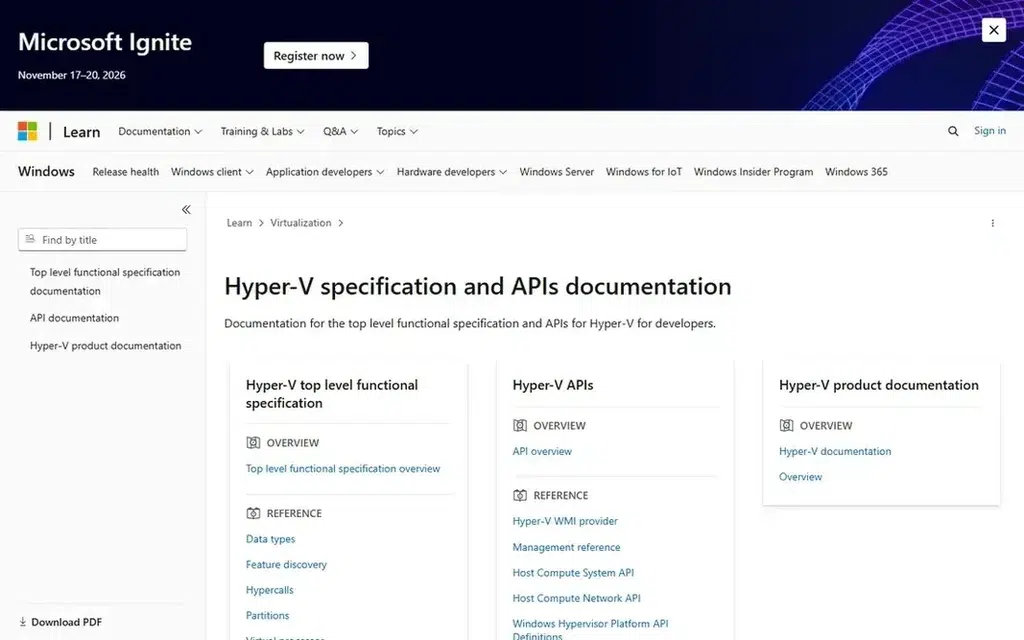
Microsoft Hyper-V is designed for Windows-centric environments and integration. Microsoft Hyper-V is a virtualization technology built into Windows Server and Windows, enabling teams to run virtual machines. It is a strong match for organizations already using Microsoft infrastructure, as it uses familiar tools and connects with Active Directory and System Center.
For everyday use, remote teams can handle VMs through standard Windows interfaces. From a buyer's view, consider other choices if you need extensive cross-platform support. Worth adding: some advanced features, like live migration, need configuration and may need extra Microsoft tooling. As for the details, Hyper-V may not be the best fit for Linux-heavy environments or teams seeking a hypervisor-agnostic system. Check the vendor site for Microsoft Hyper-V pricing; none is listed in this comparison. Trial and free access: Not stated.
Where it is weaker: Restricted support for non-Windows environments. Best features of Microsoft Hyper-V: Supports mixed guest operating systems.
- Deep integration with Windows Server
- Familiar management tools for Windows admins
- Advanced features need extra setup
VMware vSphere
Best for: Enterprise-grade virtualization with security and compliance
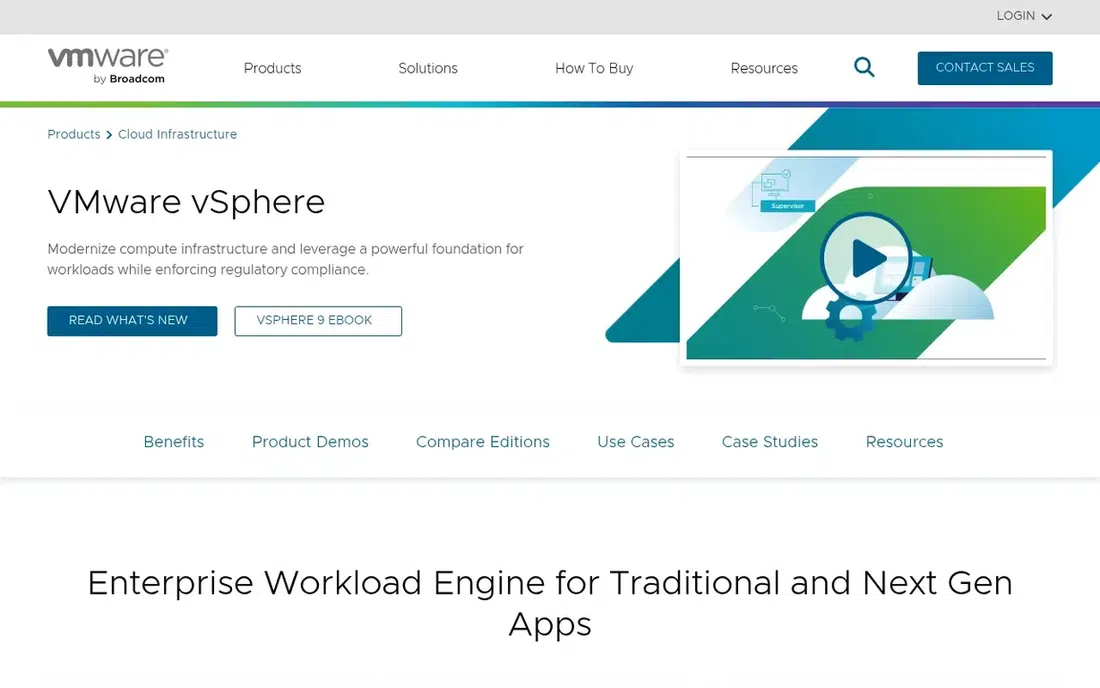
VMware vSphere serves enterprise-grade virtualization with security and compliance. vSphere can be complicated to deploy and handle, frequently requiring dedicated staff.
Consider alternatives if you need a more straightforward or open-source option. Pricing for VMware vSphere is not stated here, so ask the vendor for current figures. Trial and free access: Not stated.
Watch-outs: Needs specialized expertise.
- Scalable for large deployments
- Mature ecosystem and wide vendor support
- Complicated setup and management
Oracle VM Server for x86
Best for: Oracle-centric environments
In short, Oracle VM Server for x86 is for Oracle-centric environments. Oracle VM Server for x86 is a virtualization option from Oracle, built to run virtual machines on x86 hardware. It is especially suited for organizations running Oracle applications and databases, as it can be optimized for those workloads.
This system has a narrower focus compared with general-purpose hypervisors, and its ecosystem is smaller. Beyond that, consider broader alternatives if you are not heavily invested in Oracle. Oracle VM Server for x86 does not show a starting price in this comparison, so check the vendor site for current pricing. Trial and free access: Not stated.
What to check first: Restricted ecosystem outside Oracle.
- Supports x86 virtualization
- Integrated with Oracle management tools
- Less community support
Proxmox VE is built with open-source virtualization with management features in mind. Proxmox VE is an open-source server virtualization management product that merges KVM and LXC to run virtual machines and containers. It appeals to remote teams looking for an economical, adaptable option with a web-based interface and clustering capabilities.
Where it is weaker: Needs Linux expertise.
Proxmox VE may lack some advanced enterprise features and formal support found in commercial products. It needs Linux administration skills, which can be a barrier for teams without in-house expertise. On top of that, consider commercial alternatives if you need vendor-backed support. What you pay to start with Proxmox VE: €190 per year per host. Proxmox VE has no free tier.
- Open-source and community-driven
- Integrated management for VMs and containers
- Support choices are restricted compared with commercial vendors
How we compared the tools
Pricing pages, product documentation and feature lists were the main sources, and every entry carries at least one honest drawback. Where a price is missing, the vendor does not list one publicly or ties it to a quote. Always confirm before budgeting. The order reflects how well each tool fits the most common buying scenario for server virtualization software for remote teams, then price clarity, then free plan access. It is a starting point, not a verdict.
Pre-purchase checklist
- Ask Huawei FusionCompute, Microsoft Hyper-V, VMware vSphere and Oracle VM Server for x86 for a written quote, since no starting price is shown.
- Read the limits listed for Huawei FusionCompute first: restricted presence outside Huawei ecosystem.
- Ask the daily users to test Proxmox VE on a live task before you roll it out to everyone.
- Work out what VMware vSphere costs with your real seat count, add-ons and usage, not just the entry price.
- Ask Microsoft Hyper-V whether prices are locked for the first term and what happens at renewal.
FAQ
Is Huawei FusionCompute the right pick for everyone comparing server virtualization software for remote teams?
No single tool suits every team. Huawei FusionCompute comes first because it fits Huawei infrastructure and cloud environments, while Microsoft Hyper-V suits Windows-centric environments and integration and VMware vSphere suits enterprise-grade virtualization with security and compliance. Match the tool to your own size, budget and workflow before deciding.
Does any tool for server virtualization software for remote teams here have a free plan?
A permanent free plan is not offered by Huawei FusionCompute, Proxmox VE or the other tools here. Plan a short evaluation period instead.
Can I try these tools before paying?
Not by default. None of the tools, from Huawei FusionCompute to Proxmox VE, lists a free plan or a free trial here, so ask each vendor for a demo before committing.
What should remote teams look for in server virtualization software?
Remote teams should prioritize centralized management, secure remote access, and scalability. Integration with existing tools and support for distributed workloads are also important.
How are the tools for server virtualization software for remote teams ordered?
The order follows typical fit for server virtualization software for remote teams, with Huawei FusionCompute first and Proxmox VE last, then price clarity and free access. It is editorial judgement, not a score, so another team could rank the tools differently.
Sources
- https://e.huawei.com/en/products/cloud-computing-dc/cloud-computing/fusioncompute
- https://learn.microsoft.com/en-us/windows-server/virtualization/hyper-v/hyper-v-overview
- https://www.vmware.com/products/vsphere.html
- https://www.oracle.com/virtualization/vm-server-for-x86
- https://www.proxmox.com/en/proxmox-ve