Best Serverless Cloud Platform in 2026: 9 Platforms Compared
Looking for the best serverless cloud platform? We compare 9 real options on pricing, cold starts, languages, and limits to help you pick wisely for your team.
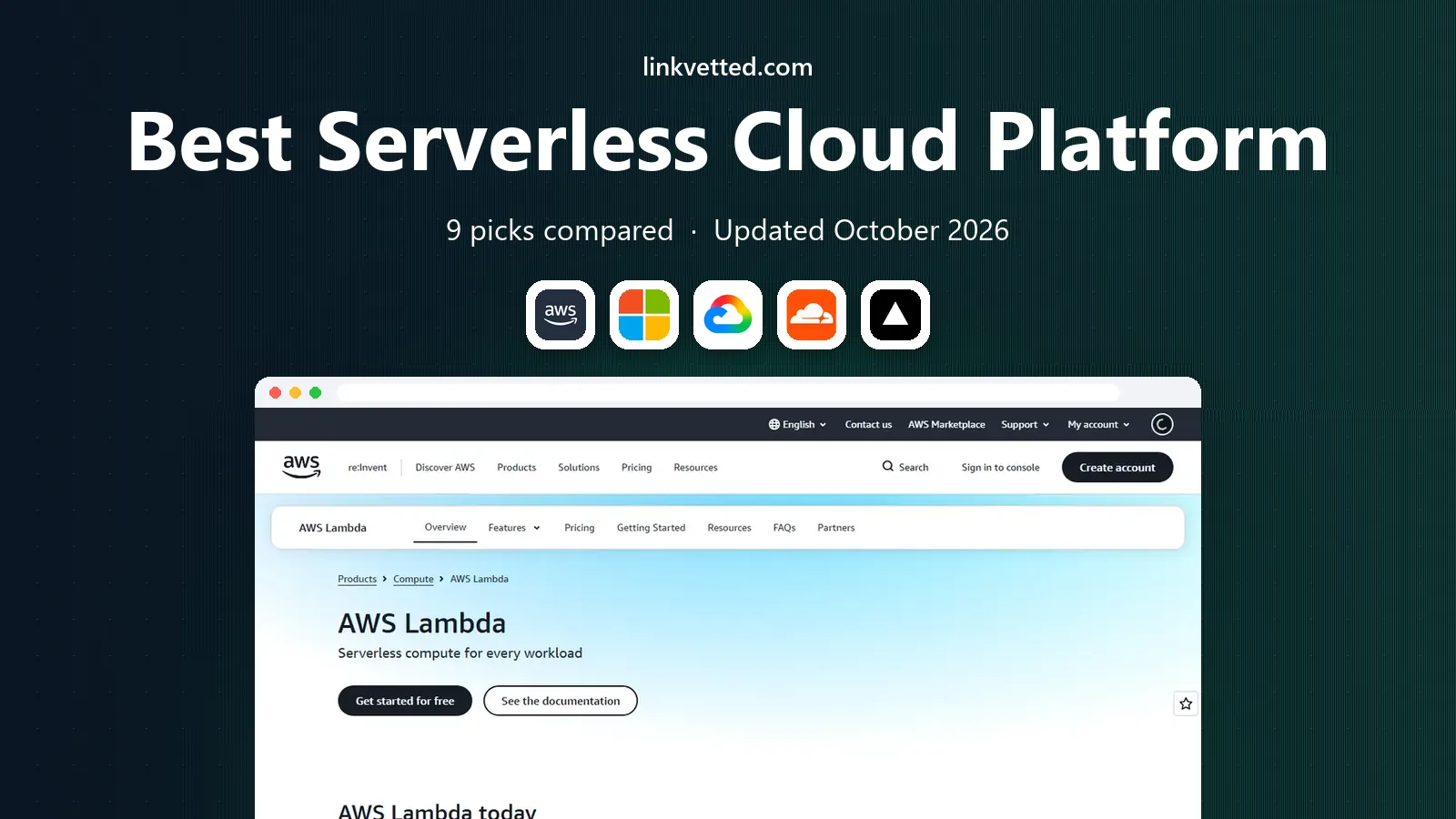
- Editor's choice
 AWS Lambda
Largest ecosystem
Starts atPay as you goVisit aws.amazon.comFull review - Great alternative
 Azure Functions
Microsoft shops
Starts atPay as you goVisit azure.microsoft.comFull review - Also consider
 Google Cloud Functions
Google Cloud teams
Starts atPay as you goVisit cloud.google.comFull review
TL;DR:
- AWS Lambda is our pick for most teams because it pairs a huge service catalog with a free tier of 1 million requests a month.
- Cloudflare Workers is the strongest choice when low latency around the world matters, with a paid plan starting at $5 a month.
- Google Cloud Functions and Azure Functions make the most sense if your team already runs on Google Cloud or Azure.
- Watch timeouts, cold starts, and egress fees before you commit, since those three costs shape real bills more than the headline request price.
- Small projects can start free on several platforms here, but set a billing alert on day one.
Quick comparison
| Tool | Best for | Starts at | Free plan? | |
|---|---|---|---|---|
| AWS Lambda | Largest ecosystem | Pay as you go | Yes | Visit |
| Azure Functions | Microsoft shops | Pay as you go | Yes | Visit |
| Google Cloud Functions | Google Cloud teams | Pay as you go | Yes | Visit |
 Cloudflare Workers | Global low latency | $5 per month | Yes | Visit |
 Vercel Functions | Frontend teams | $20 per month | Yes | Visit |
 Netlify Functions | Simple web projects | $19 per month | Yes | Visit |
 Supabase Edge Functions | Postgres apps | $25 per month | Yes | Visit |
 Firebase Cloud Functions | Mobile and web apps | Pay as you go | Yes | Visit |
 DigitalOcean Functions | Simple predictable pricing | Pay as you go | Yes | Visit |
The best serverless cloud platforms
Serverless means you write code and the provider runs it, scales it, and bills you for use. We compared official pricing pages, language support, limits, and public docs to pick these nine.
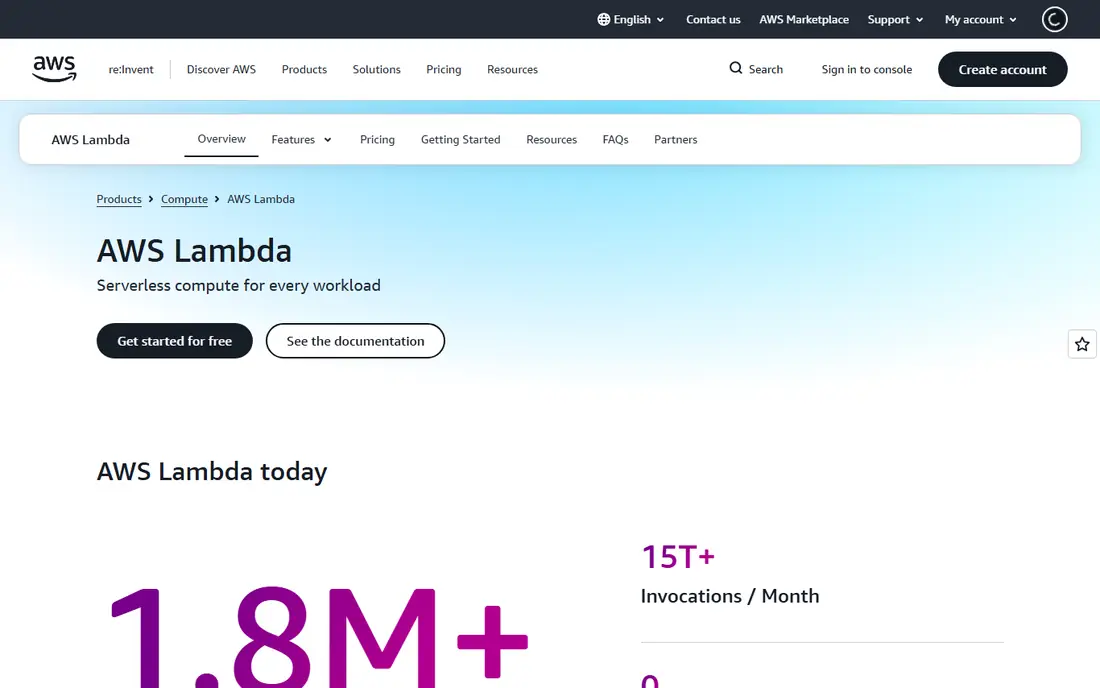
Lambda is the default choice for a reason. It connects to nearly every other AWS service, from S3 storage to DynamoDB databases and API Gateway, so most backend jobs can be built without extra glue code. It supports Python, Node.js, Java, Go, .NET, Ruby, and container images, and functions can run for up to 15 minutes. The free tier covers 1 million requests and 400,000 GB-seconds a month, which is plenty for a side project or a small API.
The catch is cost control. Lambda bills per request and per GB-second, and a runaway loop or a noisy log pipeline can raise a bill quickly. We suggest setting a billing alarm before you launch anything public, and testing memory settings, since more memory also means more CPU and often a shorter run time. If your team already uses AWS, Lambda is hard to beat.
- Huge service catalog
- 1 million free requests a month
- Supports many languages and containers
- Bills can grow fast without alerts
- Cold starts vary by language and memory setting
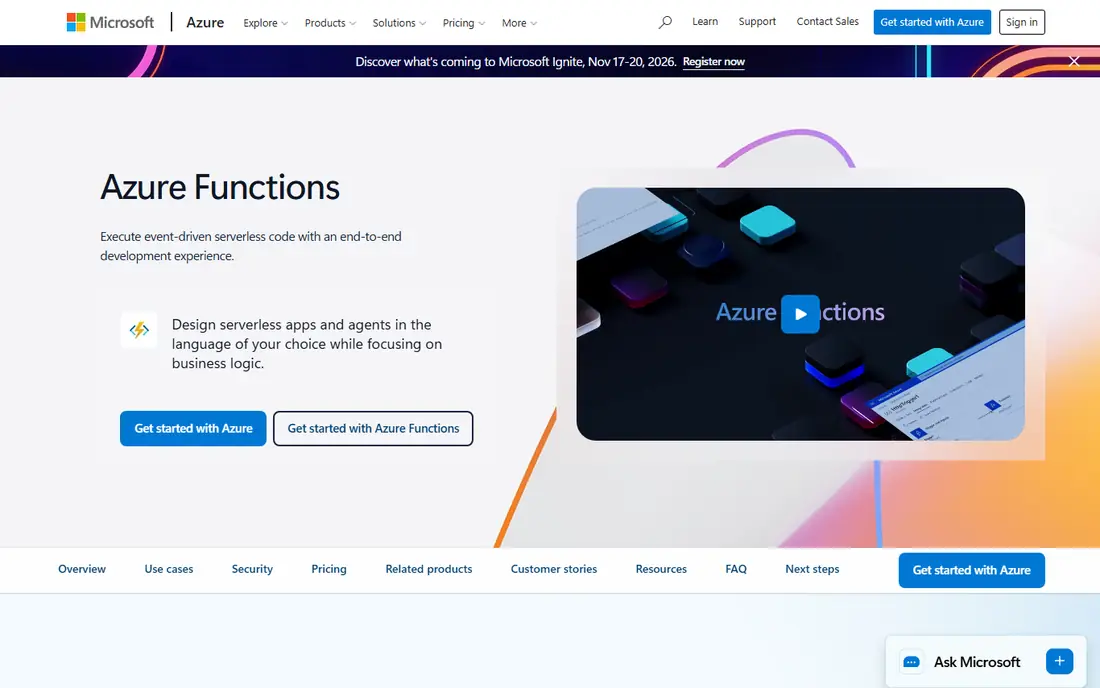
Azure Functions fits teams that already live in Microsoft tools. It works well with Entra ID, SQL Server, and other Azure services, and it supports C#, JavaScript, Python, Java, and PowerShell. Microsoft now points many new apps at the Flex Consumption plan, which can scale to many instances and connect to private networks. A monthly free grant covers a set number of executions and compute, which helps small apps stay cheap.
The tradeoff is plan choice. Consumption, Premium, Flex Consumption, and dedicated App Service plans each have different timeouts, networking rules, and billing, so read the plan page before you build. For a .NET team or a company with an Azure agreement, that extra reading pays off, since the integration with the rest of Azure is genuinely close.
- Strong .NET and enterprise identity support
- Flex Consumption plan scales well
- Good private networking options
- Pricing plans can confuse newcomers
- Consumption plan timeout is shorter than some rivals
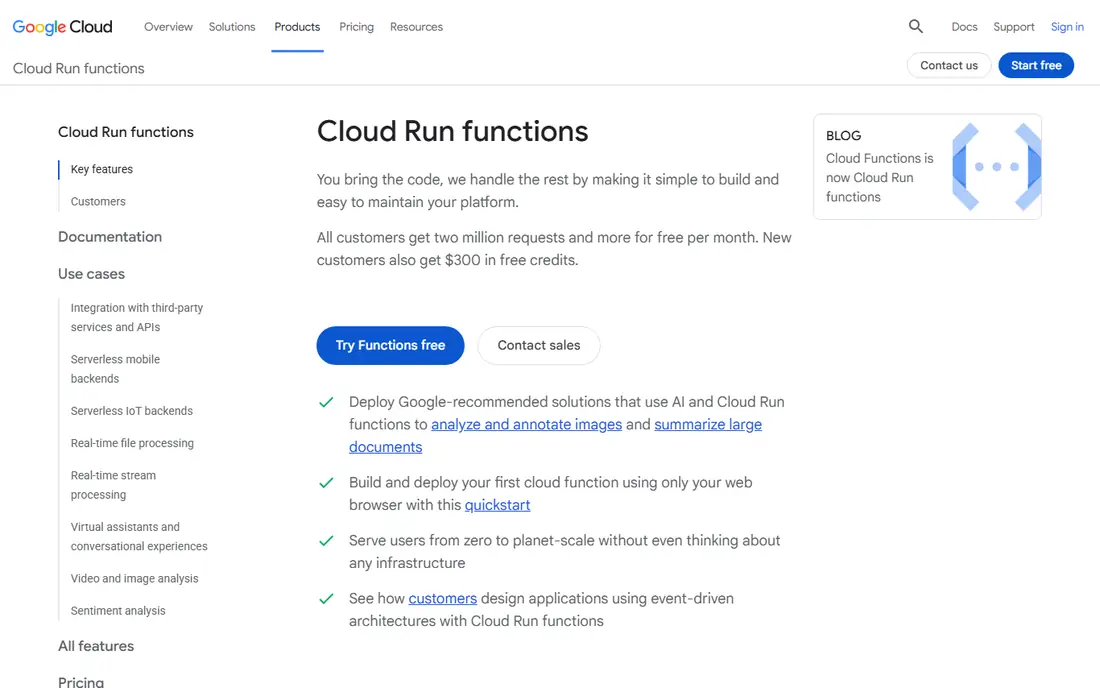
Google Cloud Functions, now built on Cloud Run in its second generation, is a natural pick for teams already on Google Cloud. It supports Node.js, Python, Go, Java, .NET, Ruby, and PHP, and it pairs well with BigQuery, Cloud Storage, and Pub/Sub for event-driven work. The free tier covers 2 million requests a month, which is generous for small services and prototypes.
Pricing varies by region tier, so the same function can cost more in one region than another. Check the region list when you deploy, and keep an eye on egress charges for data leaving Google Cloud. If your data already sits in BigQuery or Cloud Storage, the short path between services is a real advantage.
- Tight fit with BigQuery and Cloud Storage
- Second generation runs on Cloud Run
- Good free tier
- Region choice affects price
- Complex workloads may need Cloud Run directly
Cloudflare Workers runs code on Cloudflare's global network, close to the person making the request. That placement keeps latency low around the world, and Workers start almost instantly, so cold starts are far less of a worry than on many rivals. The free plan covers 100,000 requests a day, and the $5 a month paid plan adds 10 million requests, which makes budgeting simple.
Workers are best for request-driven work such as APIs, proxies, and personalization at the edge. They are less suited to long-running jobs, since CPU time per request is limited. If your app serves a global audience and you want predictable pricing, Workers deserve a close look.
- Very fast starts
- Simple $5 paid plan
- Pairs with D1, R2, and KV storage
- JavaScript and Python focus, with limits on long-running work
- CPU time limits apply
Vercel Functions suit teams building with Next.js or other frontend frameworks. You push code to Git, Vercel deploys it, and serverless functions sit beside your frontend with little setup. Preview deployments for each branch make reviews easy, and the platform handles routing, caching, and scaling for you.
The free Hobby plan works for personal projects, while the Pro plan starts at $20 per user per month. Costs can climb for compute-heavy workloads, so Vercel fits best when your functions are light and tied to a website or app frontend. For a frontend-first team, the workflow is hard to match.
- Smooth Next.js integration
- Fast deploys from Git
- Preview deployments for every branch
- Paid plan is per user
- Heavy compute can get pricey at scale
Netlify Functions are built for developers who want a website and a small API in one place. You add a functions folder, push to Git, and Netlify deploys both the site and the functions together. Background and scheduled functions cover jobs such as nightly reports or cleanup tasks, and the free Starter plan is enough for many small projects.
The Pro plan starts at $19 per member per month. Netlify is not the right home for a large, complex backend with long-running jobs, but for marketing sites, small apps, and prototypes it keeps things simple. If your team values a short path from code to a live URL, Netlify delivers it.
- Easy setup for sites and APIs
- Deploy from Git
- Scheduled functions included
- Less suited to heavy backend systems
- Function timeouts are modest
Supabase Edge Functions run TypeScript close to your Supabase project, which makes them a good match for apps already using Supabase Postgres, Auth, and Storage. You can write a function that checks a user, reads a row, and returns a result without standing up a separate server. The free tier covers a starter project, and the Pro plan starts at $25 per month.
The runtime is Deno-based, so code written for Node.js may need small changes. Limits on execution time and resources also mean heavy jobs belong elsewhere. For a Supabase app that needs a bit of custom server logic, though, Edge Functions keep everything in one project.
- Close fit with Postgres, Auth, and Storage
- TypeScript first
- Generous free project tier
- Newer ecosystem than the big clouds
- Edge runtime limits apply
Firebase Cloud Functions are the server side of Firebase, Google's app platform. They react to events in Firestore, Realtime Database, Authentication, and Cloud Storage, which makes them natural for mobile and web apps that already use Firebase. You can send a welcome email when a user signs up, clean up data when a record is deleted, or run a scheduled task.
Billing follows Google Cloud's pay-as-you-go model, with a free Spark plan for small use. The close tie to Firebase is both the strength and the limit: if your app already runs on Firebase, functions feel like a natural extension, but moving away later takes work. For app teams, that tradeoff is usually worth it.
- Strong fit with Firestore and Firebase Auth
- Event triggers for app events
- Good mobile story
- Tied closely to Google Cloud and Firebase
- Costs need monitoring at scale
DigitalOcean Functions give small teams a simpler take on serverless. The dashboard is plain, pricing is easy to follow, and functions work beside Droplets, managed databases, and App Platform apps. Language support covers Node.js, Python, Go, and PHP, and the free tier helps you test an idea before paying.
The catalog is smaller than AWS, Azure, or Google Cloud, so teams that need a long list of managed services may outgrow it. For a startup or a small business that wants serverless without a steep learning curve, DigitalOcean is a friendly place to start, and its support docs are written for developers rather than cloud specialists.
- Clear pricing and dashboard
- Good for small teams
- Integrates with App Platform
- Smaller service catalog than the big clouds
- Fewer regions
How we picked these
We compared official pricing pages, free tiers, language support, timeouts, and public documentation for each platform, along with app store and developer docs where relevant. We favored platforms that are live and maintained in 2026, that publish clear pricing, and that fit a distinct use case rather than repeating the same pitch. We did not run hands-on performance tests, so treat latency and cold start claims as vendor and public benchmark figures to verify against your own workload.
What to check before you pick
Start with where your data already lives. A team on AWS will move faster with Lambda, a Microsoft shop with Azure Functions, and a Google Cloud team with Cloud Functions, because the short path to storage, identity, and databases saves weeks of glue work. If your data sits nowhere yet, pick the platform whose pricing you can explain to a non-technical colleague, since that clarity usually survives contact with a real bill.
Timeouts, cold starts, and egress
Check three limits before you build. First, the maximum run time for a function, since a job that needs 20 minutes will not fit a platform capped at 10. Second, cold starts, which matter most for user-facing APIs in languages with slower starts. Third, egress fees for data leaving the cloud, which can dwarf compute costs for media-heavy apps. A short test with your real workload answers all three better than any comparison table.
Free tiers and billing alarms
Every platform here offers some free use, but free does not mean capped. Most pay-as-you-go plans will keep billing through a traffic spike, so set a budget alert and a usage alarm on day one. For a hobby project, a platform with a hard daily cap or a flat monthly plan, such as Cloudflare Workers, can be the safer choice even if the headline price looks higher.
FAQ
What is the best serverless cloud platform for beginners?
DigitalOcean Functions or Cloudflare Workers are good starting points, since both have plain dashboards and simple pricing. AWS Lambda is more capable but takes longer to learn, so beginners should start with a small project and a billing alert. Your existing cloud provider, if you have one, is often the easiest path.
How much does serverless cost for a small app?
Many small apps stay inside the free tier, which covers 1 million requests a month on Lambda and 2 million on Google Cloud Functions. Once you pass the free tier, request and compute charges apply per use, so a modest API often costs a few dollars a month. Media-heavy or chatty apps cost more because of data transfer and database calls.
Do serverless platforms have cold starts?
Yes, most do, though the effect varies. Cloudflare Workers start almost instantly, while larger runtimes such as Java or .NET on traditional platforms can take longer on a cold start. Provisioned concurrency, minimum instances, and keeping functions warm can reduce the delay, but each option adds cost. Test with your own language and memory setting.
Can serverless replace a traditional server?
For event-driven APIs, webhooks, scheduled jobs, and lightweight backends, yes. For long-running jobs, heavy video processing, or apps that need persistent local state, a container or virtual server is usually a better fit. Many teams mix both, using serverless for bursty work and servers or containers for steady workloads.
Is serverless secure?
Providers handle patching and isolation of the runtime, but you still own your code, secrets, and permissions. Use least-privilege roles, store secrets in the provider secret manager, and never put keys in code. Review the provider's compliance pages if you handle health, financial, or other regulated data.
Which languages do serverless platforms support?
Most platforms support Node.js, Python, Go, and Java, with Azure adding strong C# support and Supabase focusing on TypeScript. Check the official language list before you commit, since support for a less common language can differ between platforms. Container support on Lambda, Cloud Run, and Azure can widen the choice.
Sources
- https://aws.amazon.com/lambda/pricing/
- https://azure.microsoft.com/en-us/pricing/details/functions/
- https://cloud.google.com/functions/pricing
- https://developers.cloudflare.com/workers/platform/pricing/
- https://vercel.com/pricing
- https://www.netlify.com/pricing/
- https://supabase.com/pricing
- https://firebase.google.com/pricing
- https://www.digitalocean.com/pricing/functions