Top Process Server Software in 2026: 8 Tools Compared
Top process server software in 2026: compare 8 tools for job tracking, GPS proof, client updates and billing, with a buying guide and FAQs for firms today.
- Editor's choice
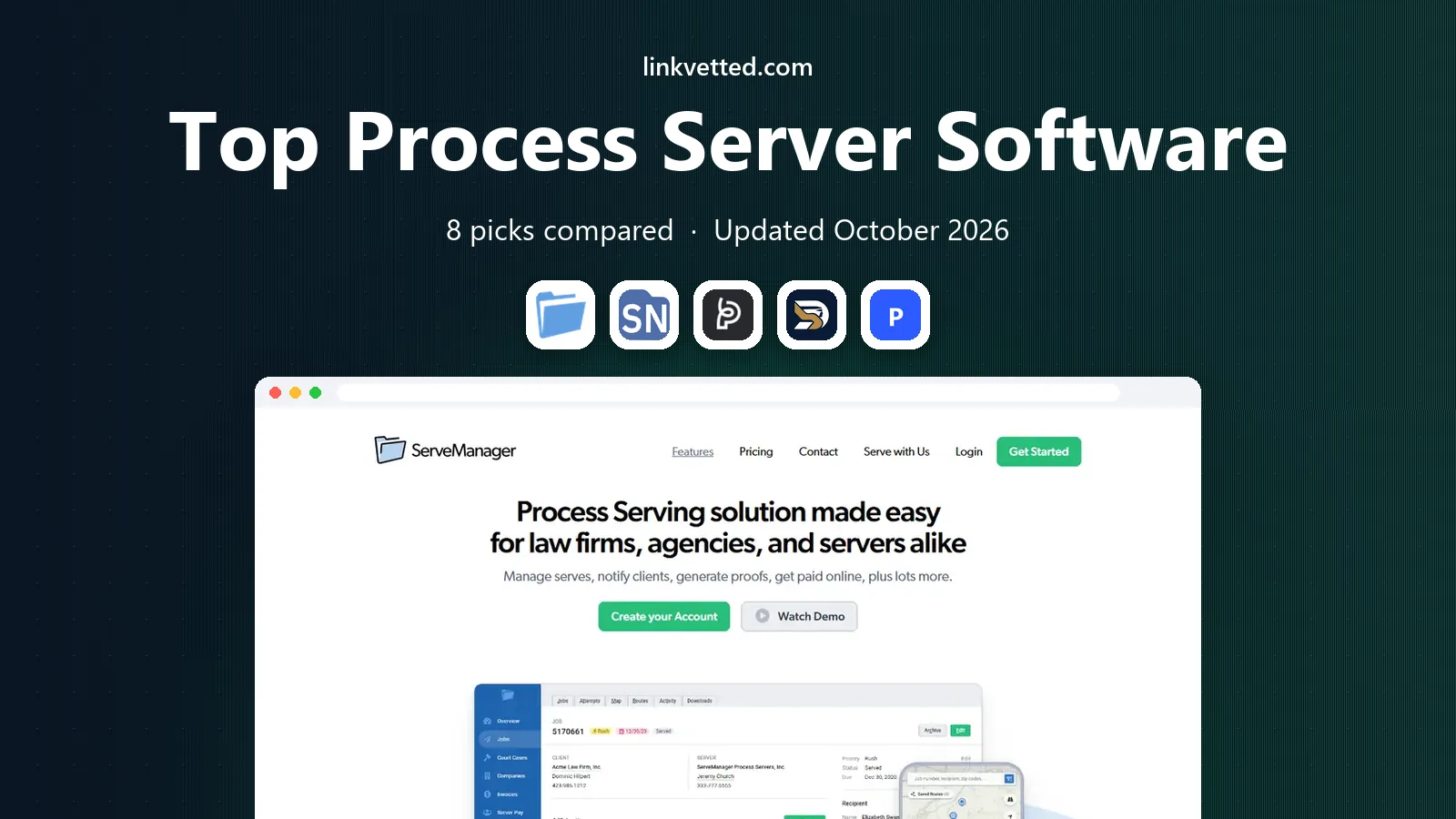
 ServeManager
Firms and agencies managing many serves
Starts atSee websiteVisit servemanager.comFull review - Great alternative
 ServeNow
Servers who also want directory exposure
Starts at$20 per monthVisit serve-now.comFull review - Also consider
 Proof
Modern firms that want transparent serve tracking
Starts atSee websiteVisit proofserve.comFull review
TL;DR:
- GPS attempt records and clear proof documents matter more than a long feature list, since courts and clients judge serving on evidence and timing.
- ServeManager suits firms with high job volume, while DocketServe suits mobile-first servers who need a free low-volume starting point.
- Compare pricing by monthly job volume, not just the headline rate, because per-job and per-user models behave very differently at scale.
- Check local coverage and client portal features before you commit, because a tool is only useful where your servers actually work.
Quick comparison
| Tool | Best for | Starts at | Free plan? | |
|---|---|---|---|---|
| ServeManager | Firms and agencies managing many serves | See website | Free trial | Visit |
| ServeNow | Servers who also want directory exposure | $20 per month | Free trial | Visit |
| Proof | Modern firms that want transparent serve tracking | See website | Free trial | Visit |
 DocketServe | Mobile-first servers and small firms | Free | Yes | Visit |
 Process Server's Toolbox | Servers who want jobs, clients and billing in one place | See website | Free trial | Visit |
 CROSStrax | Investigative firms that also serve papers | See website | Free trial | Visit |
 Virtual Case Management | Firms that want billing built into daily work | $24.99 per month | Free trial | Visit |
 Court Runner | Firms that need court filing and serving together | See website | Free trial | Visit |
The best process server software
Process serving lives or dies on proof, timing and clear client updates, so good software tracks attempts, captures evidence and turns jobs into invoices without extra admin. We compared official feature pages, pricing pages and public documentation for each option below, and we note where pricing is quote-based so you can judge the comparison fairly.
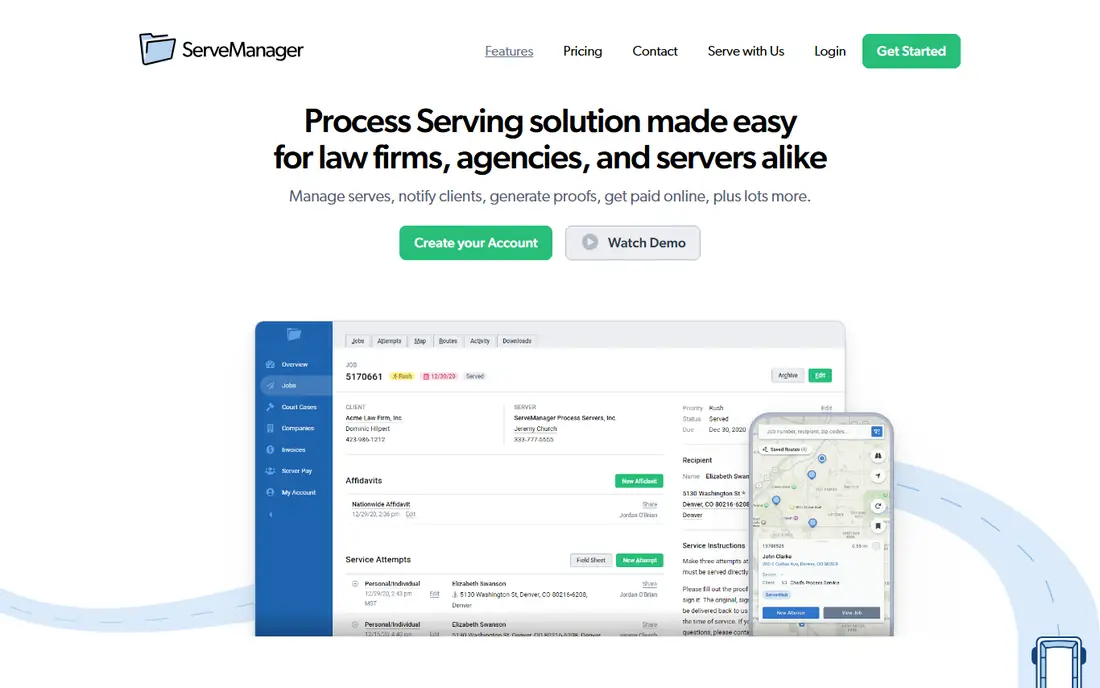
Our first pick for firms with volume is ServeManager, because its job tracking and GPS attempt records give clients a clear, dated trail for each serve, which cuts down on status calls. In daily use, that strength shows up when a firm manages many jobs at once, shares updates through a client portal and turns completed work into invoices. We also looked at reporting, and it helps a firm see which jobs are stuck, which servers are busy and where follow-up is needed.
The honest catch is that the volume-based pricing means a firm should model its real monthly job count before judging the cost. That weakness does not make it a poor product, but it does change who should choose it. If that catch matches your situation, try a simpler option on this list instead, and use the trial to test the exact workflow you will rely on, not just a demo.
- Job tracking with GPS attempts
- Client portals
- Invoicing and reporting
- Pricing varies by job volume
- Interface takes a short while to learn
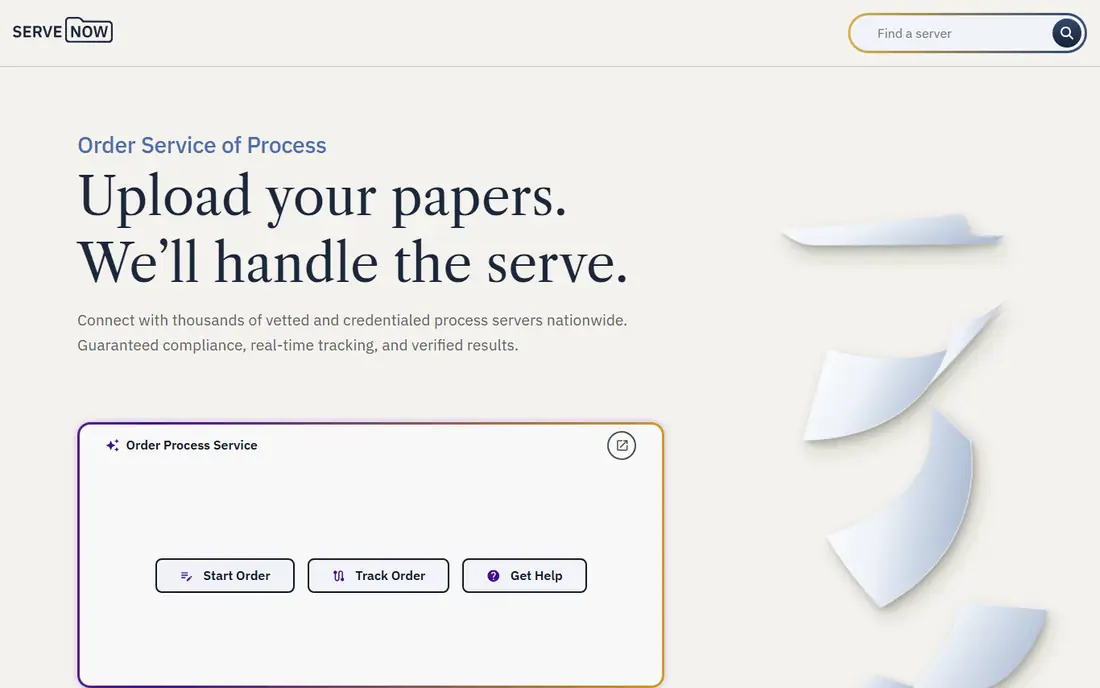
Next, consider ServeNow, because its directory can bring work in from law firms searching by county, while the software side keeps jobs and clients organised. In daily use, that strength shows up for a server building a practice, since directory exposure and job tools sit in the same ecosystem. We also looked at its resources, and the articles and help centre help newer servers understand local practice and client expectations.
The honest catch is that a server who only needs job tracking may not use the directory side, so check which part of the offer you are actually paying for. That weakness does not make it a poor product, but it does change who should choose it. If that catch matches your situation, try a job-only option on this list instead, and use the trial to test the exact workflow you will rely on, not just a demo.
- Large server directory
- Job management tools
- Client and server resources
- Directory and software are separate offers
- Some features need higher tiers
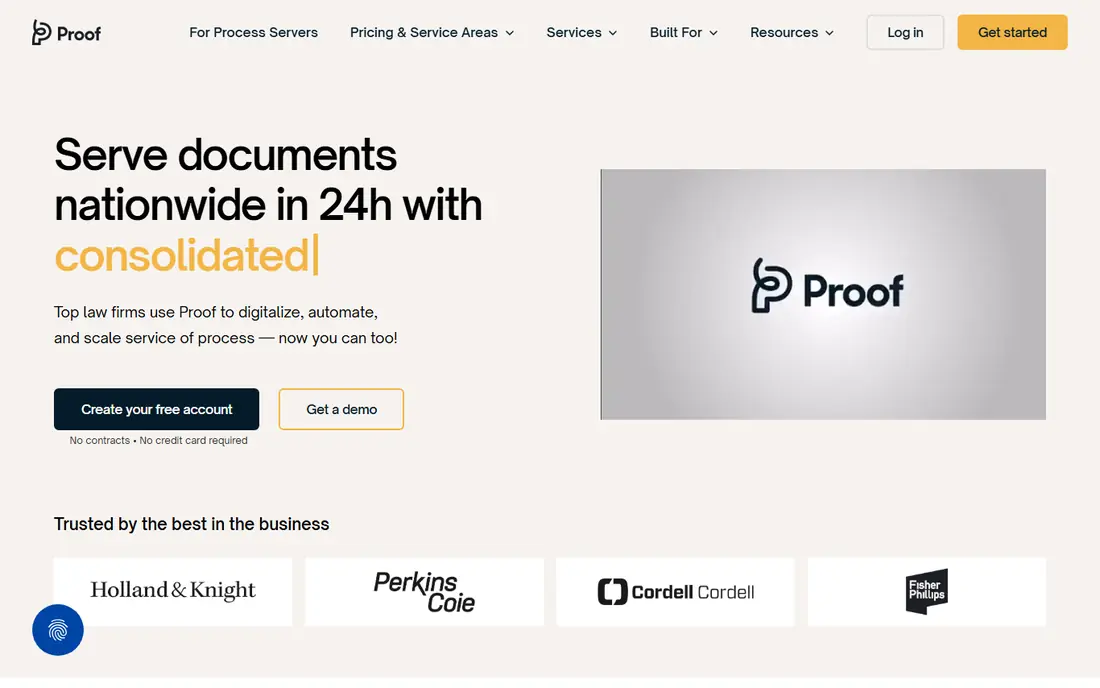
A different kind of buyer will prefer Proof, because its real-time updates give a law firm client visibility without chasing the server for news, which is the main complaint in this work. In daily use, that strength shows up in status trails, electronic proof handling and a network that can cover serves outside a firm's home area. We also looked at client communication, and the transparency helps a firm keep clients calm on urgent or difficult serves.
The honest catch is that quote-based pricing and uneven local coverage mean a firm should test it in its own service areas first. That weakness does not make it a poor product, but it does change who should choose it. If that catch matches your situation, try a more local option on this list instead, and use the trial to test the exact workflow you will rely on, not just a demo.
- Real-time status updates
- Electronic proof handling
- Nationwide server network
- Pricing is quote-based
- Coverage varies by area
For teams that want a simpler path, DocketServe offers a mobile-first design and GPS-gated attempts that suit a server working from the road, with photos and billing in the same flow. In daily use, that strength shows up at the door, where a server can record an attempt, add a photo and move to the next job without returning to a desk. We also looked at billing, and Stripe billing helps a small firm get paid faster than paper invoicing.
The honest catch is that the free tier suits low volume only, so a busy firm should price the paid tiers against its monthly job count. That weakness does not make it a poor product, but it does change who should choose it. If that catch matches your situation, try a volume-priced option on this list instead, and use the trial to test the exact workflow you will rely on, not just a demo.
- Free tier for low volumes
- GPS-gated attempts and photo evidence
- Stripe billing
- Free tier caps monthly jobs
- Larger firms need paid plans
Process Server's Toolbox
Best for: Servers who want jobs, clients and billing in one place
Another strong choice is Process Server's Toolbox, because its combined job, client and invoicing tools suit a solo server or small firm that wants one system instead of three. In daily use, that strength shows up in fewer duplicate entries, since job details flow into documents and invoices. We also looked at admin automation, and it helps a small firm cut the paperwork that otherwise eats into serving time.
The honest catch is that the lack of a clear published price makes comparison slower, and larger firms may need deeper reporting than it offers. That weakness does not make it a poor product, but it does change who should choose it. If that catch matches your situation, try a larger platform on this list instead, and use the trial to test the exact workflow you will rely on, not just a demo.
- Job, client and document tools
- Invoicing
- Admin automation
- Pricing is not published plainly
- Smaller feature set than large platforms
If your work goes beyond serving alone, CROSStrax offers a place inside wider case management that suits firms combining serving with investigations and related field work. In daily use, that strength shows up when one case needs both serving and investigation, with client communication kept in one record. We also looked at workflow tools, and they help a firm track field tasks that do not fit a simple serving job form.
The honest catch is that a pure process serving business may pay for case tools it never opens, so a focused tool may be cheaper. That weakness does not make it a poor product, but it does change who should choose it. If that catch matches your situation, try a serving-only option on this list instead, and use the trial to test the exact workflow you will rely on, not just a demo.
- Serving inside wider case management
- Investigation workflow tools
- Client communication
- Broader scope can feel heavy for pure serving work
- Pricing needs a quote
Virtual Case Management
Best for: Firms that want billing built into daily work
A practical middle ground comes from Virtual Case Management, because its billing-as-you-work approach helps a firm invoice as tasks are done instead of reconstructing the month at billing time. In daily use, that strength shows up in a one-page case view, where contacts, documents and billing sit together. We also looked at its fit for small firms, and the clear monthly price makes budgeting easier than quote-based rivals.
The honest catch is that the wider case system can feel broad for a serving-only practice, and the interface looks dated next to newer tools. That weakness does not make it a poor product, but it does change who should choose it. If that catch matches your situation, try a modern serving-only option on this list instead, and use the trial to test the exact workflow you will rely on, not just a demo.
- One-page case view
- Billing as you work
- Document and contact management
- Older interface style
- Serving is part of a wider system, not the sole focus
Finally, a specialist option for firms that file and serve is Court Runner, because its combined filing and serving flow suits firms that handle both jobs for the same case and want one status trail. In daily use, that strength shows up in document handling and status tracking across filing and serving steps. We also looked at its fit for law firms, and the combined trail can reduce the back-and-forth between separate filing and serving vendors.
The honest catch is that a firm that only serves papers may not need the filing side, and local court coverage should be checked before committing. That weakness does not make it a poor product, but it does change who should choose it. If that catch matches your situation, try a serving-only option on this list instead, and use the trial to test the exact workflow you will rely on, not just a demo.
- Court filing plus serving workflows
- Document handling
- Status tracking
- Availability and pricing vary by court and area
- Not a pure serving tool
How we picked these
We started from the topic itself, top process server software, and kept only products that exist, work today and truly fit that job. We compared official pricing pages, feature pages and public documentation, and we used See website where a vendor does not publish a clear entry price, rather than guessing a number. We mixed well-known leaders with smaller options, and we favoured products with clear pricing, support and limits, while noting honest weaknesses for each one.
We did not claim hands-on testing that did not happen. Our comparison rests on vendor pages, pricing and public documentation, plus the practical fit of each product for a specific kind of buyer. That method keeps the list honest, and it also means you should run your own trial before committing, since your data, team and workflow will surface issues no list can predict.
How to choose the right option
Start with your must-have job
Write down the one job this tool must do well in its first month, then judge every option against that job alone. A tool with a long feature list that handles your core job poorly will cost more time than a focused tool that handles it well. Trials should test that job with real data, not a sample project.
Check the true cost, not just the headline price
Add up seats, add-ons, usage limits and any per-job charges before you compare prices. A low headline price can grow quickly once your job volume grows. Ask for a written quote where pricing is not published, and check renewal terms before you pay annually.
Plan for growth and exit
Check how easy it is to add users, raise limits and export your data if you later switch tools. A tool that locks your work inside its own format creates a costly move later. Also check support hours, onboarding help and documentation, since a good tool with weak support can still slow a team down.
FAQ
What is the best software for process servers for most firms?
There is no single winner for every buyer, since the best process server software choice depends on job volume, budget and the job you need done first. Start with the options whose best-for description matches your situation, then trial two of them on real work. That short trial usually reveals which interface, limits and price fit your team better than a longer list can.
How much should I expect to pay?
Prices range from free low-volume plans to quote-based enterprise pricing, and the right budget depends on monthly jobs, seats and add-ons. Compare the plan you would actually use, not just the entry tier, and model your real job count. Where a vendor does not publish a price, ask for a written quote before you shortlist it.
Is there a free option worth trying?
Several tools on this list offer a free plan or a free trial, and those are a good way to test the core workflow before paying. Free plans usually limit jobs, seats or advanced features, so check those limits against your real workload. A free trial with your own jobs is more useful than a demo with sample data.
How do I switch from my current tool?
Export your data first, and check what formats the new tool can import, since history and settings rarely move perfectly. Run both tools in parallel for a short period, so your team can learn the new workflow without losing live work. Tell clients about any reporting change before it appears in a regular update.
Should I pay annually or monthly?
Monthly billing suits a trial period and a firm whose volume may change, while annual billing usually lowers the monthly rate. Pay annually only after a trial has confirmed the tool fits your workflow and your team will use it for a full year. Check the renewal and cancellation terms in writing before you commit.